
Activate Your Sublynk Certified Membership
~ 3 min|Contractor Network|Step 2 of 8
This guide walks you through joining the Sublynk Certified Network and activating your membership.
Before You Begin: You must have completed Step 1: Set Up Your Sublynk Organization Account.
1
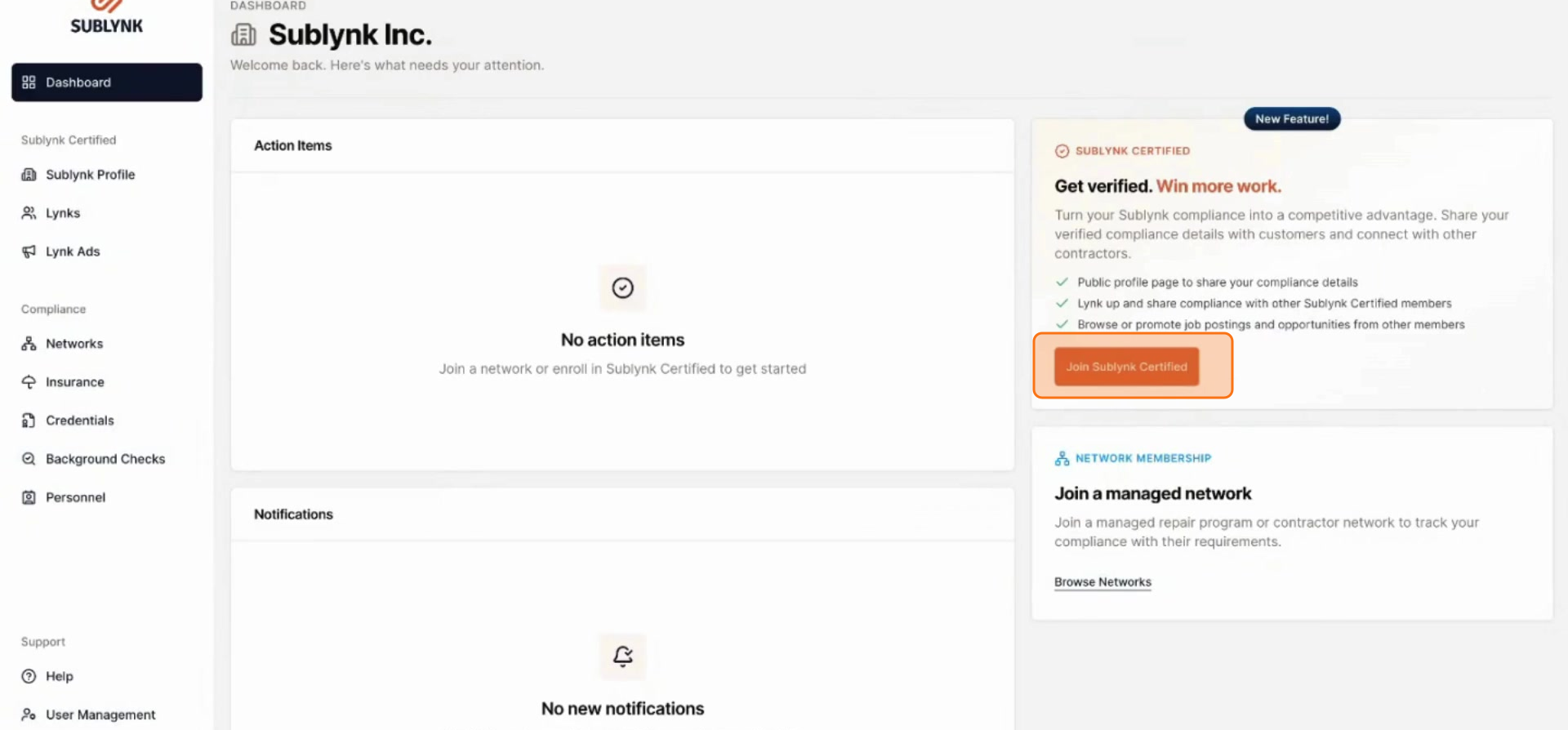
Find Sublynk Certified on your dashboard
2
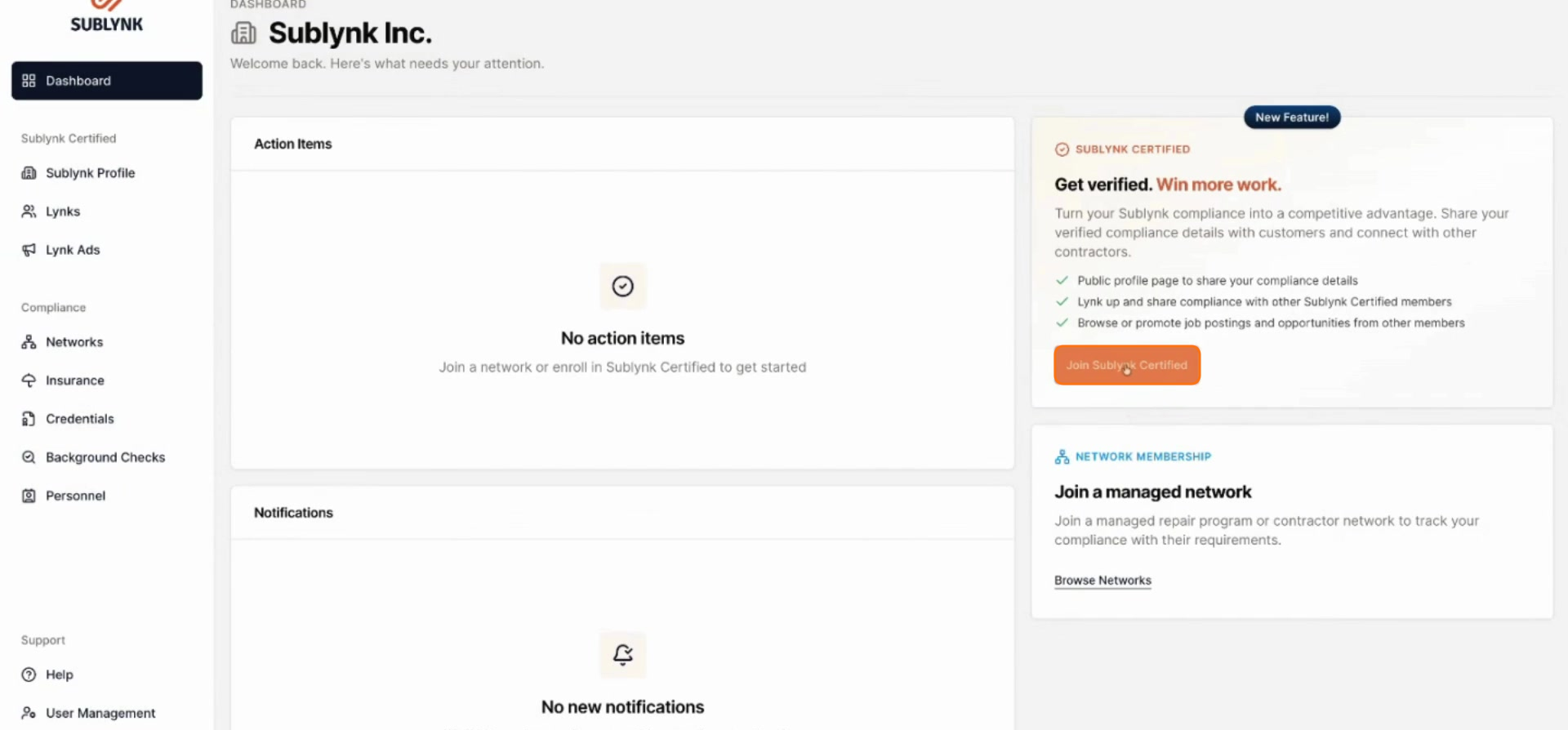
Select Join Sublynk Certified
Select Join Sublynk Certified to begin the activation process.
3
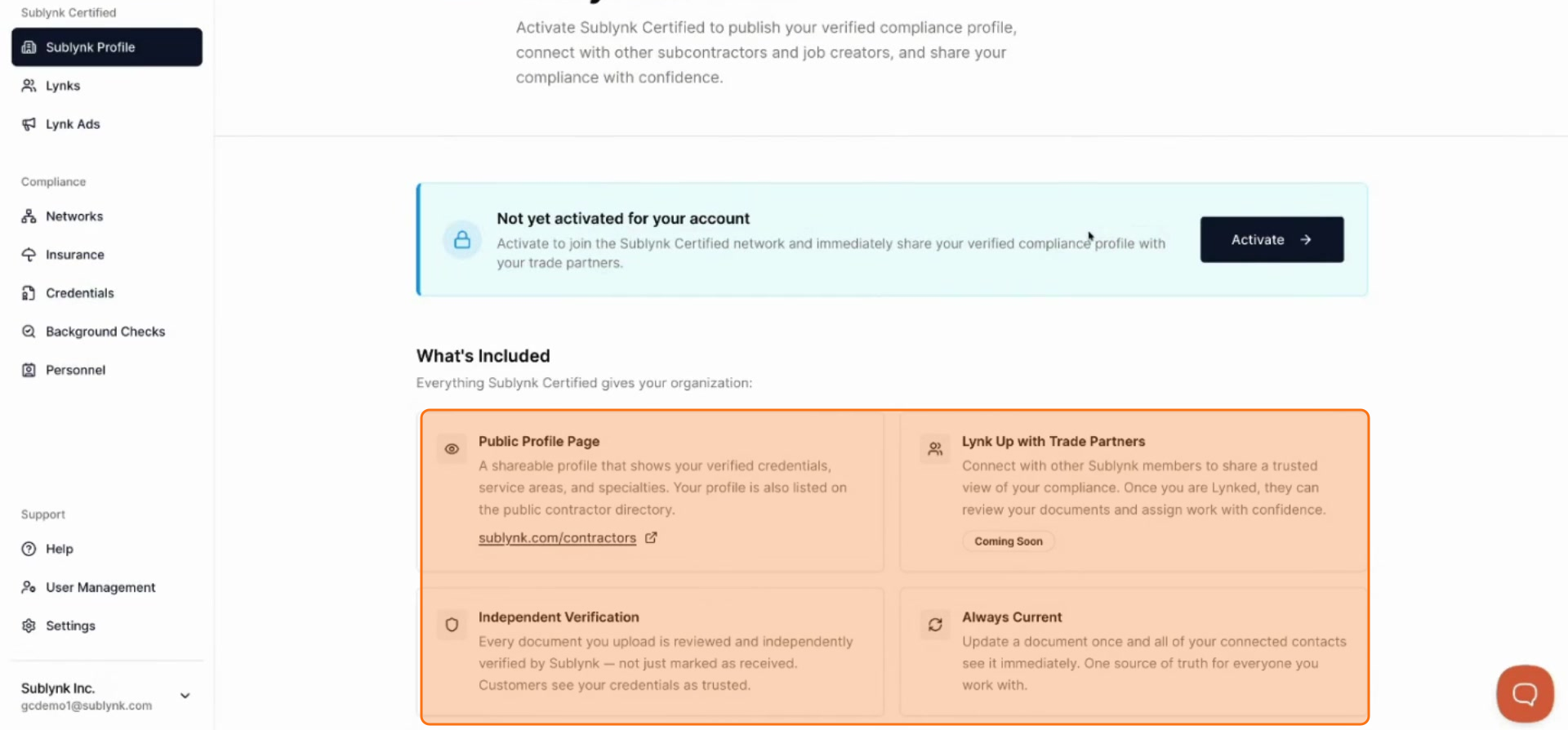
Review Network Benefits
Read through the information about the network's offerings and benefits.
4
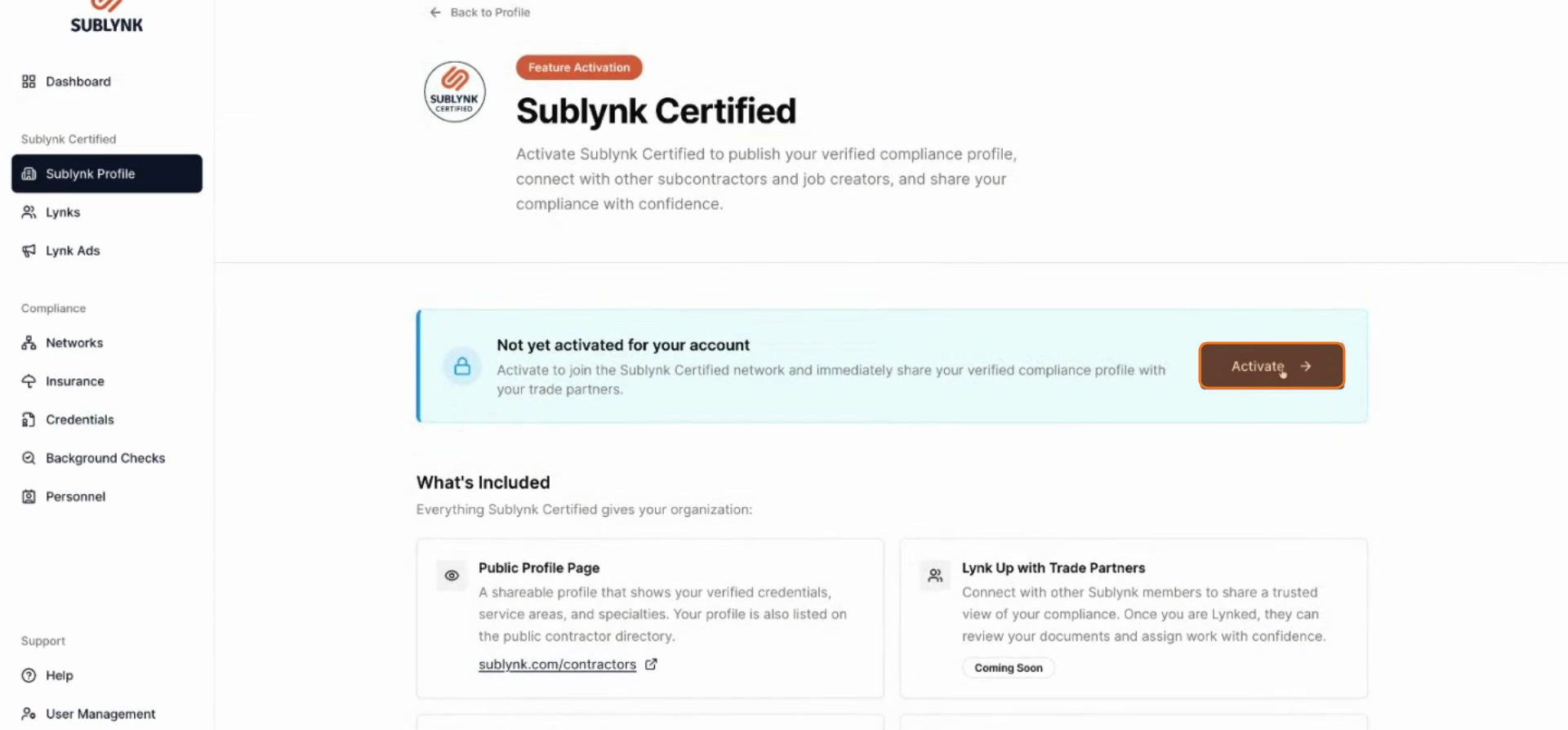
Click Activate
Once you have reviewed the details, click Activate to proceed.
5
Check Your Subscription Status
If you already have a membership, the Sublynk Certified Network is included at no additional cost.
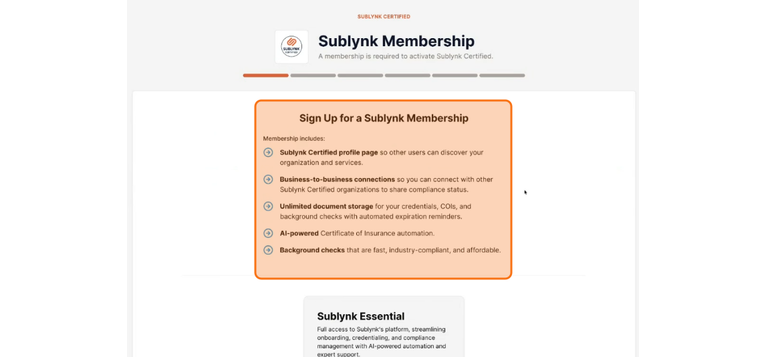
6
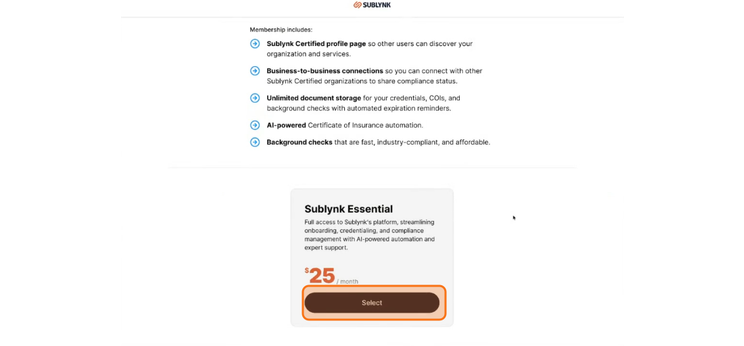
Select the Essential Membership Plan
If you are new to Sublynk, you will need to sign up for an essential membership at $35 per month. Click Select.
7
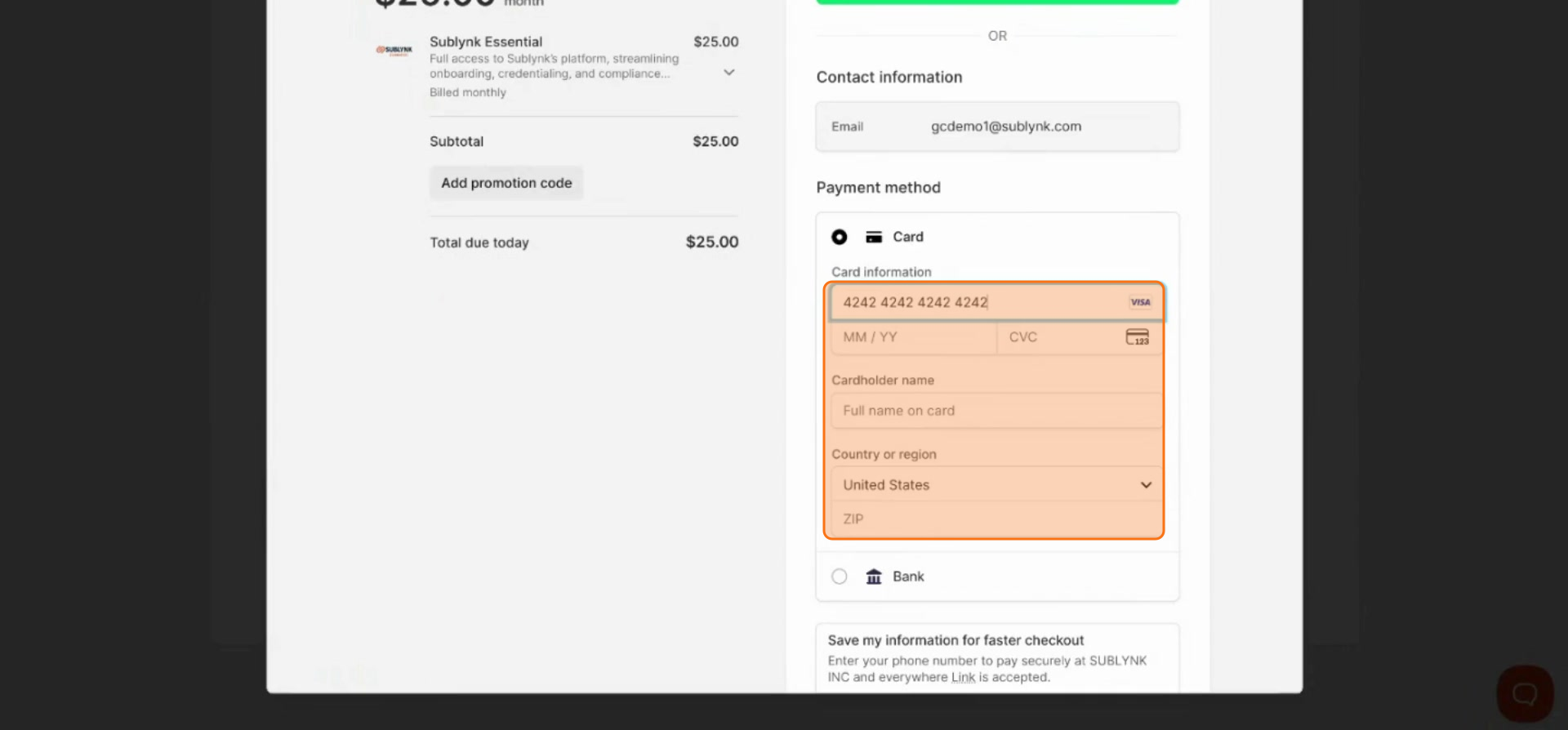
Enter Your Payment Details
Enter your credit card information into the required fields.
8
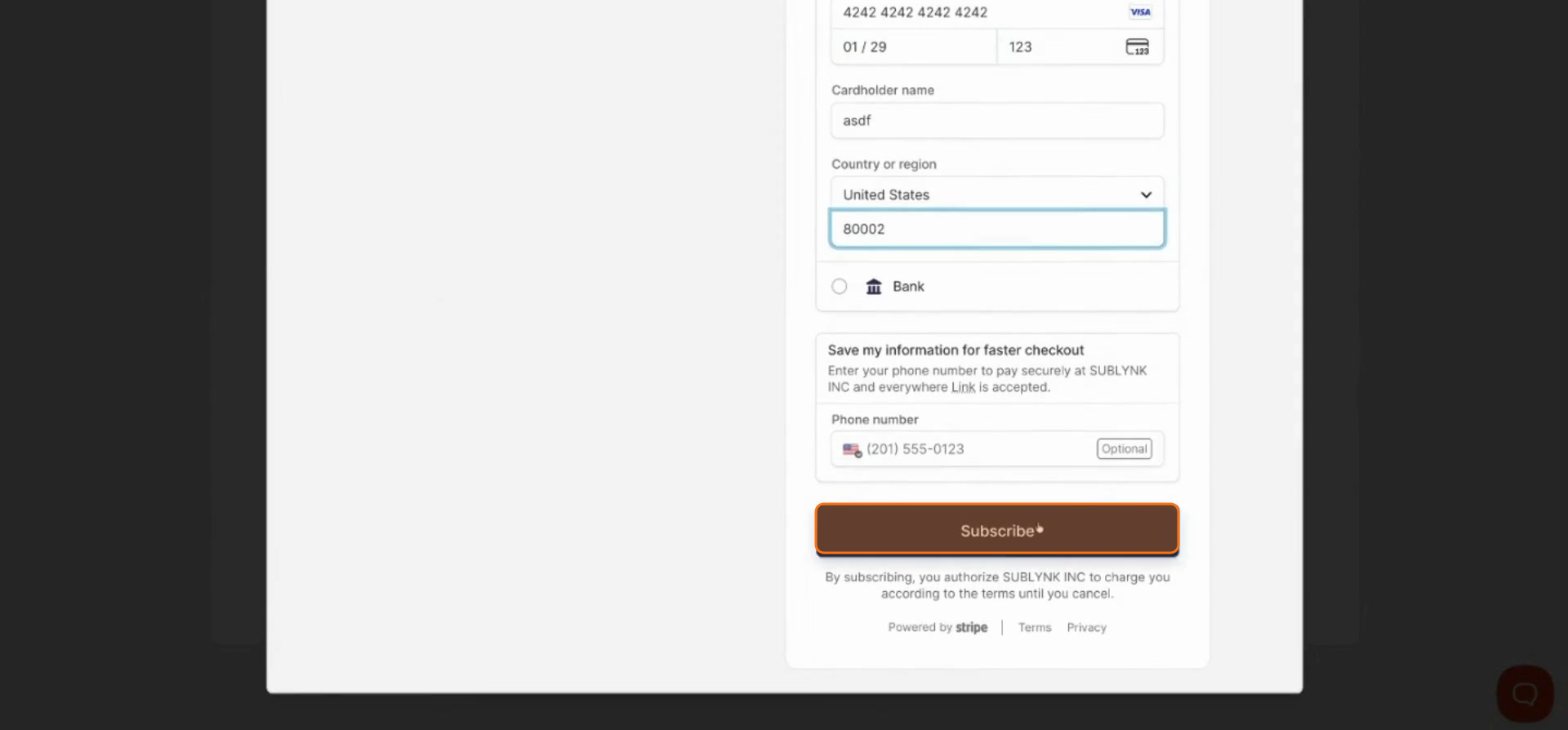
Click Subscribe
Click Subscribe to finalize your membership.
Why this matters: Sublynk Certified is included with any active subscription at no extra cost. New members get full network access for $25/month, with no per-lead fees or hidden charges.
Next Steps
- How to Select Work Types on Sublynk
Tell Sublynk which trades your company performs so it can calculate your required license list.
✓ Your Sublynk Certified membership is active. Next you will select the work types your company offers.
Want to see the Sublynk Certified Network in action?
Book a Demo