
Join a General Contractor bench as a Subcontractor
This guide covers the complete process for joining a General Contractor Bench as a subcontractor. From accepting your invitation to signing your contracts, the process takes about 8 to 10 minutes.
In this guide
Before You Start You Need
- The invitation from your general contractor
- A credit card for the $100/year subcontractor membership
- Any trade licenses you need for the type of work you do
- The name and email address for your company insurance broker or agent
Accept Your Program Invitation
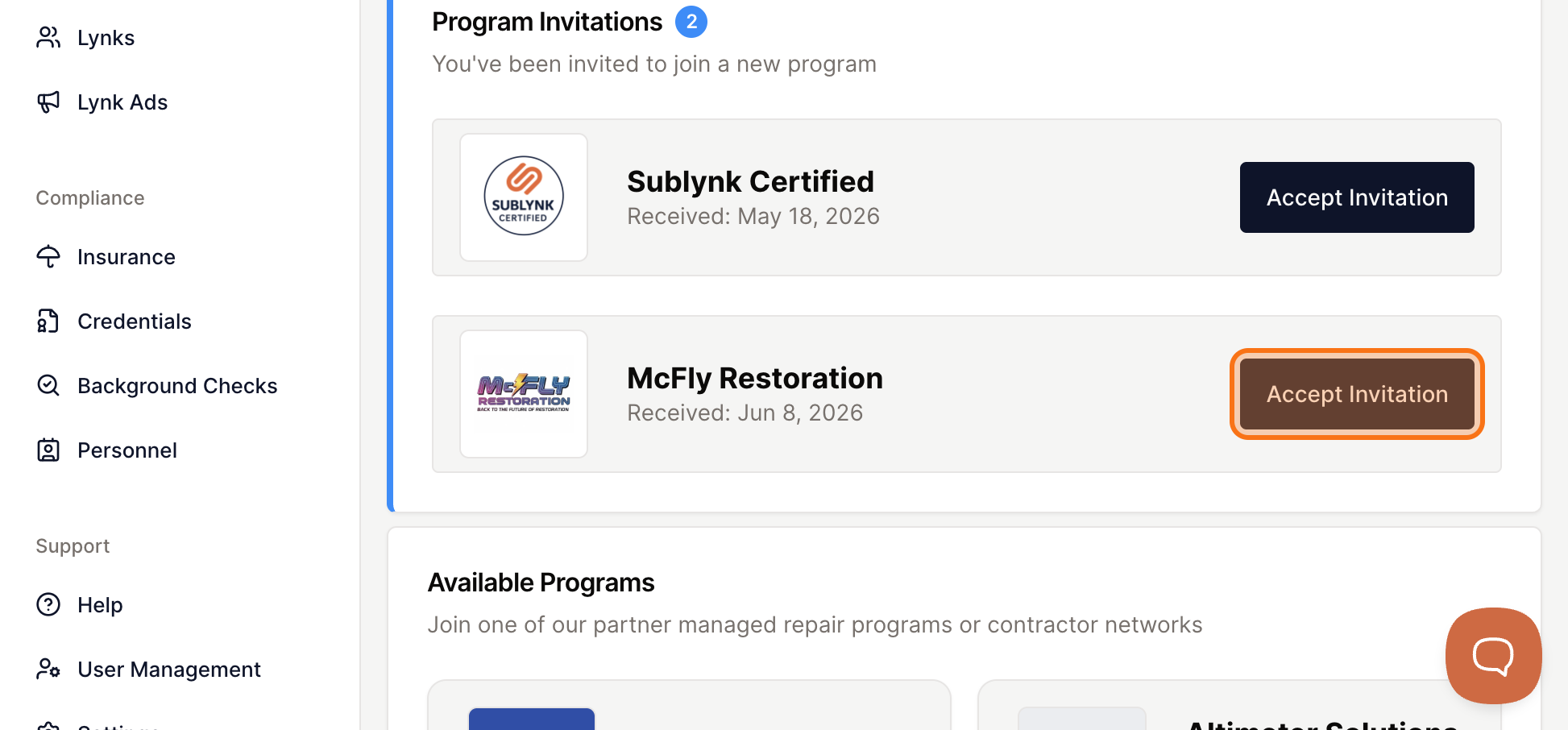
When a network or general contractor invites you to join their program, you need to create an account using the same email address the invitation was sent to. Once logged in, the invitation appears directly on your Sublynk dashboard.
Open Your Dashboard
Go to app.sublynk.com/dashboard. Any pending invitations will be waiting for you here.
Find the Pending Invitation
Locate the program that invited you and click on it to begin.
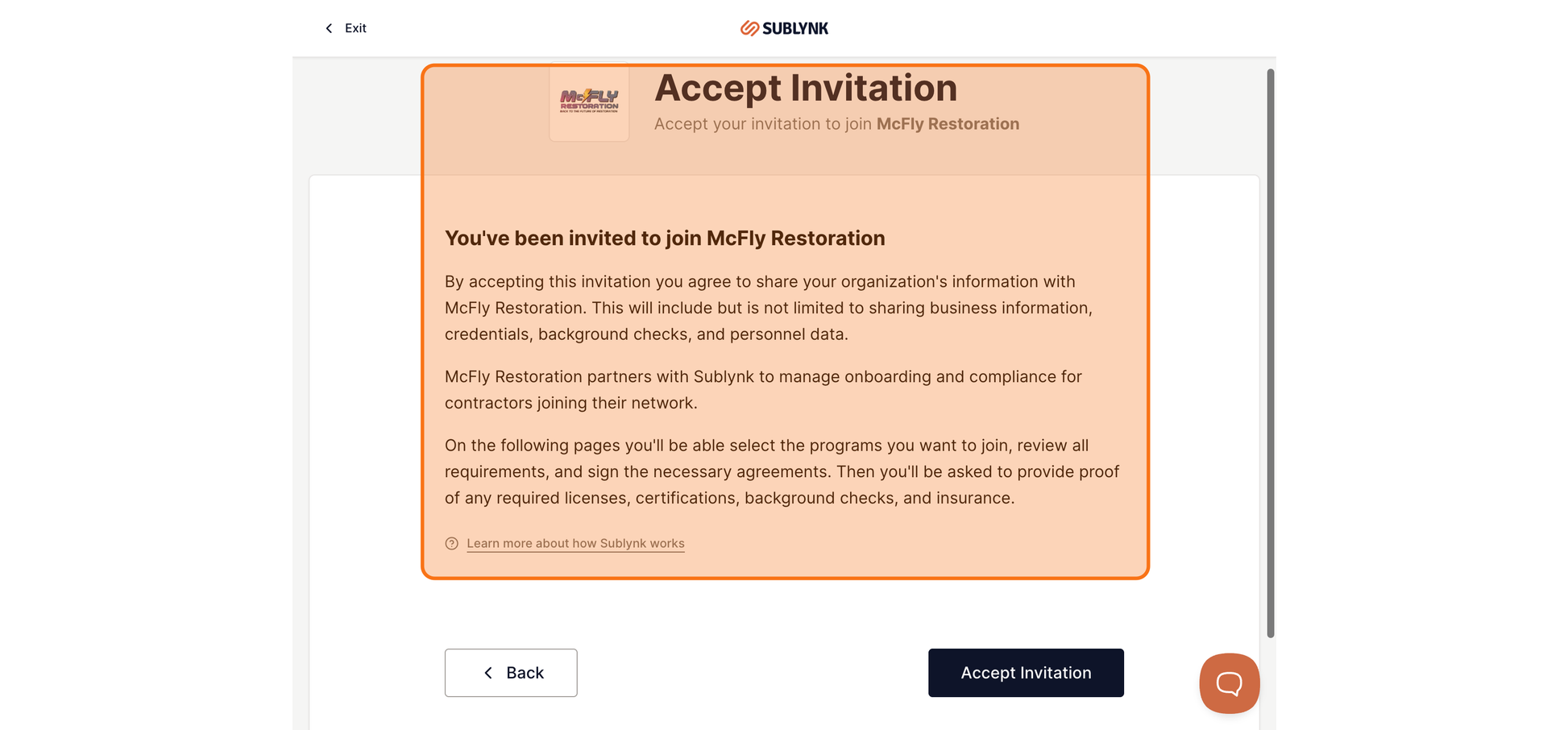
Review What You Are Agreeing To
Accepting the invitation means you agree to share your business information with the organization that invited you. Your profile is not visible to other organizations by default.
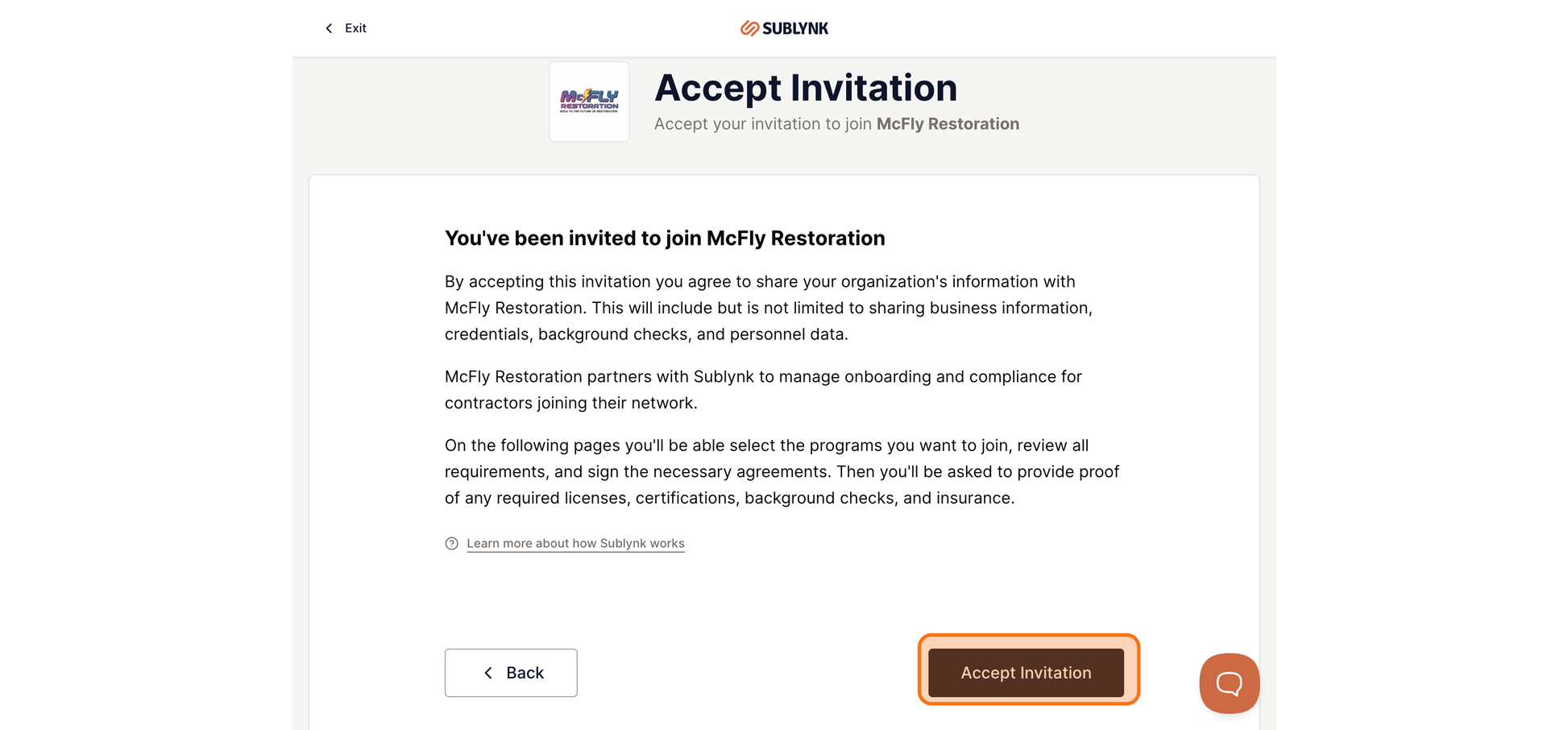
Click Accept Invitation
Click the Accept Invitation button to confirm and move to the next step.
Subscribe and Complete Payment
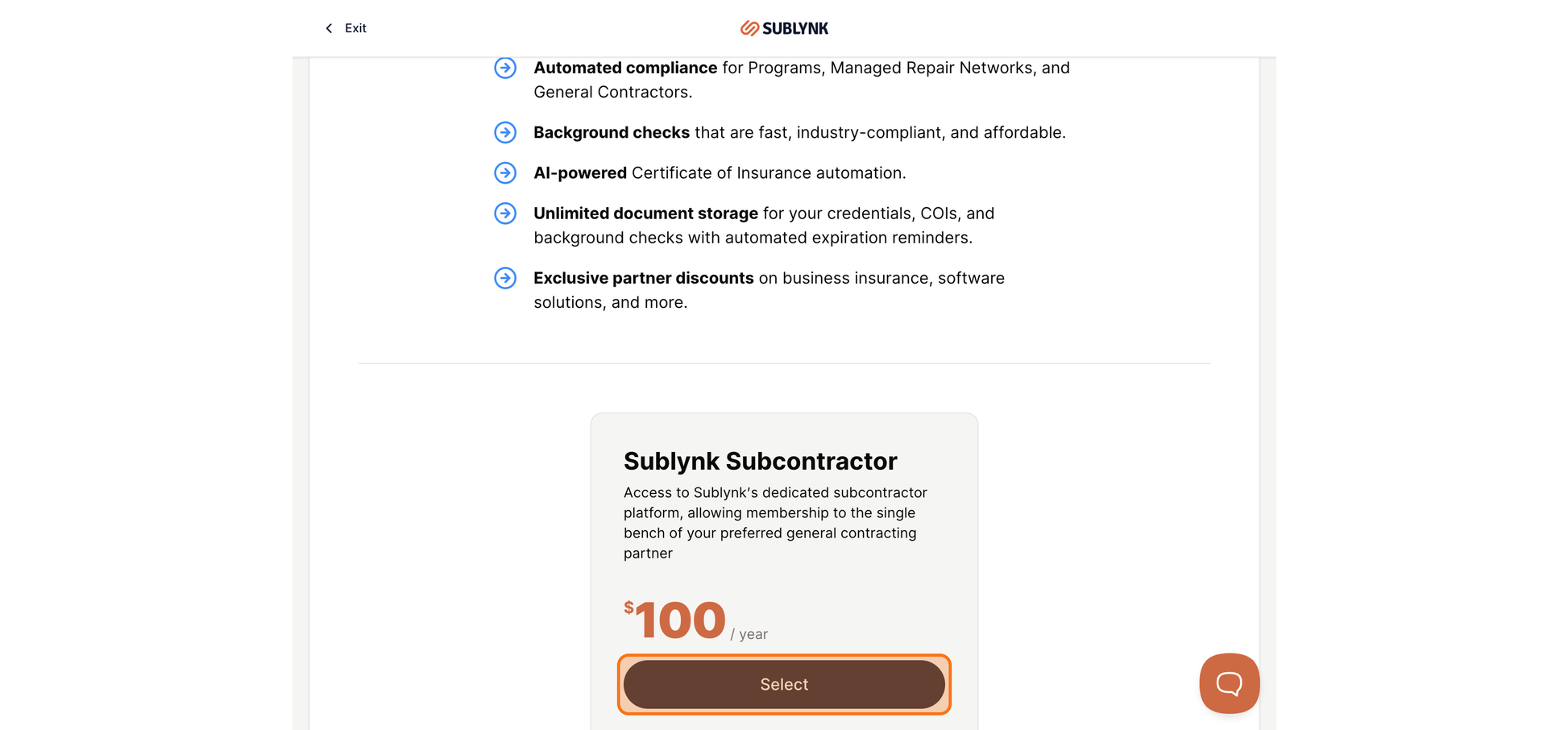
To join a GC bench as a subcontractor, you need an active subcontractor membership. The plan is $100 per year. That covers everything you need to stay credentialed and compliant with one GC bench.
Select the Subcontractor Plan
Your membership includes background checks, state and federal license verification, insurance verified directly from your broker, automated renewal tracking, and virtual contracts. Click Select to get started.
Add Your Payment Method
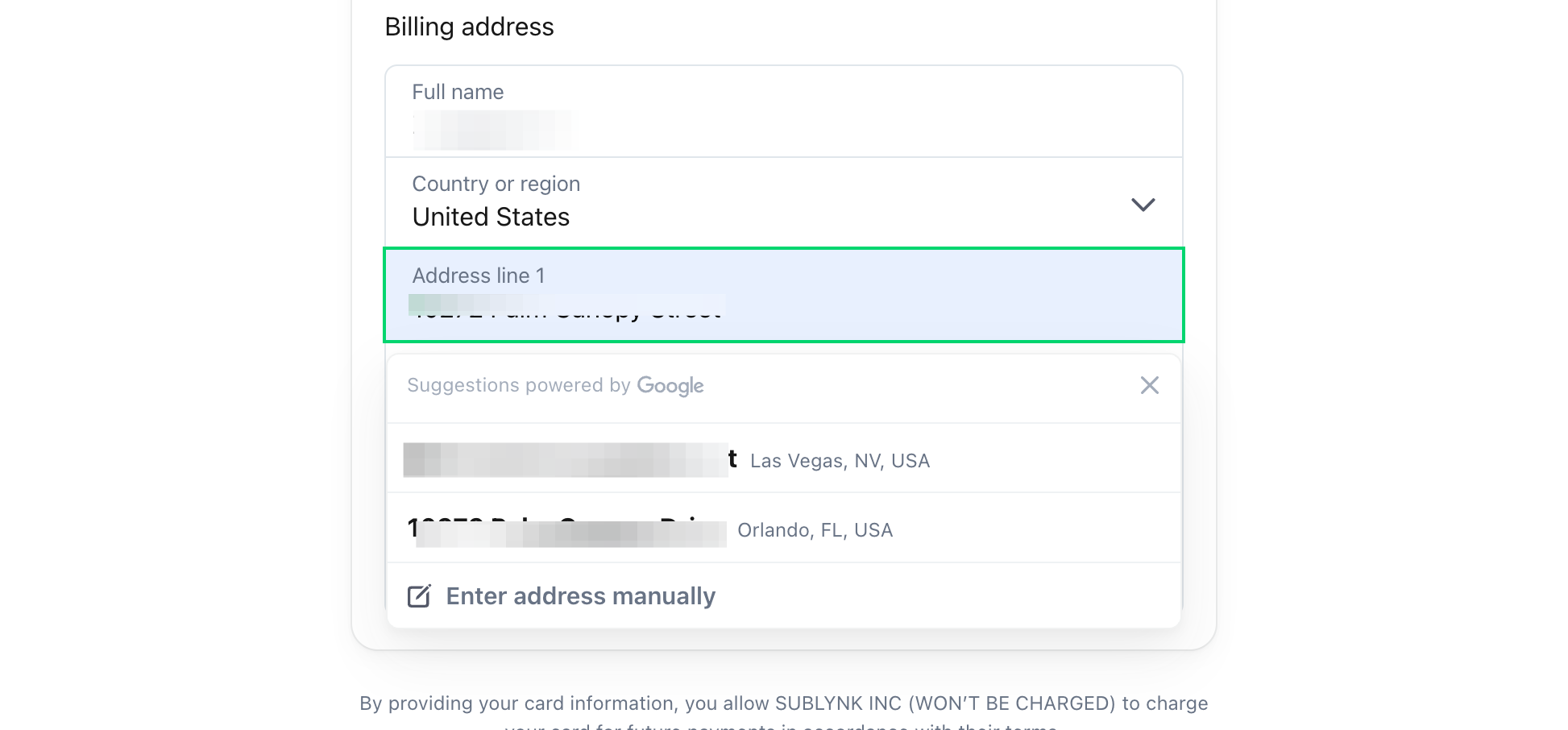
You will be taken to the payment screen. Fill in your card details to continue.
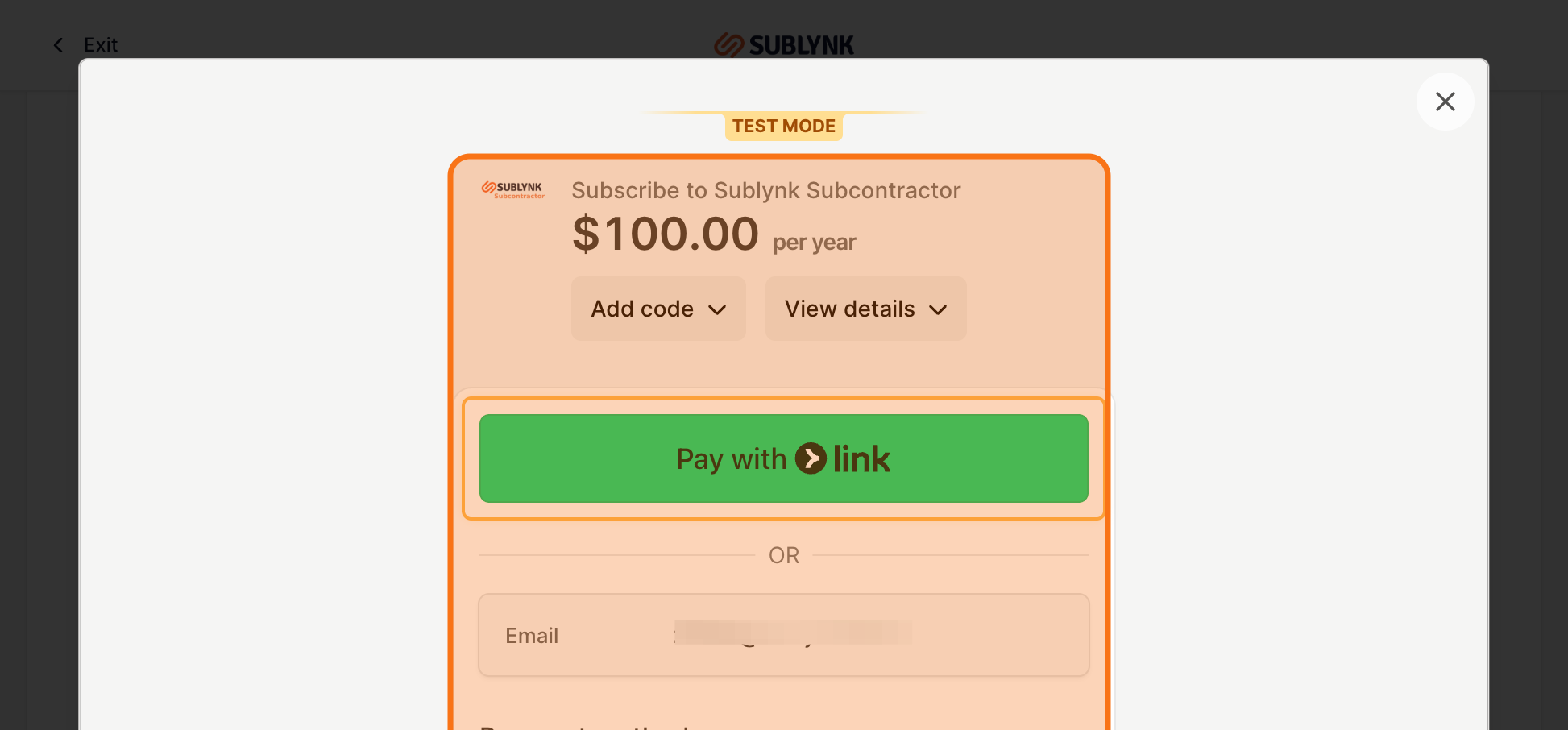
Complete Your Purchase
Click Pay $100.00. Once the payment is processed, an invoice will be sent to your email address.
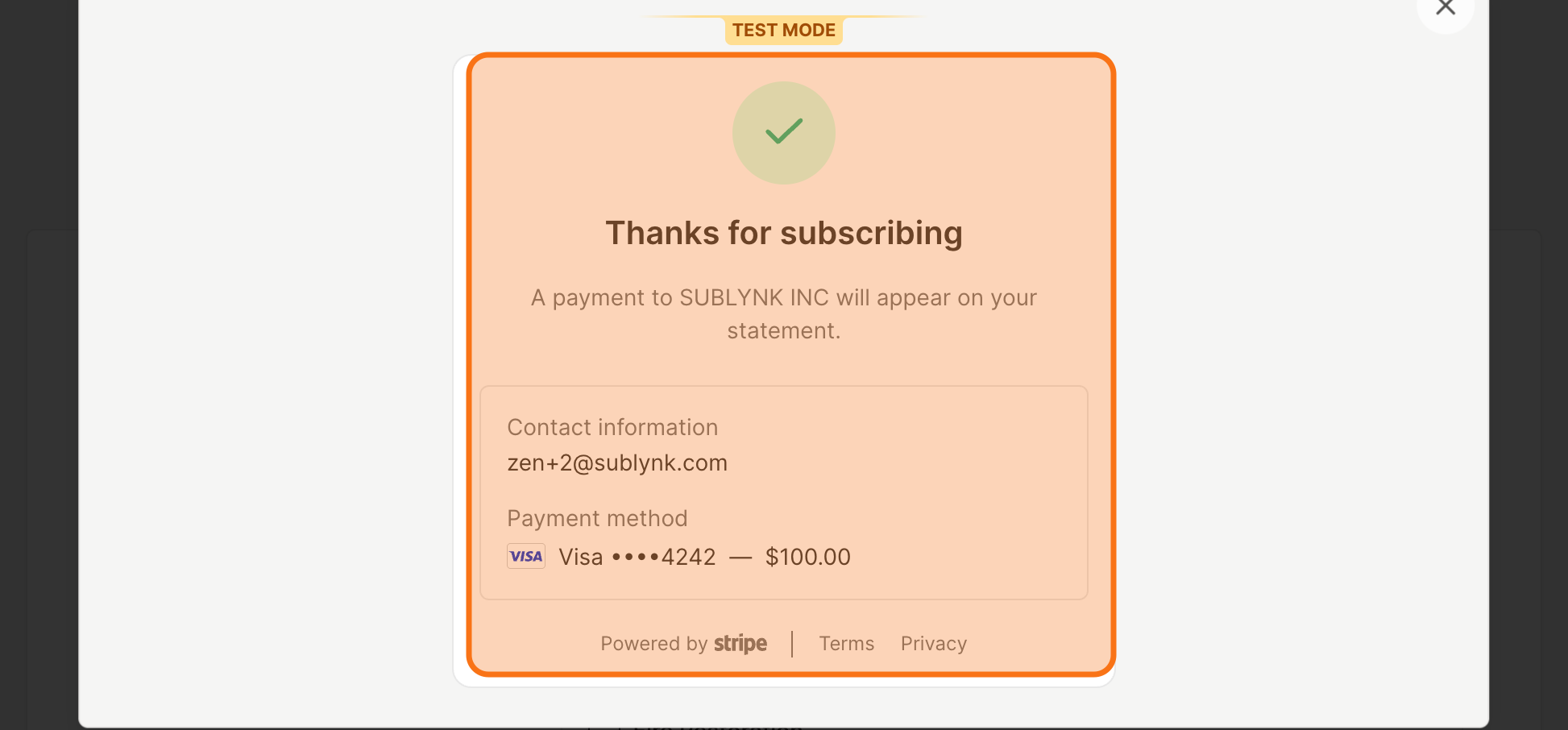
Select Your Services
After payment, tell Sublynk what trades your company will perform for this GC. This step is critical because it determines which state and federal licenses Sublynk will track and verify on your behalf.
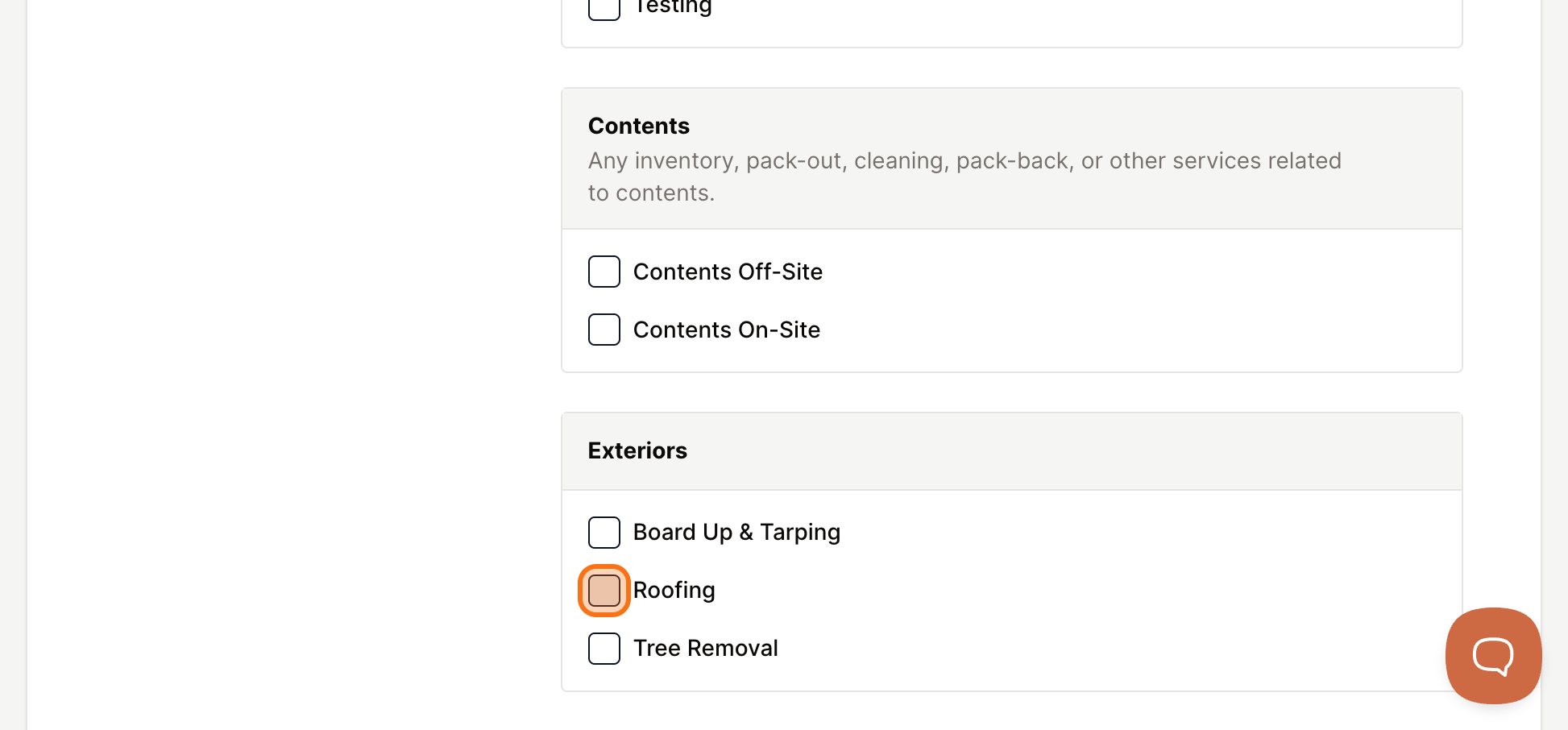
Choose Your Work Types
Select every trade or service category your company provides. If you work in multiple trades, select all of them. In this example, roofing is selected.
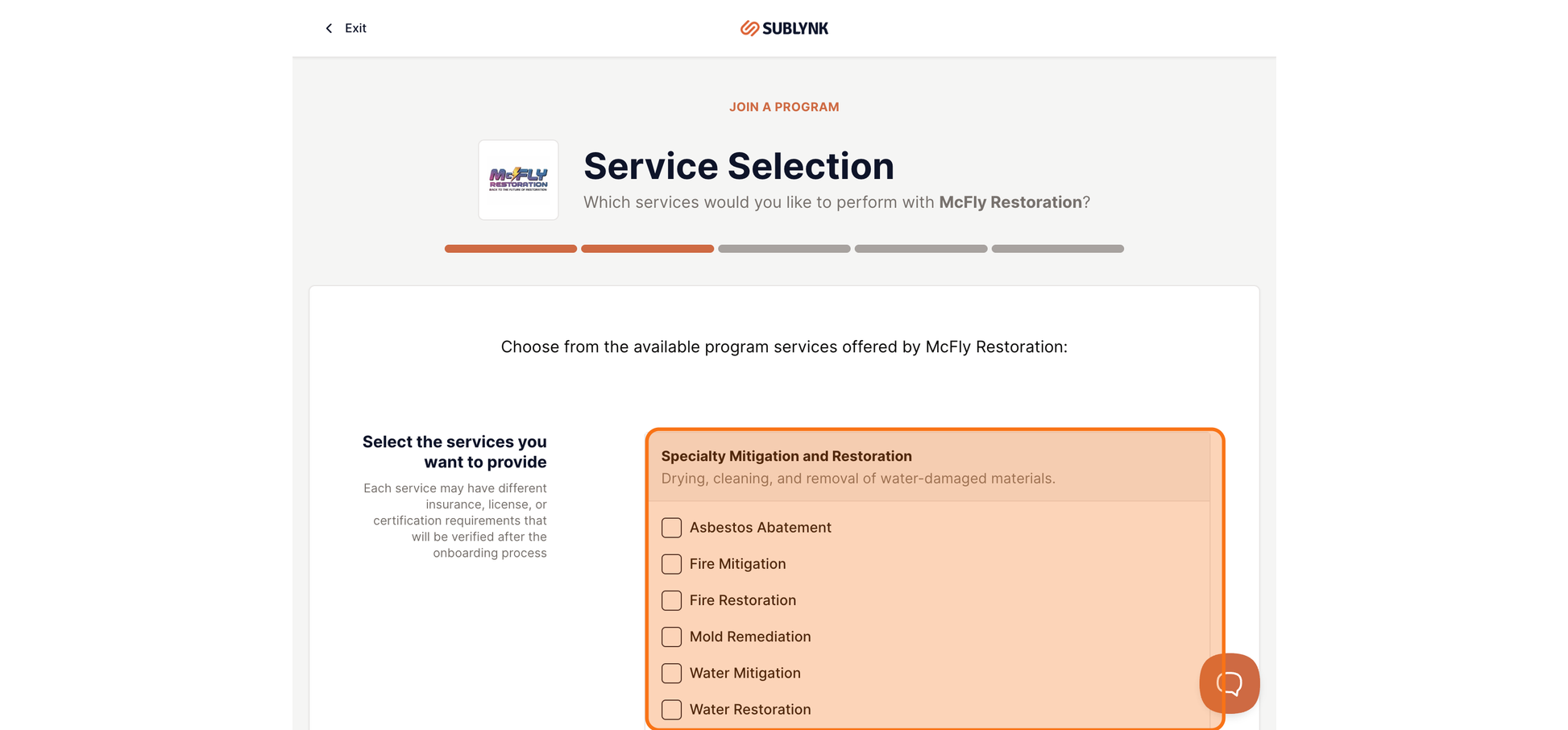
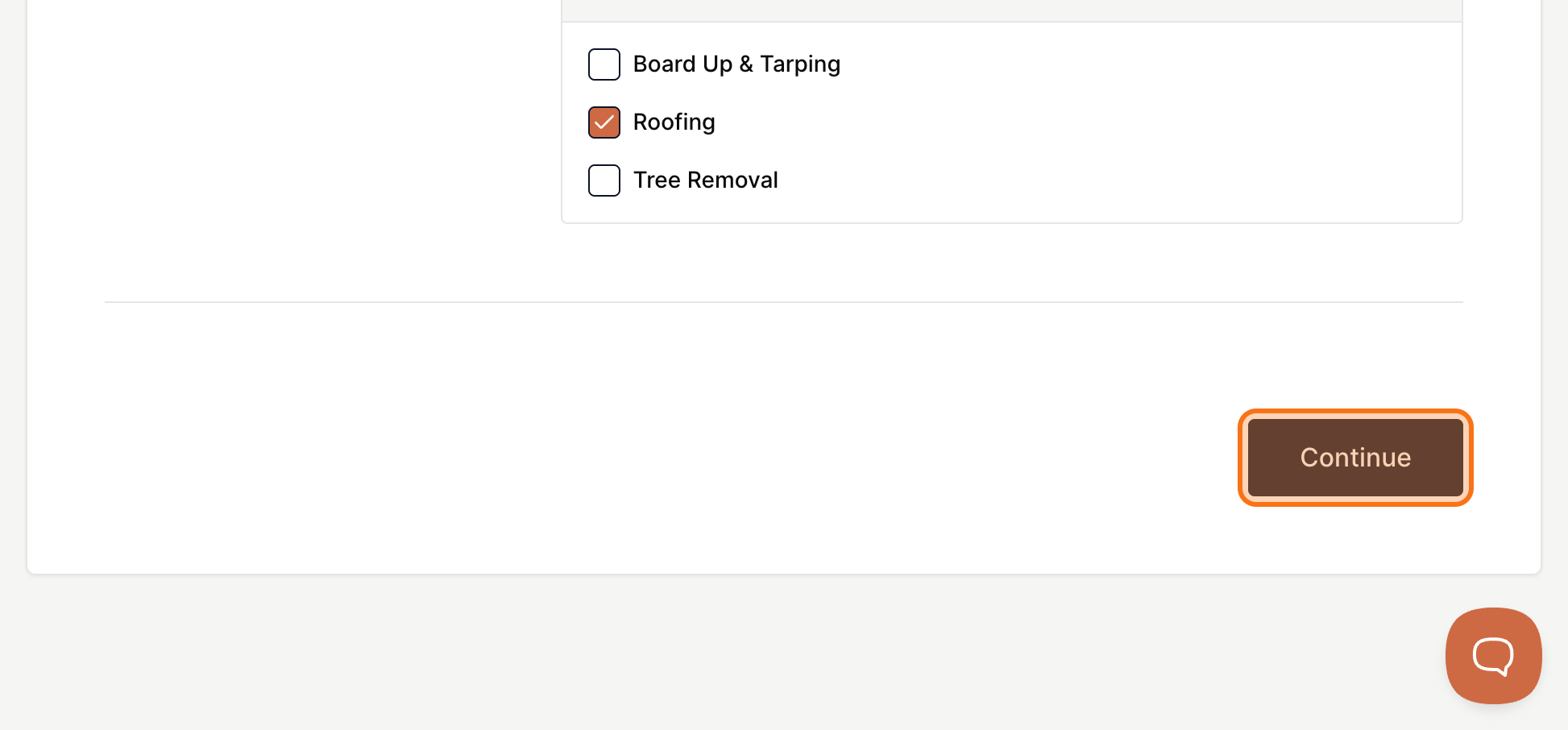
Continue to Requirements
When your selections are complete, click Continue.
Review Program Requirements
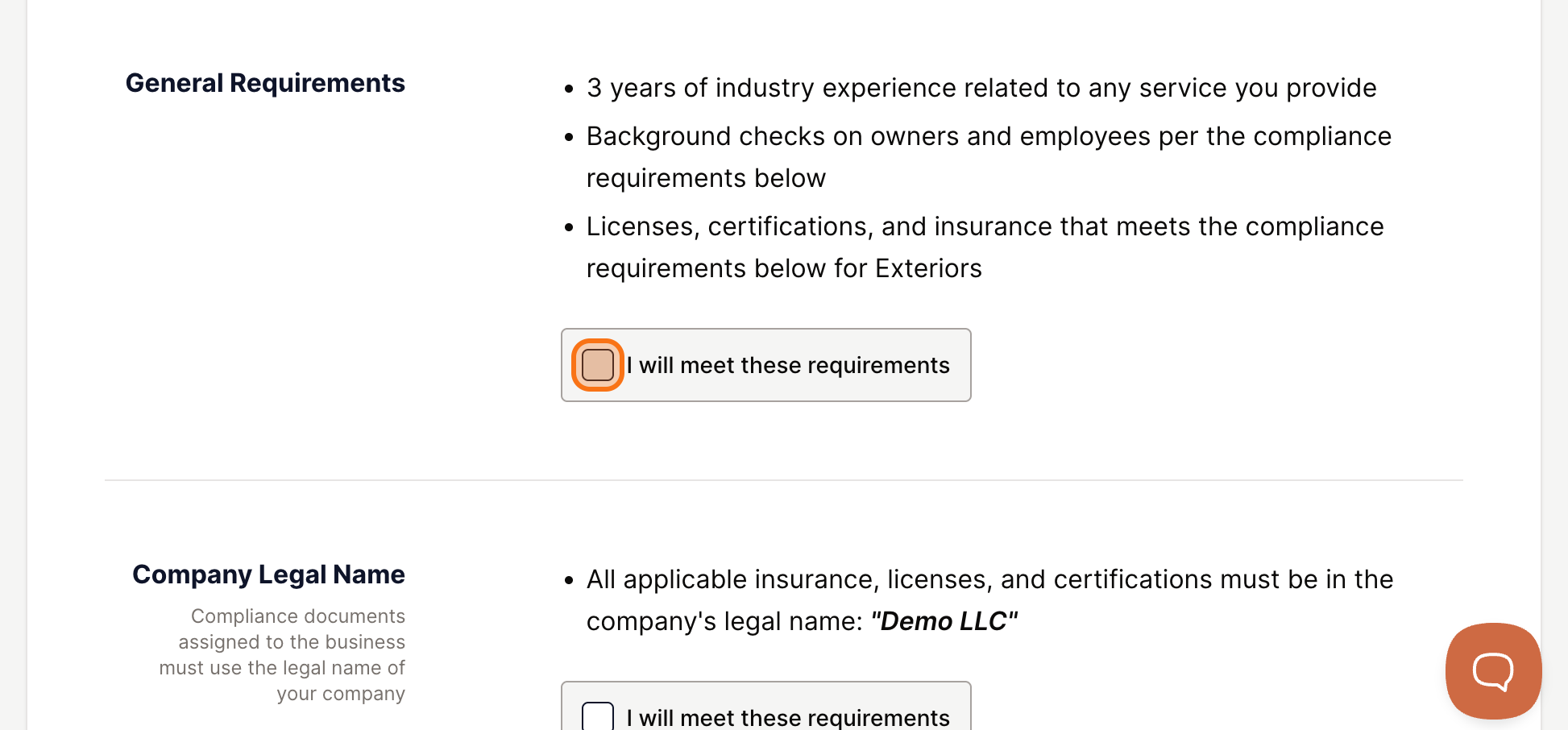
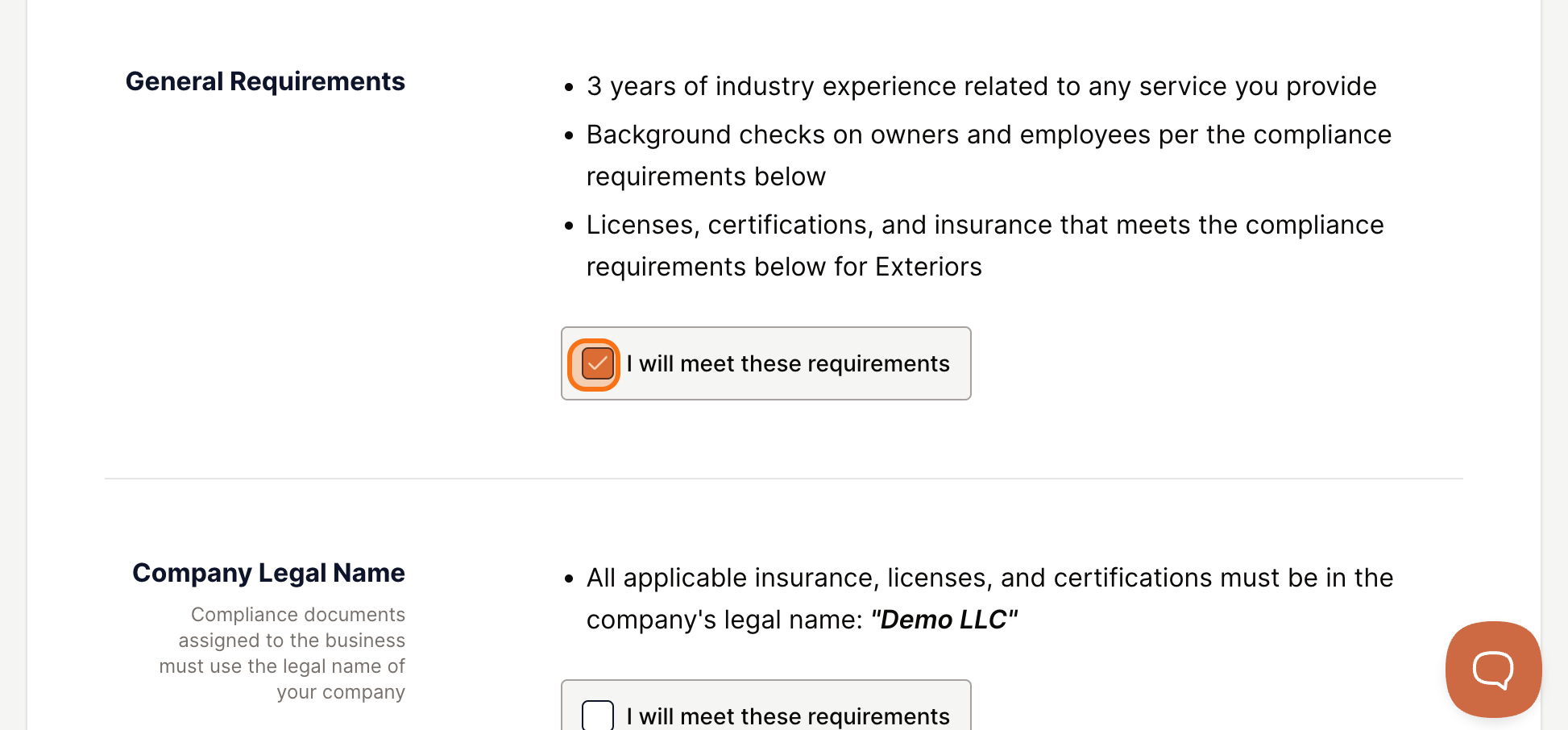
Every GC sets minimum standards for the subcontractors on their bench. This screen shows you exactly what is expected before you commit to joining. Review each category and confirm you can meet the standards.
Insurance Requirements
The program will show the insurance coverage levels required. Click the link to view the full details, then click I will meet these requirements.
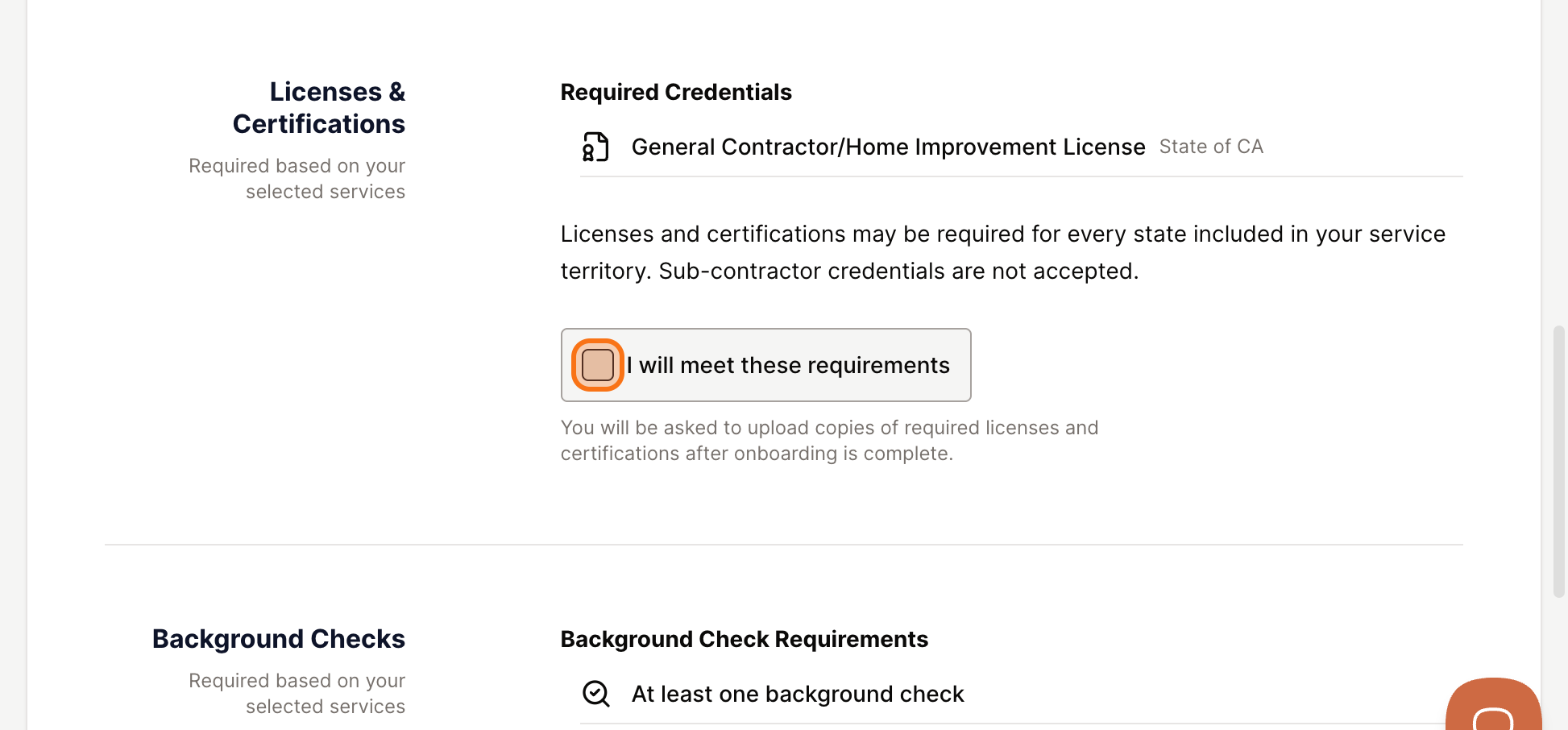
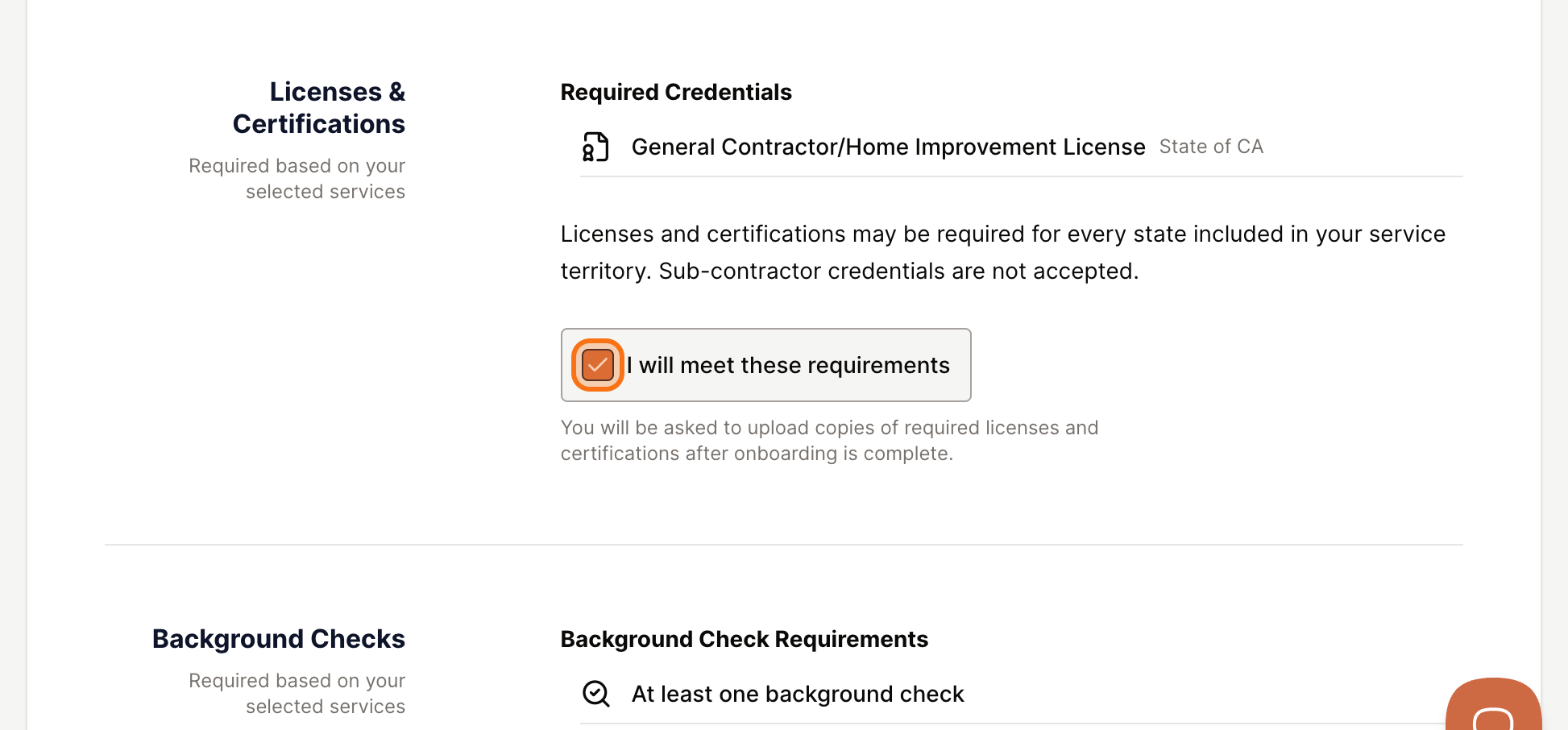
Licenses and Certifications
Review the licensing requirements for your trade and location. You can go back and remove services if you cannot supply the required licenses. Click I will meet these requirements to confirm.
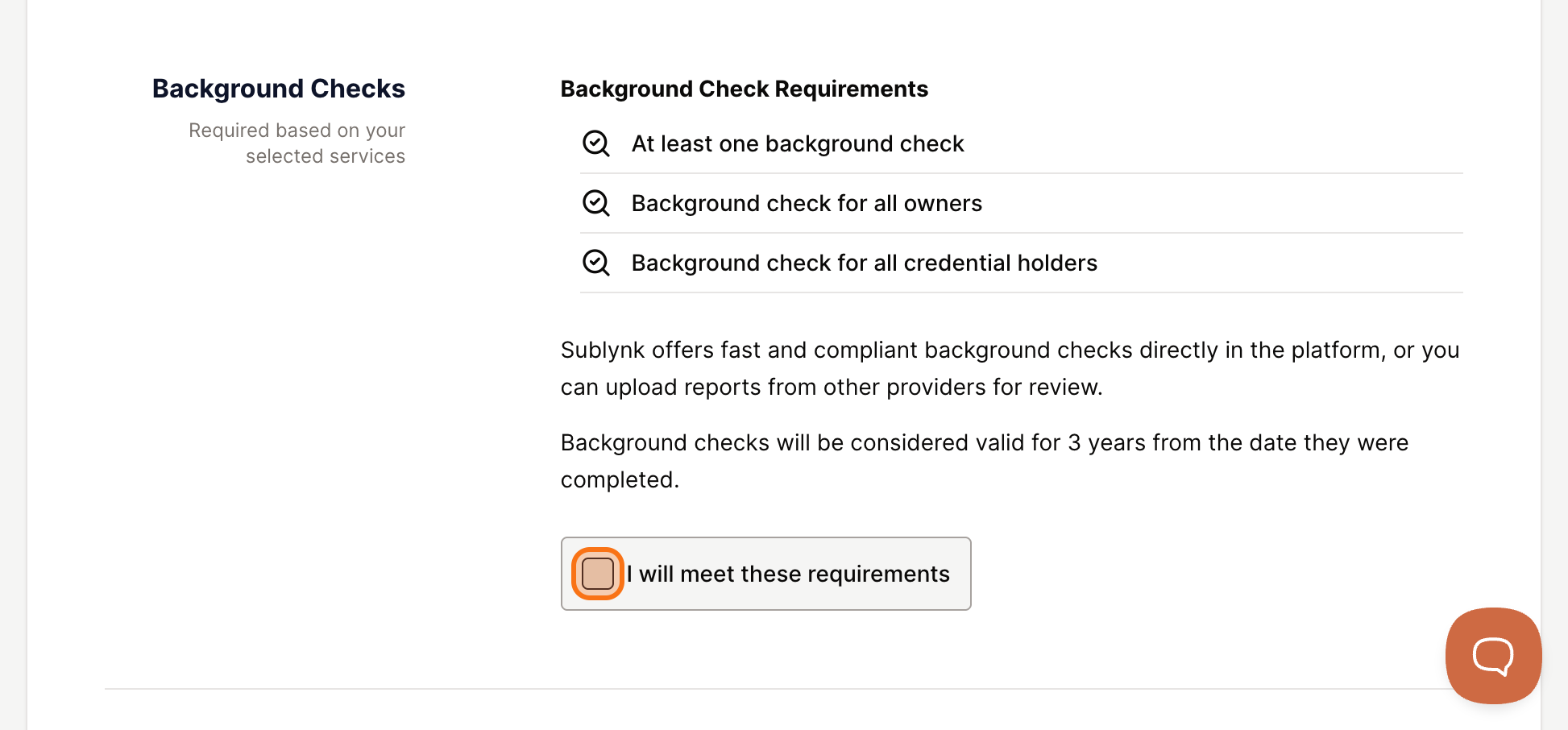
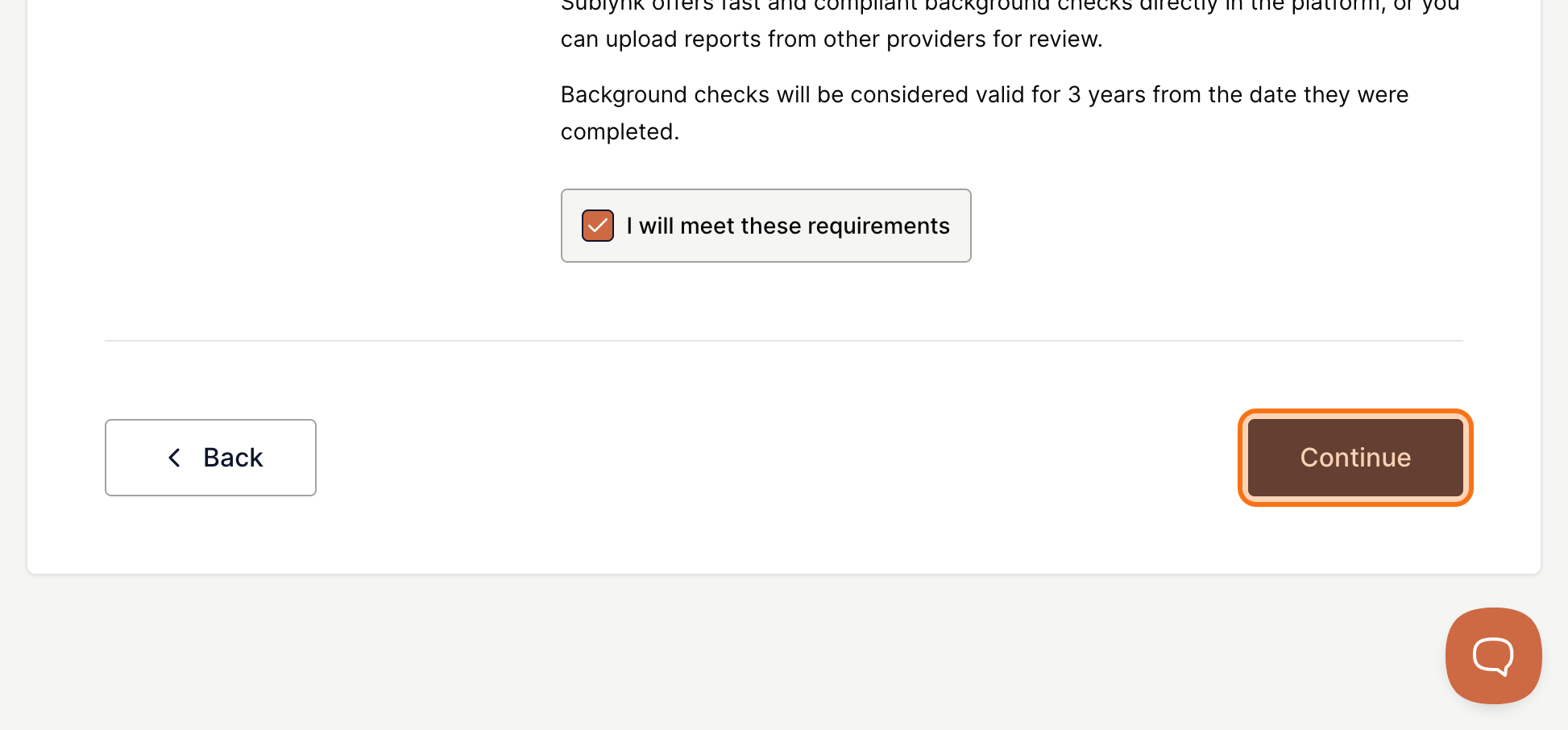
Background Check Requirements
Any background check requirements the GC has will be displayed here.
Sign Your Contracts
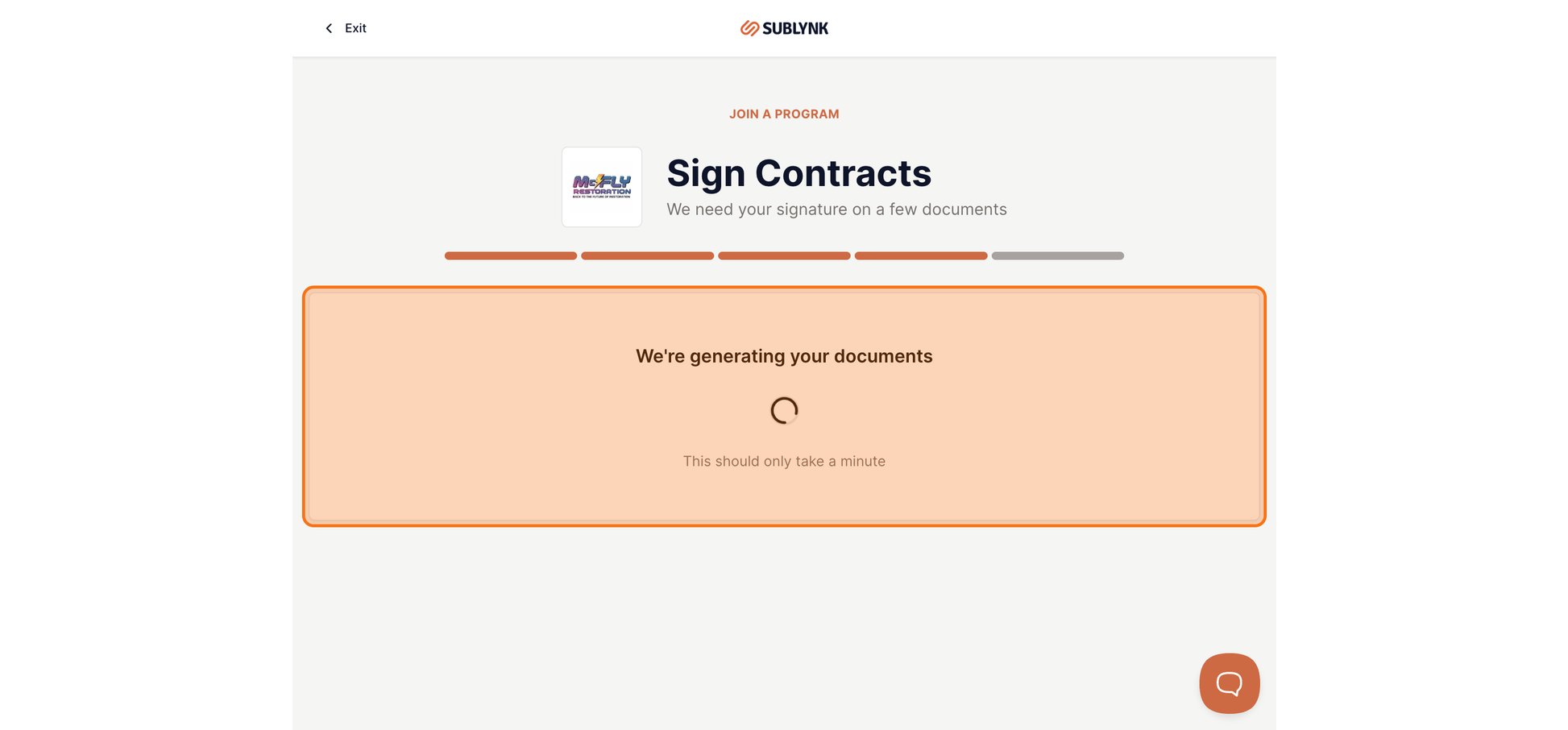
All contracts are completed inside Sublynk. No printing, scanning, faxing, or emailing. The full signing process is done in one sitting through a guided flow.
Review the Contract Documents
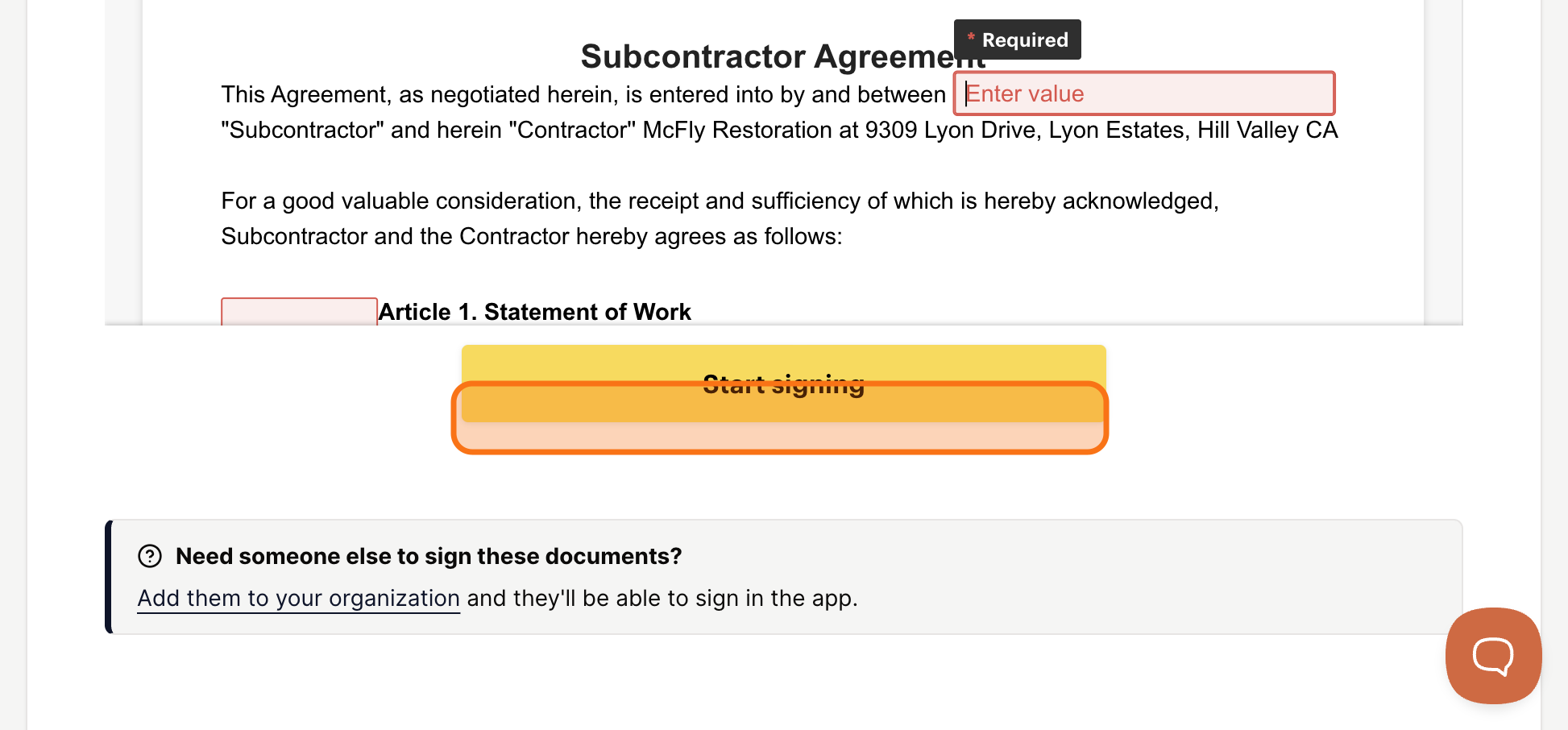
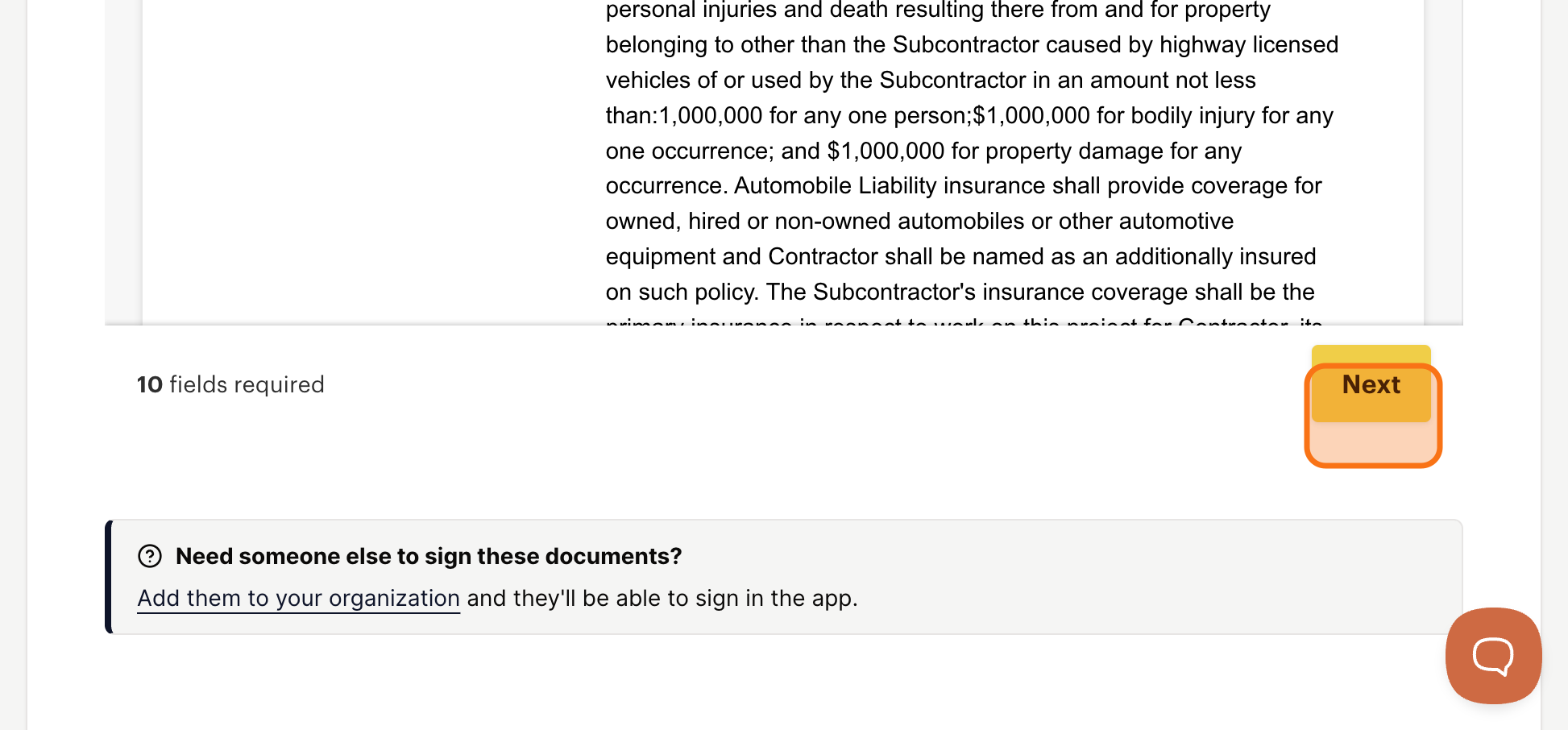
Take a moment to read the agreement before signing. Documents typically include the subcontractor agreement and any specific forms required by the network. Sublynk has streamlined the flow so you can complete everything at once.
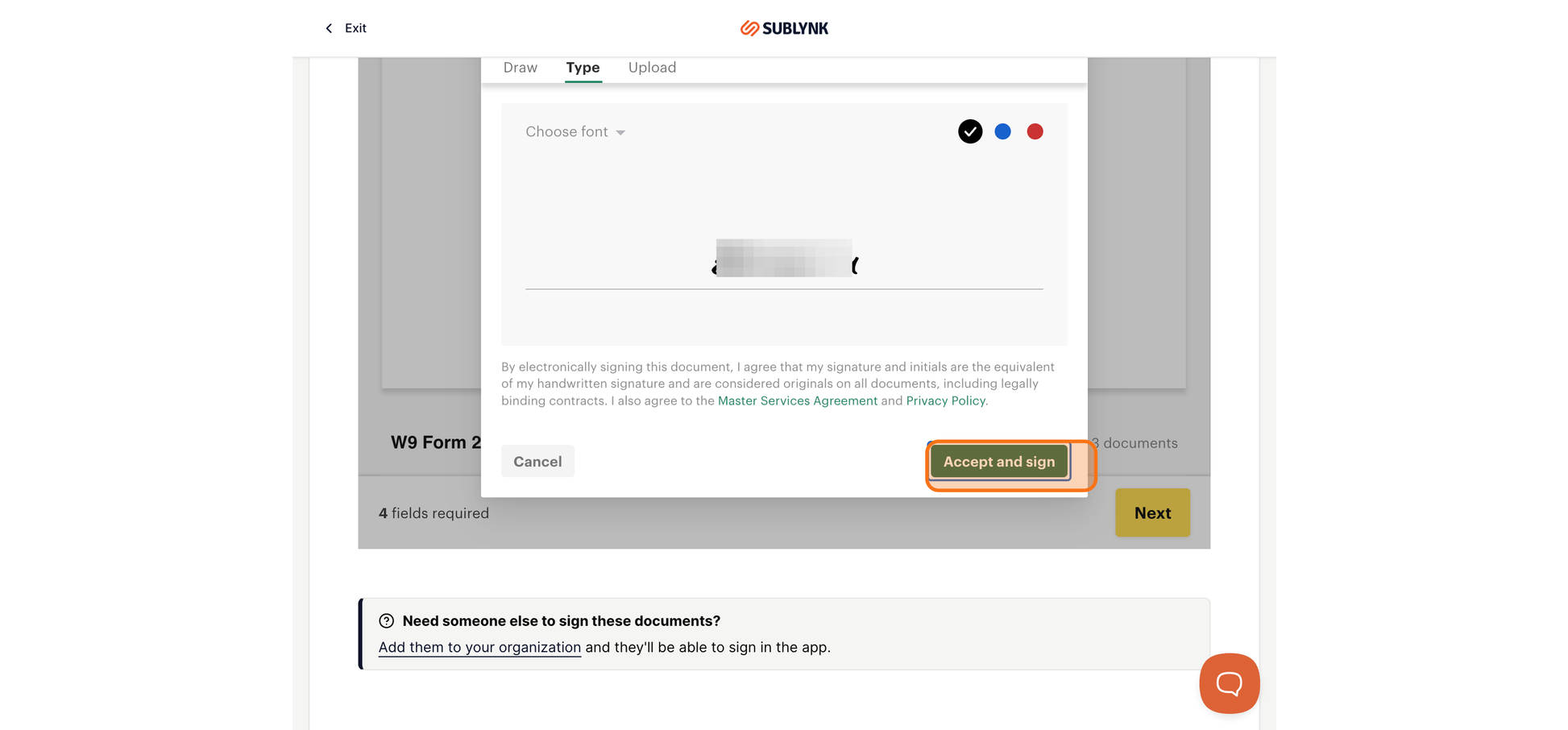
Add Your Full Signature
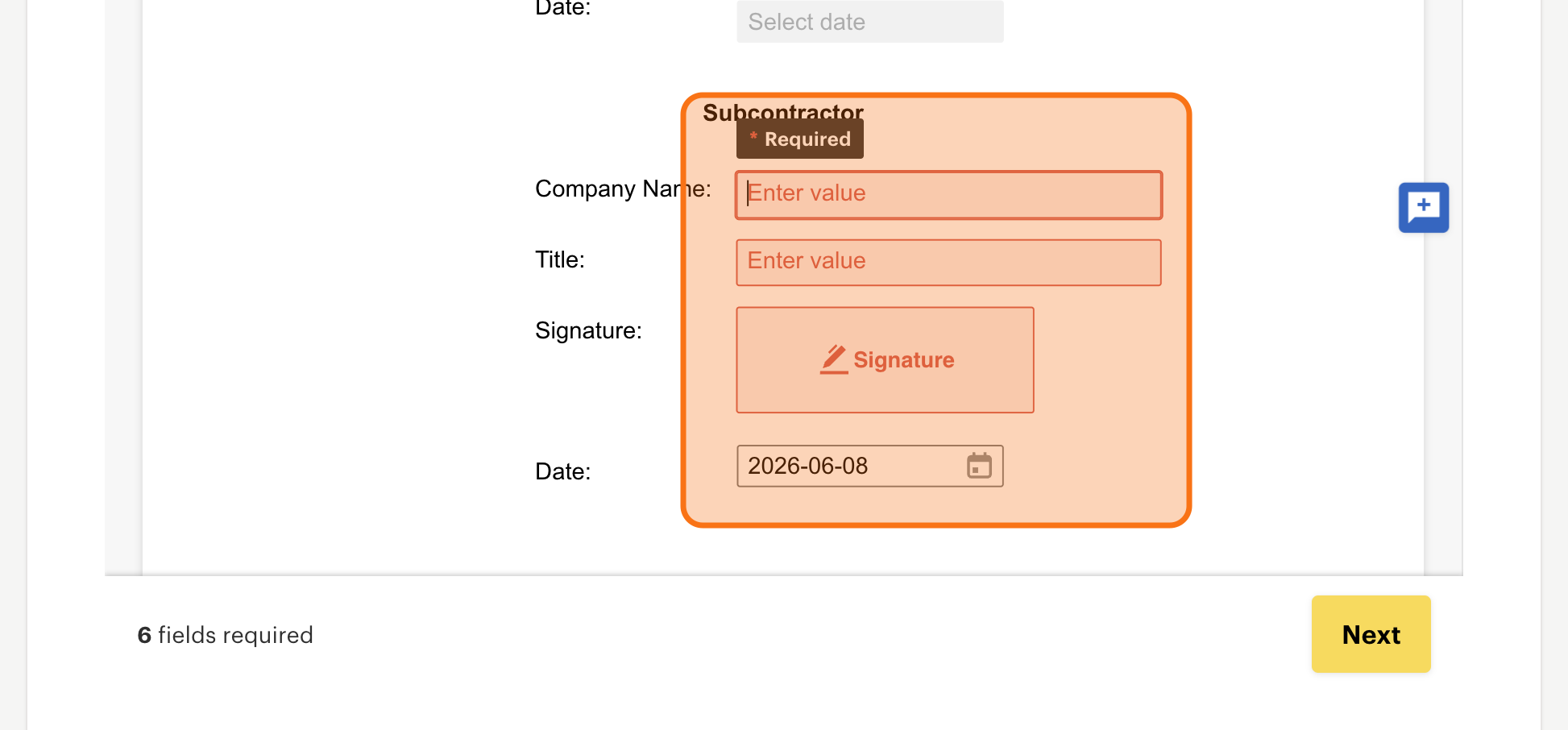
Enter your company name and your title, then apply your electronic signature. Click Accept and sign, then Next to advance through each document.
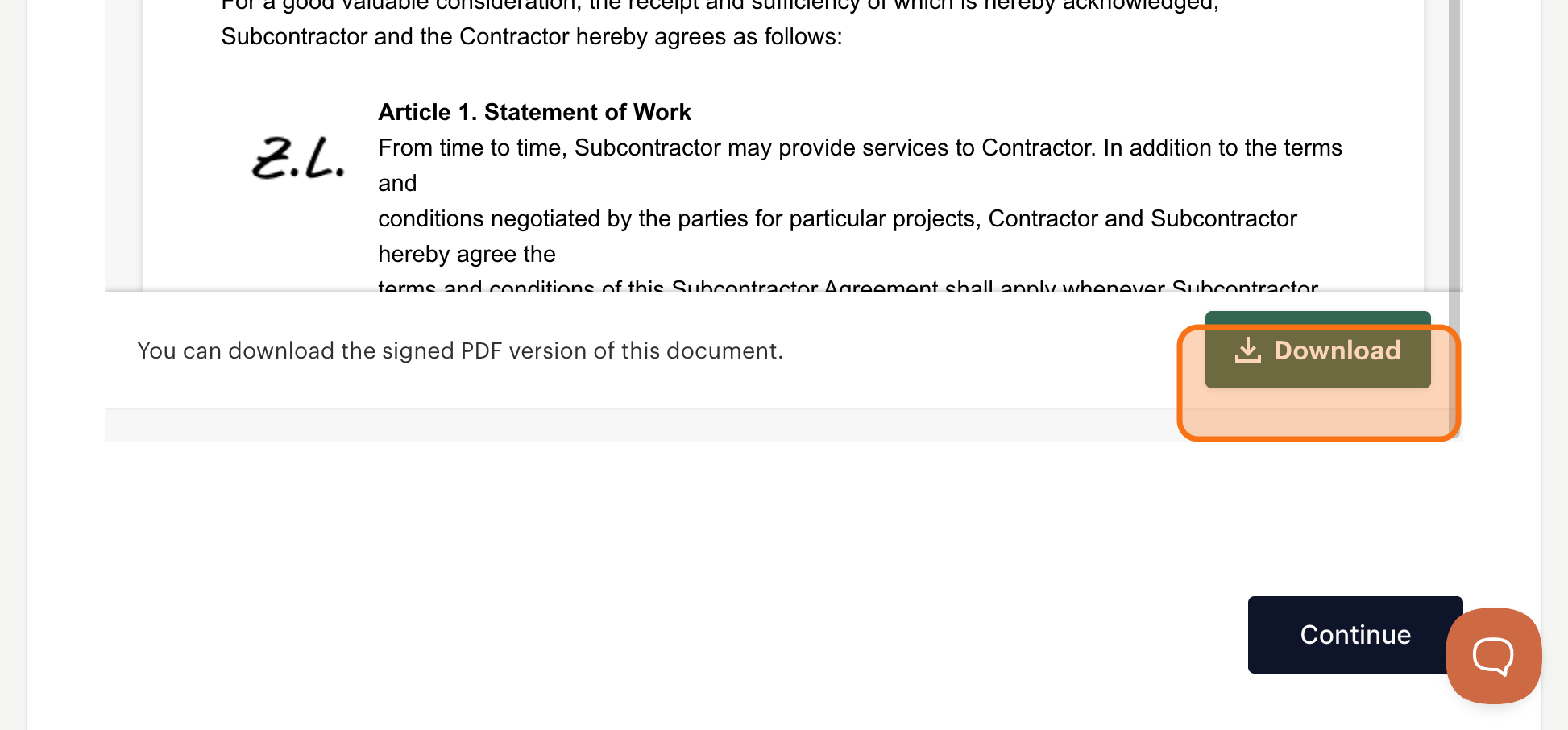
Download Your Signed Copies
Once all documents are signed, download your copies for your own records. Click Continue when done.
Your Credentialing Dashboard
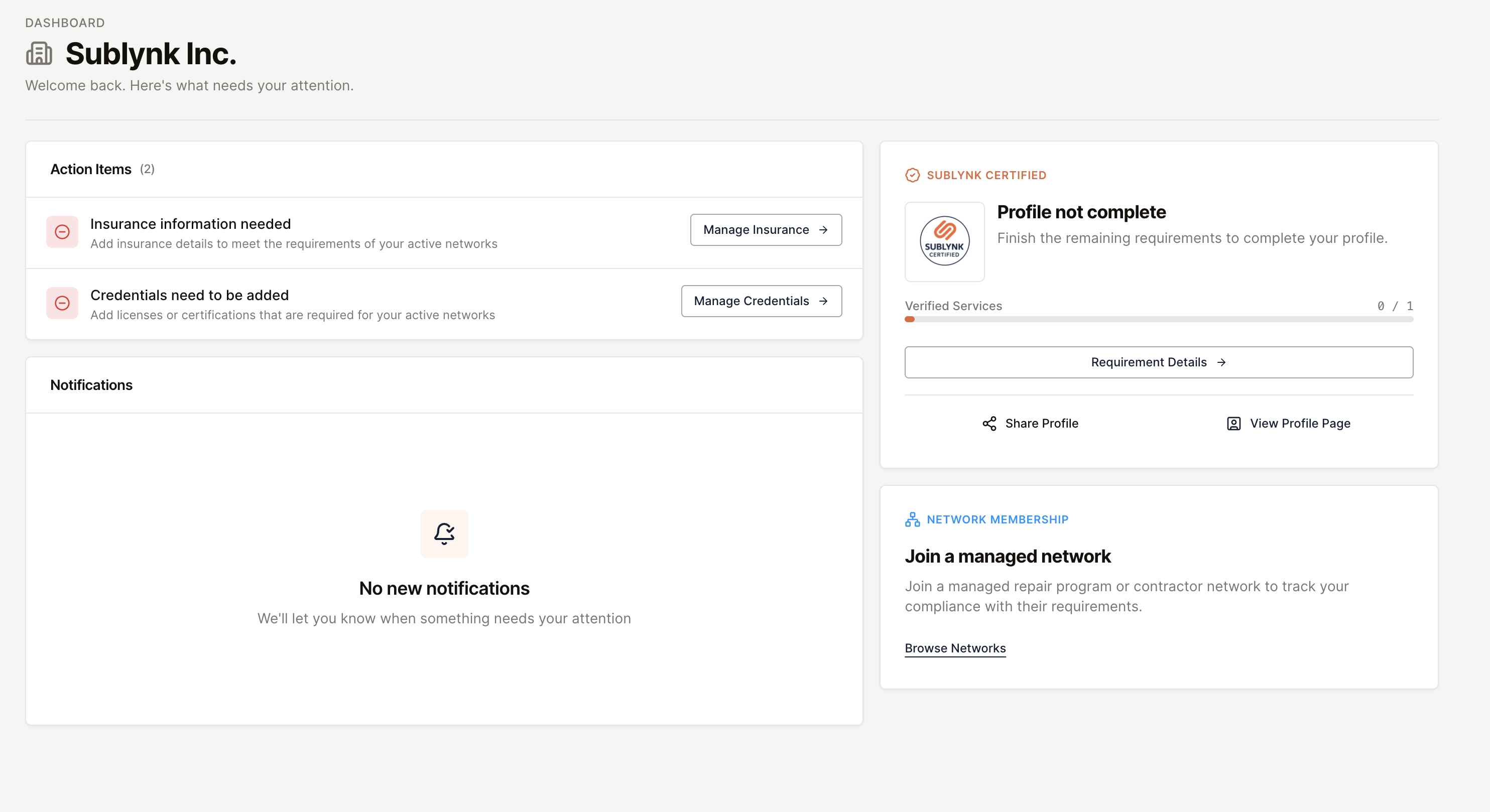
Once your contracts are signed, you have full access to your subcontractor dashboard. This is where you manage everything needed to stay active and compliant with the programs you belong to.
What You Can Manage Here
Your dashboard gives you direct access to your insurance, credentials, background checks, and signed contracts, all in one place. Outstanding items appear at the top so you always know what still needs attention.
Your Next Steps
- Add your insurance agent or broker contact. Sublynk handles the verification directly with them.
- Upload your license documents. Sublynk validates them at the source licensing board.
- Order your background check. Tier 1 returns same business day on average.
Need help?
Reach us by email or use the live chat in the bottom right corner. Available Monday through Friday during business hours.
Get Help