
Set Up Your Sublynk Public Profile
Your Sublynk Certified Profile is your gateway to your organizations credentials. It is public and can be shraed with homeowners, business owners, or anyone you want to share your vetted status to.
Your profile is also what the public sees when they find your organization in our public search directory found here: Sublynk Certified
This guide will walk you through the setup required to enable your public profile.
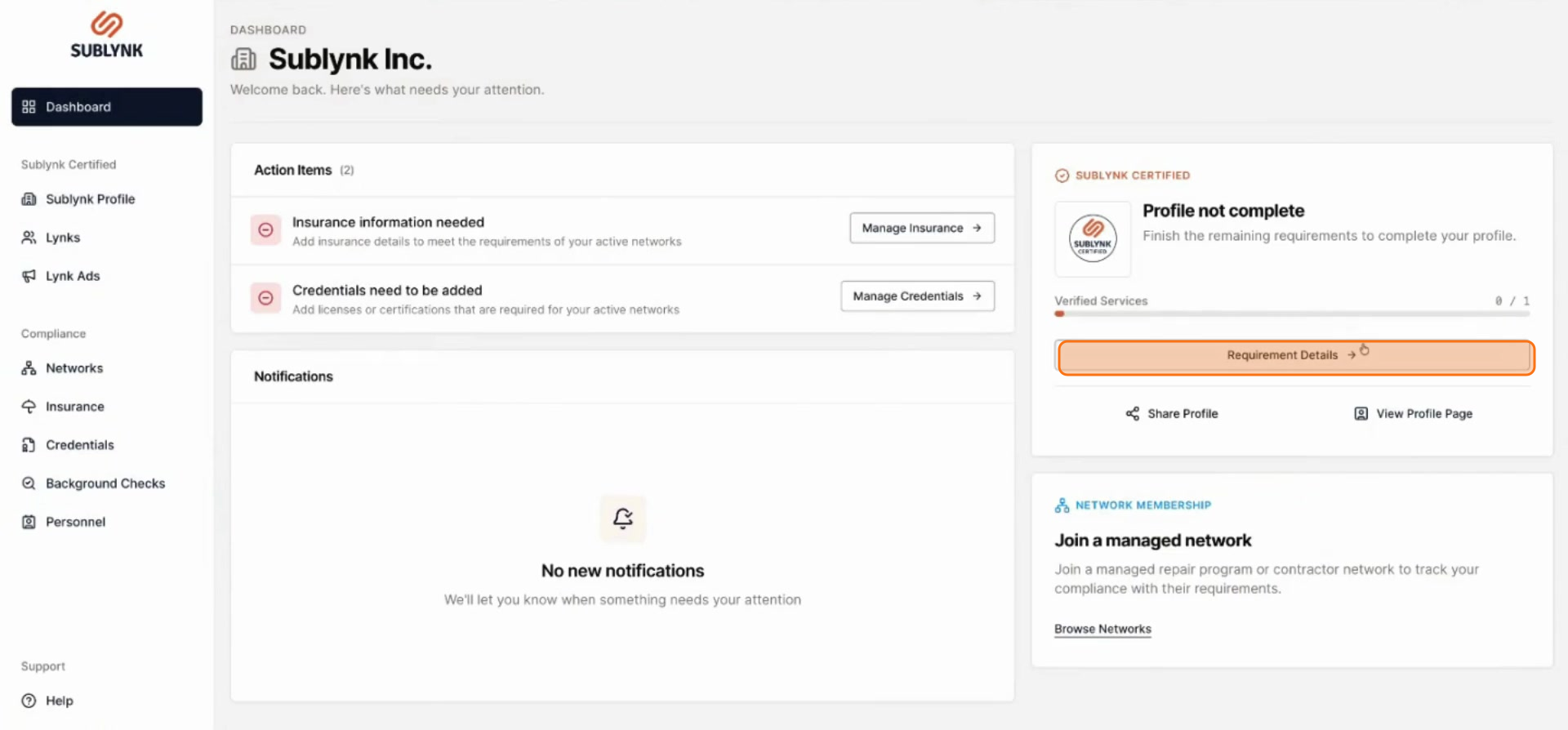
Naviate to Requirement Details
Click on Requirement details from your dashboard view, or go to your Sublynk Profile in the left hand menu.
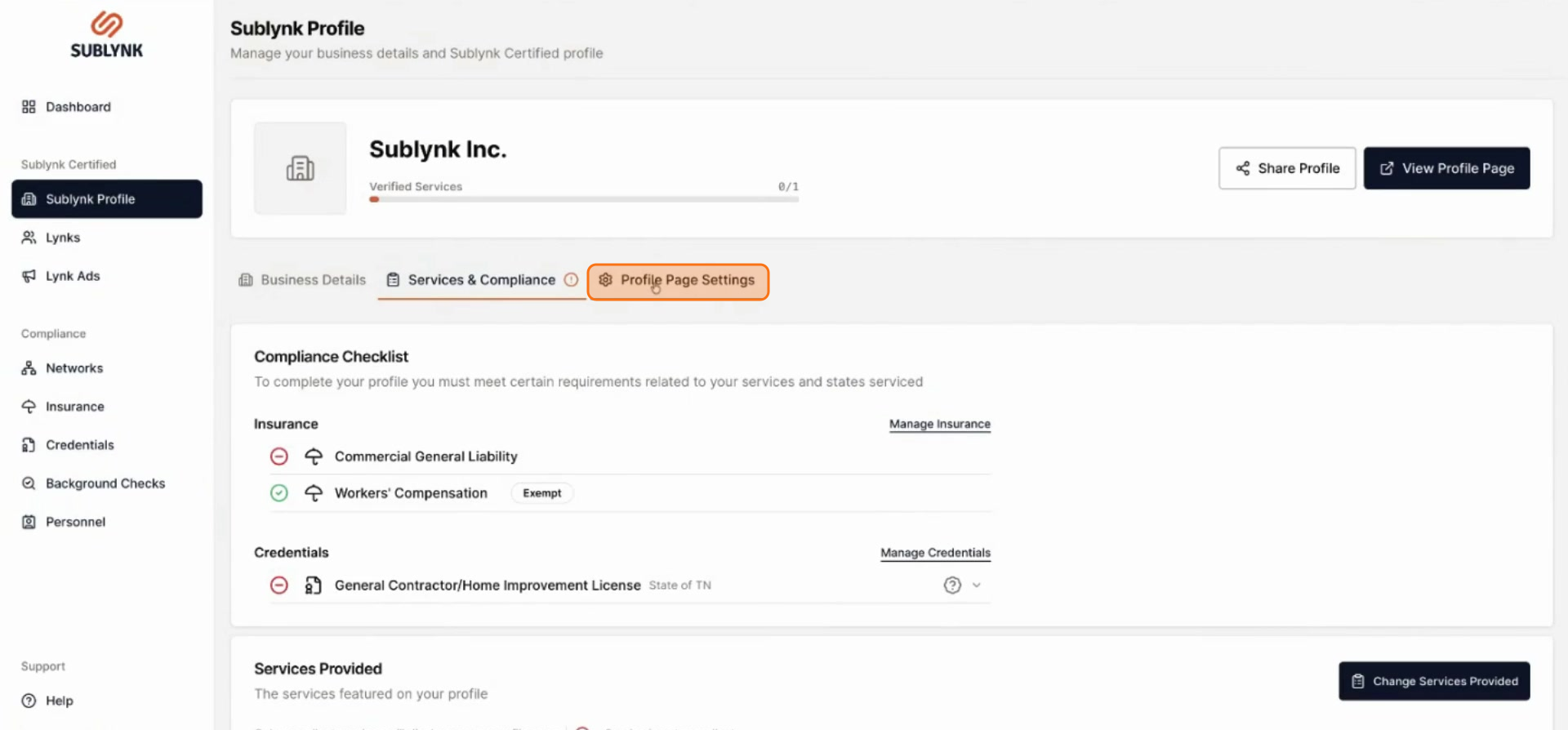
Open Profile Page Settings
Click on Profile page settings.
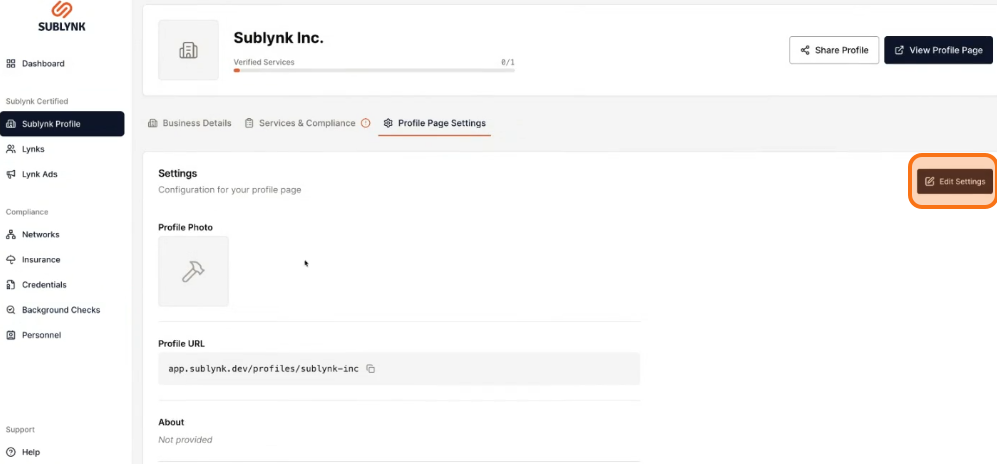
Click Edit Settings
Click Edit Settings.
Upload Your Company Logo
Click Upload to add a profile photo.
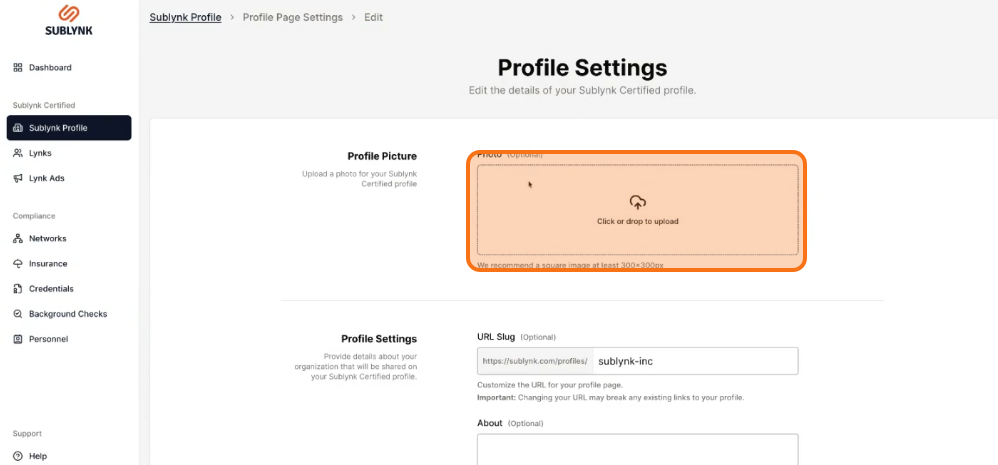
Confirm Your Logo Upload
Upload your company logo. It will be displayed prominently on your public profile.
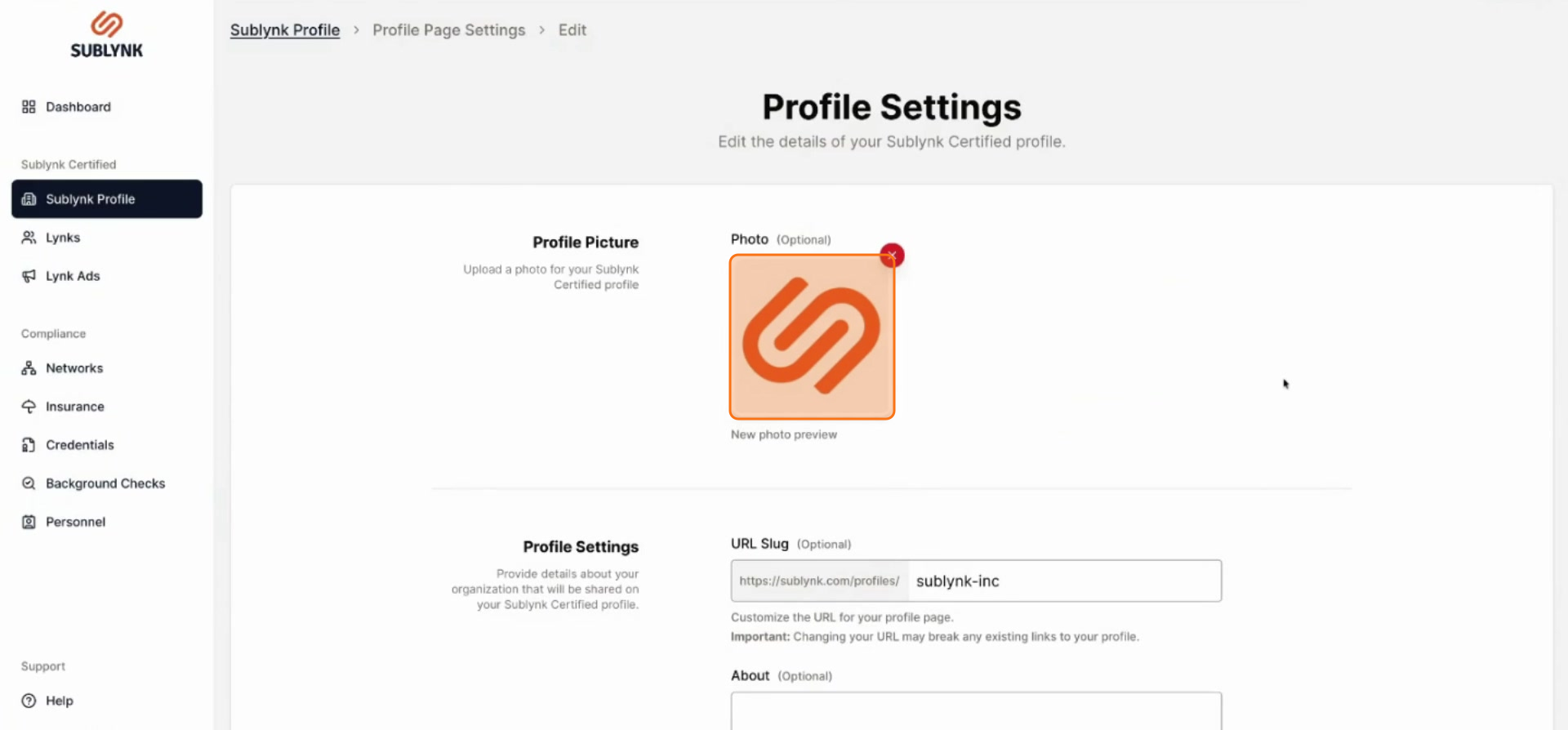
Set Your Profile URL Slug
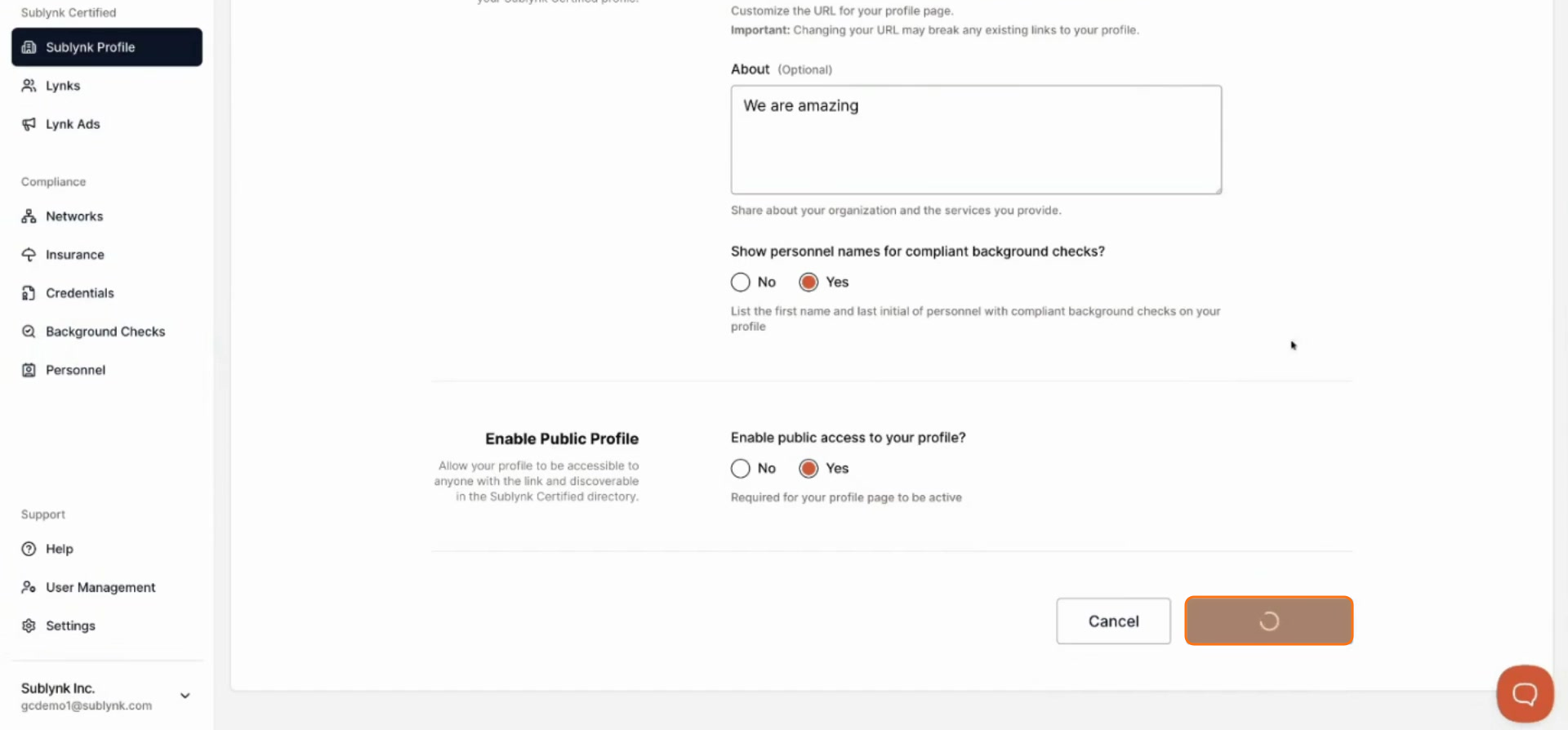
Your URL slug can only be changed once before it becomes locked. Choose a URL that accurately describes your organization and its location. If you are part of a franchise, do not use the root franchise name.
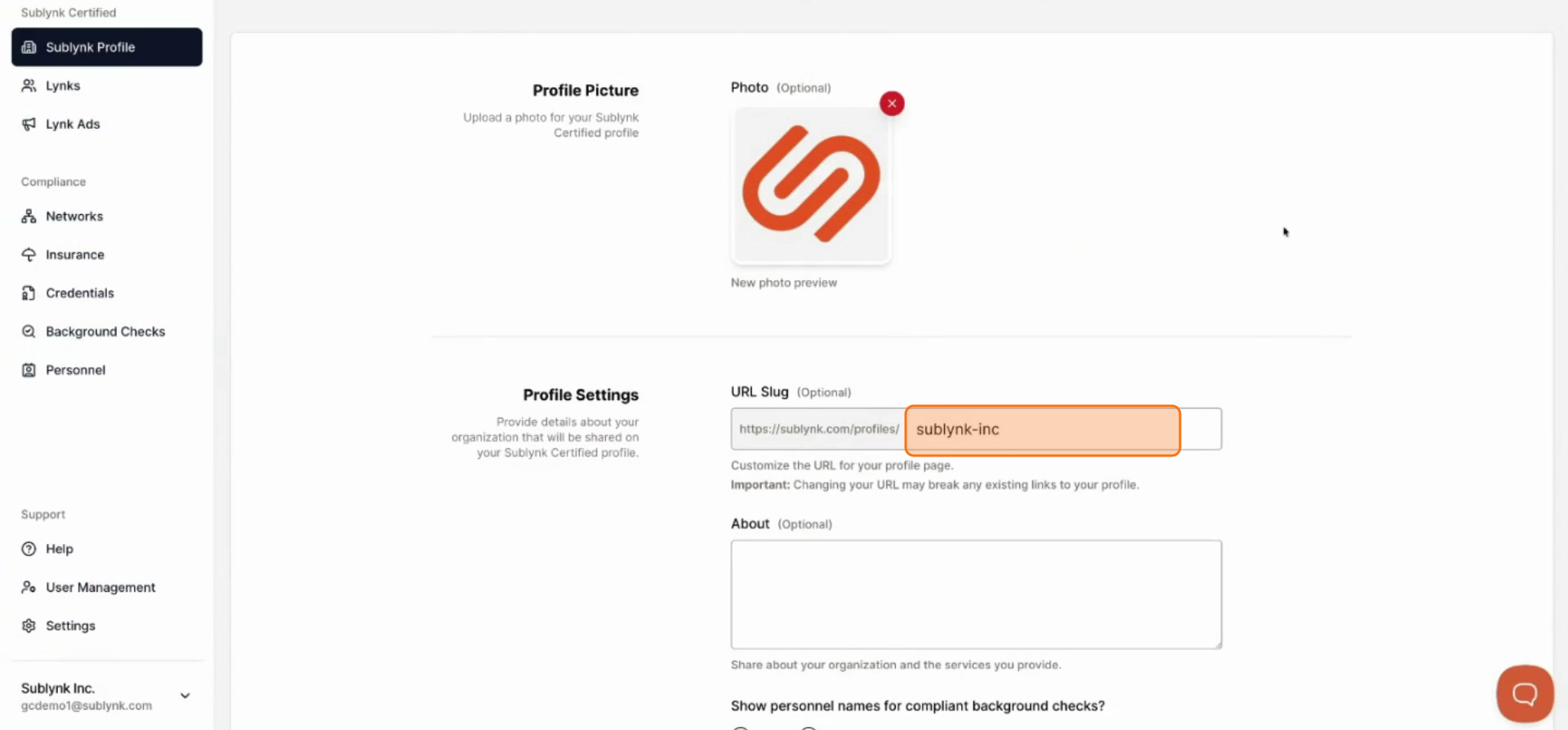
Write Your About Us Section
Fill out the About us section with details about your organization.
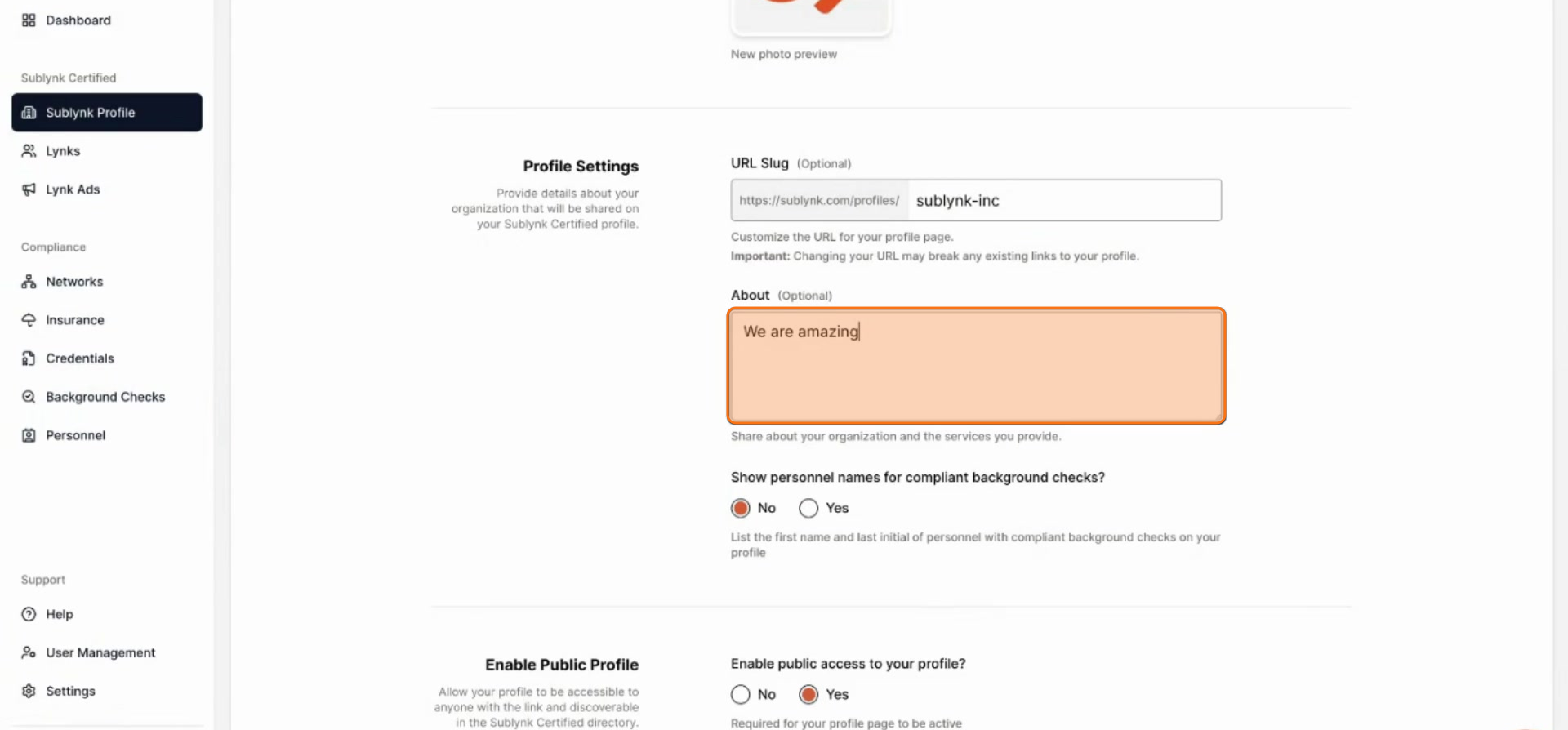
Choose Personnel Name Display
Select whether you want to display personnel names for compliant background checks. This is strongly encouraged to build trust.
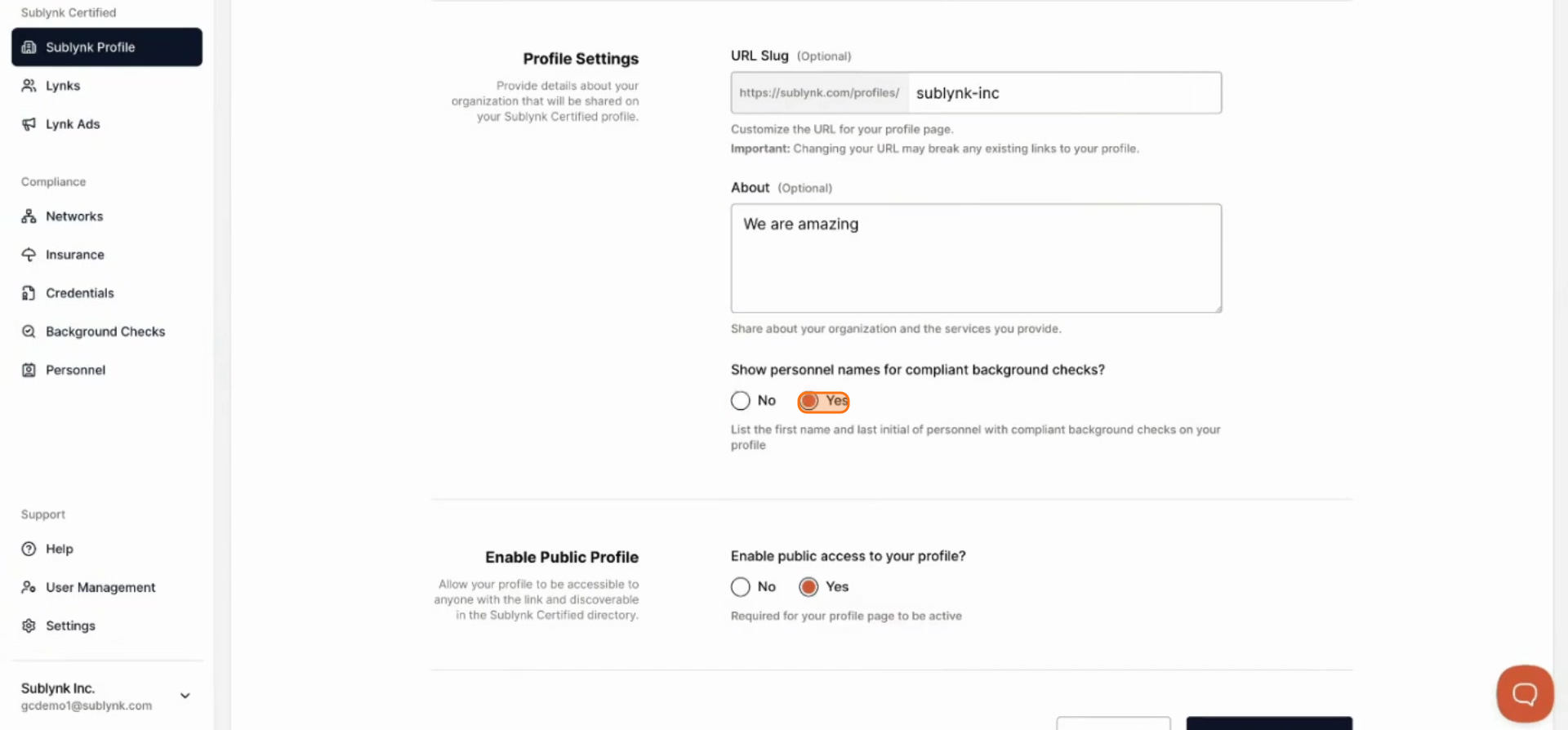
Save and Publish Your Profile
Click Save changes to publish your profile and make it live.
Preview Your Live Profile
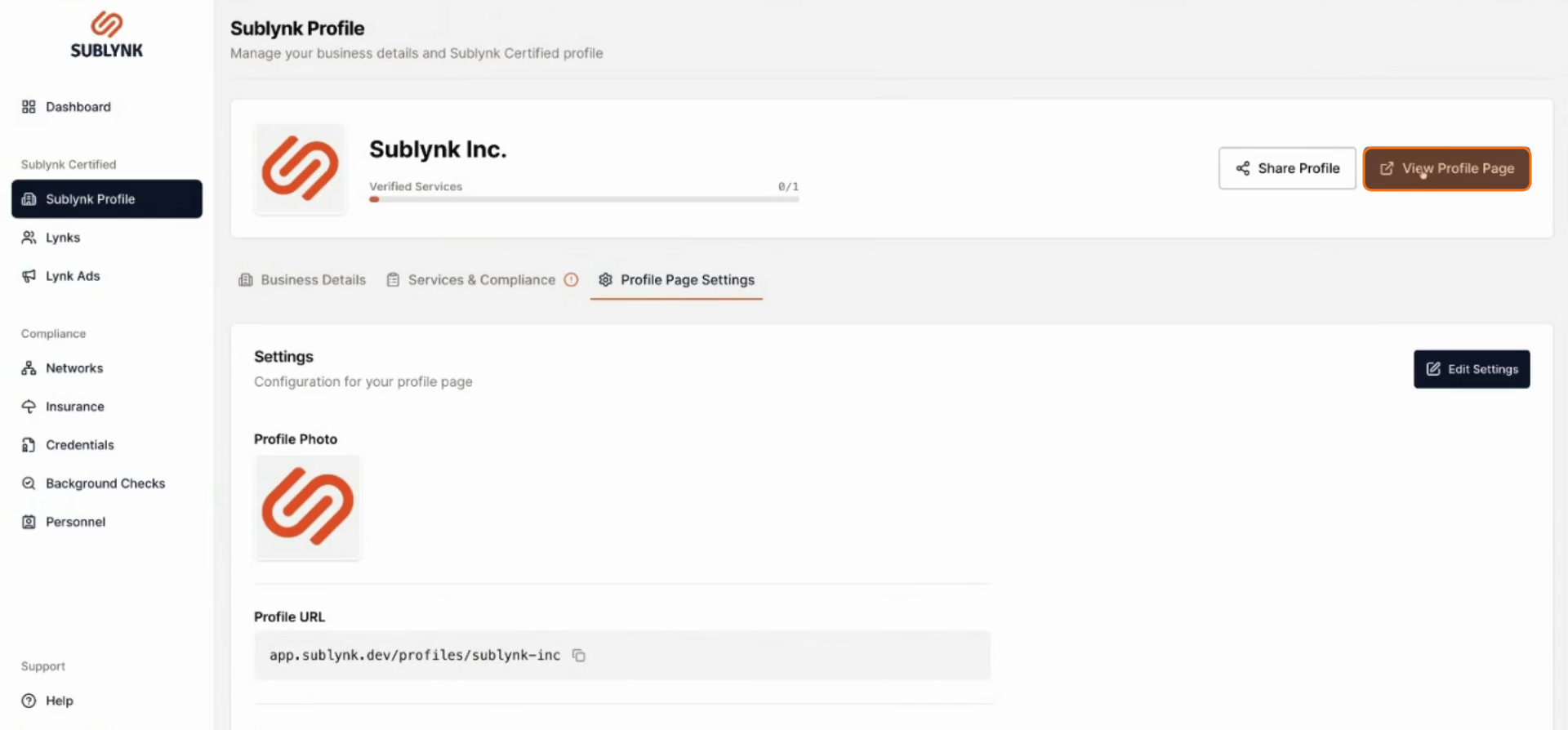
Click View profile page from the settings or your dashboard to see the live public version of your profile.
View Your Profile from the Dashboard
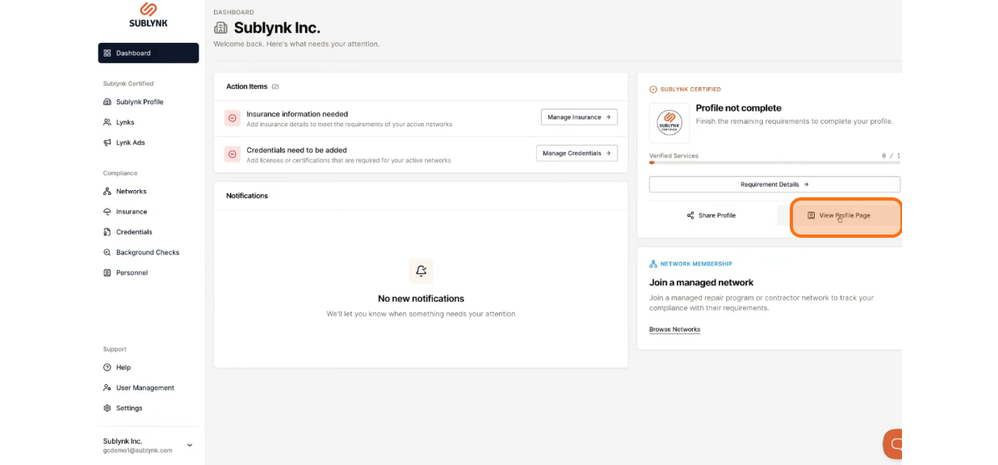
From your Dashboard, you can view your profile page at any time.
See a Sample Completed Profile
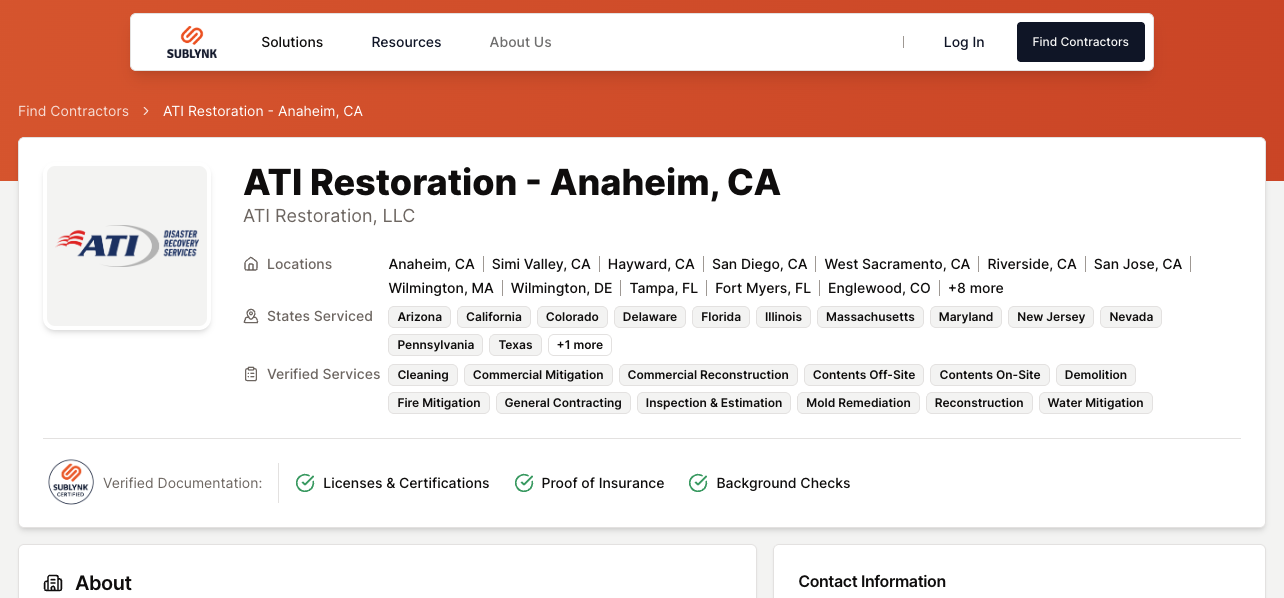
This is an example of a completed public profile. View an example profile here.
Share Your Profile Link
To share your profile, click Share profile. This gives you access to your profile URL and website embed code.
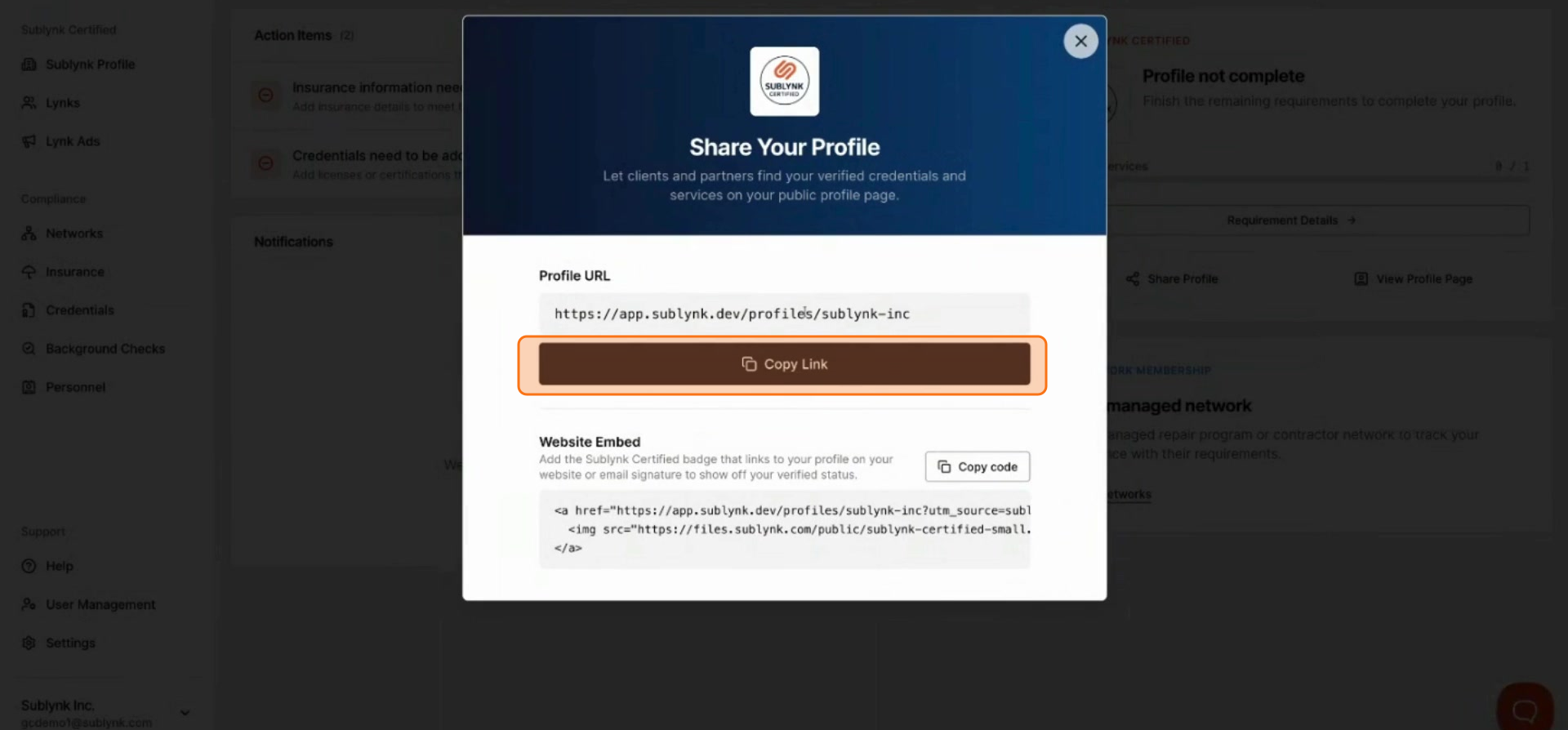
Get Your Website Embed Code
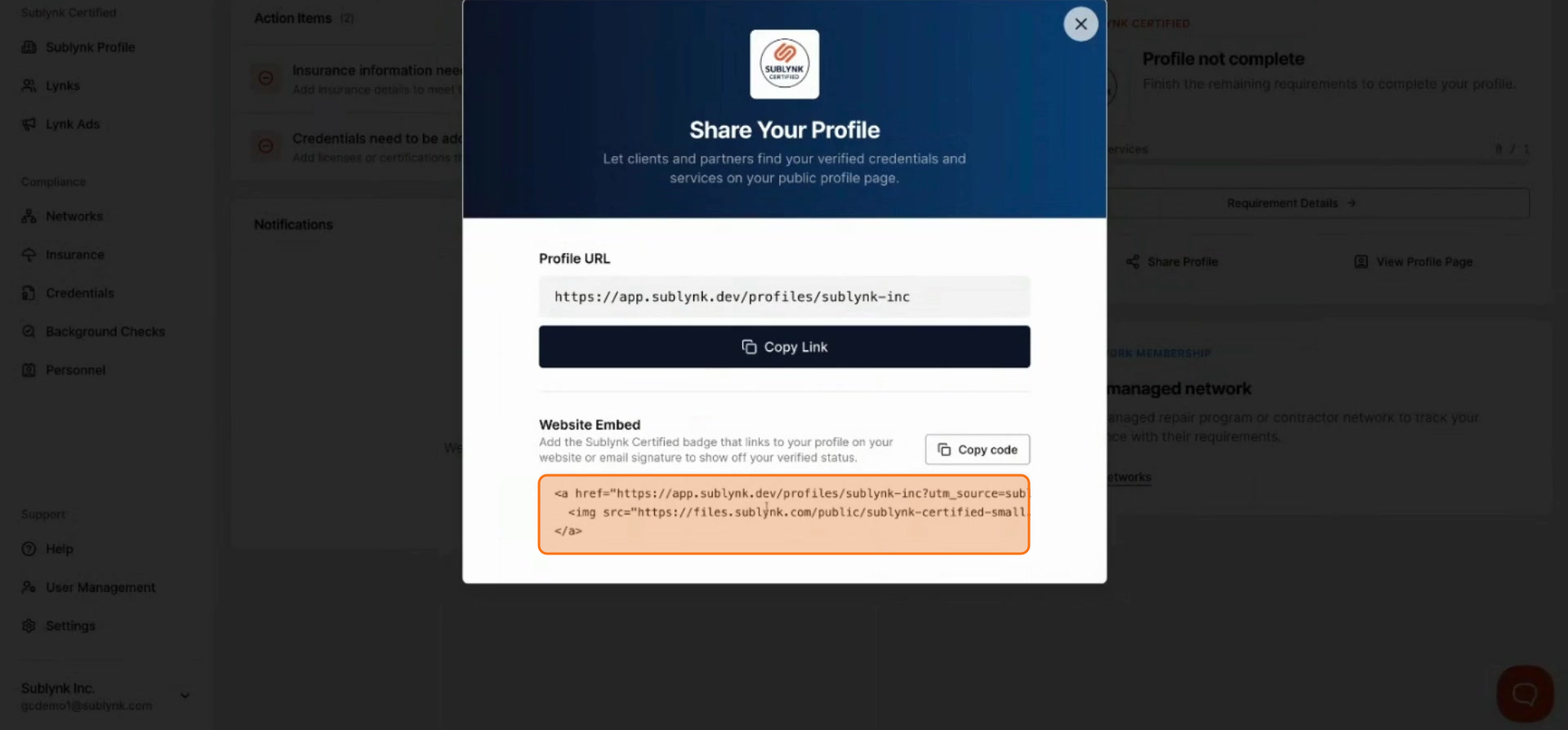
Provide the HTML embed code to your IT team to display your Sublynk Certified badge on your website or any digital channel.
Next Steps
Want to see the Sublynk Certified Network in action?
Book a Demo