
Order Background Checks on Sublynk
Background checks are not strictly required for Sublynk certification, but profiles with background checks on file for all personnel and subcontractors are often prioritized in the network. This guide walks you through ordering them.
Open Background Checks
Click on Background Checks from your dashboard or credentials section.
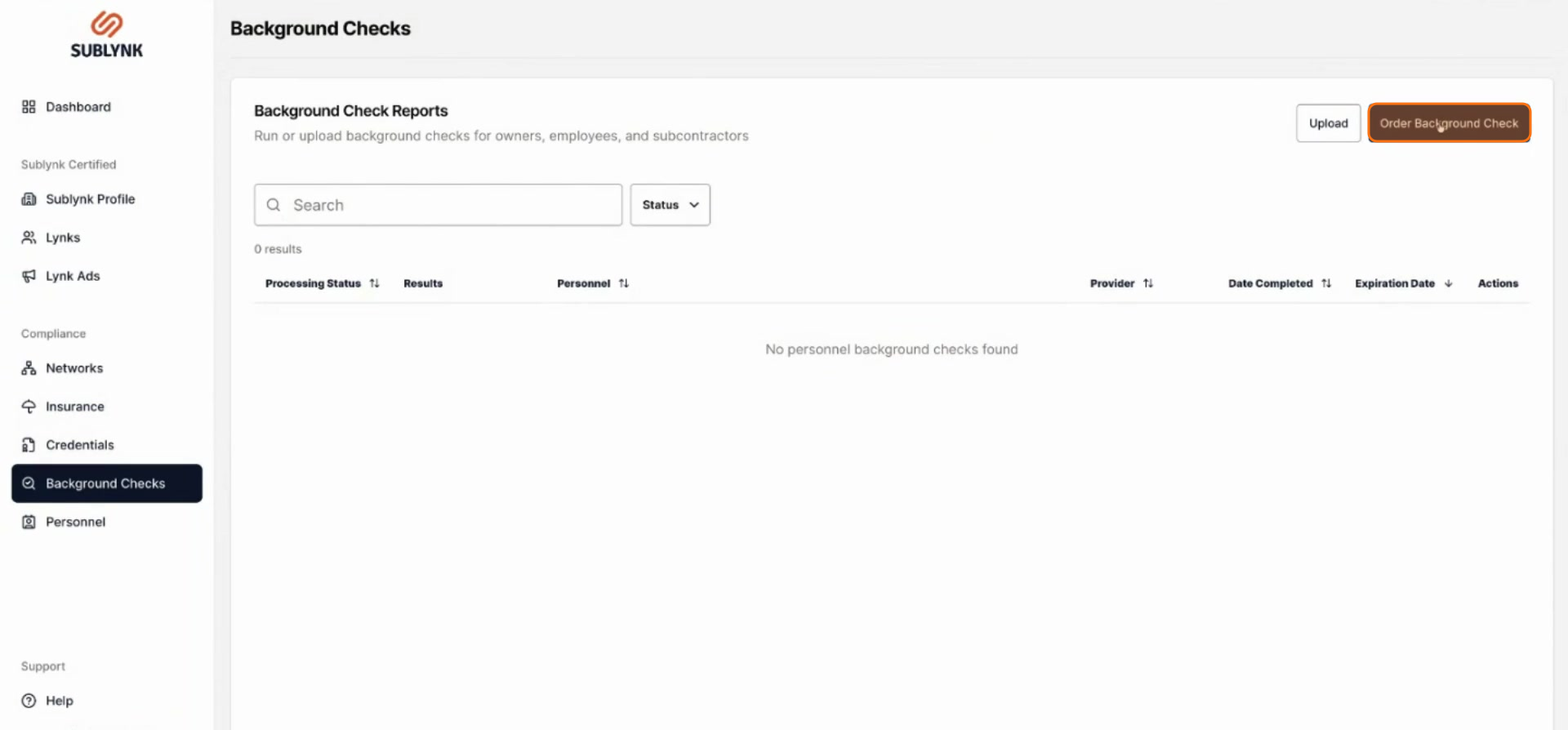
Click Order Background Check
Click Order background check.
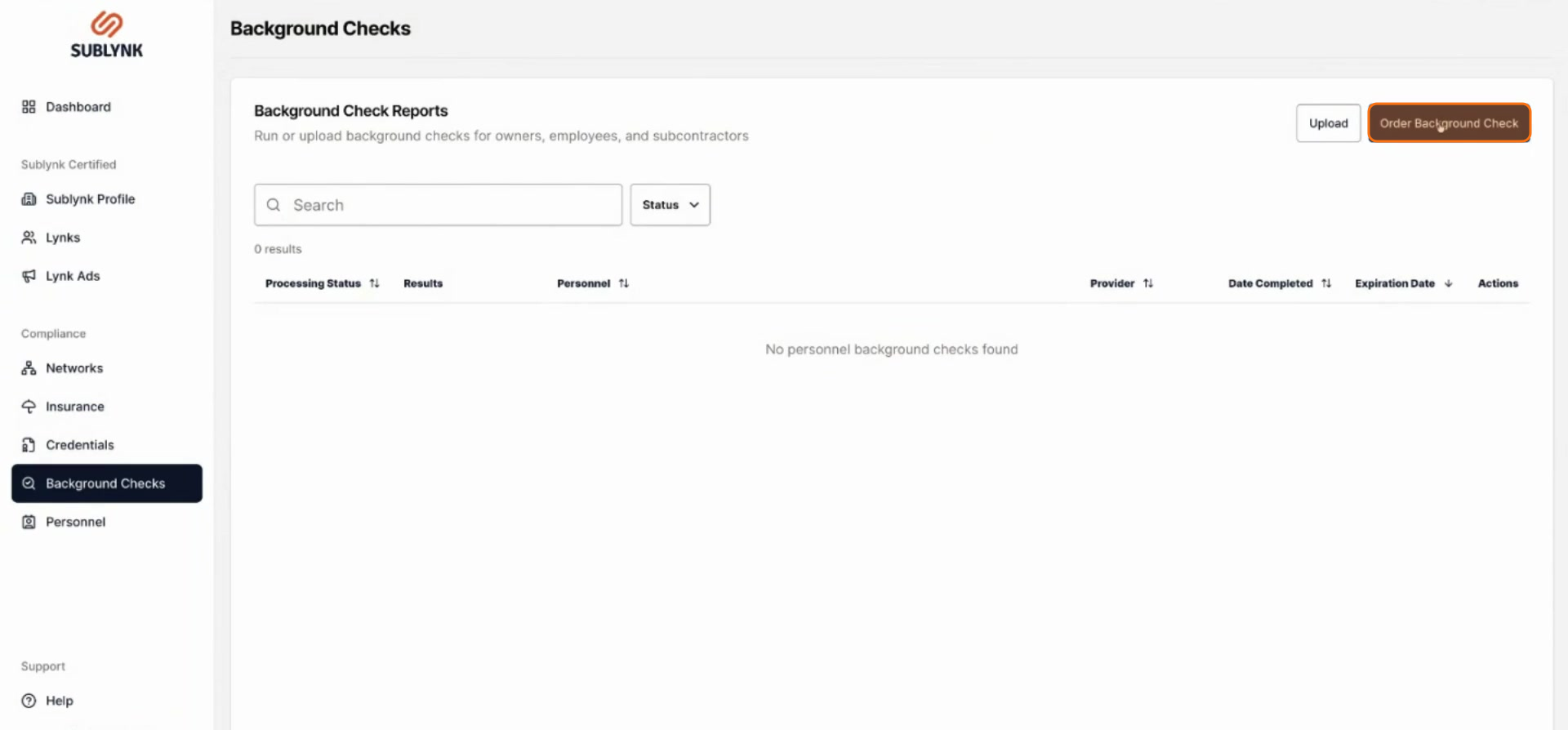
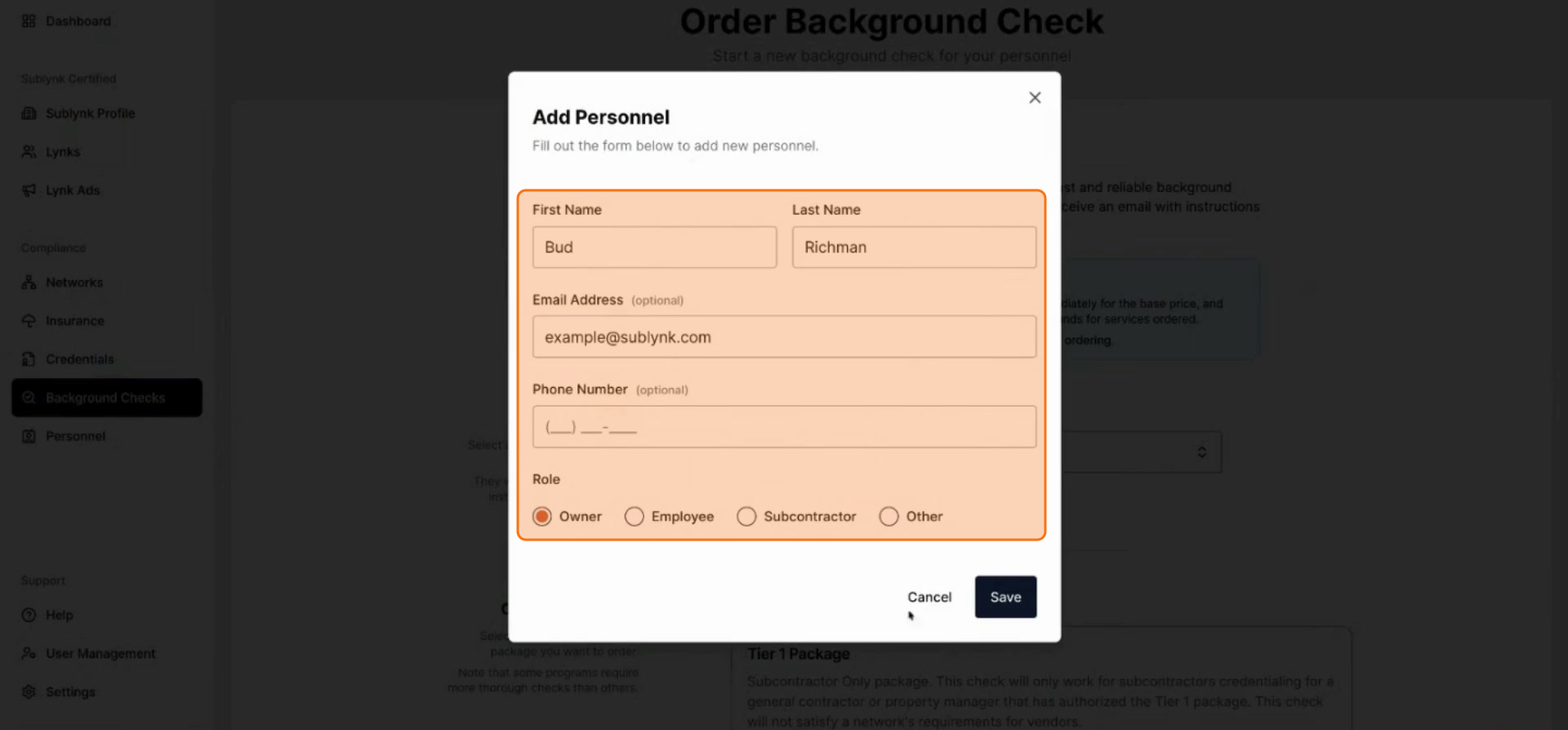
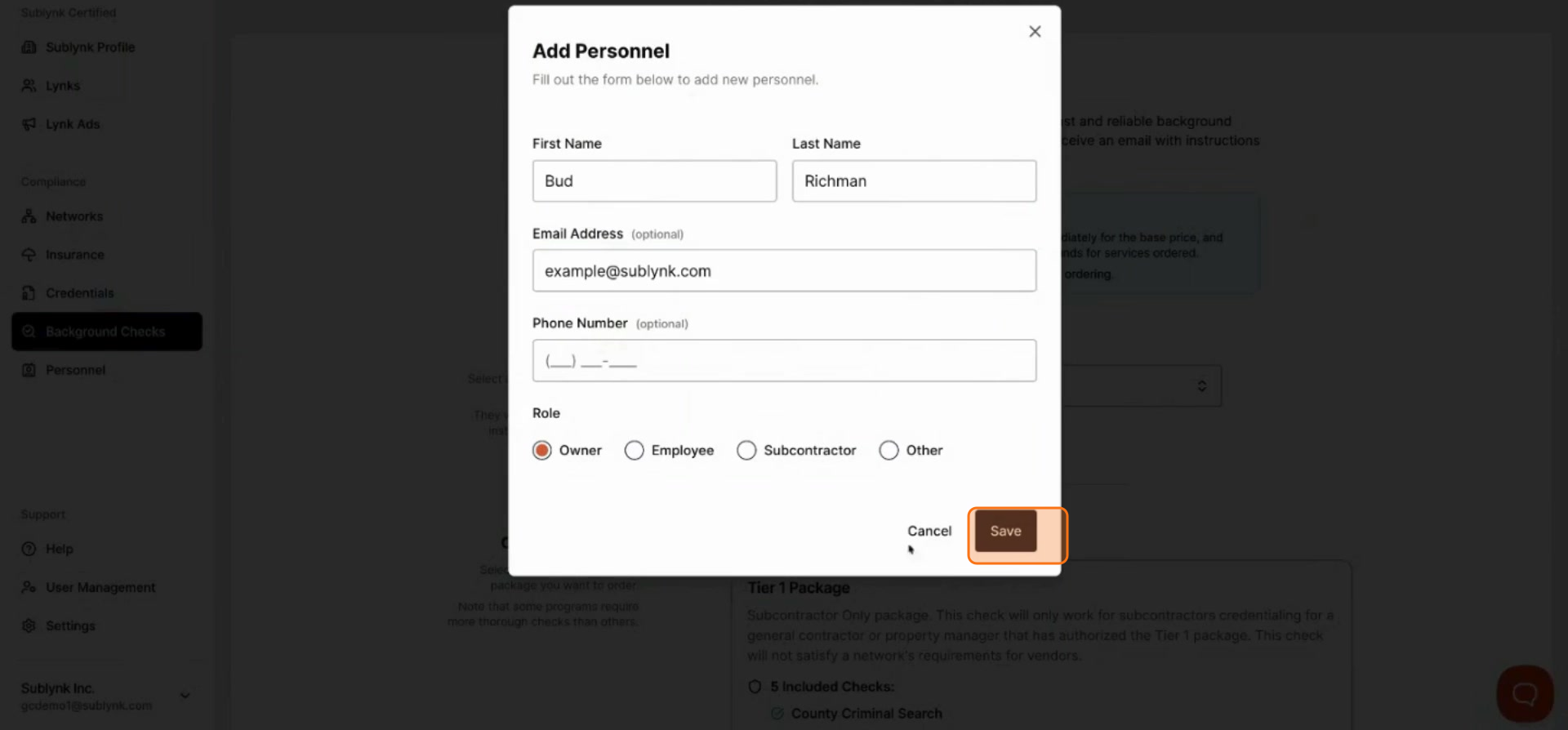
Enter the Person's Details
Enter the person's first name, last name, and email address.
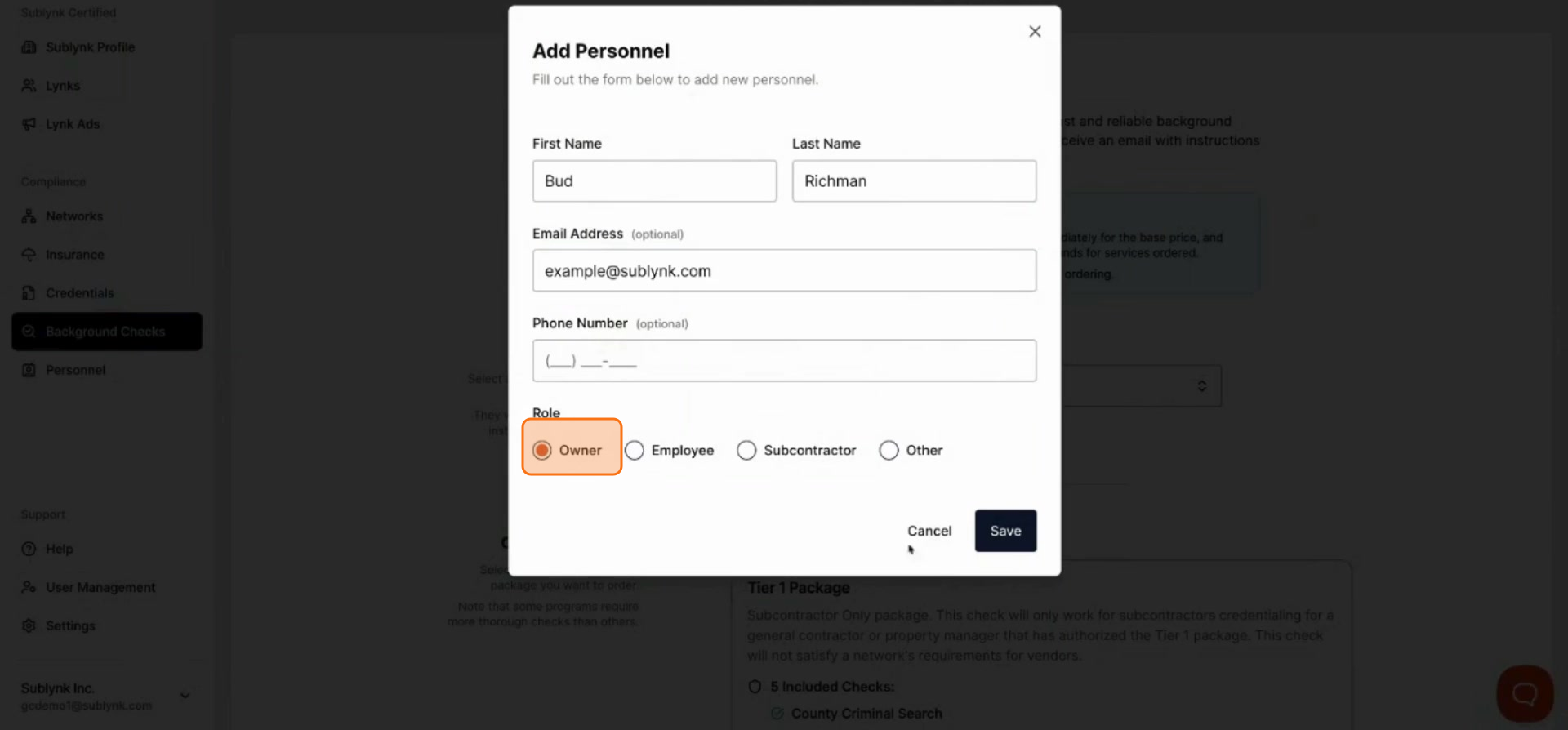
Select Their Role
Select the appropriate role for the individual.
Click Save
Click Save to proceed.
Choose a Background Check Tier
Tier 1 is the minimum background check required. Be aware that many network partners require Tier 2, 3, or 4. Order the tier appropriate for your specific needs.
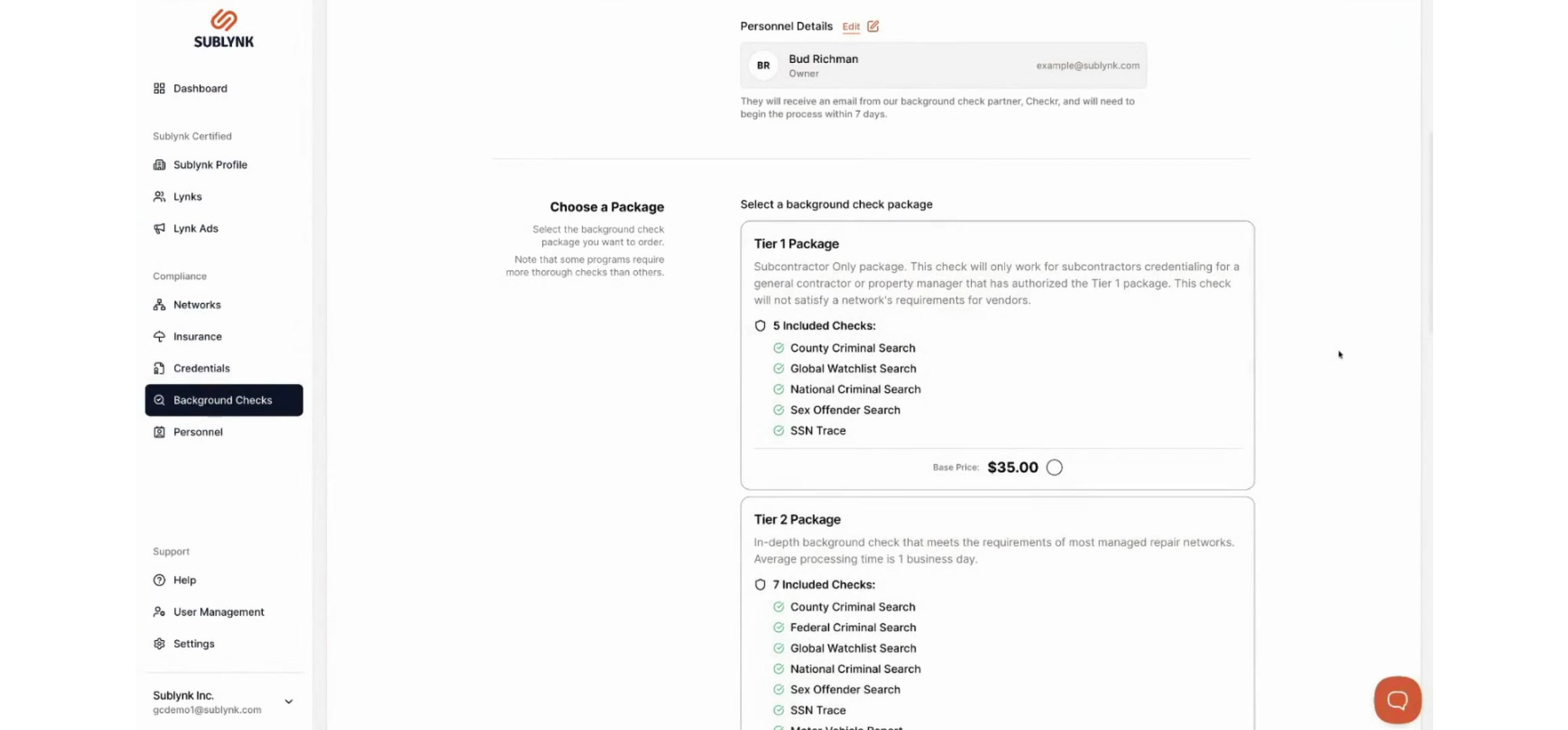
Order Background Check
When you place a background check the individual receives a link to fill out required information at the email you provided. If the individual fails to complete this task the check will be refunded after 7 days. Once the background check is filled out by the individual Sublynk will process the information as it is recieved from Checkr, providing the report to you in our application.
Next Steps
- How to Set Up Your Sublynk Public Profile
Build your public-facing contractor profile so networks and programs can find your company.
Want to see the Sublynk Certified Network in action?
Book a Demo