
Manage Your Credentials on Sublynk
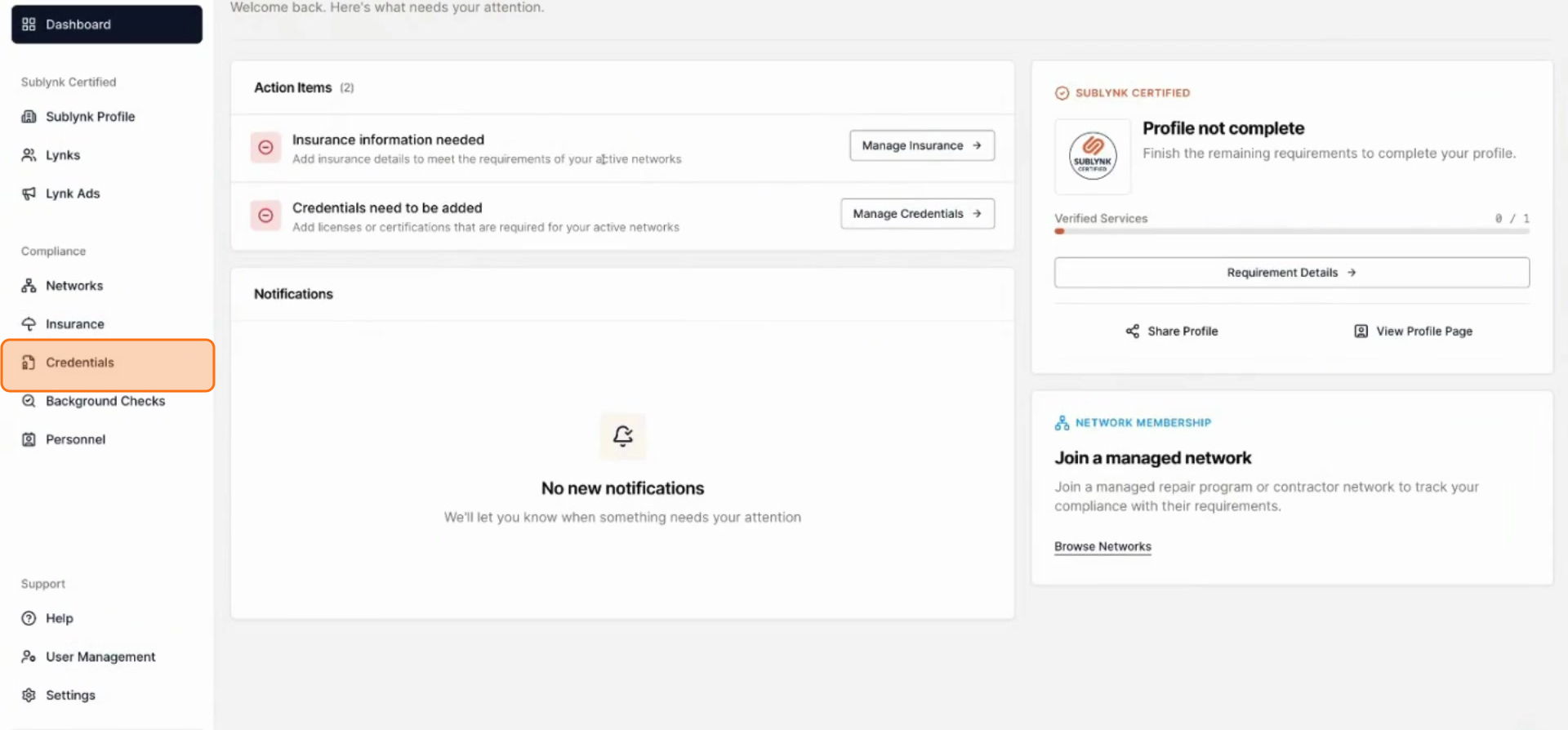
Go to Credentials
From your dashboard, click Credentials in the left navigation.
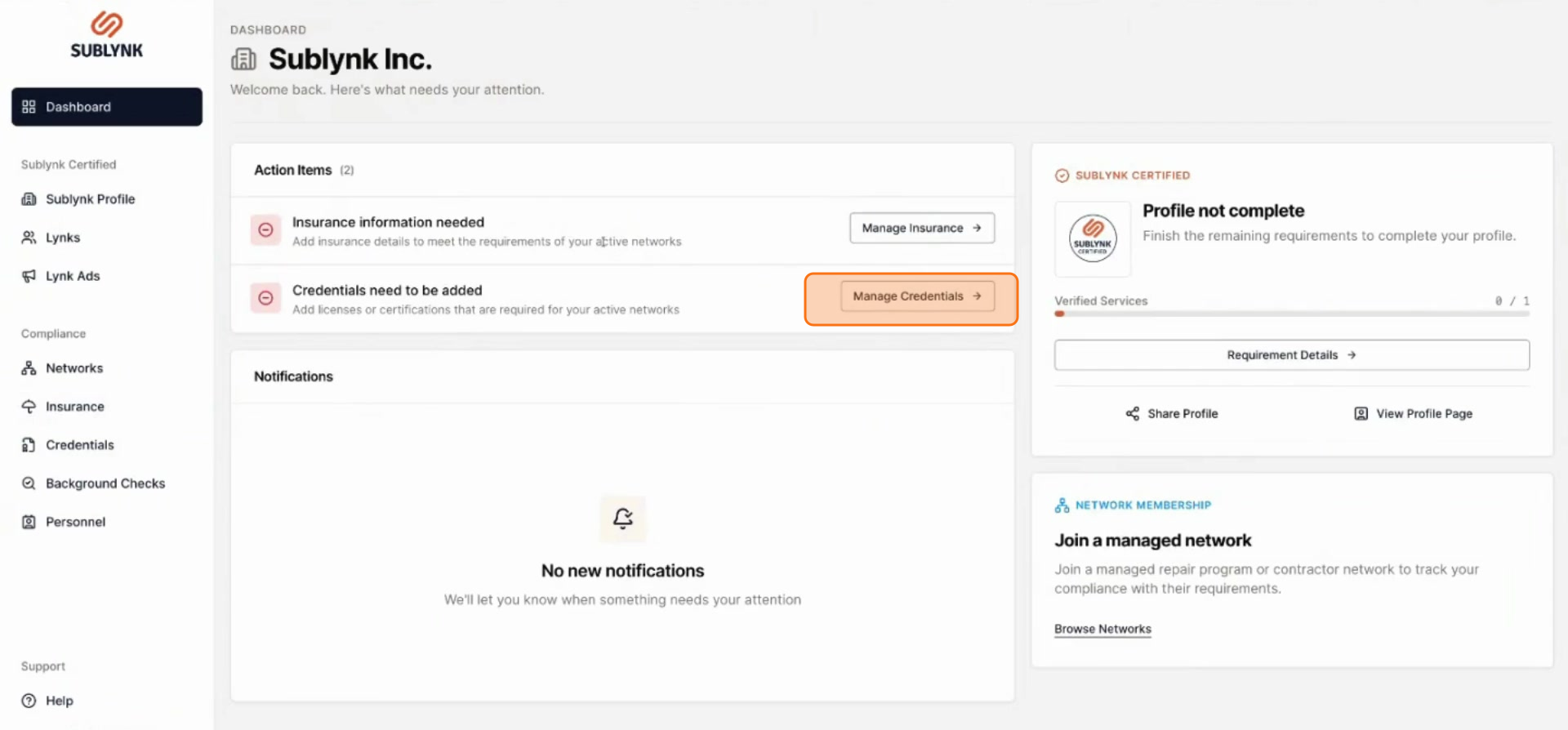
Open Manage Credentials
Or click Manage Credentials to view any missing credentials.
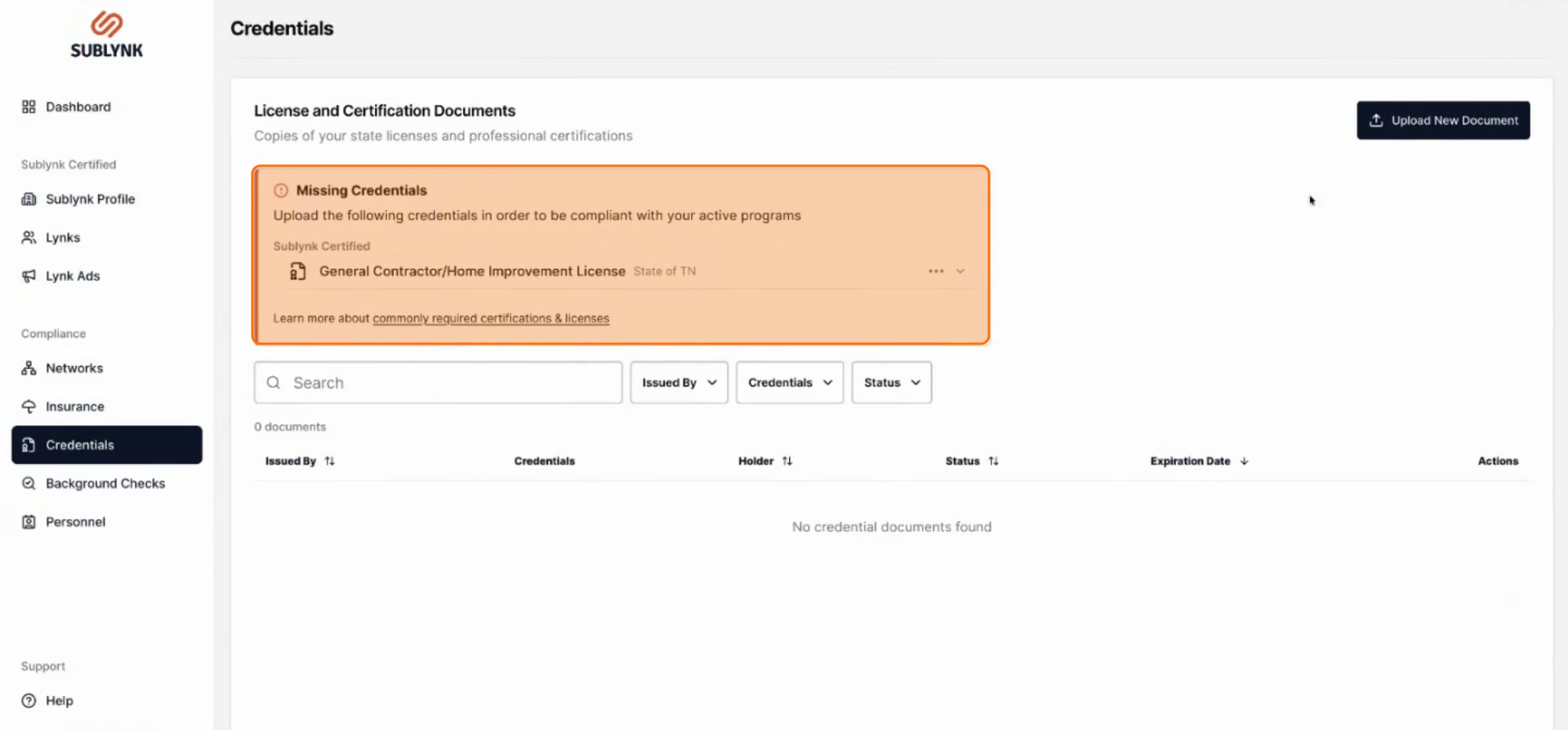
Review Missing Credentials
Any missing credentials will be clearly listed at the top of the page.
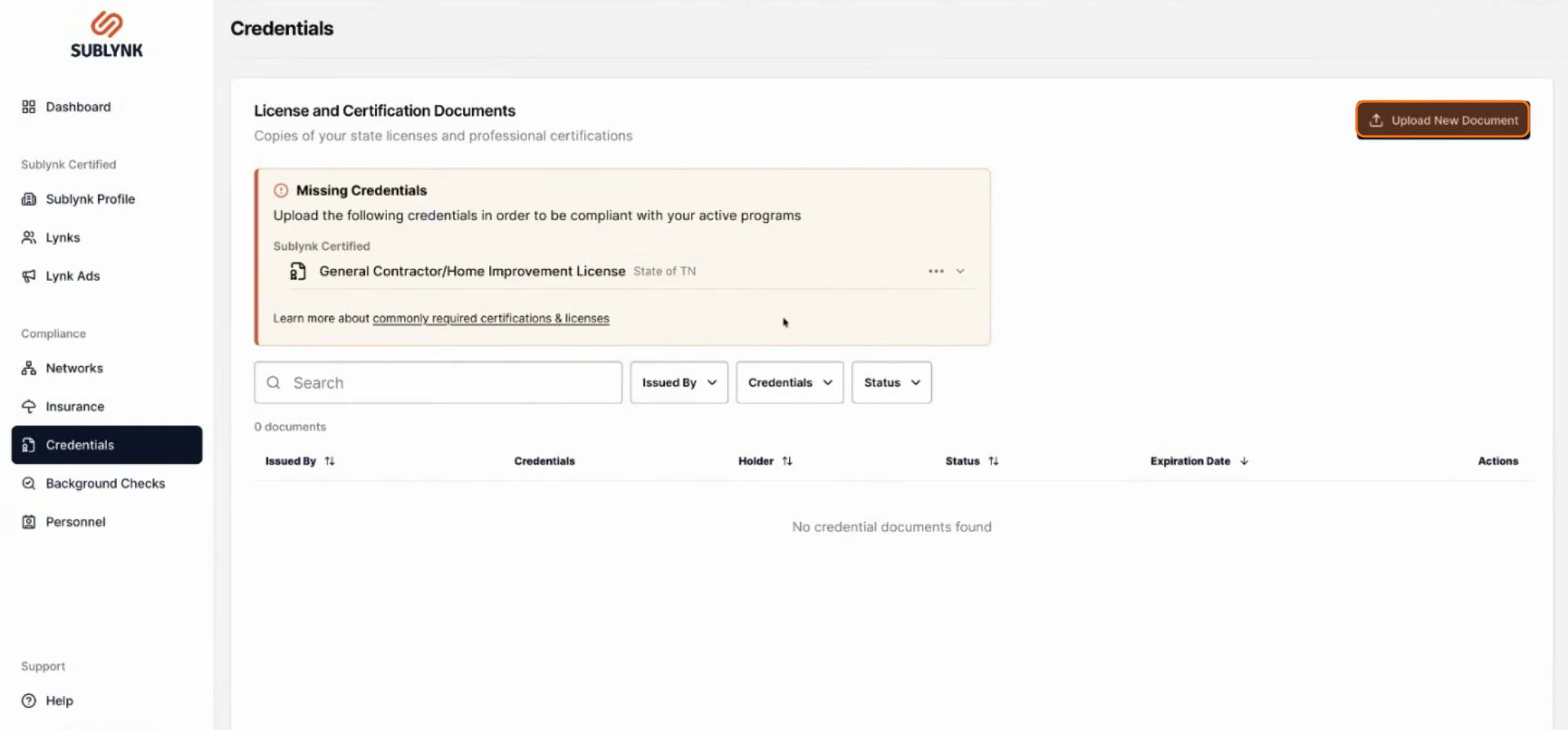
Click Upload New Document
To add a new credential, click Upload new document.
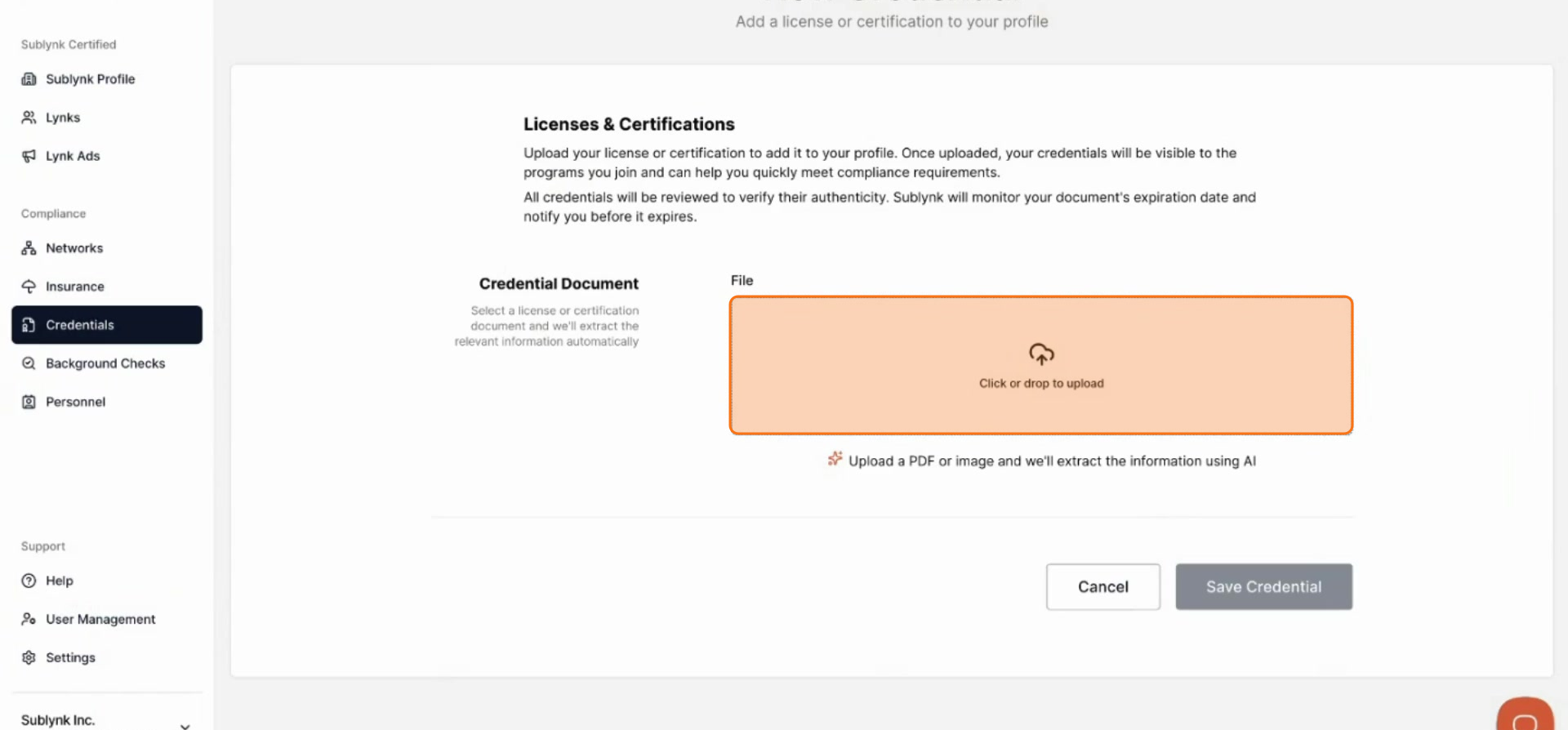
Choose Your File
Upload the credential file from your computer.
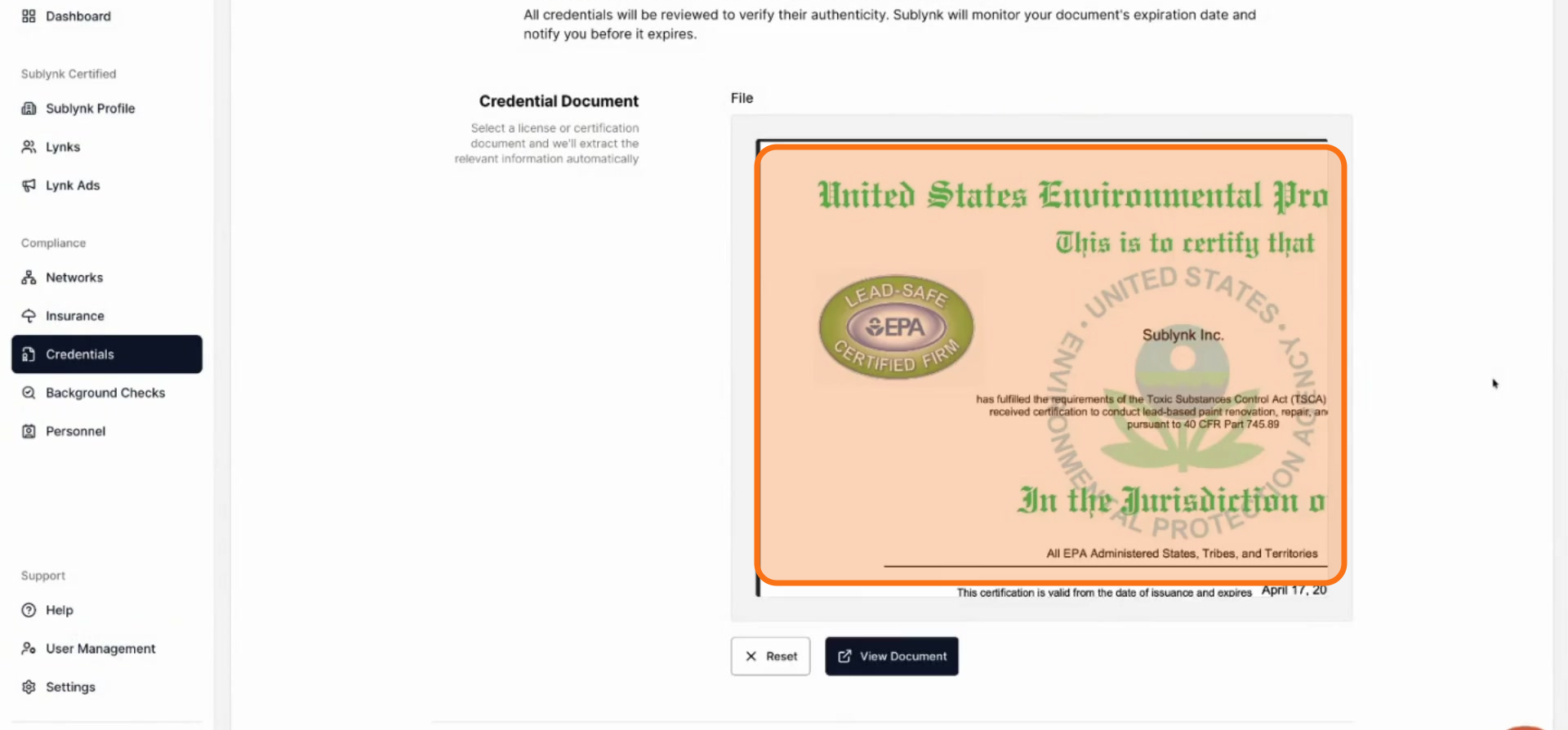
Review Auto-Populated Details
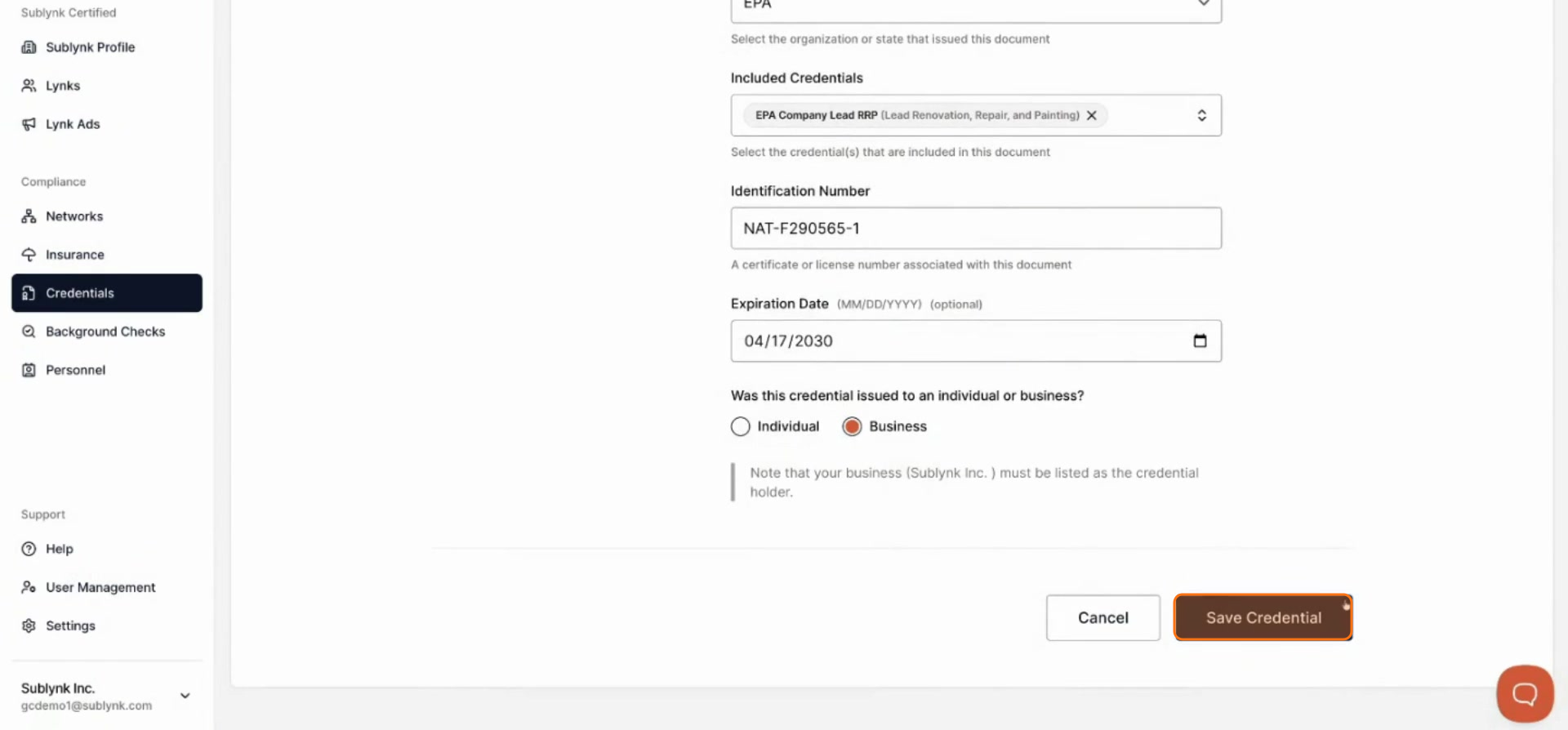
The system will automatically scan the document and pre-populate the relevant information for you.
Save Your Credential
Review the details carefully. If everything looks correct, click Save credential to finalize.
Sublynk automatically verifies all licenses and certifications directly with their governing bodies. You will be notified when it is time to renew, and Sublynk will attempt to re-verify your renewed credentials on your behalf.
Next Steps
- How to Order Background Checks on Sublynk
Order a background check to complete your verified contractor profile.
Want to see the Sublynk Certified Network in action?
Book a Demo