
Complete Your Service Profile and Sign the Network Agreement
This guide walks you through completing your service profile surveys and signing the Sublynk network agreement. Both steps are required before your profile can go live.
Part 1: Service Profile Surveys - Included in Sublynk Certified
Open Your Service Profile
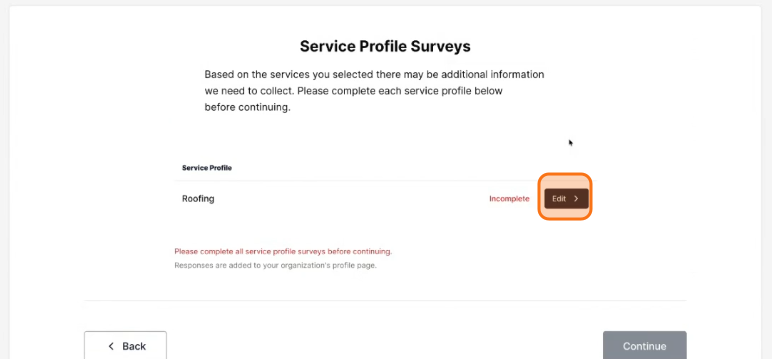
Based on the services you selected, there may be additional information to collect. Complete each service profile before continuing. Click Edit.
Answer Trade-Specific Questions
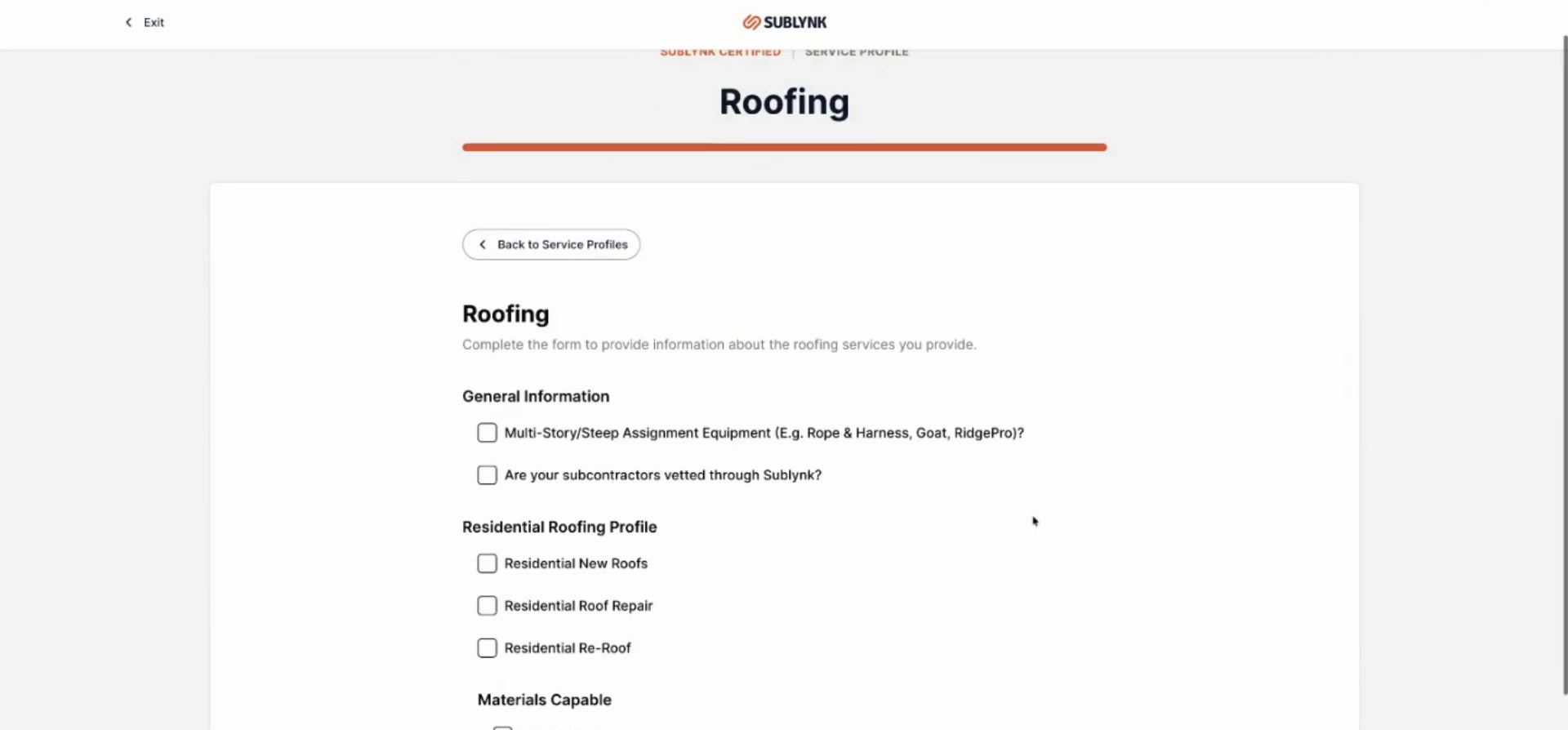
Complete the Service Profile Surveys by answering questions about your organization's work types and specialties. If you selected roofing, you will be prompted with roofing-specific questions.
Click Continue
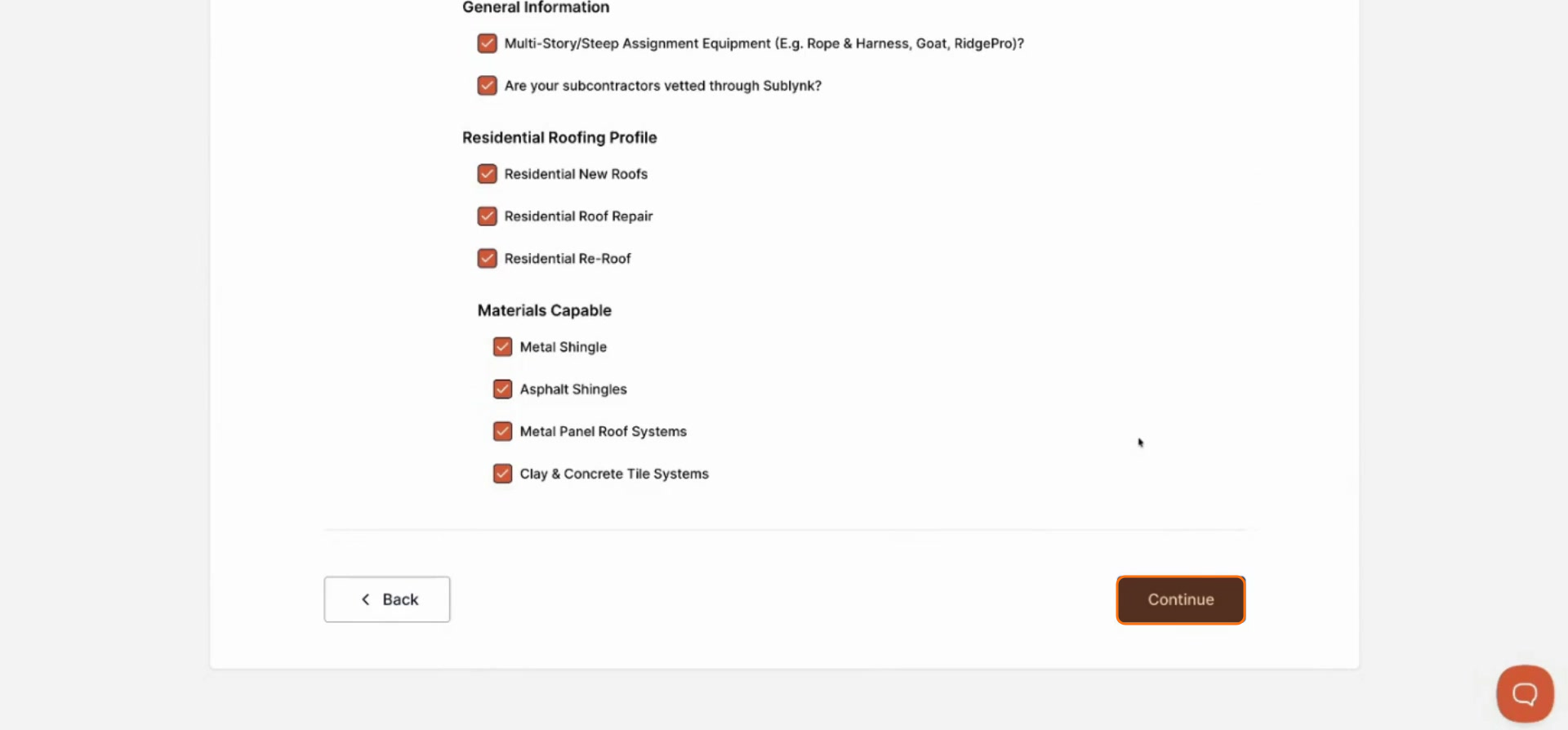
Once you have filled out all required information, click Continue.
Part 2: Signing the Network Agreement
The network agreement varies depending on the network you are joining. Each network, including Sublynk Certified, has a unique contract you will enter into with that organization.
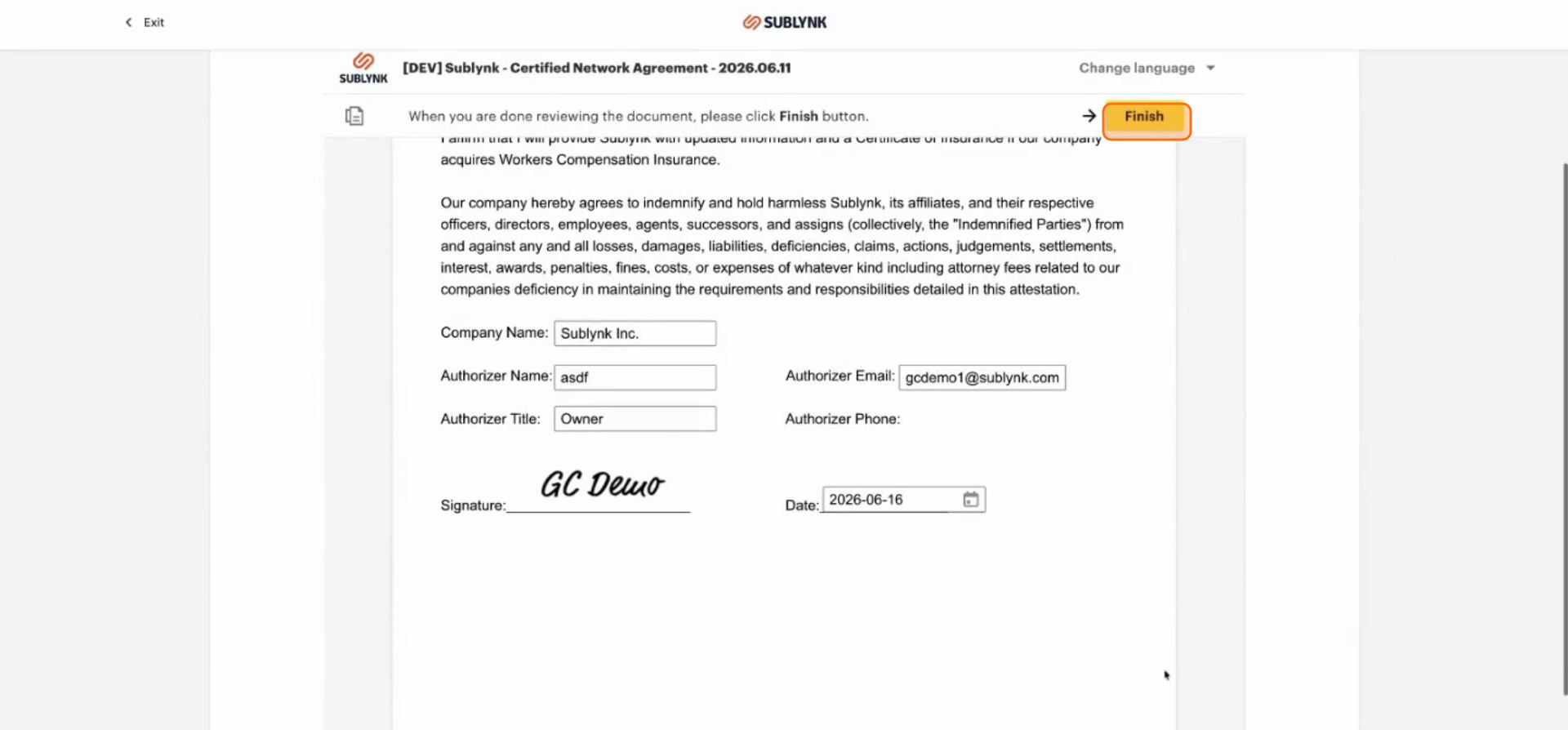
Fill In All Contract Details
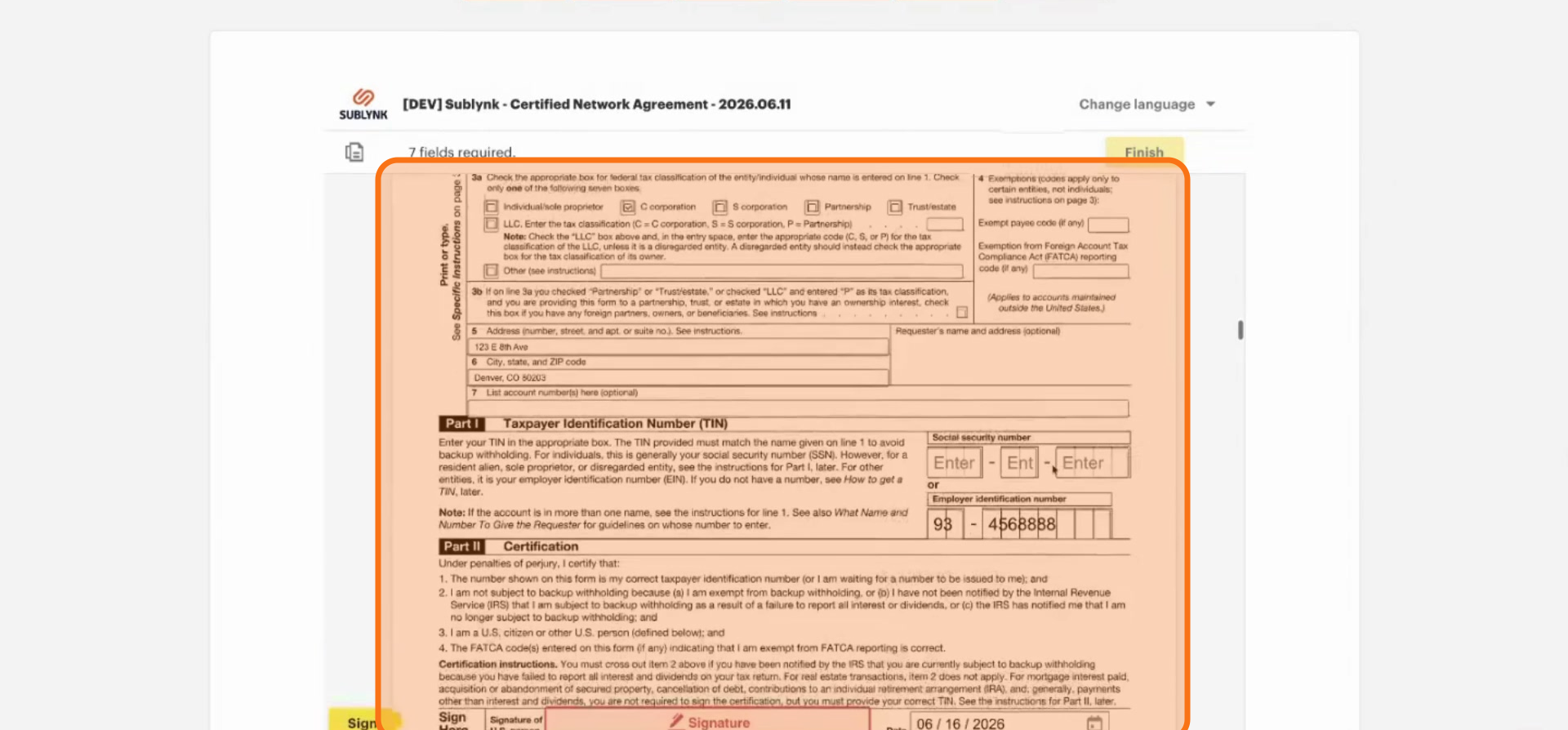
Work through the signing process by filling in all your information. Make sure all details are complete, your W-9 is accurate, and all required attestations are filled out.
Click Finish and Download Your Agreement
Once you have completed the contract signing, click Finish. You can download the document package for your records. You will also receive a copy via email, and all forms remain accessible within the platform.
Next Steps
- How to Complete Your Compliance Checklist
Submit your compliance checklist to start the credential verification process.
Want to see the Sublynk Certified Network in action?
Book a Demo