
Select Work Types on Sublynk
After activating your membership, select the types of work you want to register for and review the compliance requirements for each trade.
Choose Your Trade Categories
From the menu, select the types of work you want to register for on your Sublynk Certified profile. Every service listed here triggers automatic state and federal compliance requirements. If it is a regulated trade, Sublynk enforces those standards. City and county requirements are not enforced.
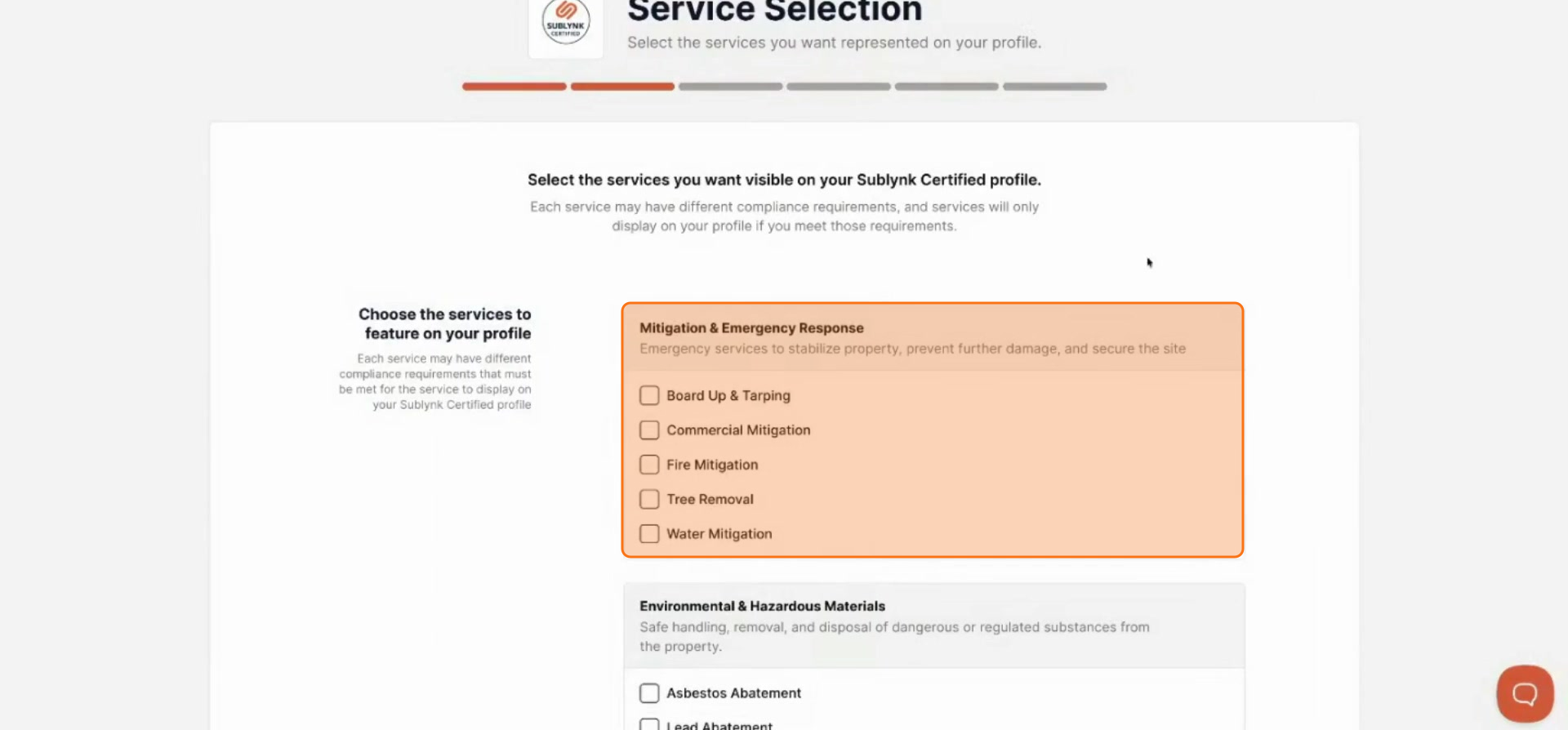
Select a Specific Trade
Select a specific trade, such as roofing, to proceed with the registration process.
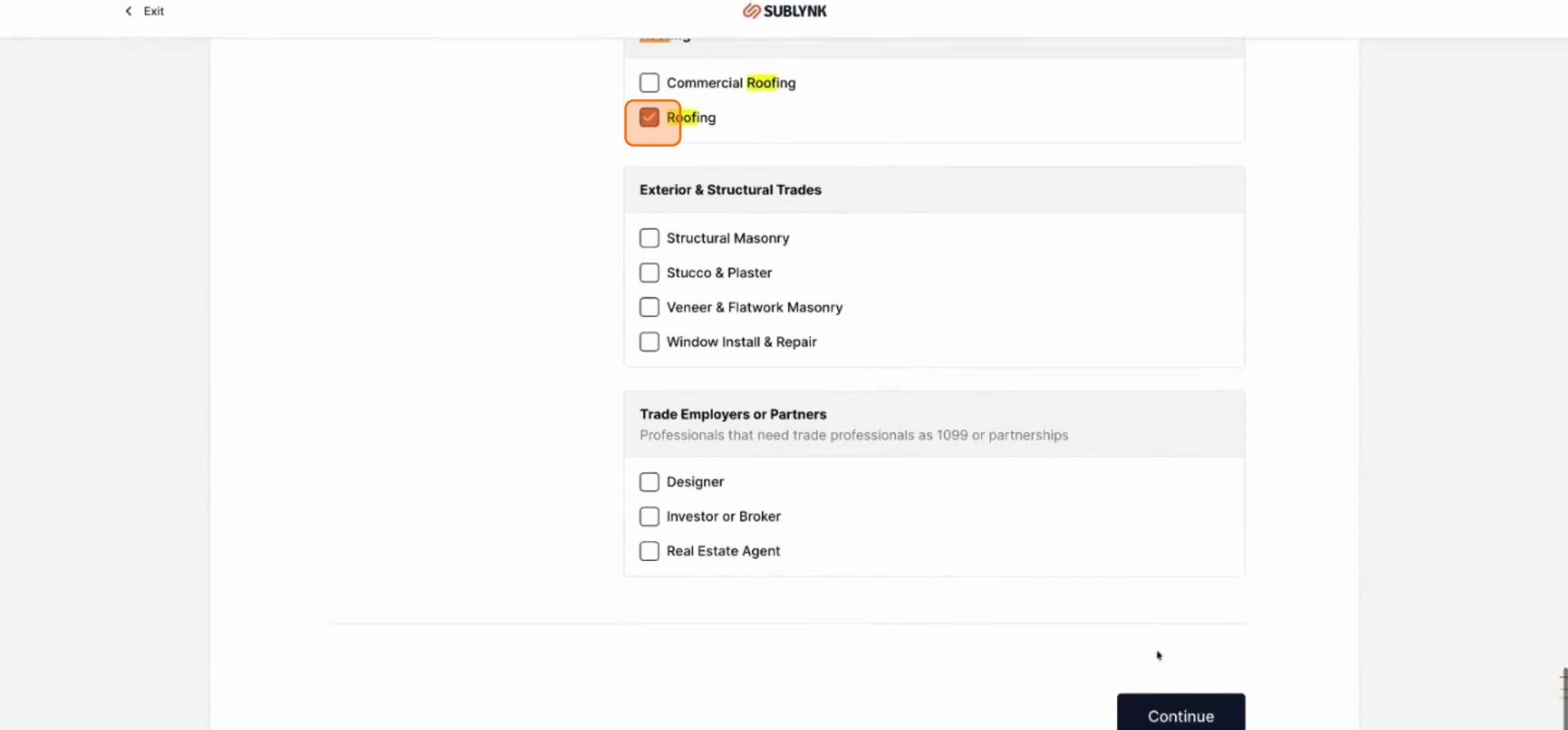
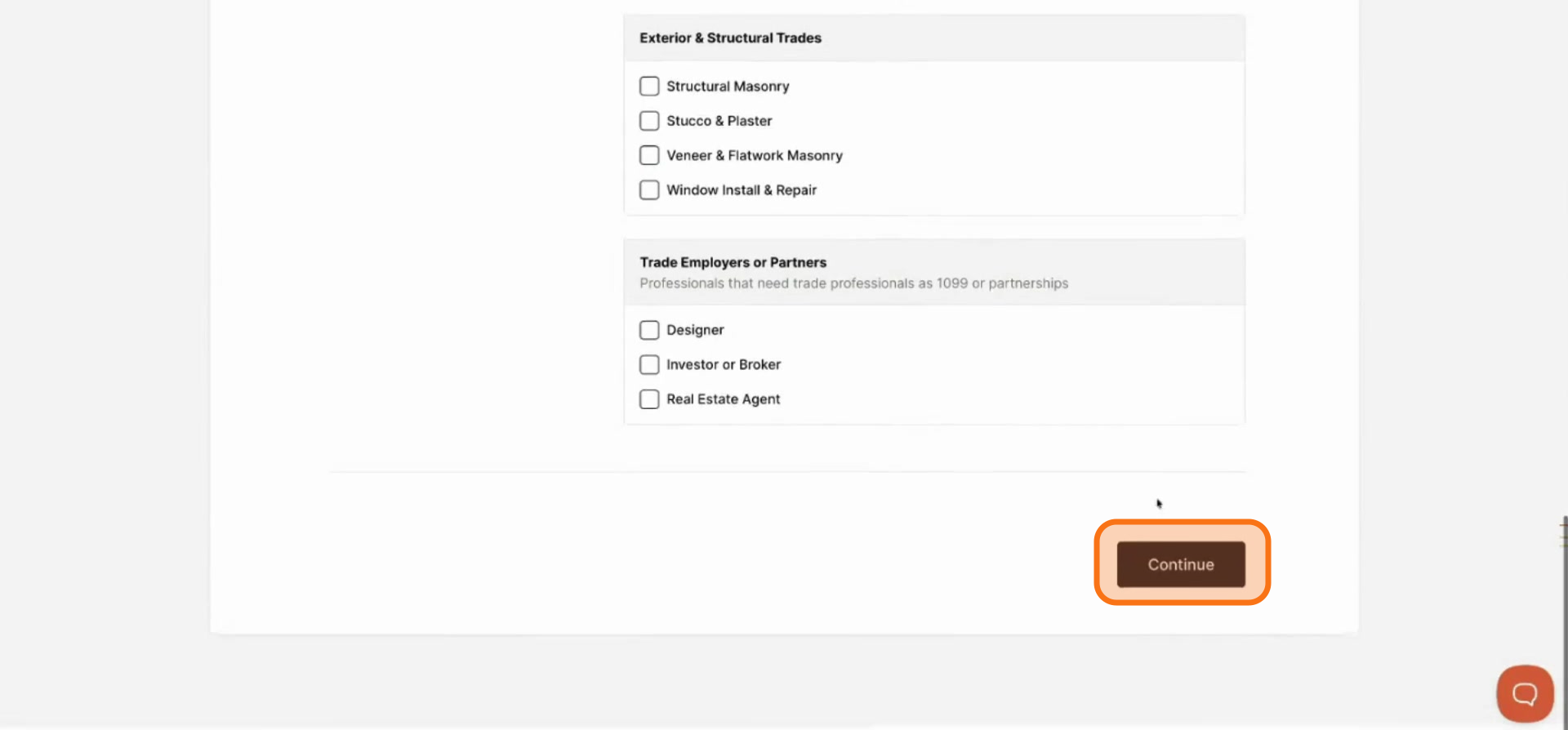
Click Continue
Click Continue.
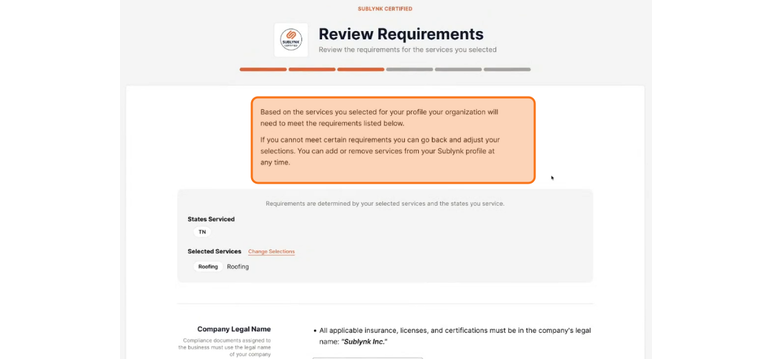
Review Your Trade Requirements
Review the requirements listed for the services you selected. If you cannot meet certain requirements, go back and adjust your selections. You can add and remove services from your Sublynk profile at any time.
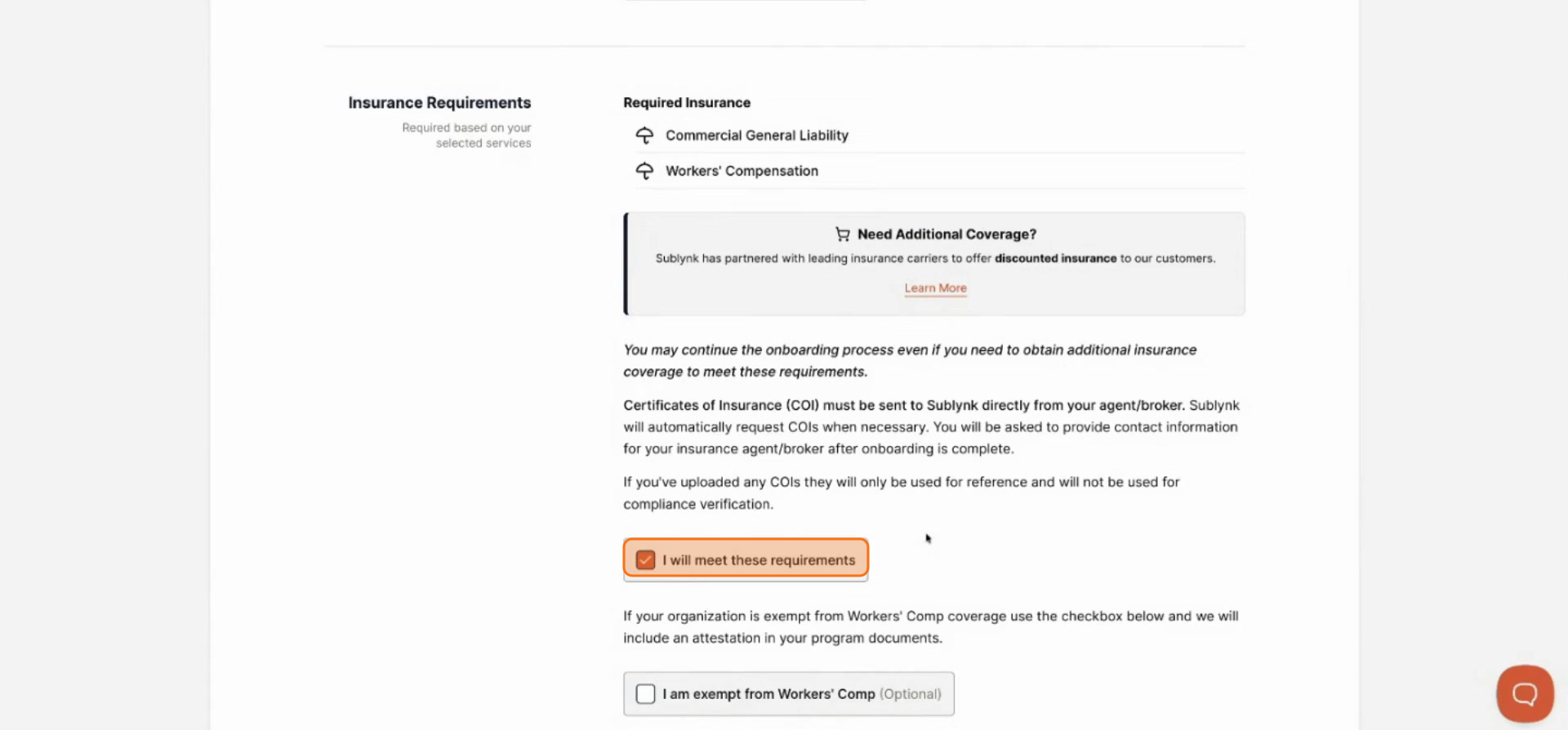
Review Insurance Requirements
Carefully review the insurance requirements for your selected work types.
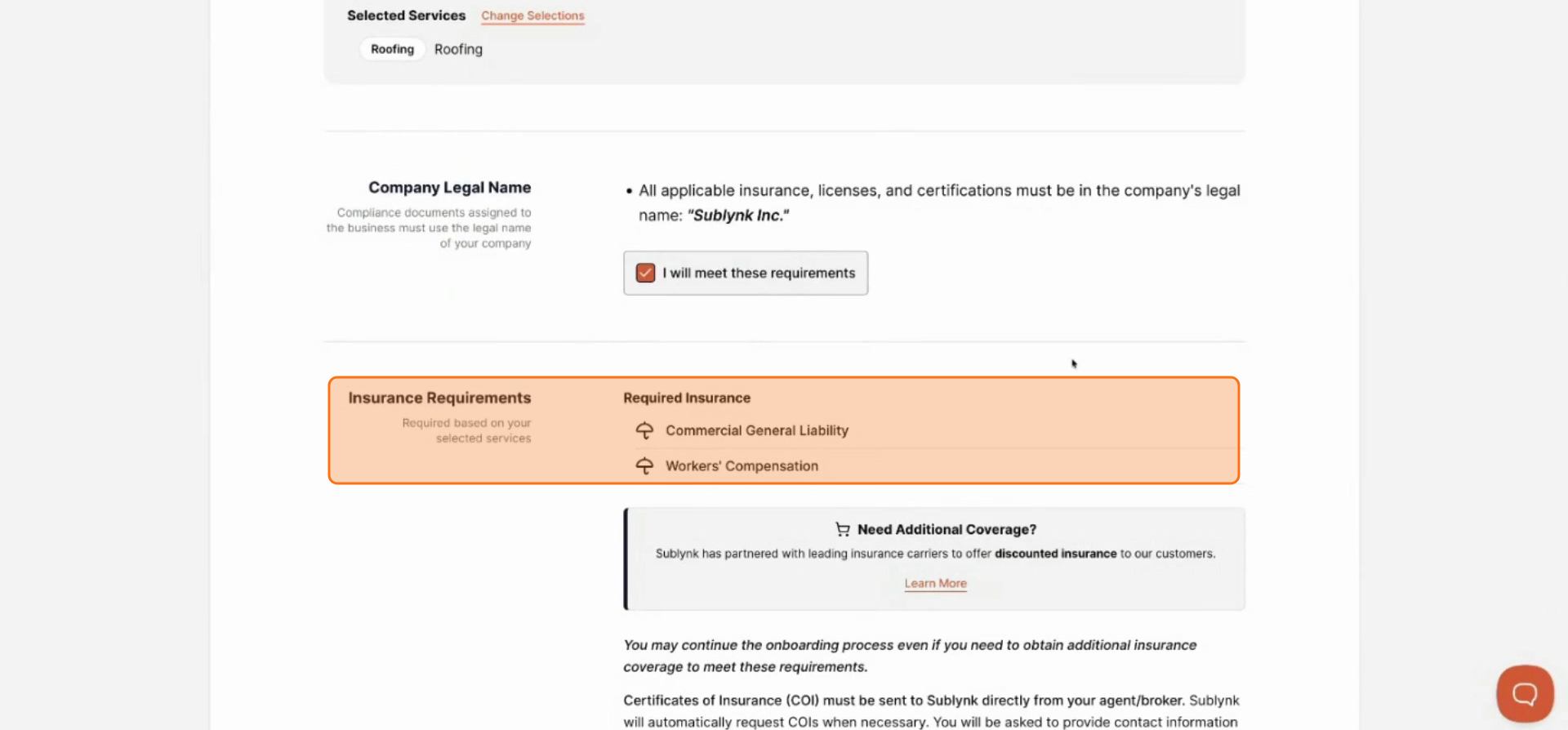
Attest to Compliance
Confirm that you meet these requirements and attest to continue.
Review License and Certification Requirements
Review any licenses or certifications required for your chosen work types.
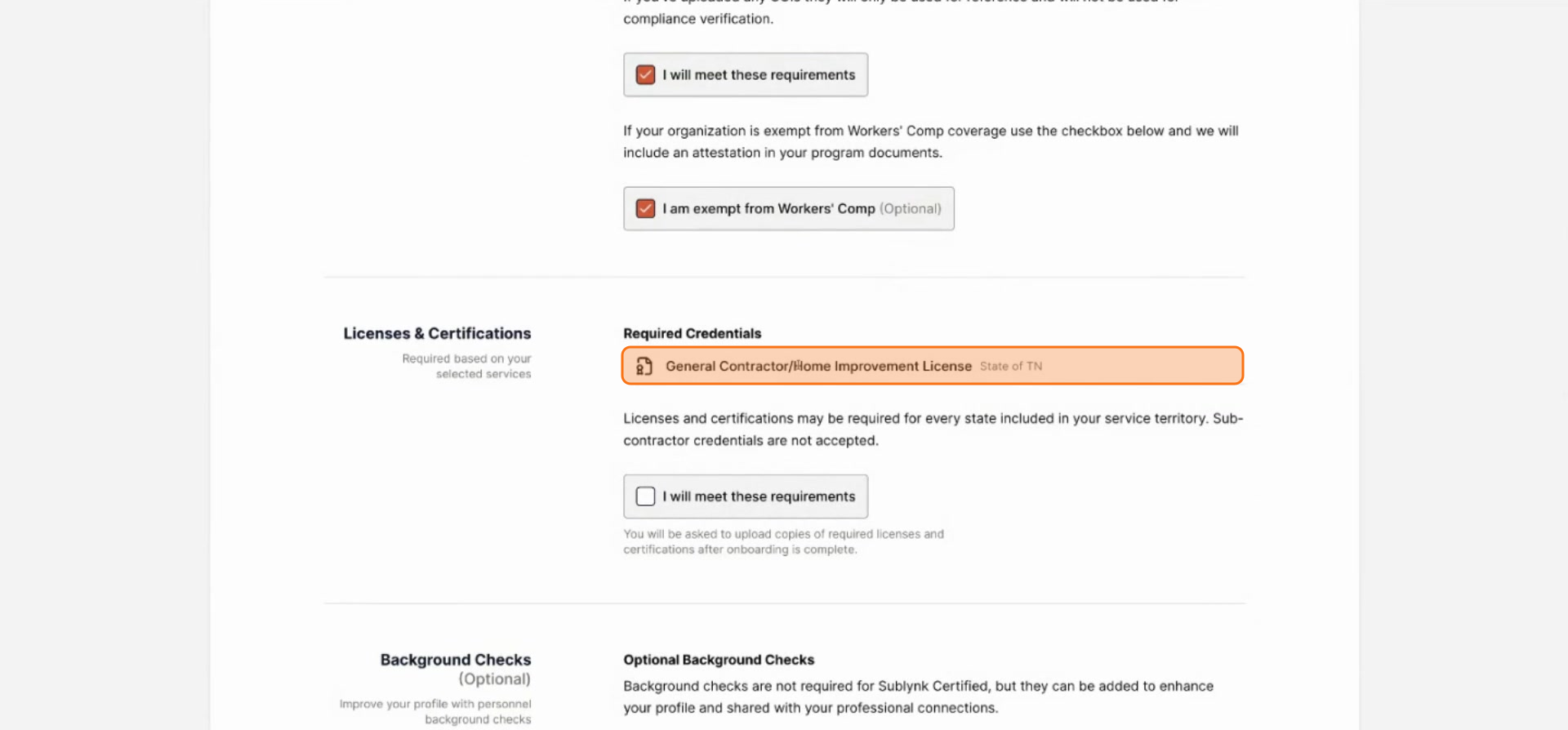
Consider Adding Background Checks
Background checks are optional but strongly encouraged. Sublynk prioritizes organizations that have background checks on file for all personnel and subcontractors. A more complete profile significantly improves your listing priority.
Next Steps
- How to Complete Your Service Profile and Sign the Network Agreement
Fill out your trade-specific service profile and sign the Sublynk Network Agreement.
Want to see the Sublynk Certified Network in action?
Book a Demo