
How to Review and Accept Job Applications
This guide shows you how to review pending job applications, check an applicant's details, and accept a contractor, which sends them a compliance-based Lynk request.
Review job applications
Open the Jobs tab
In the left menu, click Jobs.
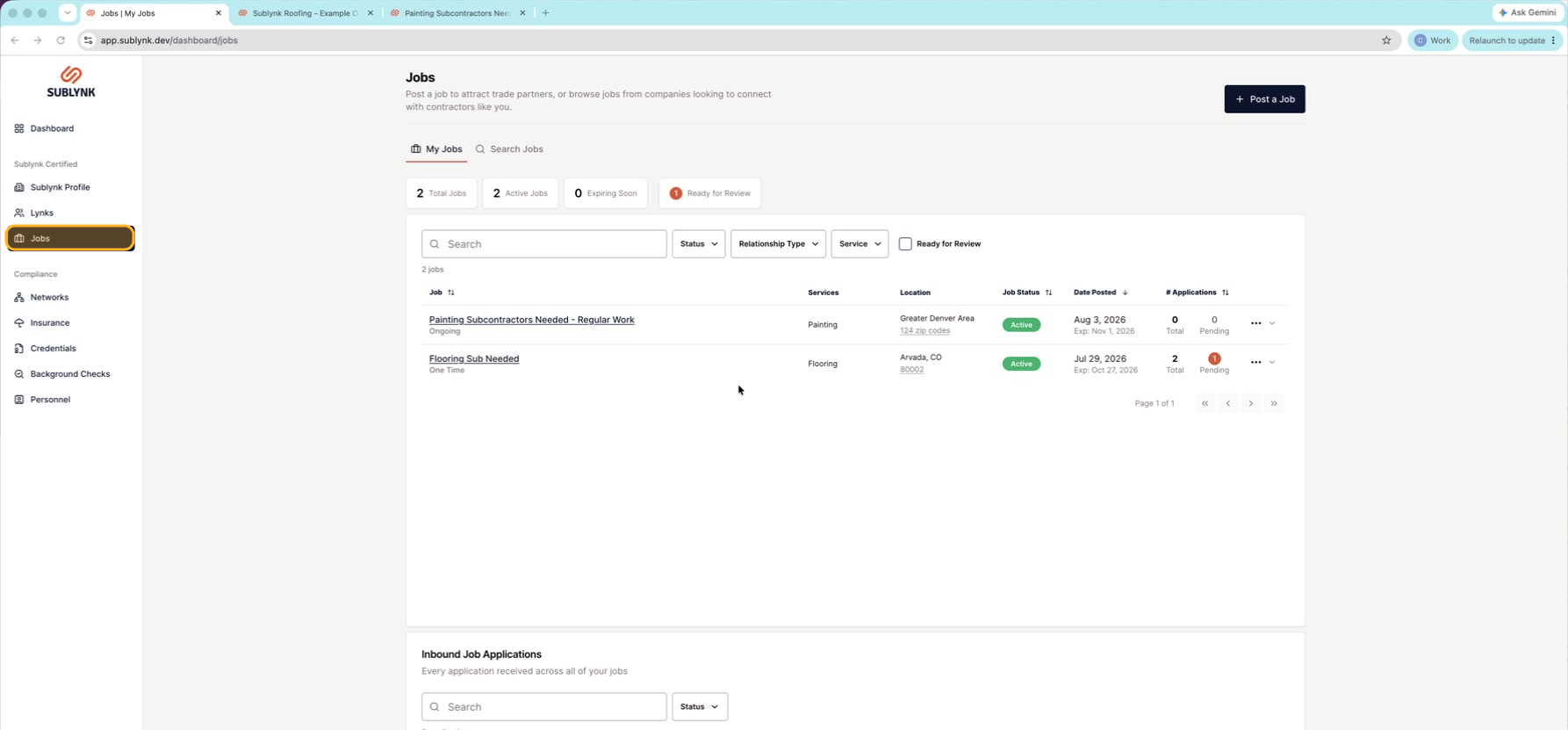
Find jobs ready for review
You will see a "ready for review" count, and any job with a pending application is highlighted.
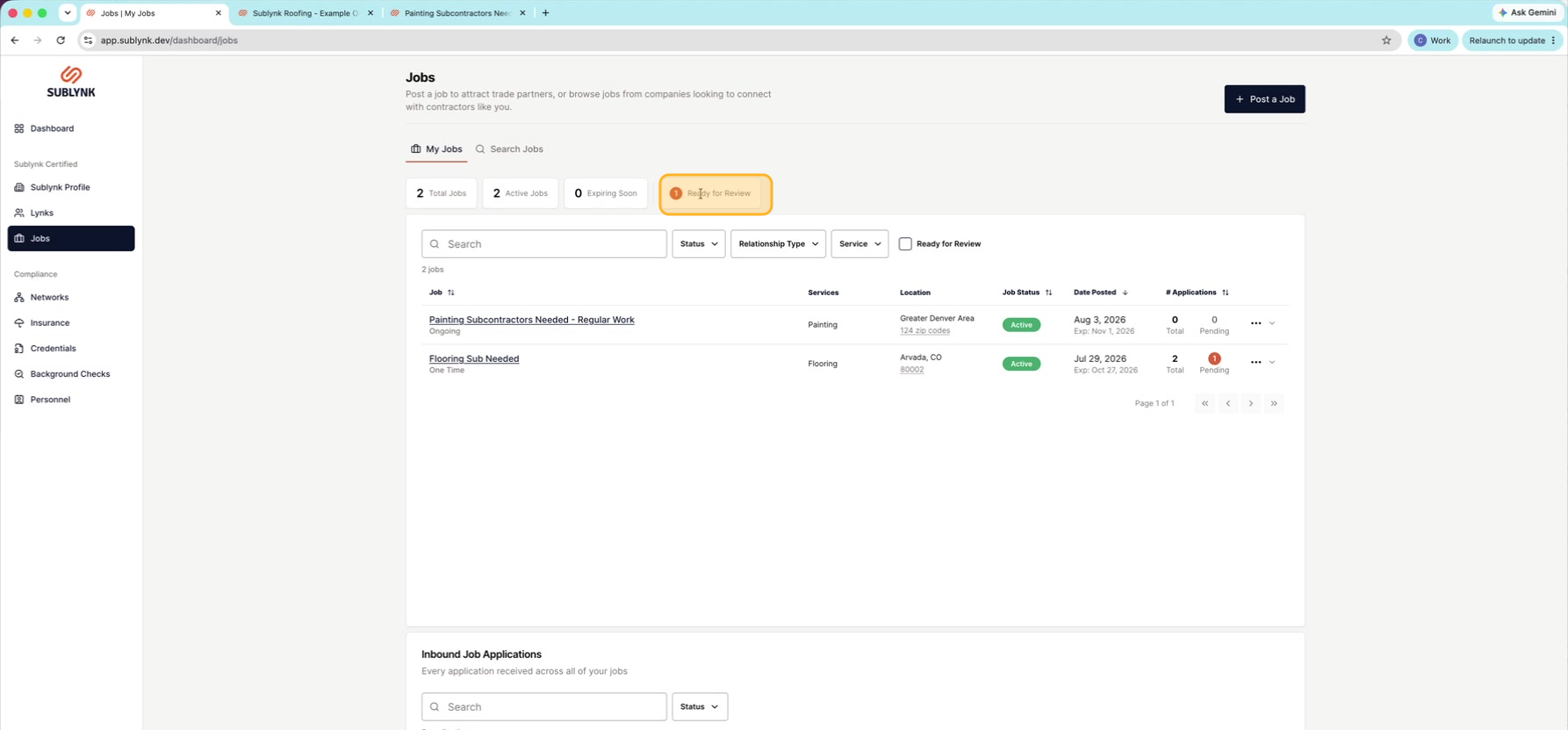
Open the job
Click the job you want to review.
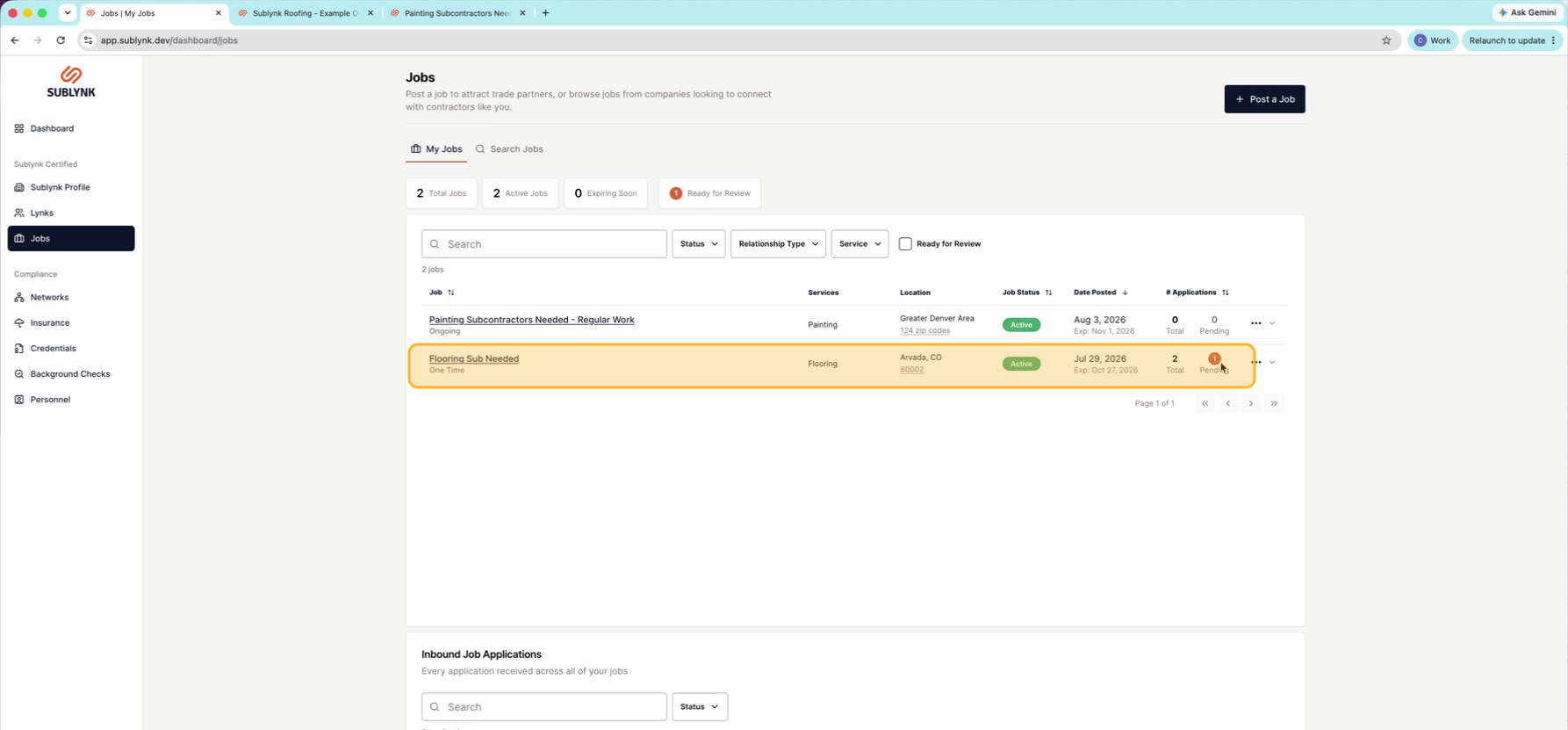
View the details
Click the three dots on the right and choose View Details.
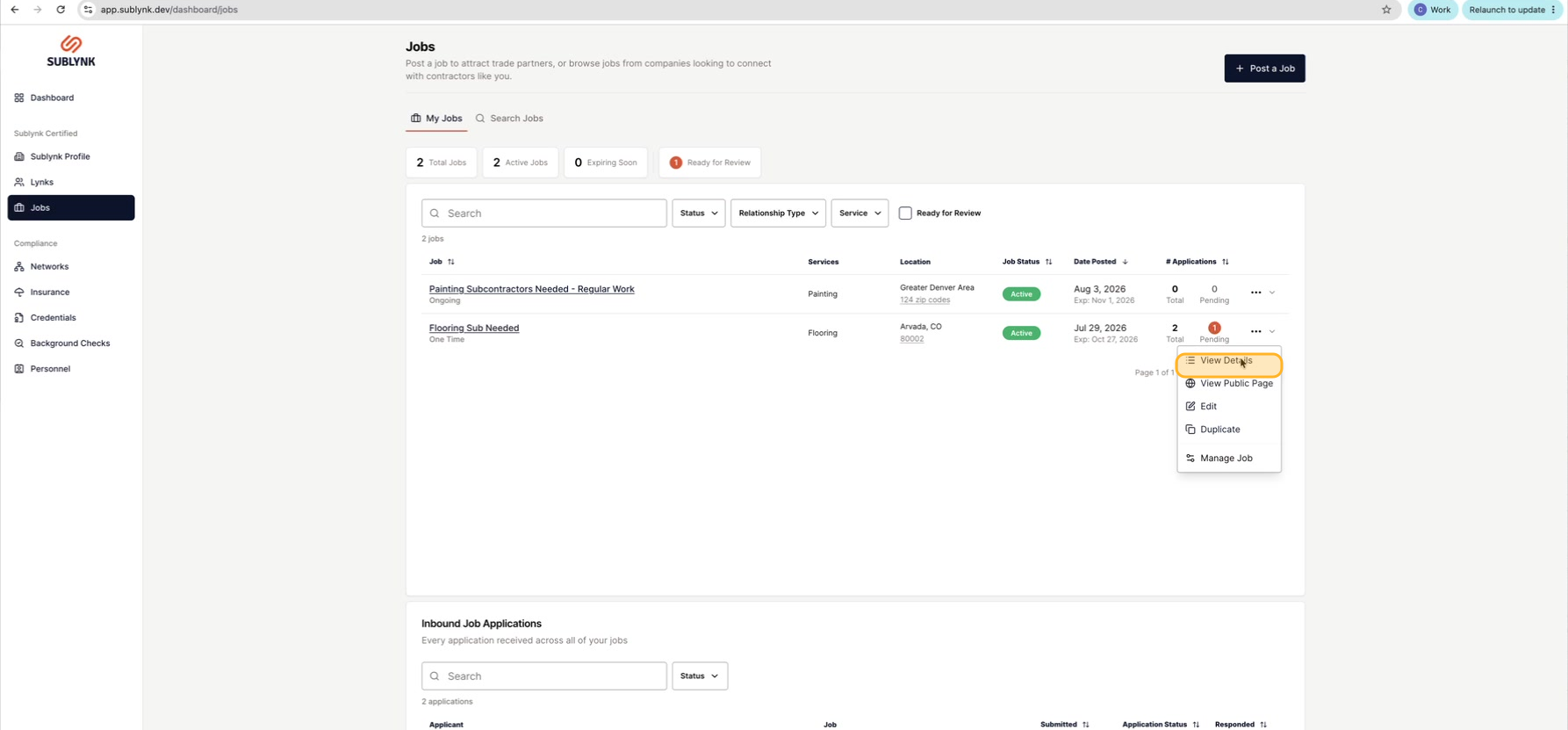
Open an application
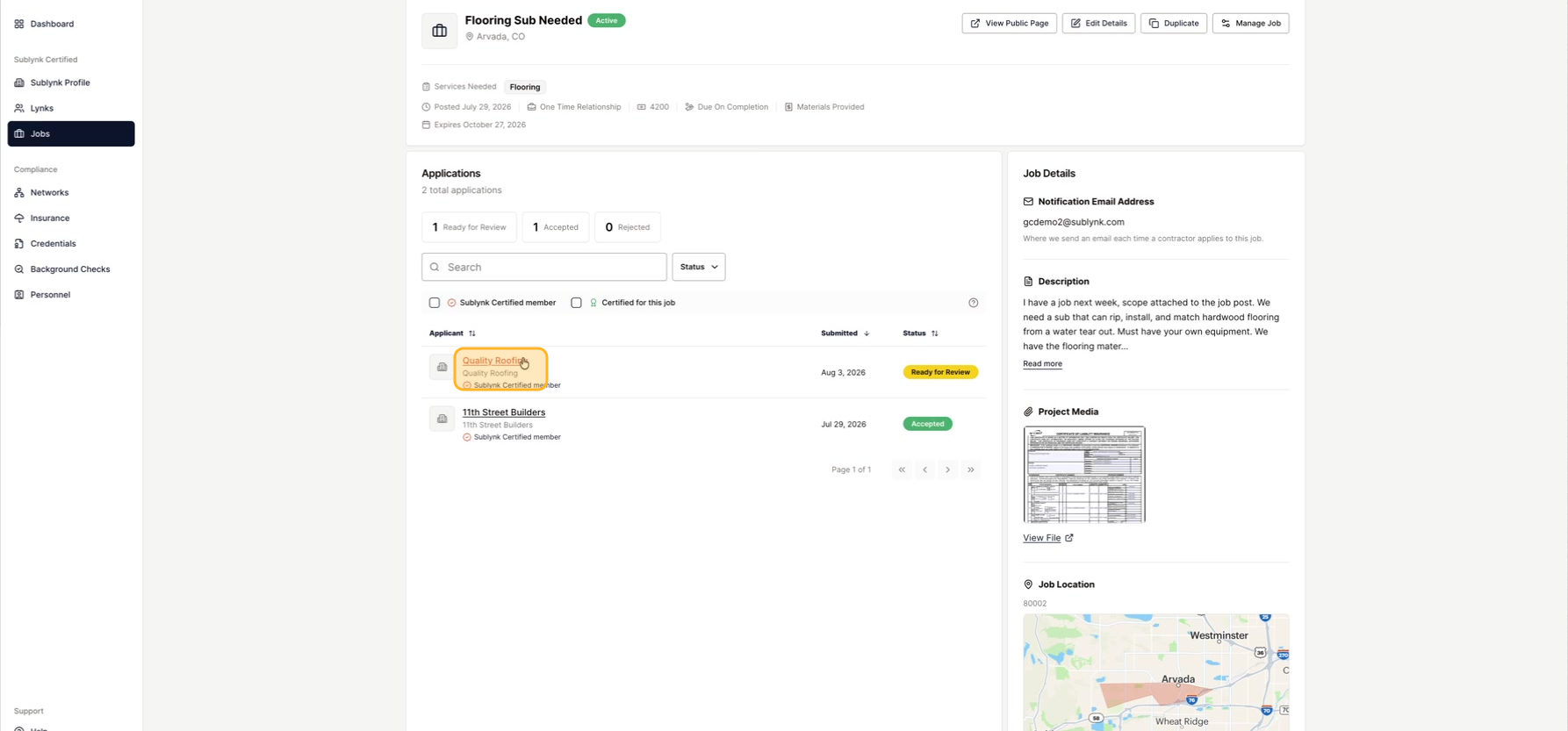
Click an application in the list to see that applicant. For example, click Quality Roofing.
Review the applicant
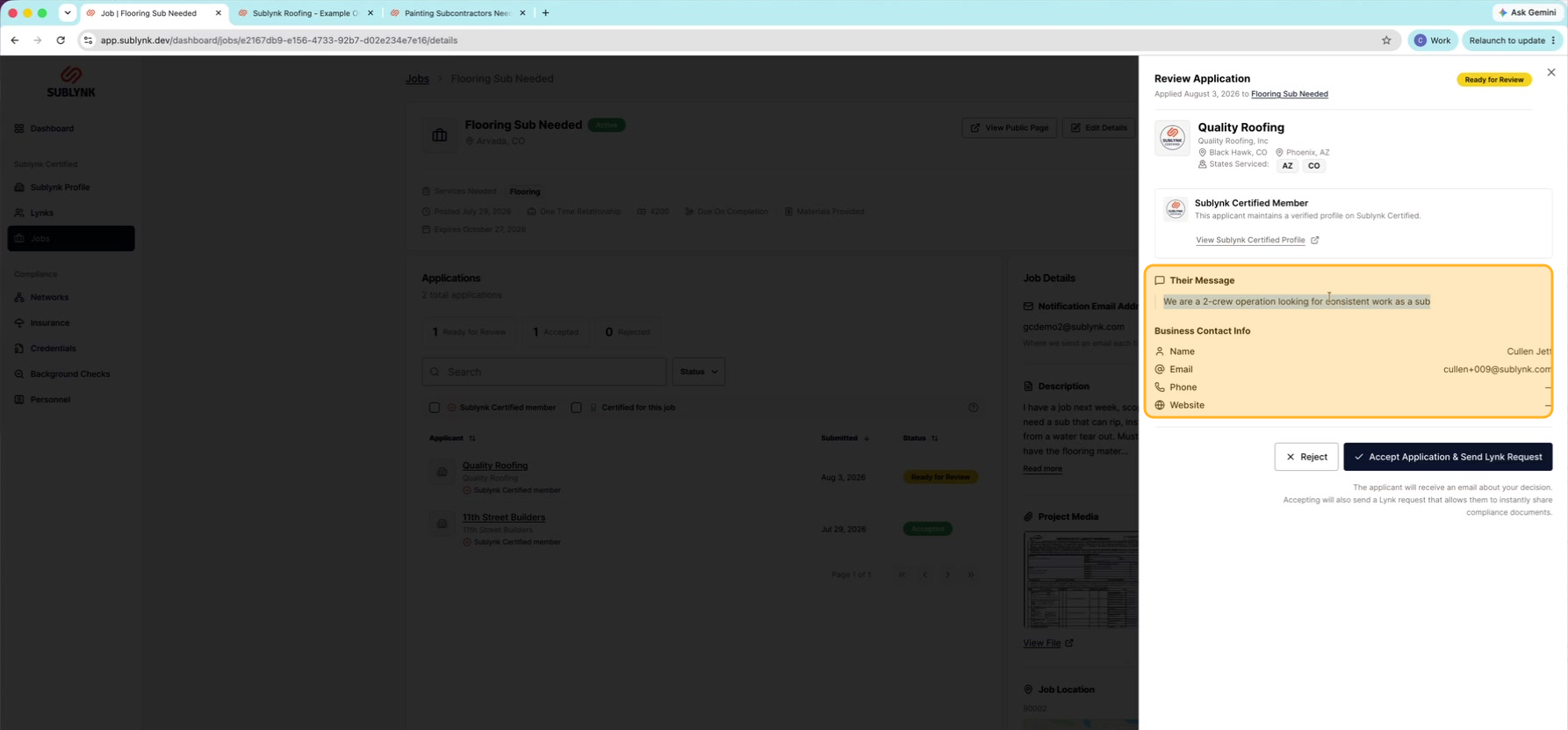
The panel on the right opens. Review their message, name, email, phone number, and website.
Accept an application
Reach out, then start the accept
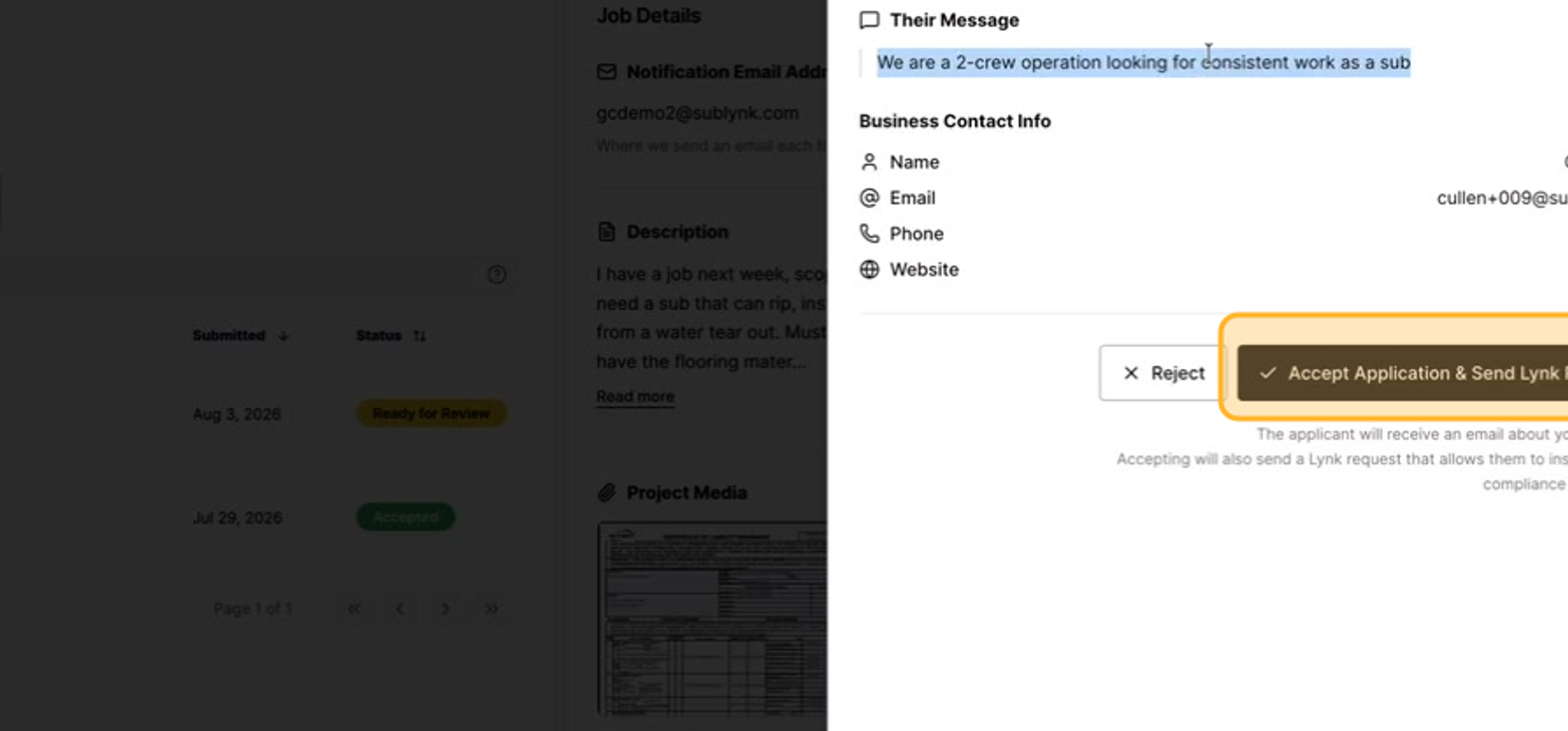
It is good practice to contact the applicant first to make sure they are a good fit for your team. When you are ready, click Accept Application and Send a Lynk Request.
Send the Lynk request
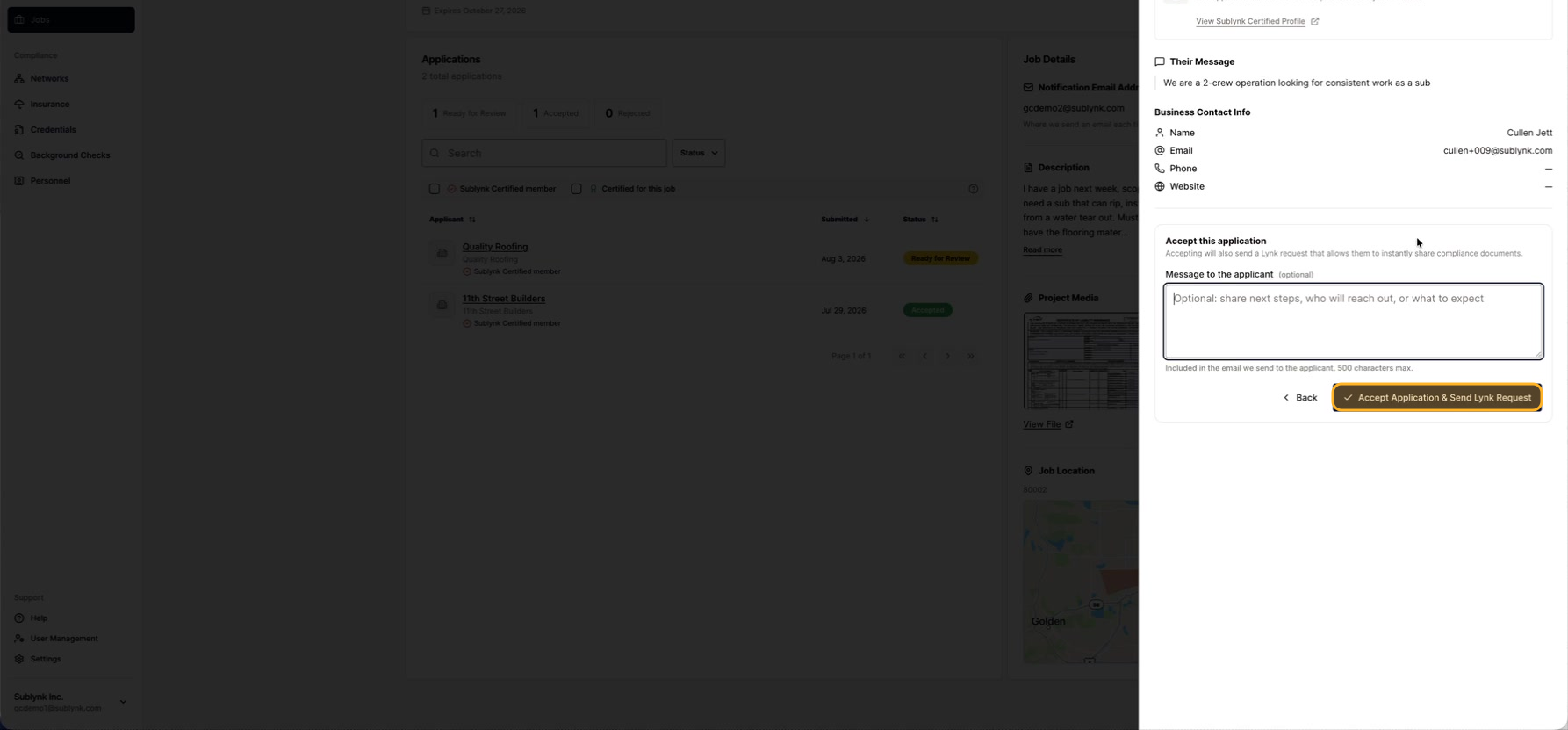
Add a welcome message for the applicant, then click Accept to send them the Lynk request.
Head back to review more applicants, or see how the Lynk you just sent works.
Review your jobsHow Lynks work