
Posting Jobs on Sublynk
This guide shows you how to create and publish a job on Sublynk to find subcontractors for one-time or ongoing work.
Create a job posting
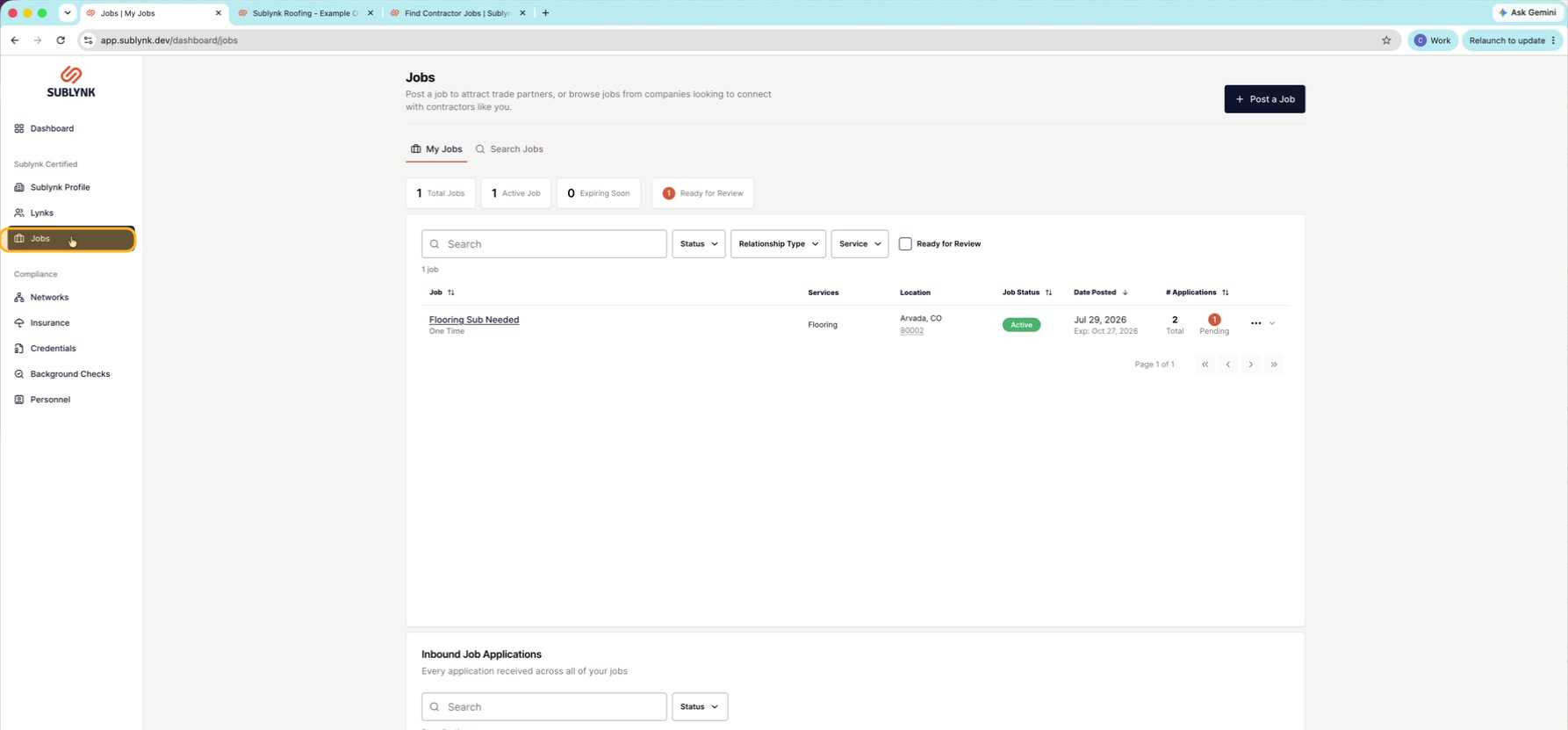
Open the Jobs menu
In the left sidebar, click Jobs.
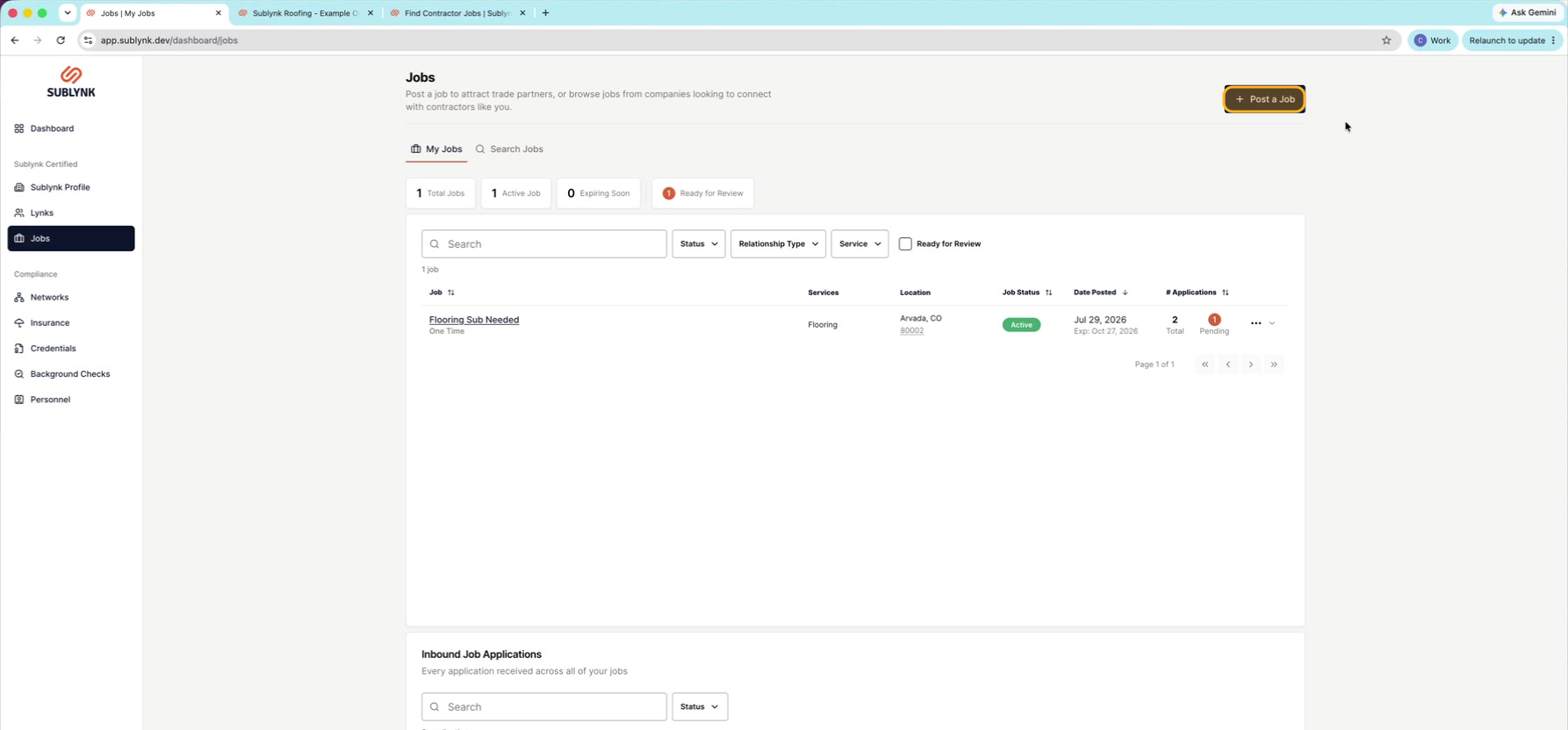
Click Post a job
Click Post a job to start a new posting.
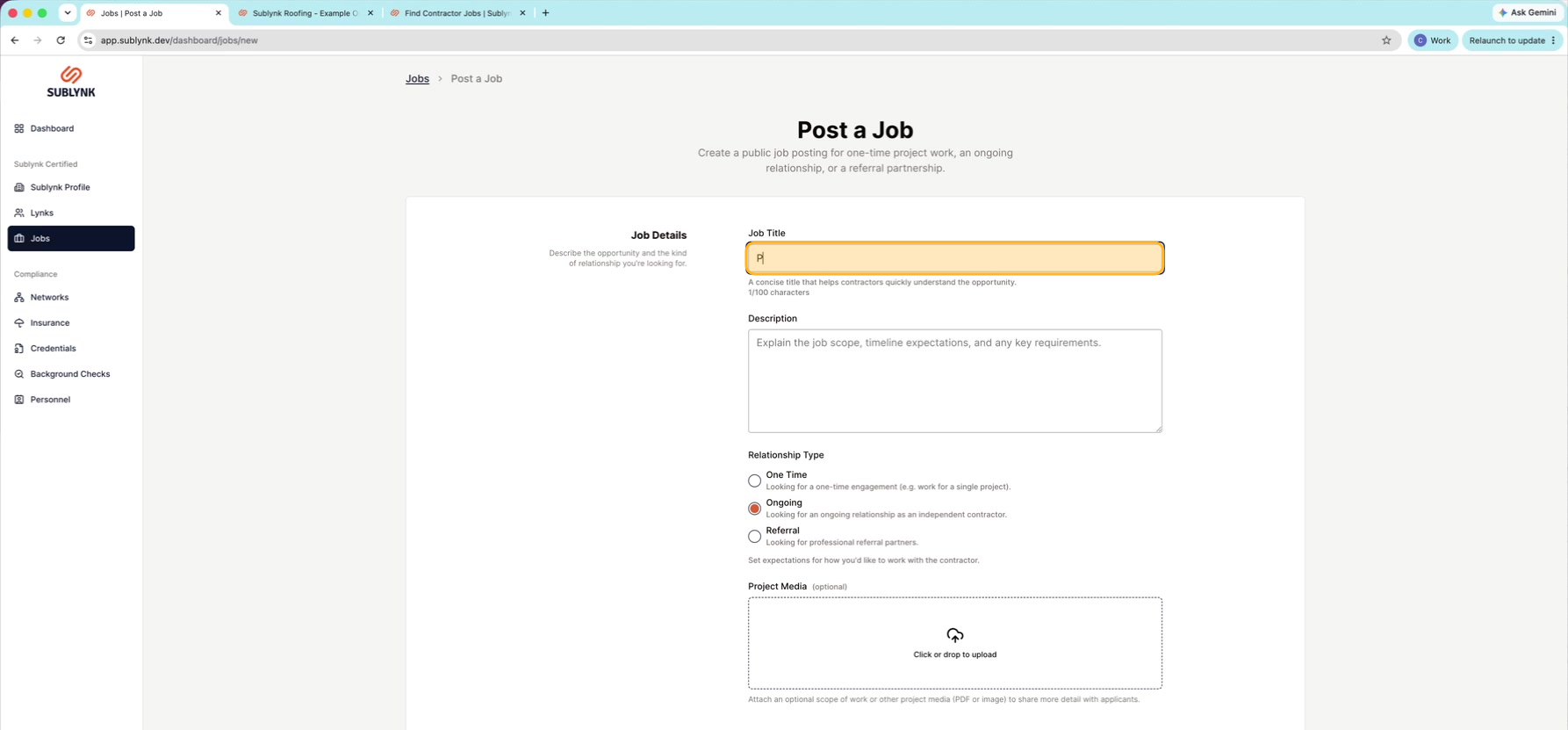
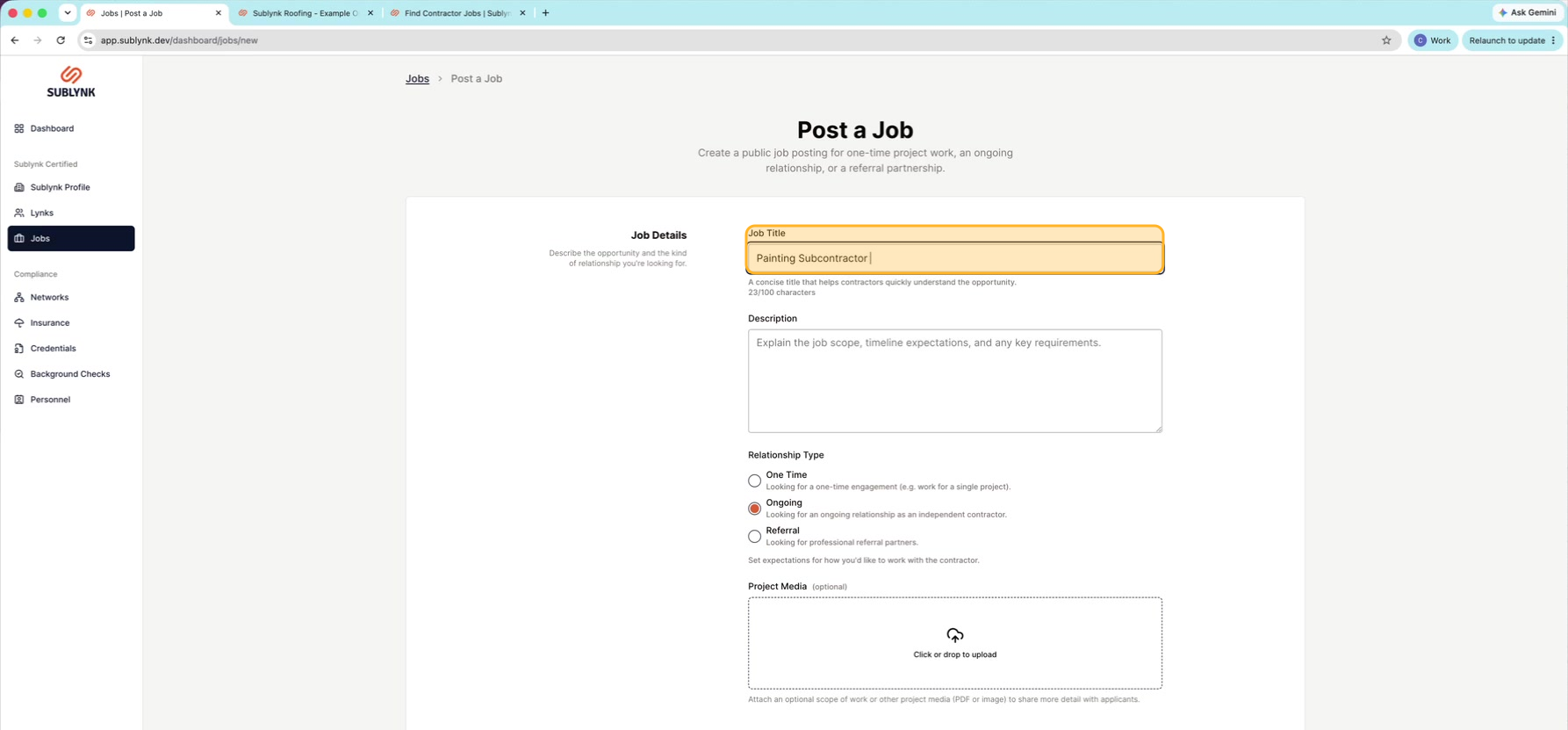
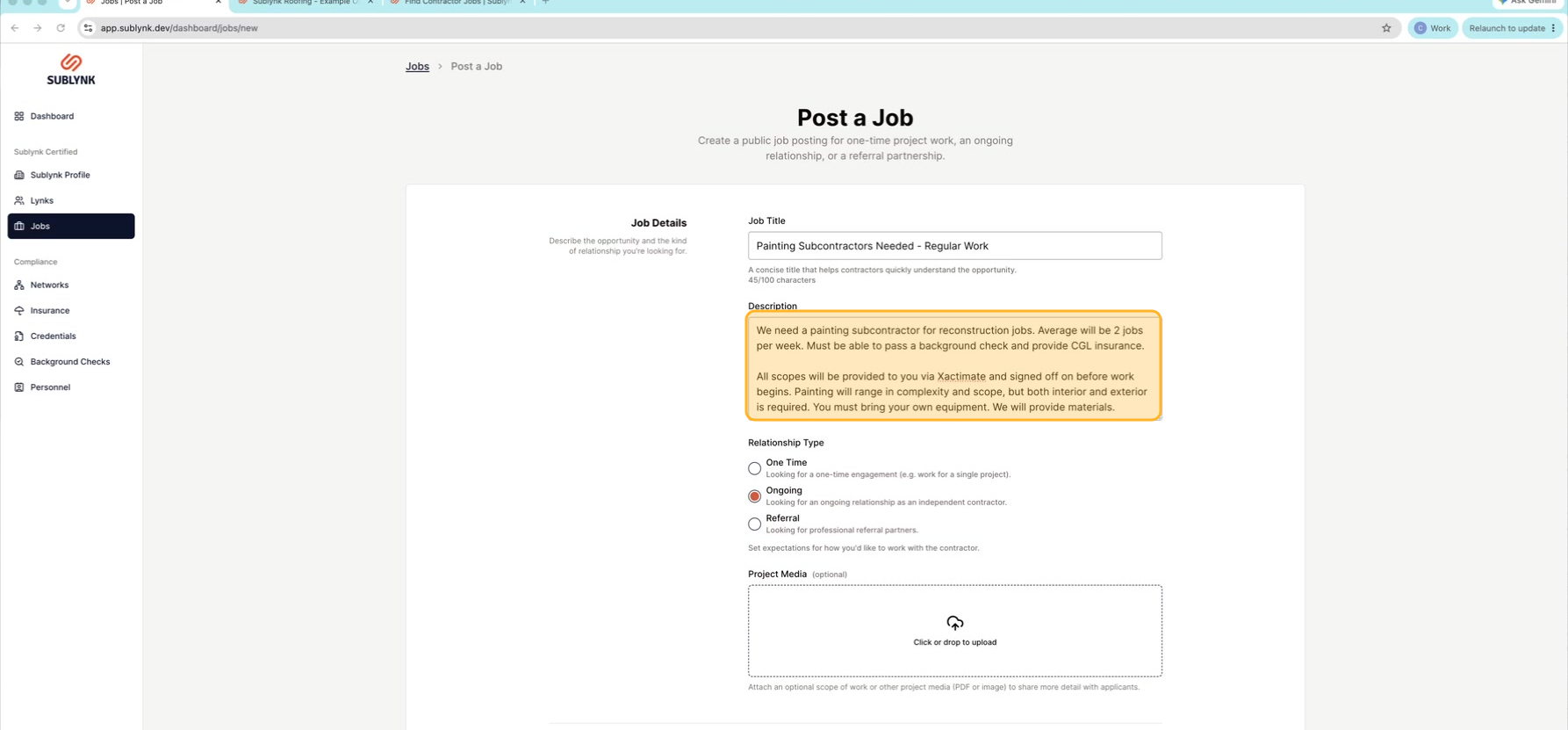
Enter a clear job title
Give your job a clear Job Title. It shows publicly, so name the role plainly, like "Painting subcontractors needed."
Write the description
Add a clear Description of the work and what you need.
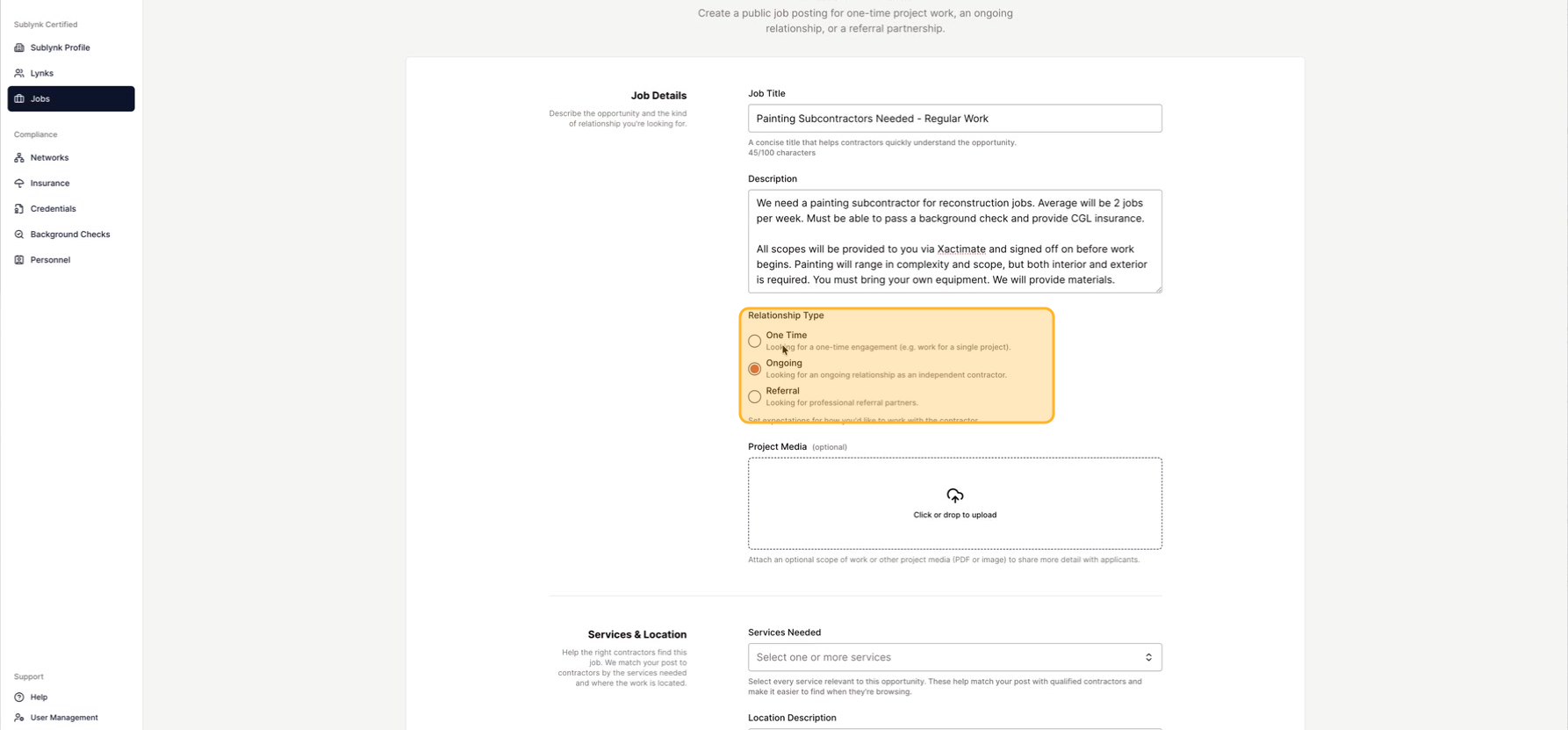
Choose the relationship type
Pick Ongoing for regular, repeat work, or One time for a single job.
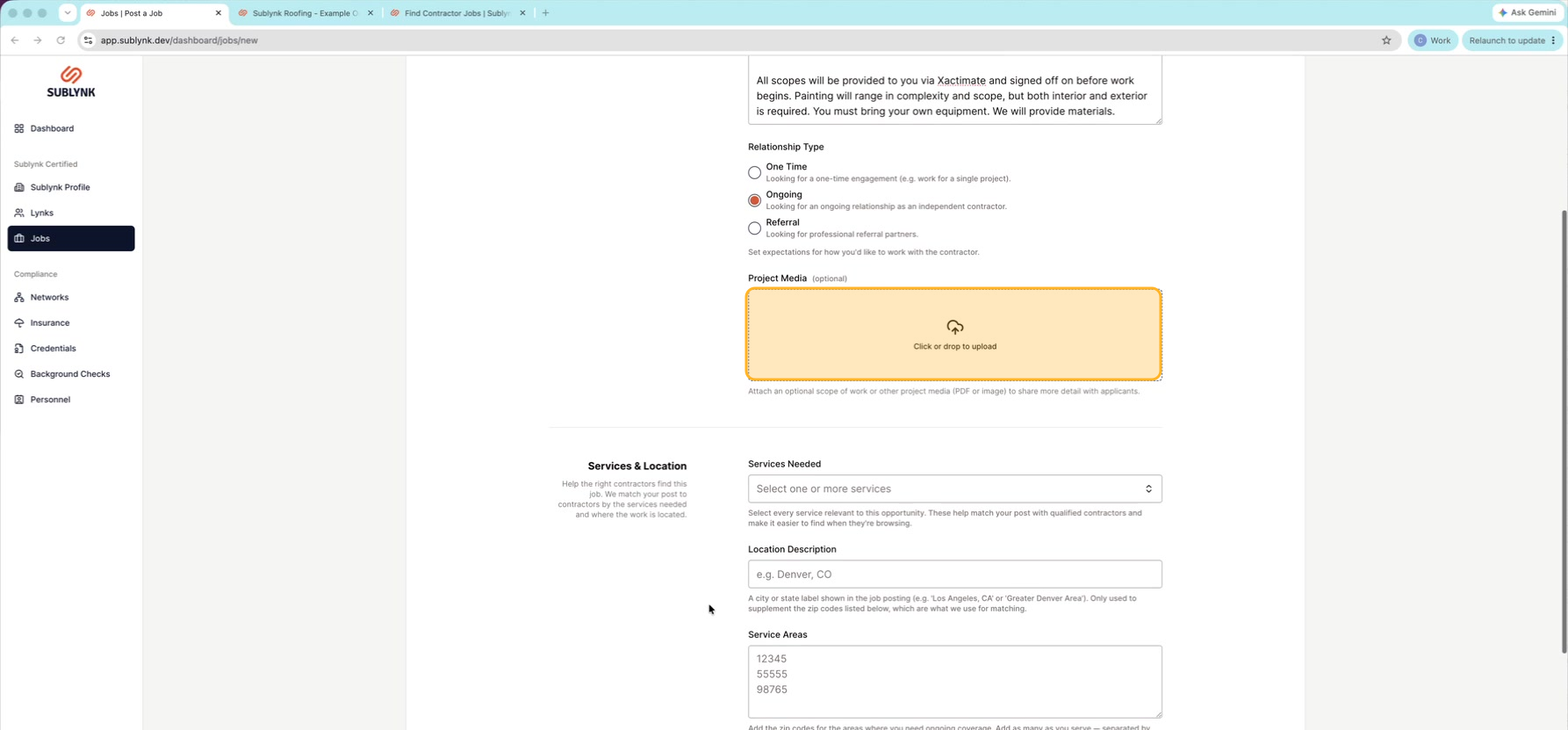
Upload project media (optional)
You can add Project media like a scope of work or a work order to give more detail.
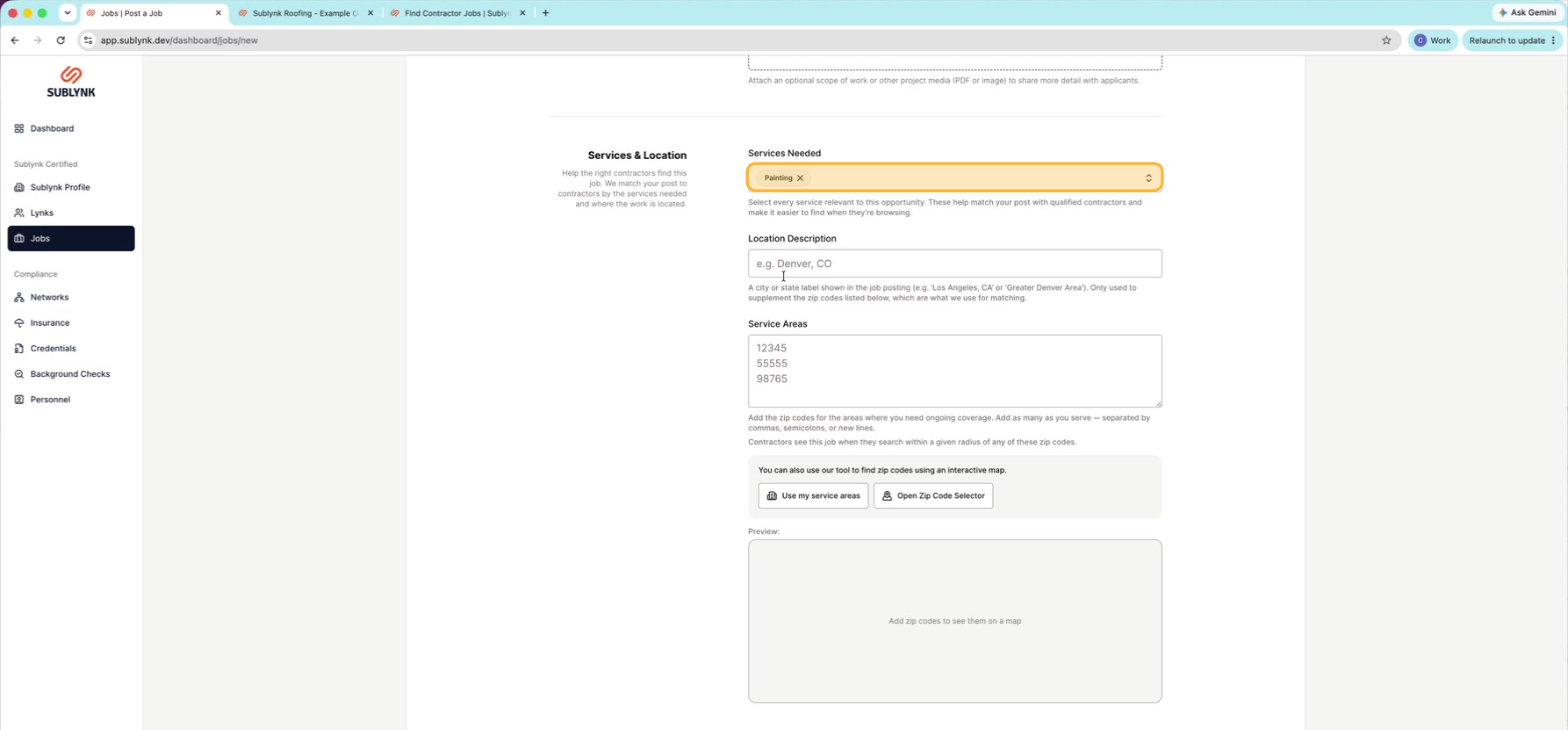
Select the services needed
Choose the Services needed for this job, like Painting.
Set the location
Set where the job is. For a one-time job, pick a city. For ongoing work, give a general area, then click Open Zip Code Selector to choose zip codes.
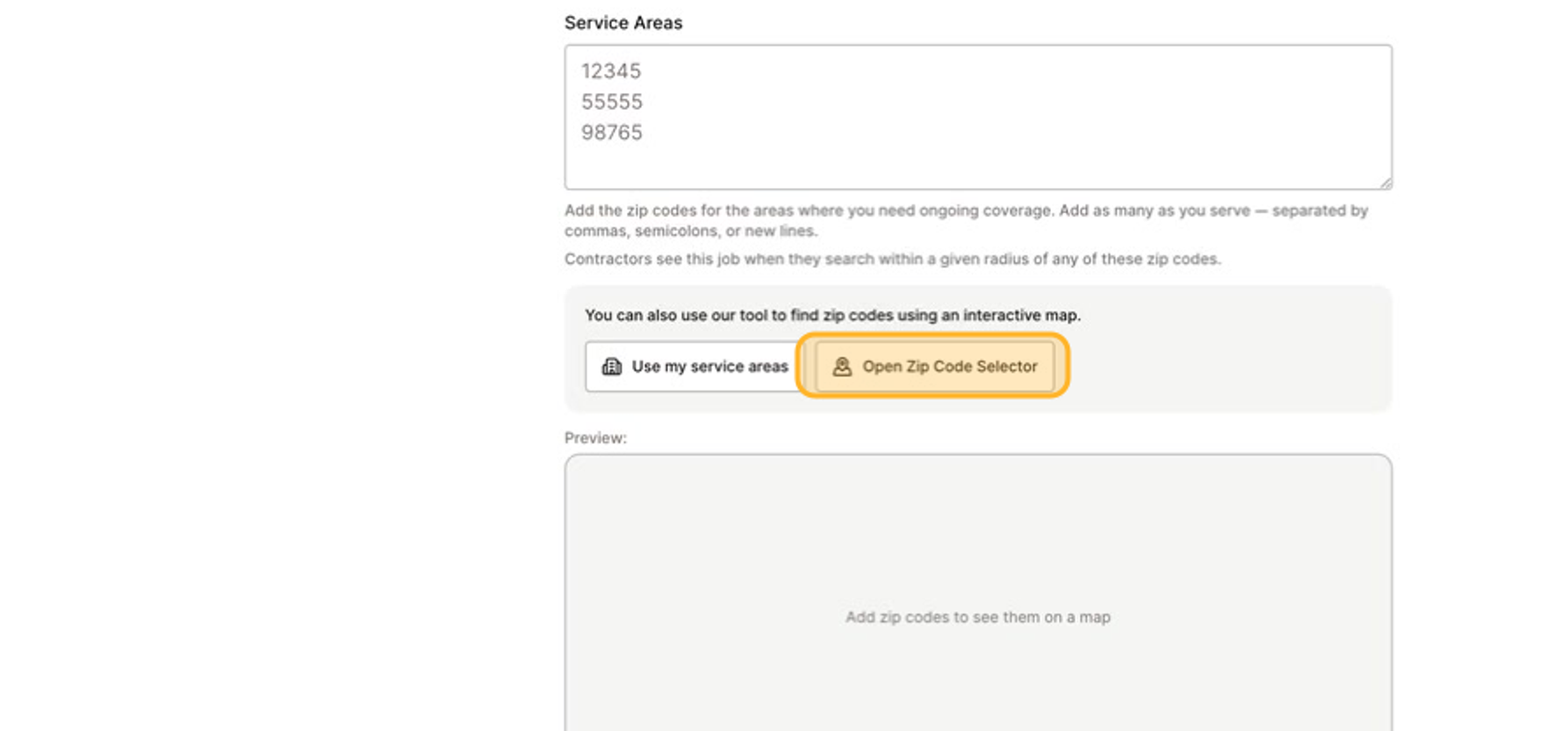
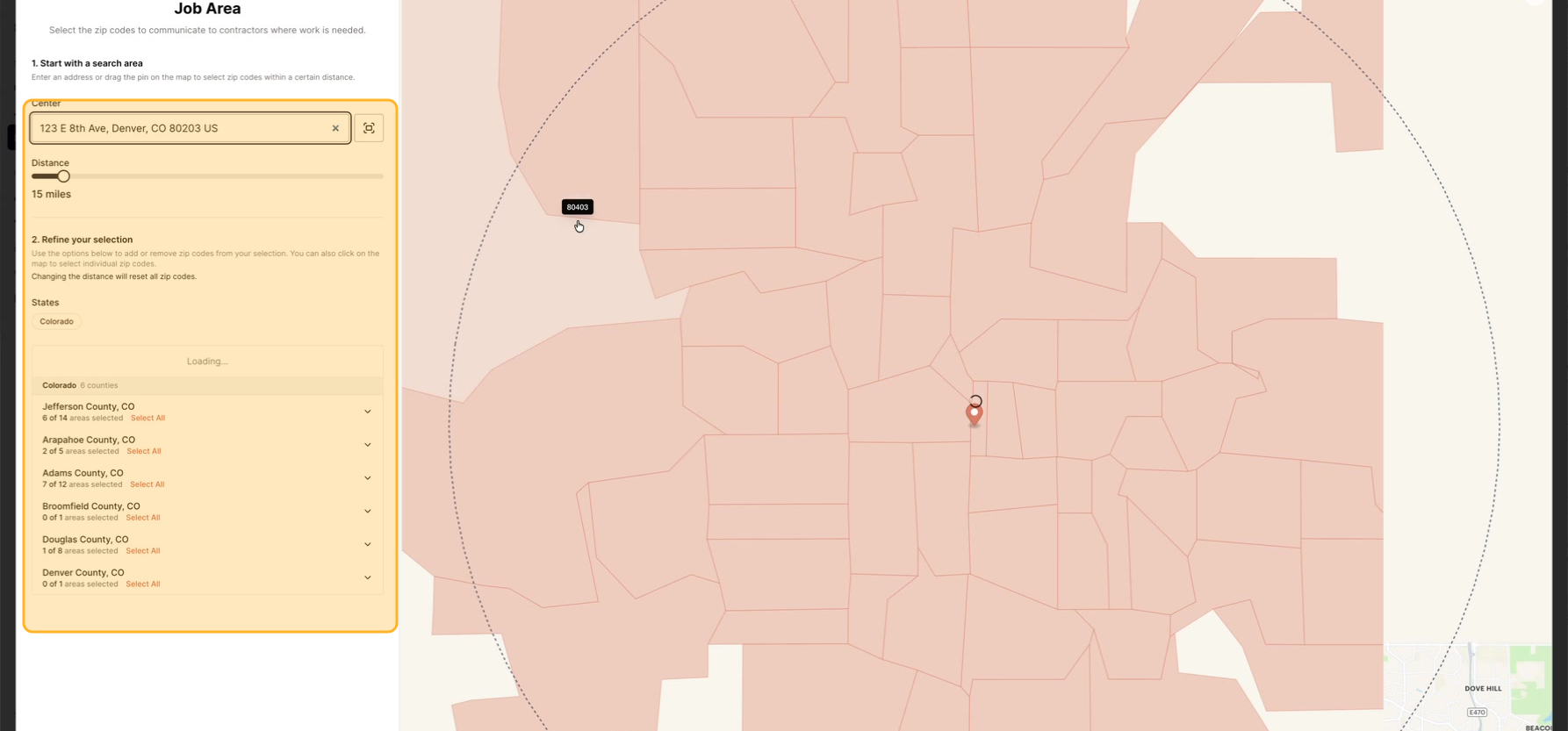
Cover your area
Slide the distance on the left and the zip codes fill in for you.
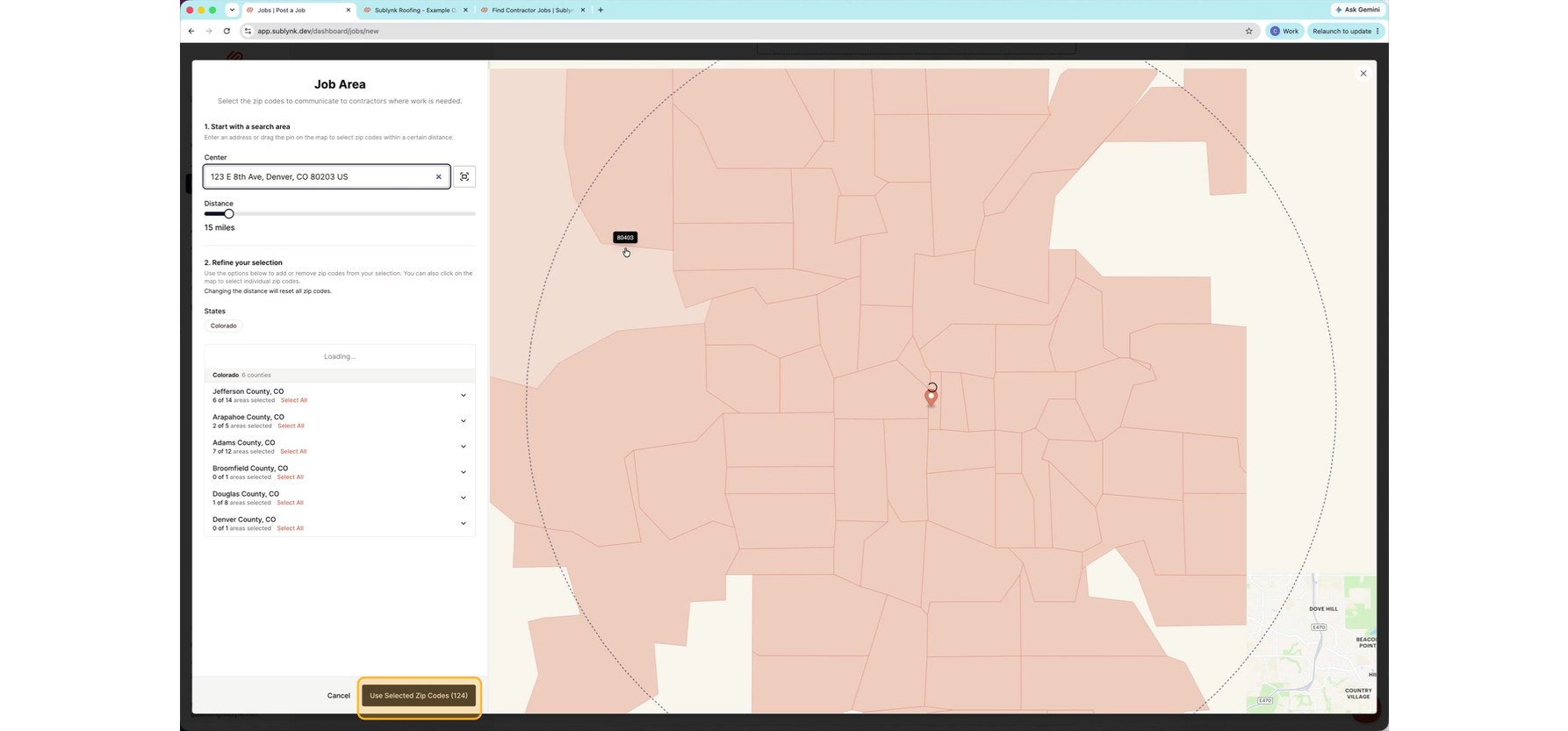
Use the selected zip codes
At the bottom, click Use Selected Zip Codes.
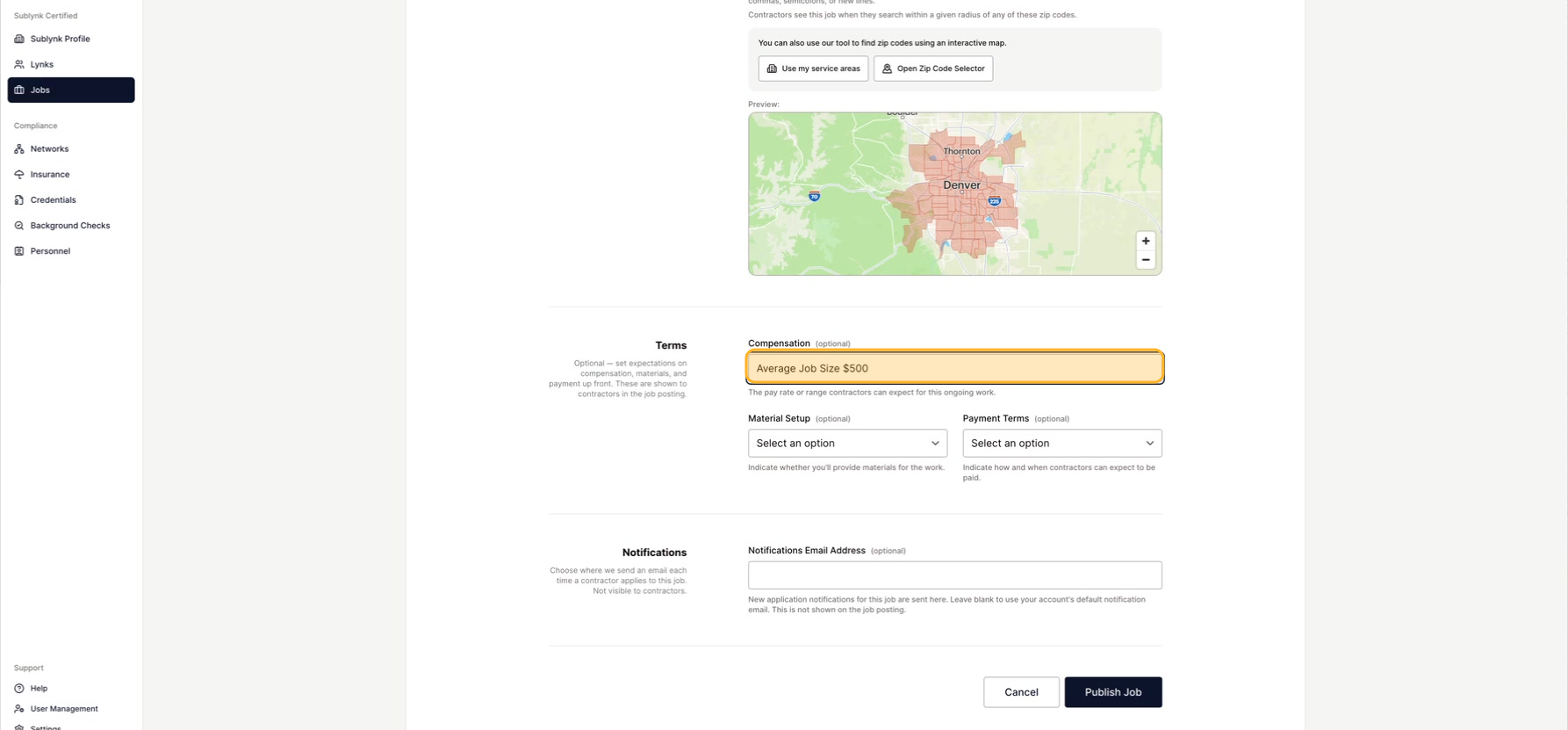
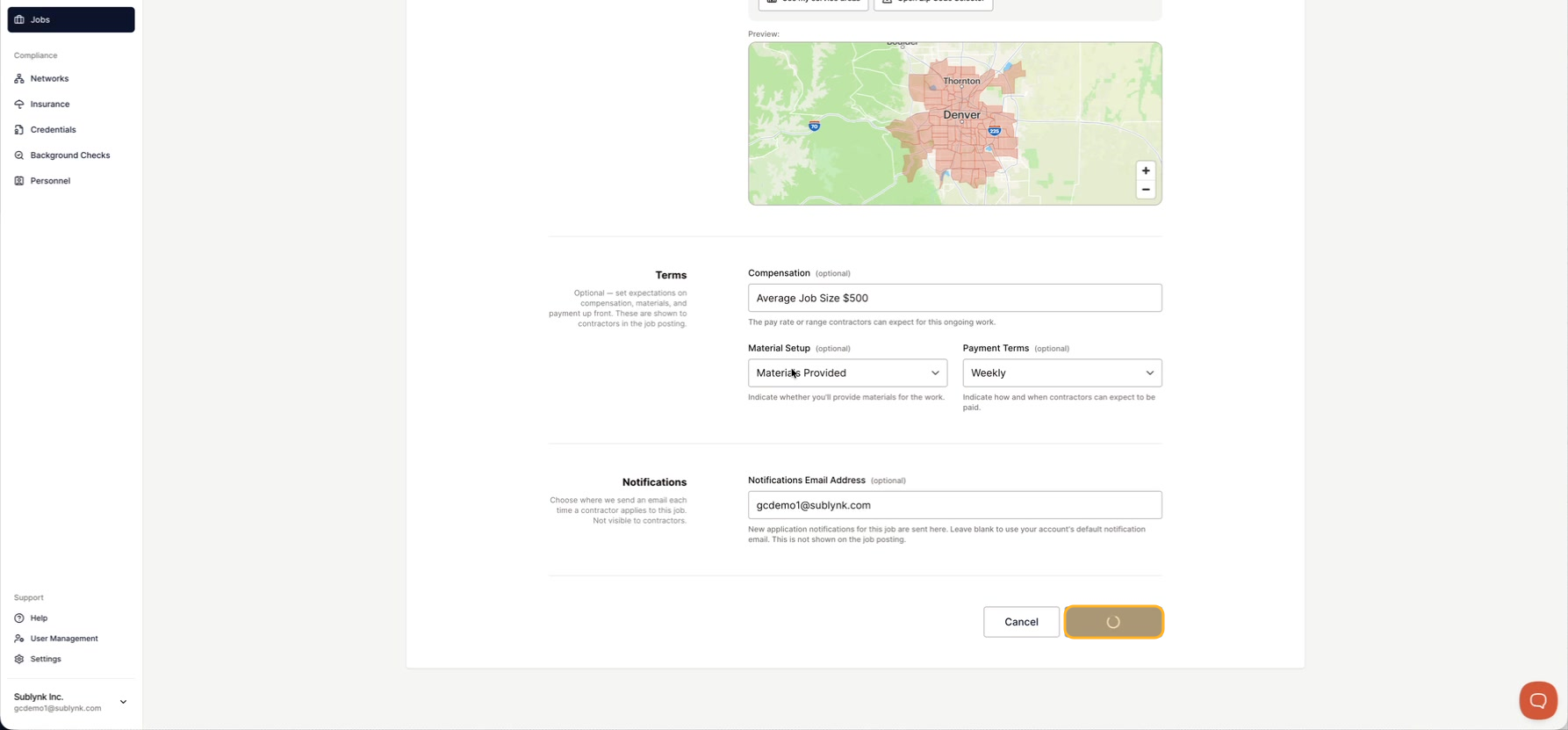
Add compensation
Enter the Compensation. If there is no set amount, give an average job size instead.
Set the material setup
Choose the Material setup to say who provides the materials for the job.
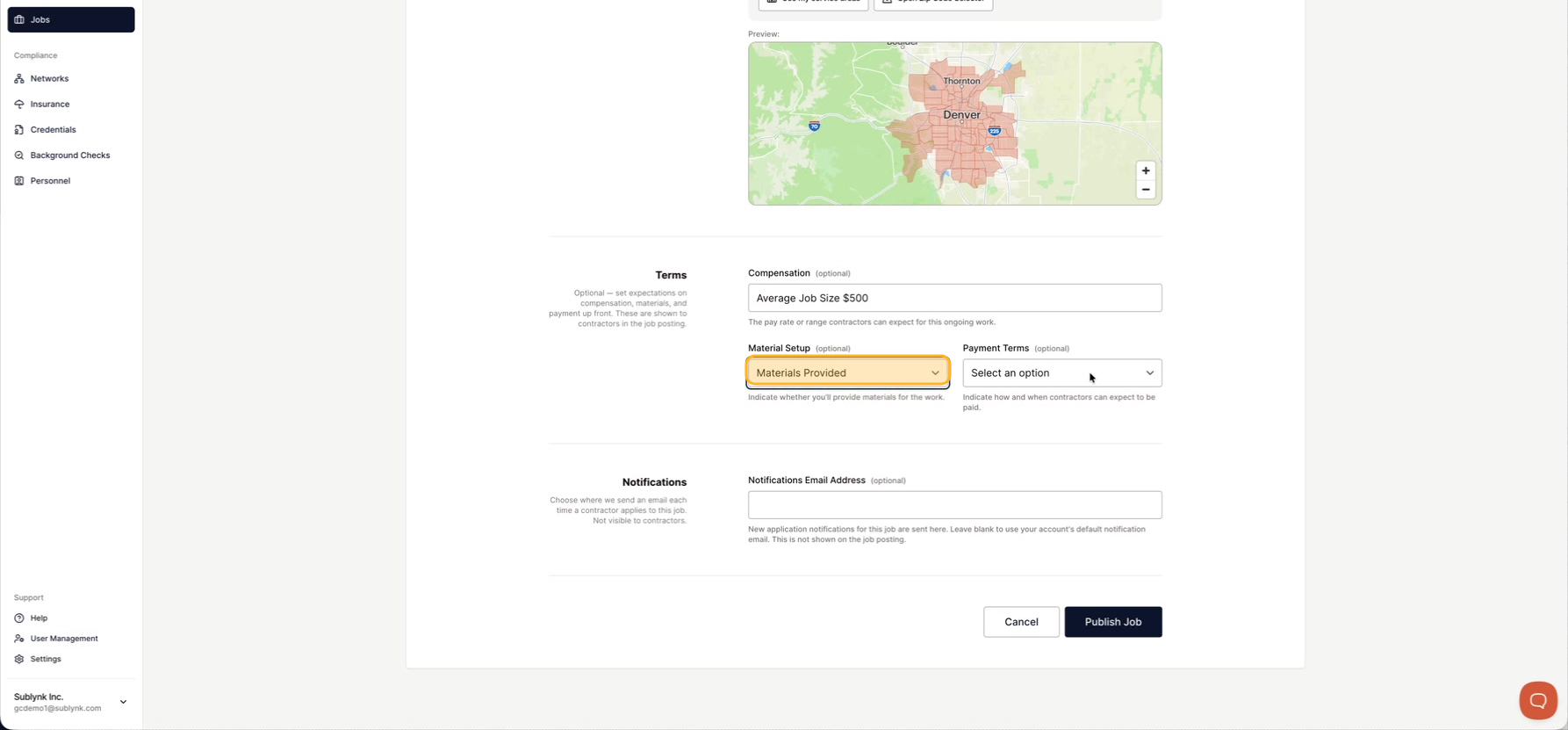
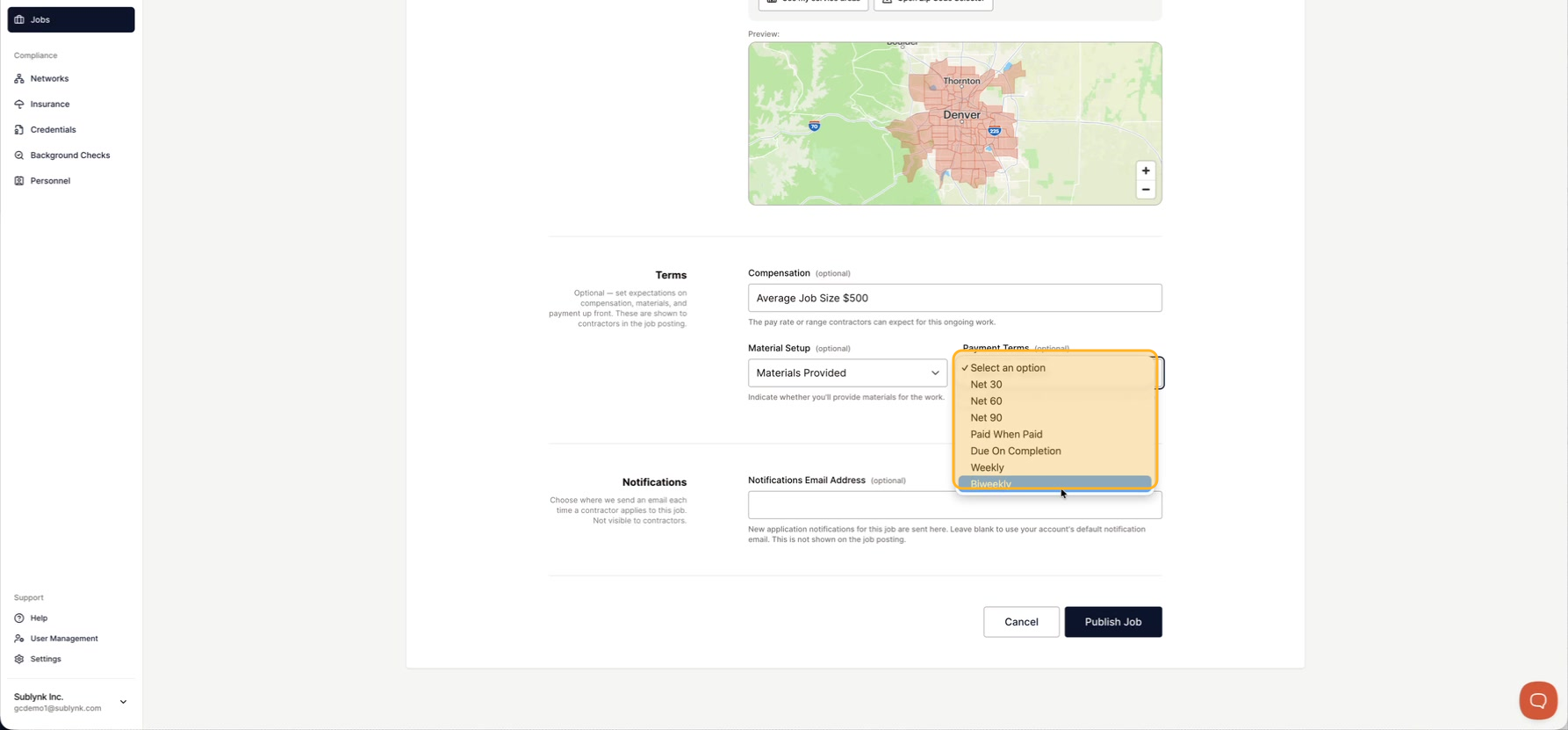
Pick payment terms
Choose your Payment terms, like paid when paid, due on completion, weekly, or net.
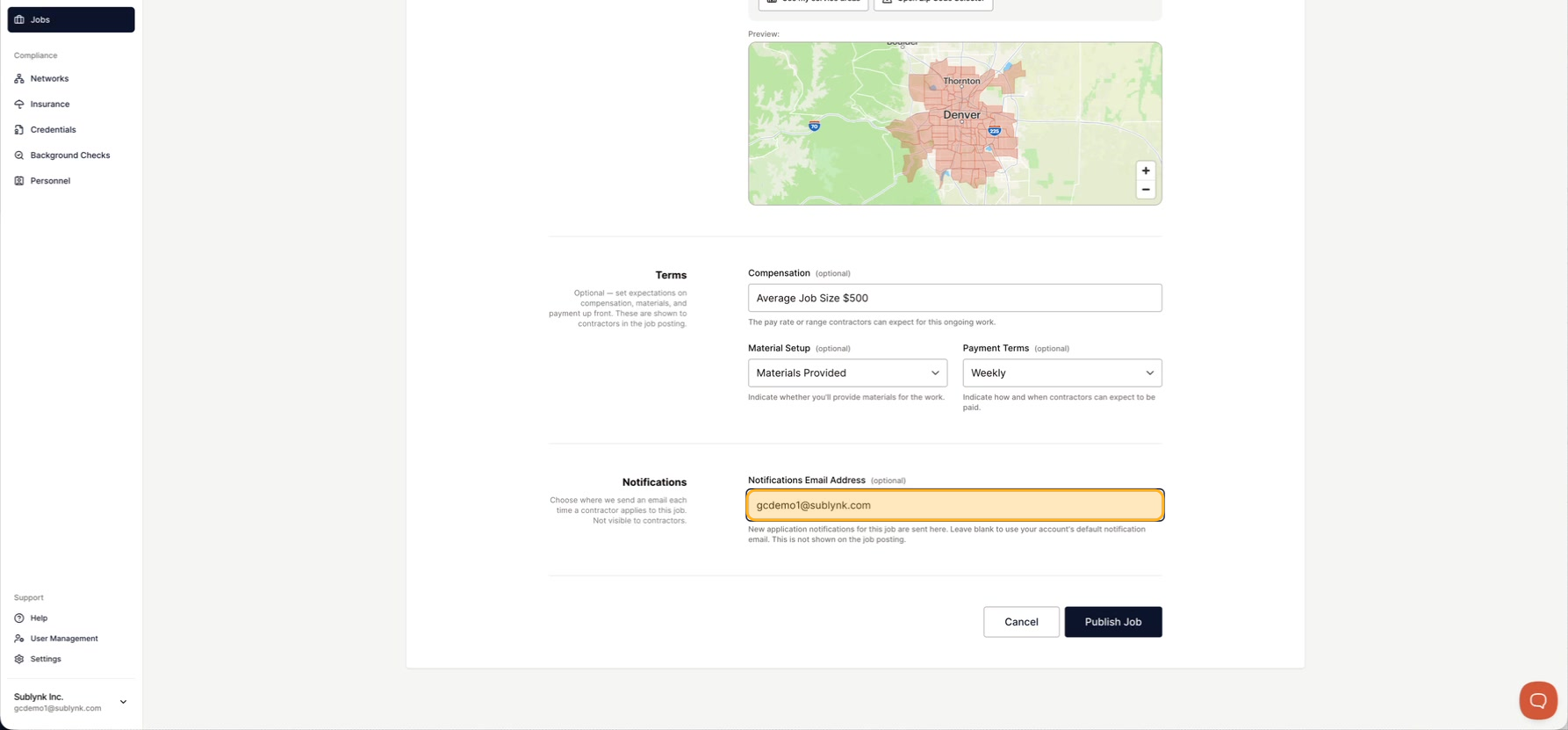
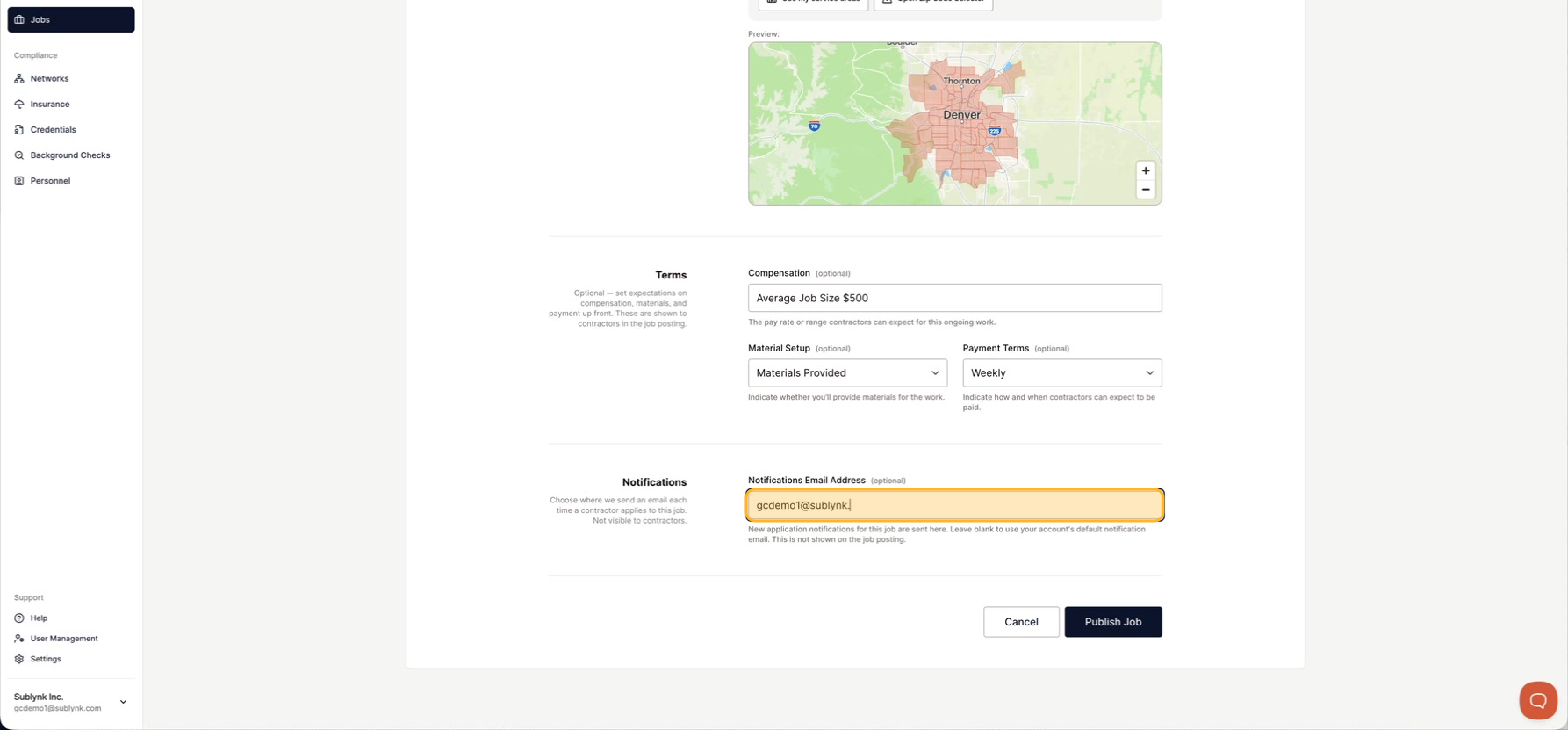
Add a notification email
Enter the email where you want application alerts for this job. Leave it blank to use your organization's main email.
Publish the job
Click Publish the job to make it live for subcontractors to see.
What happens after you publish
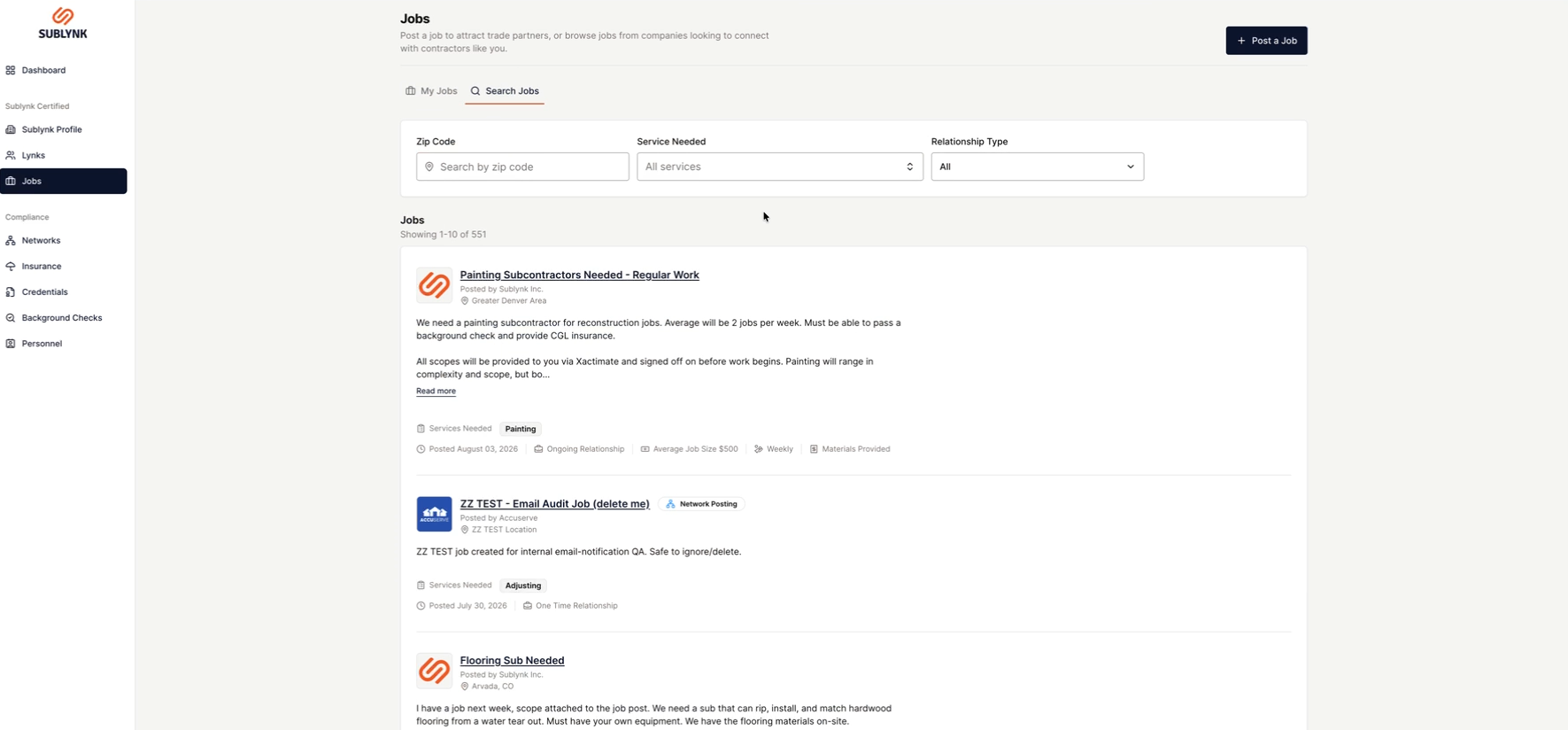
See jobs inside Sublynk
Click Search Jobs to see all the jobs posted inside Sublynk.
See jobs on the public board
Your job also shows on the public board at app.sublynk.com/jobs.
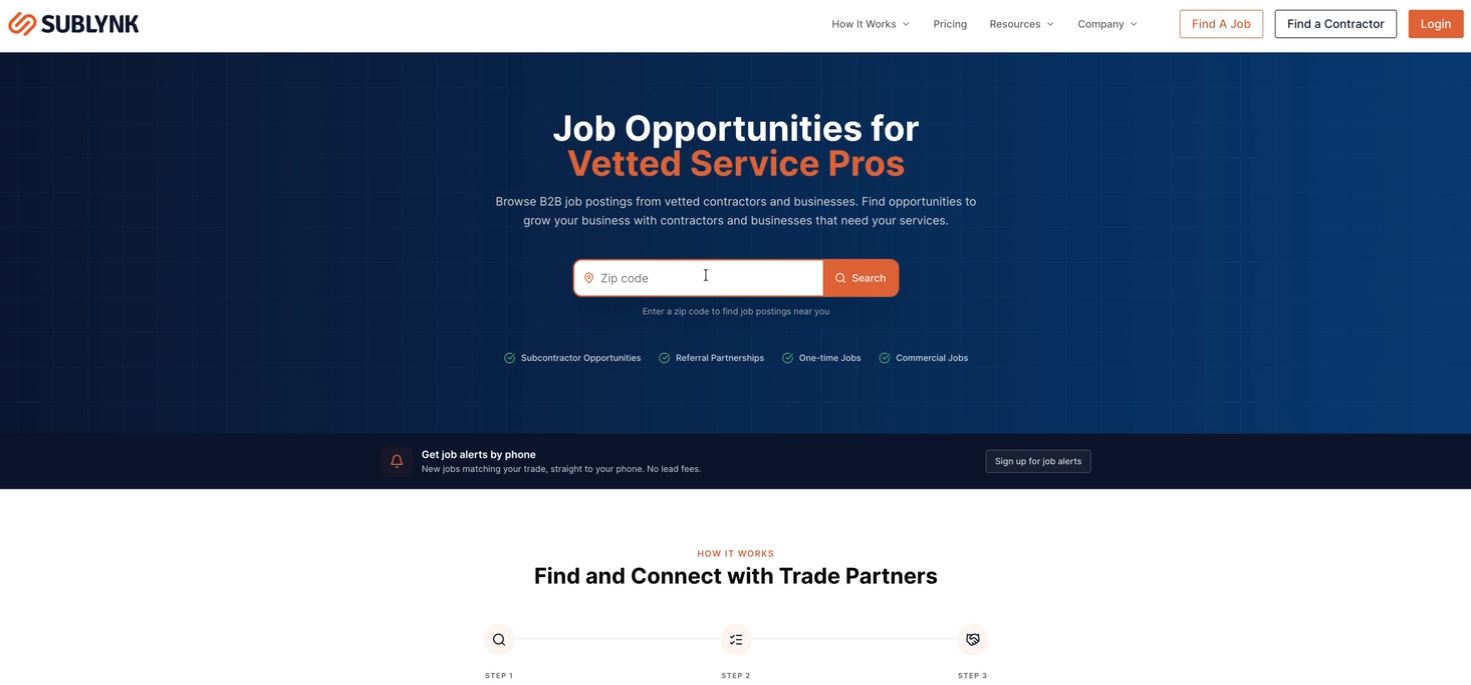
Applicants see everything you posted. To apply, Sublynk makes them create a free account and confirm they are a real business. Sublynk's AI recruiting also reaches out to matching contractors in your area. Posting jobs and AI recruiting are unlimited and free with your subscription.
See your job on the public board, or turn on AI job alerts to get matched work sent to you.
See the job boardGet AI job alerts