
Managing Lynks and Connections in Sublynk
This guide shows you how to find vetted contractors, send and accept Lynks, and manage your compliance-driven network on Sublynk.
Navigate the Lynks dashboard
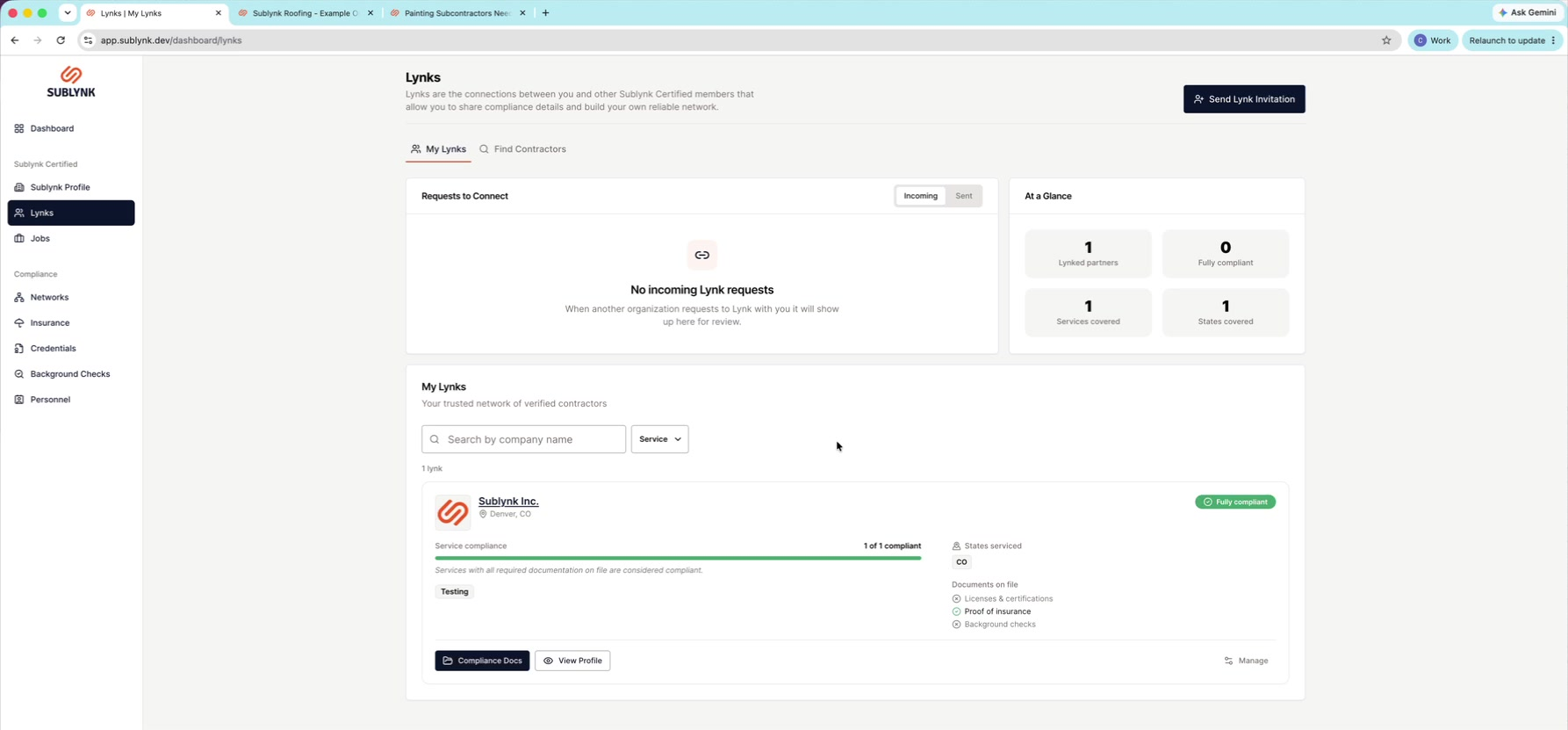
Open Lynks
In the left menu, click Lynks.
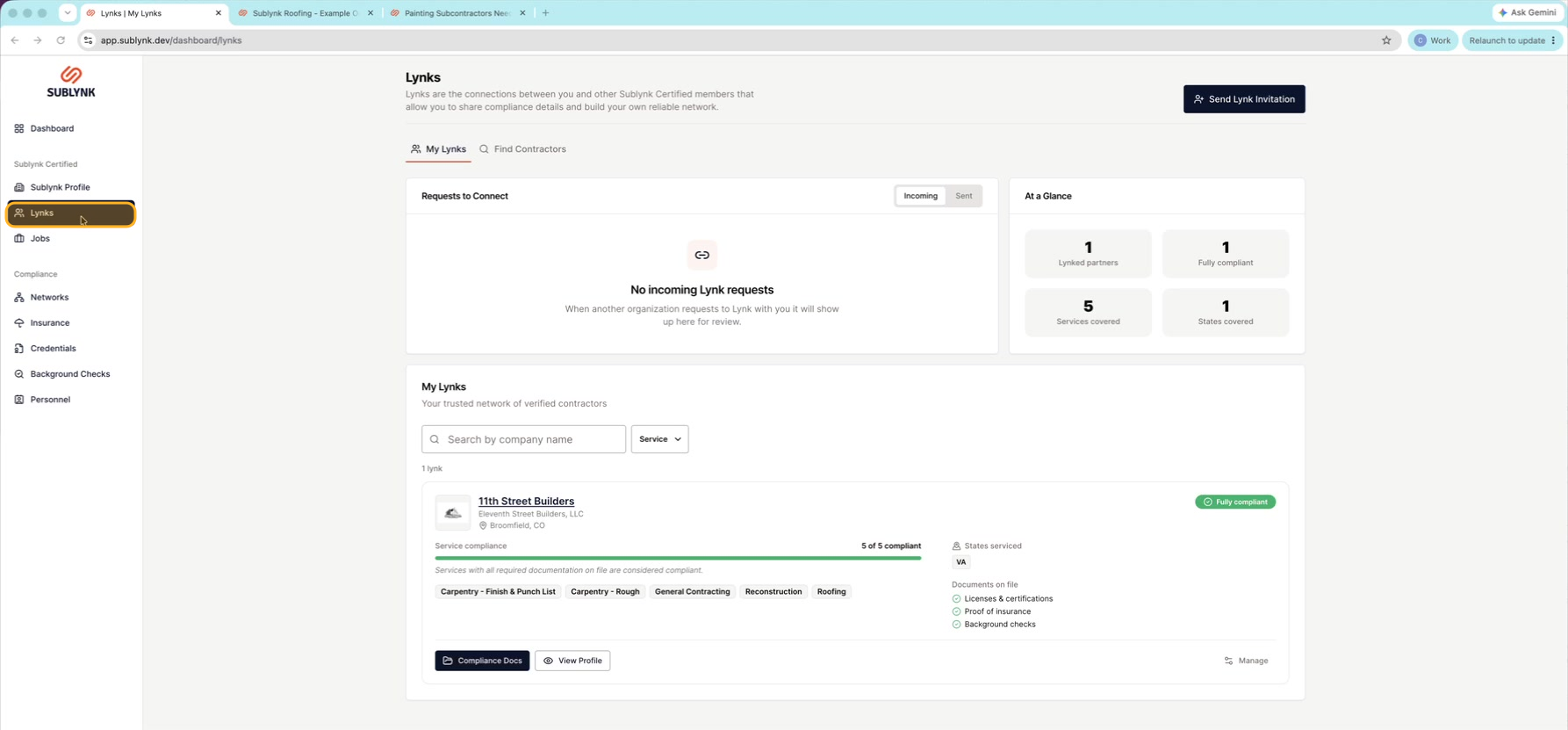
Open Compliance Docs
Click Compliance Docs to see all the shared paperwork.
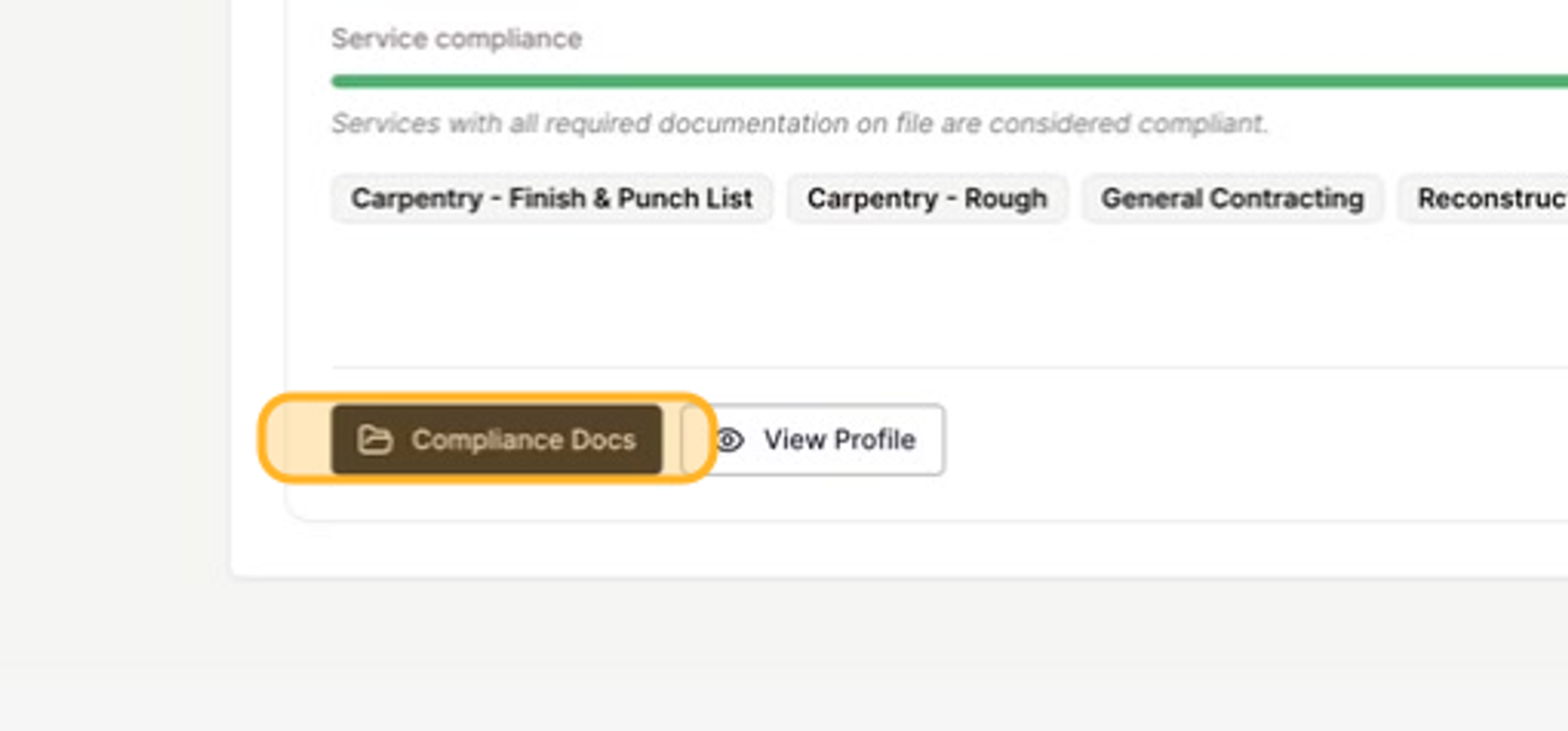
See your dashboard
Your dashboard shows incoming and sent requests, quick stats, and your active Lynks.
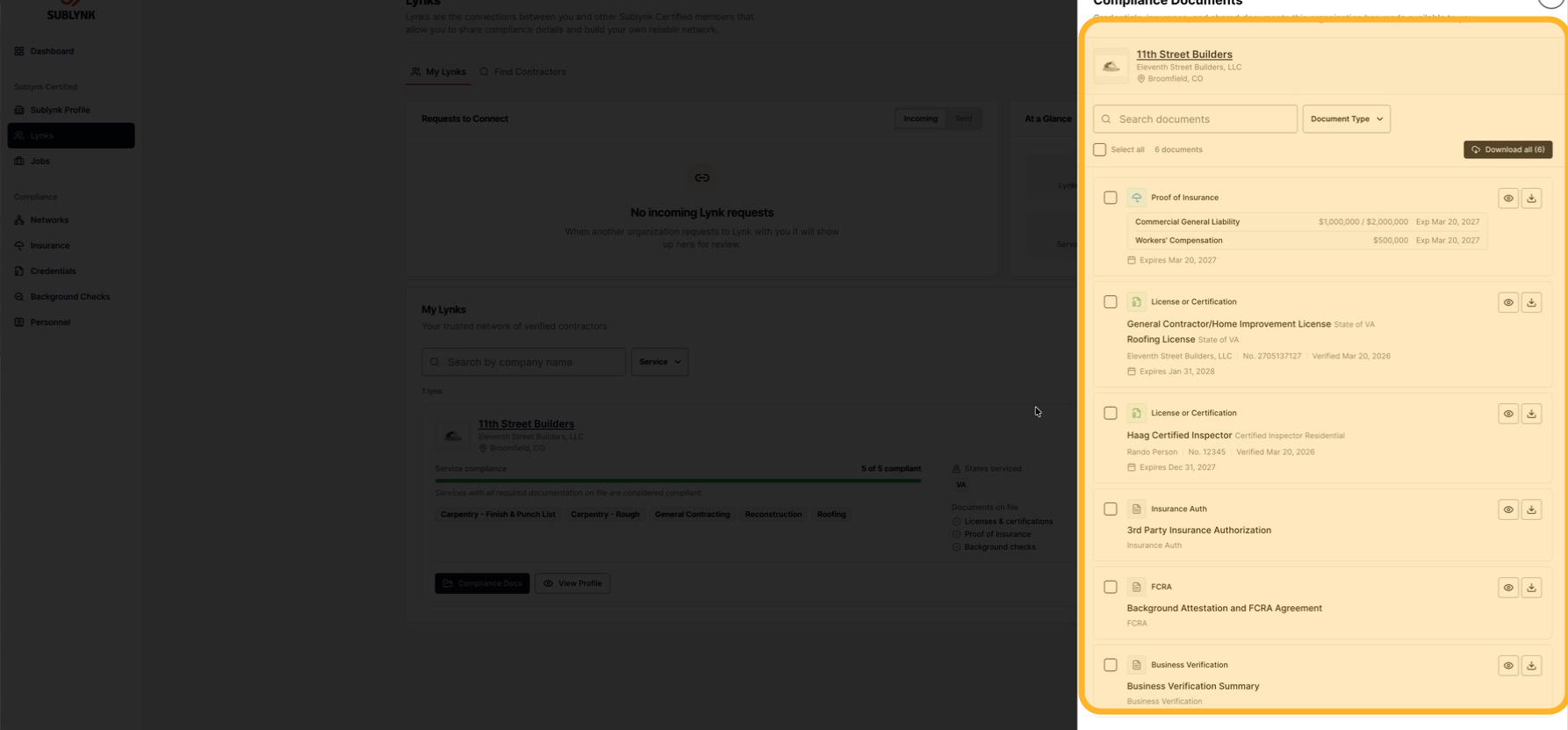
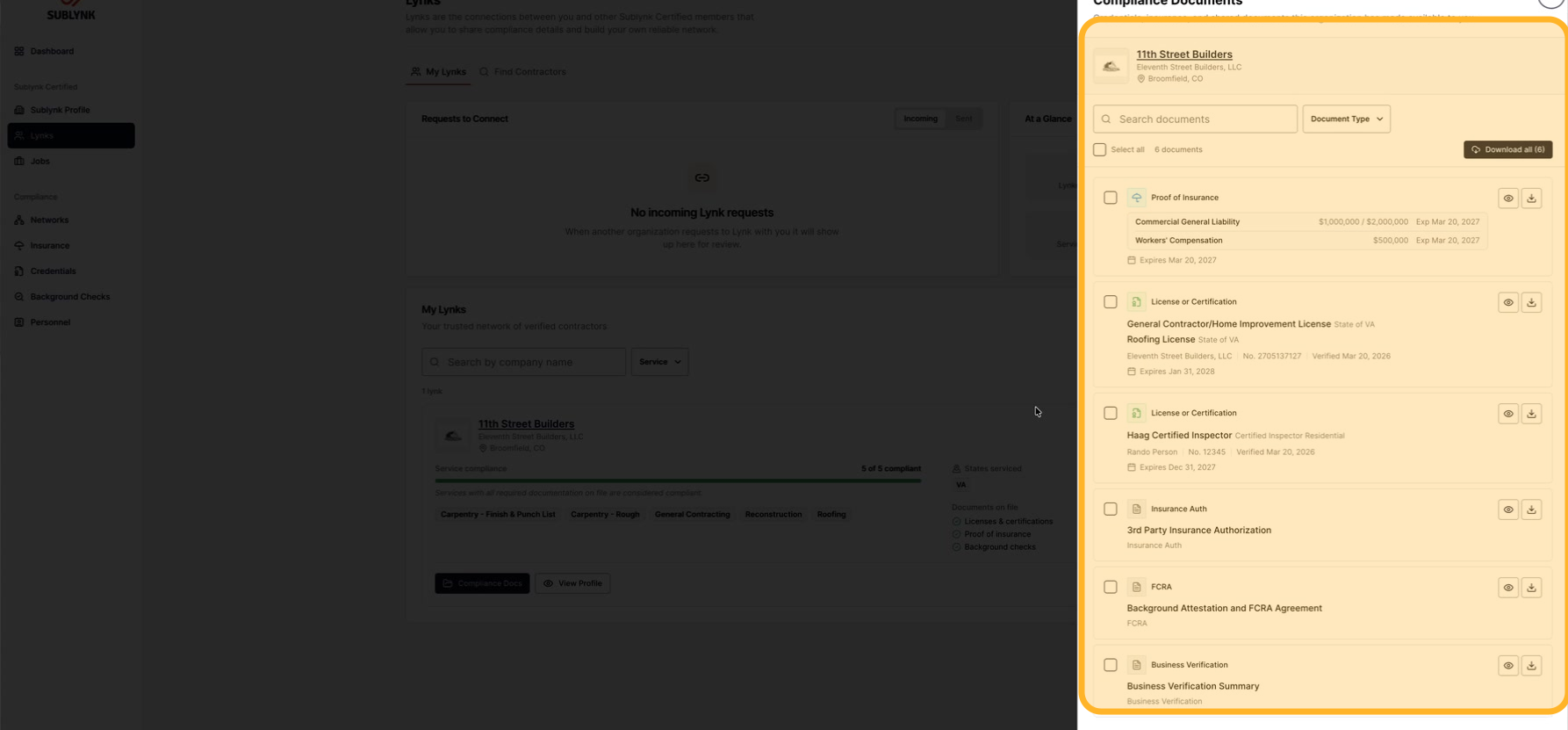
Once you are linked with a business, you can see their verified compliance documents right away. That includes W9s, licenses, insurance authorizations, proof of insurance, certifications, and business verification.
Find and connect with contractors
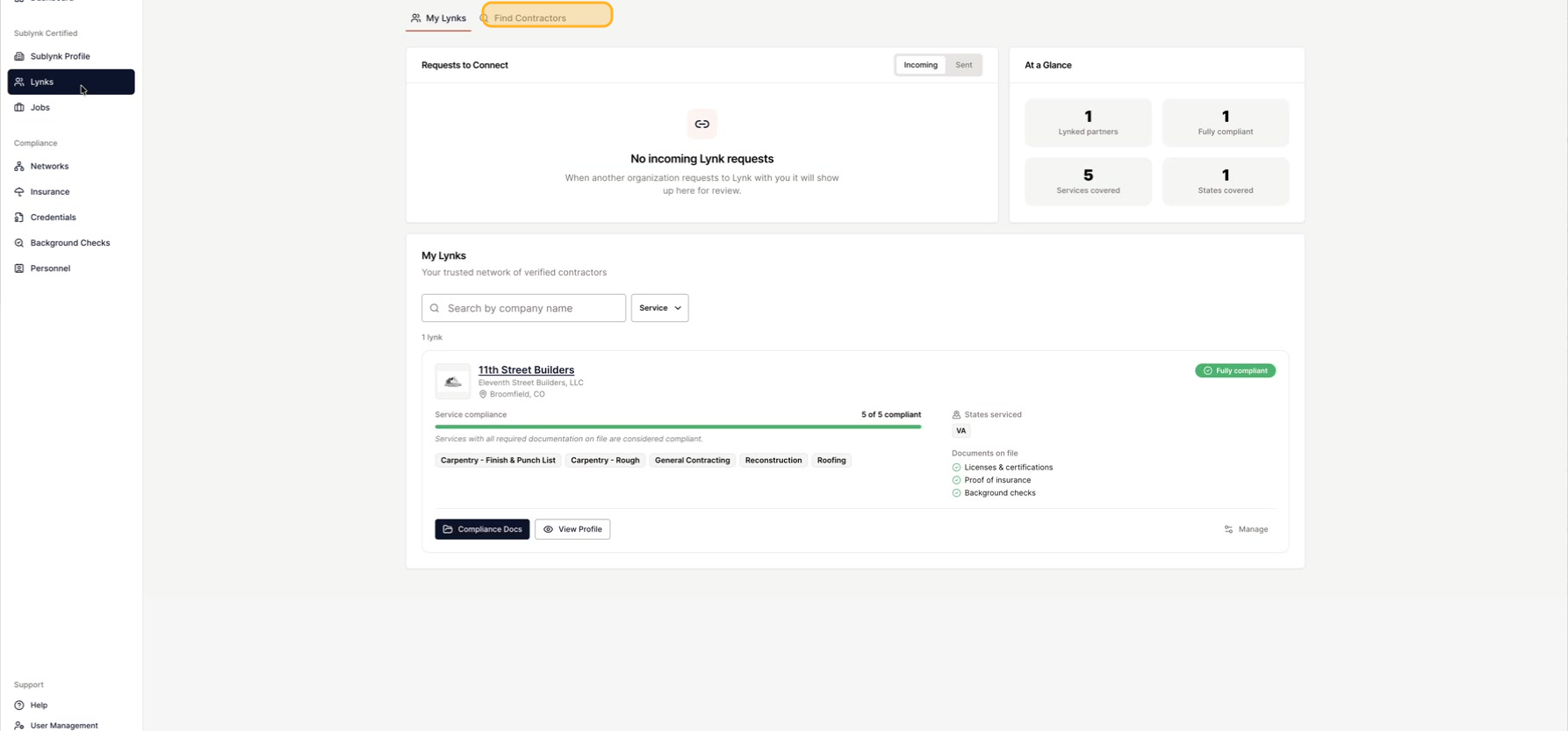
Click Find Contractors
Click Find Contractors to start looking.
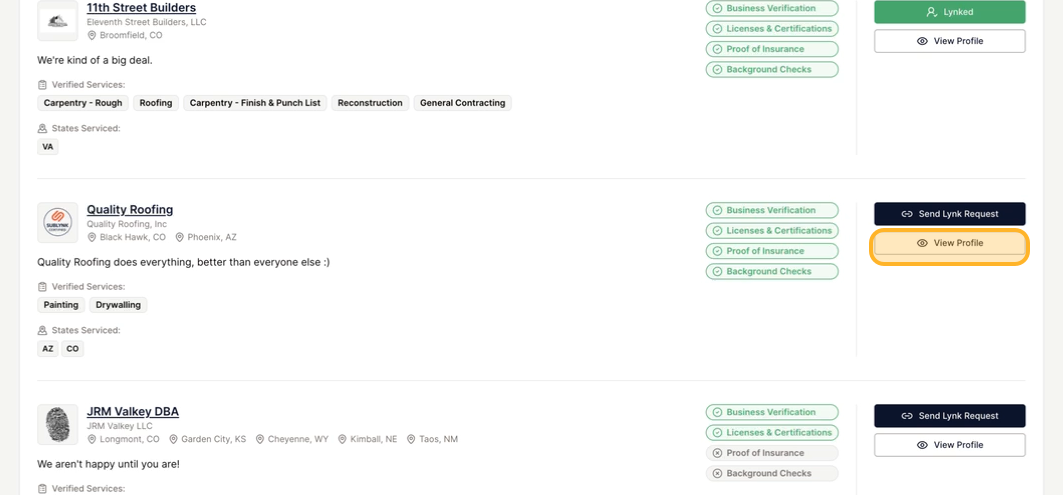
Search and open a profile
Search by zip code, service, or company name. When you find one, click View Profile.
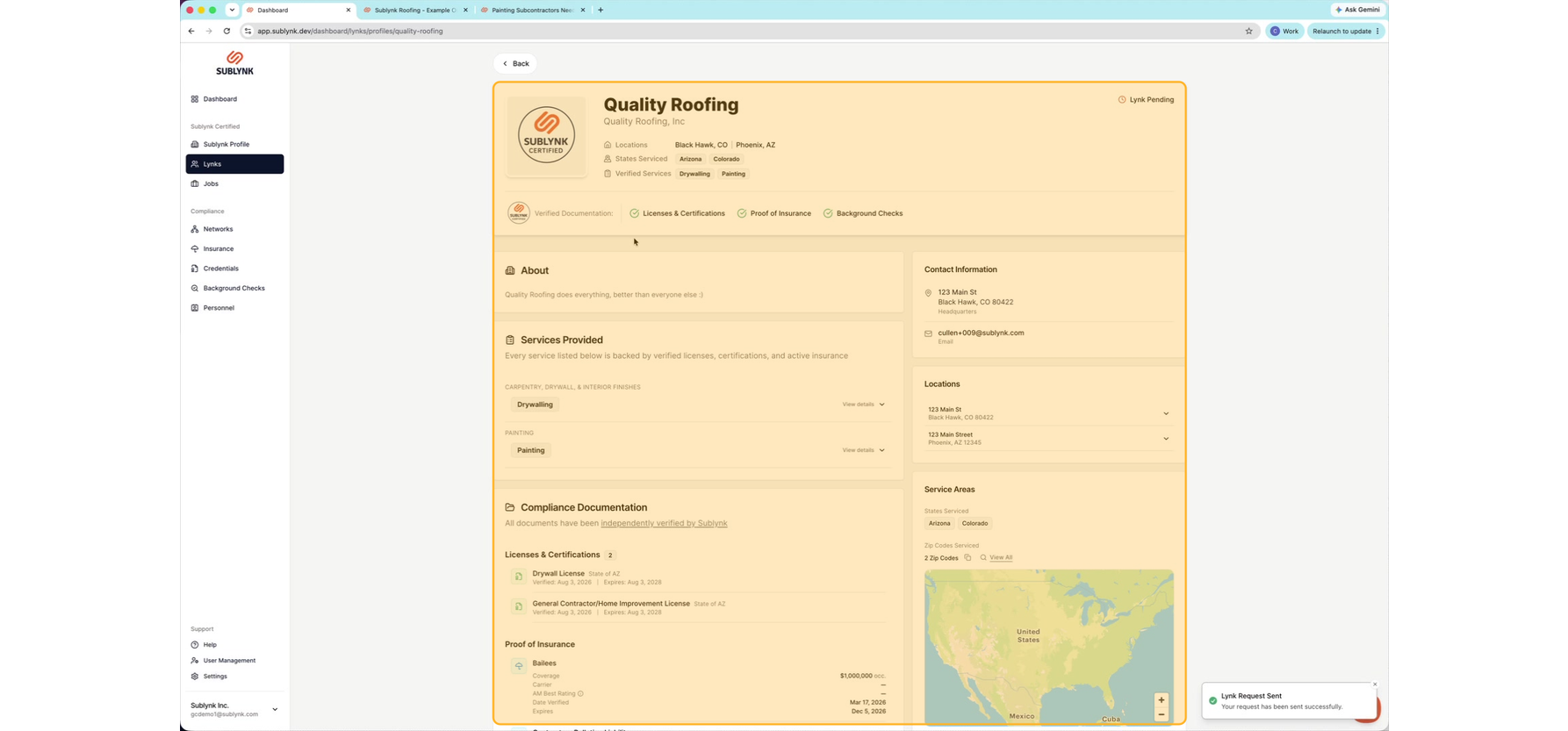
Review their certified profile
Their Sublynk Certified profile shows their services, verified compliance documents, proof of insurance, and background checks.
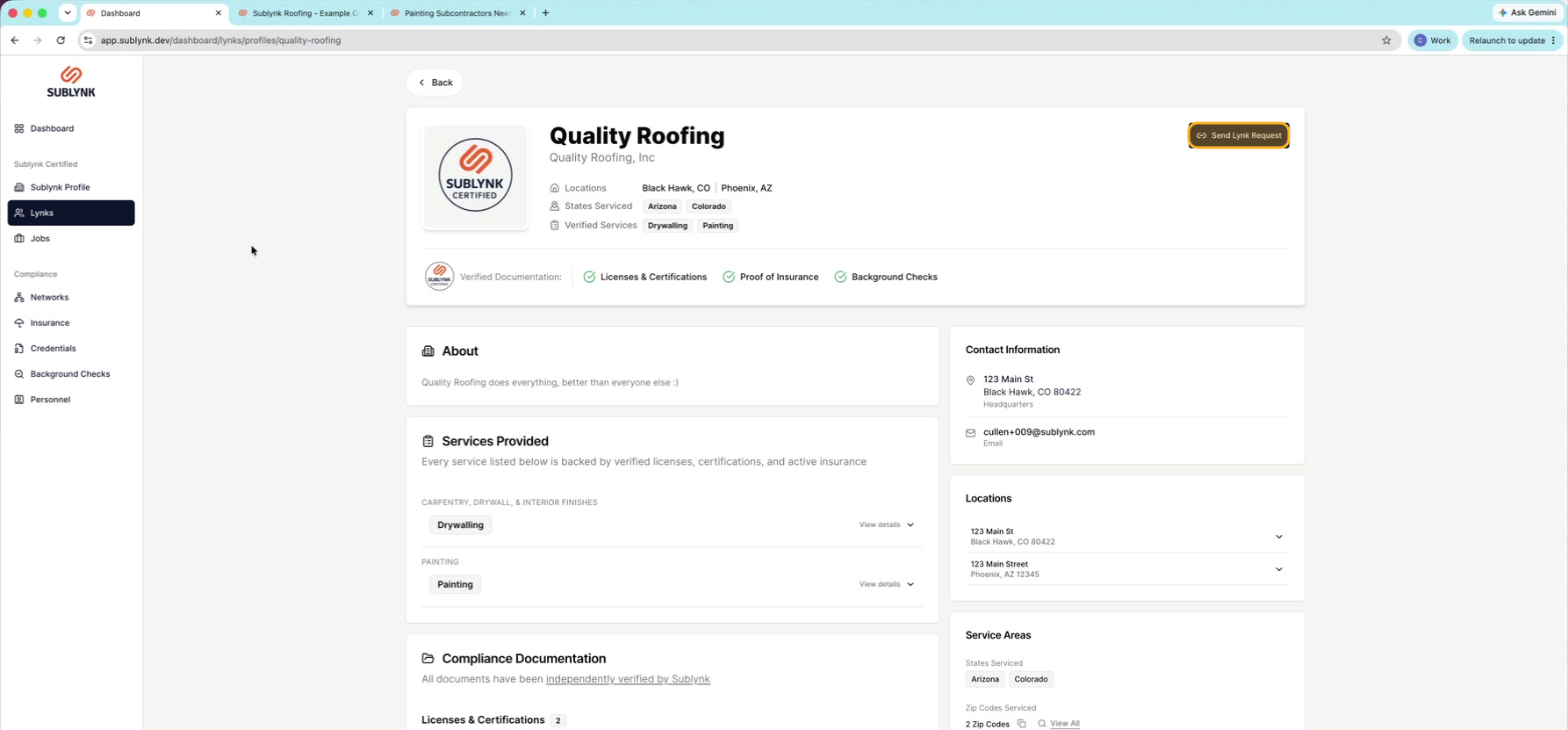
Send a Lynk request
Click Send Lynk Request to start the connection.
Add a note (optional)
You can add a short note to your request if you want.
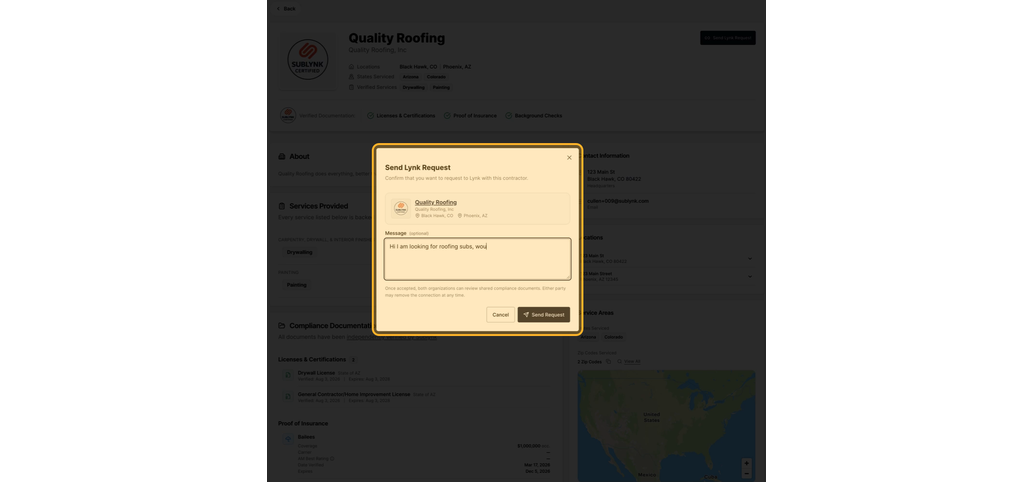
Send your request
When you are ready, click Send Request to finish.
Accept and manage Lynks
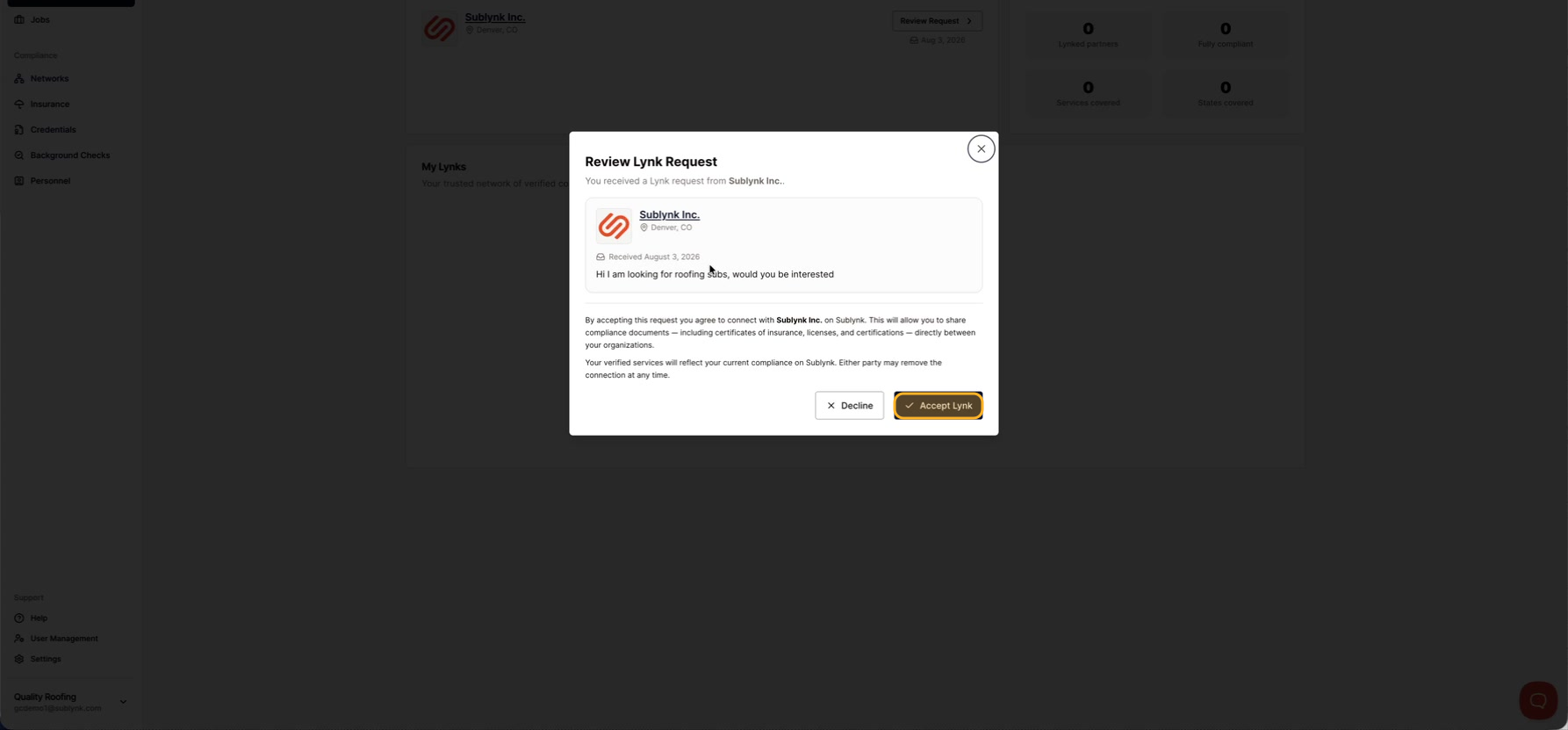
Find your requests
As the receiving business, click Lynks to see your requests.
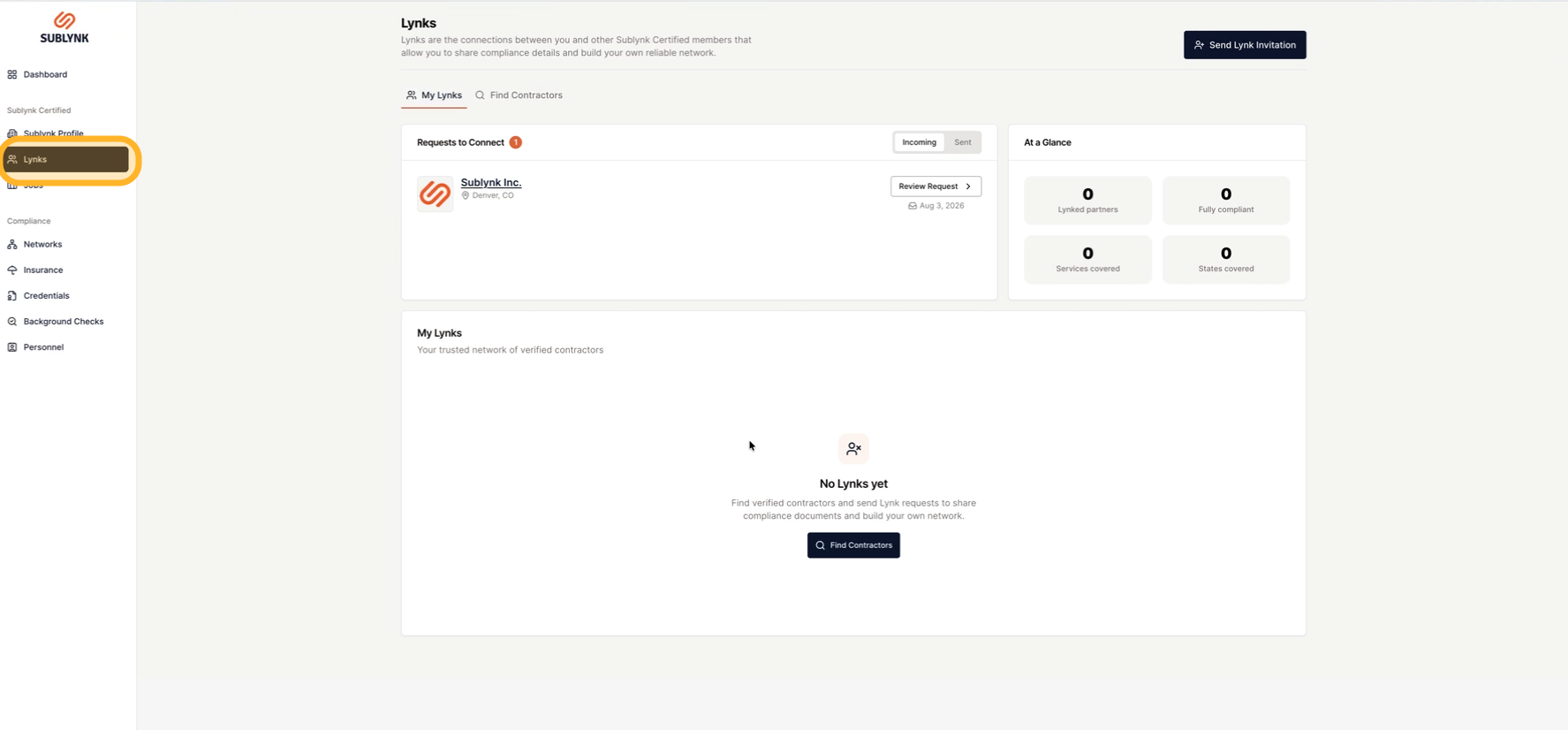
Review and accept
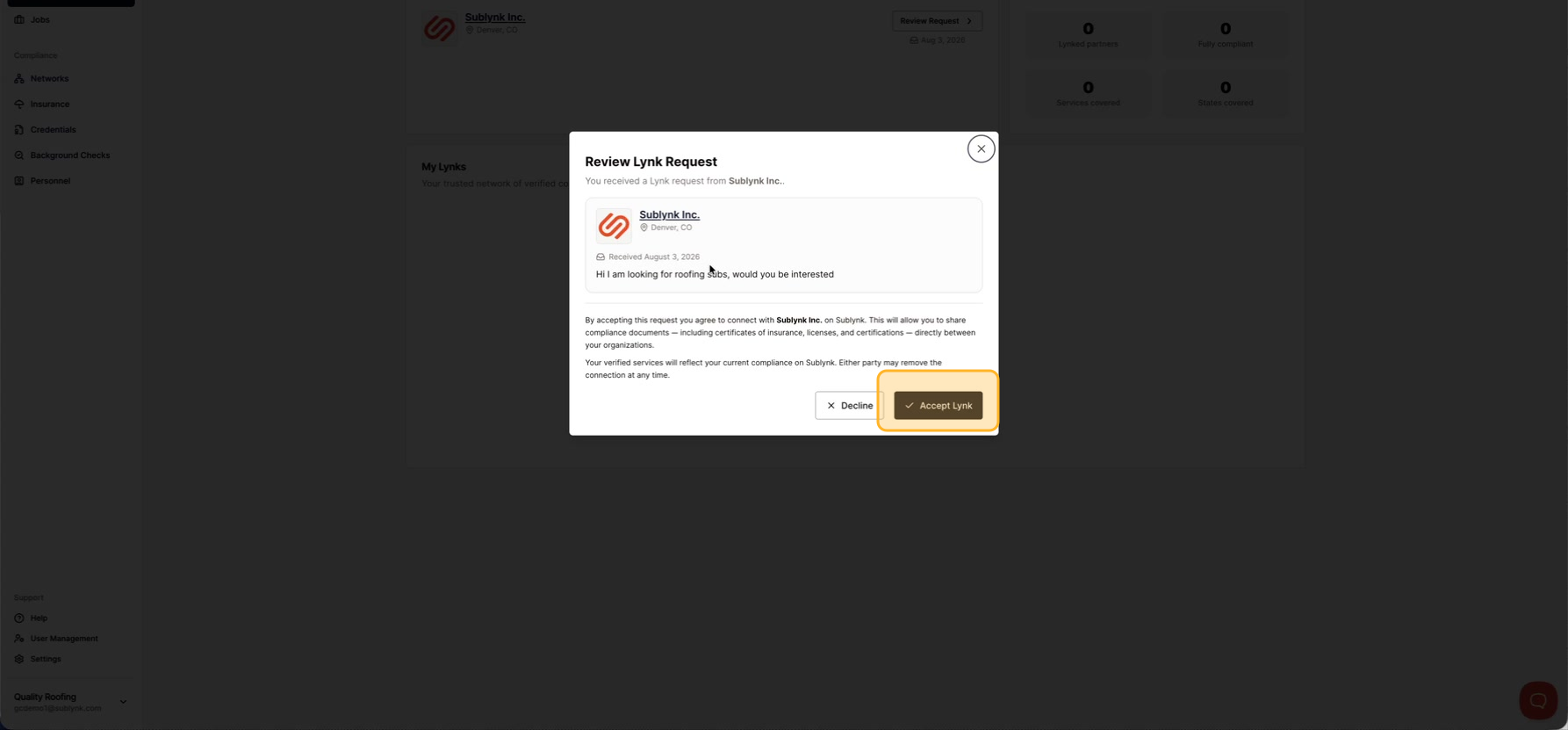
Read the sender's message and the legal terms. The terms explain that accepting means sharing your documents with them. When you are ready, click Accept to connect.
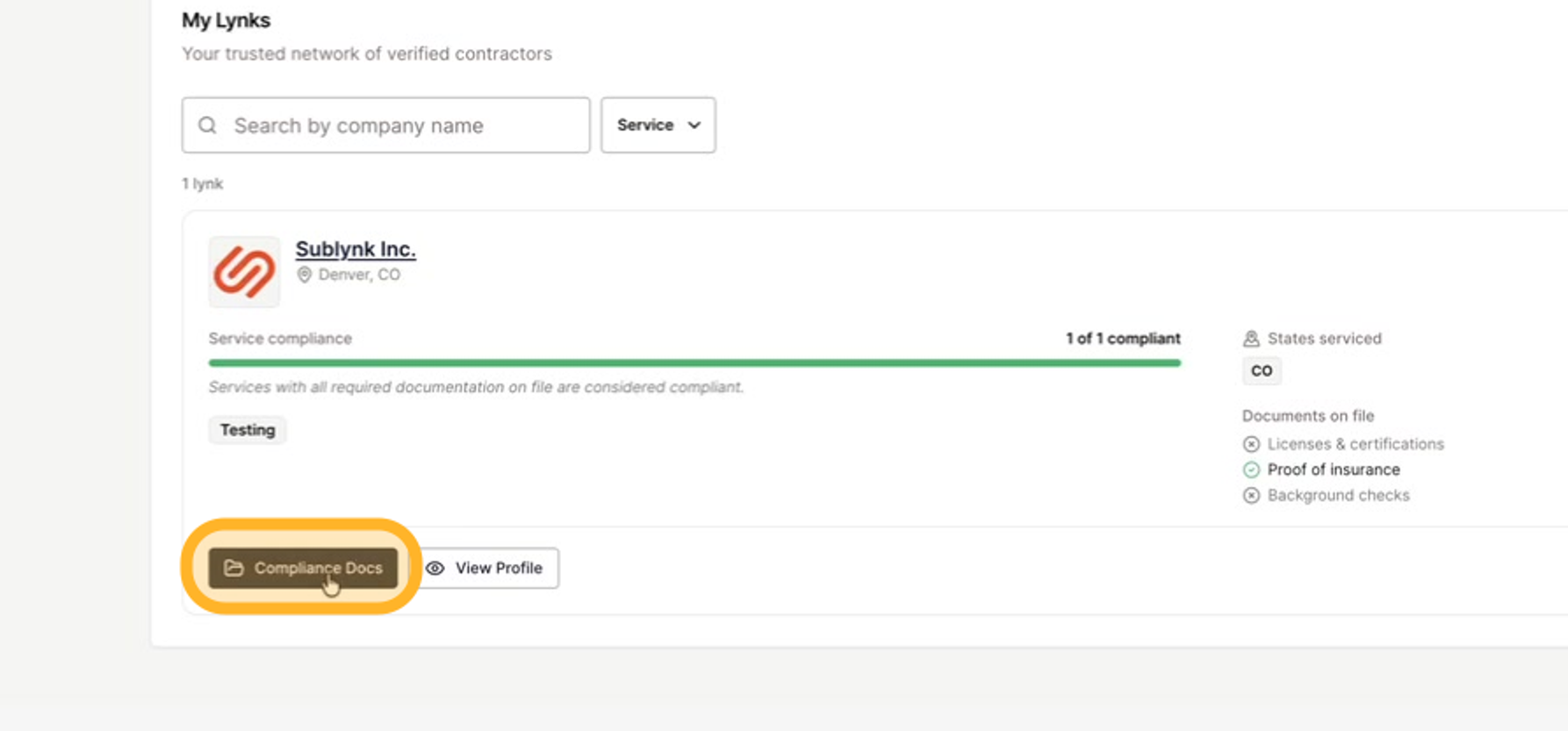
Open their Compliance Docs
After you accept, click Compliance Docs.
View the shared documents
A panel opens on the right with all of their compliance documents.
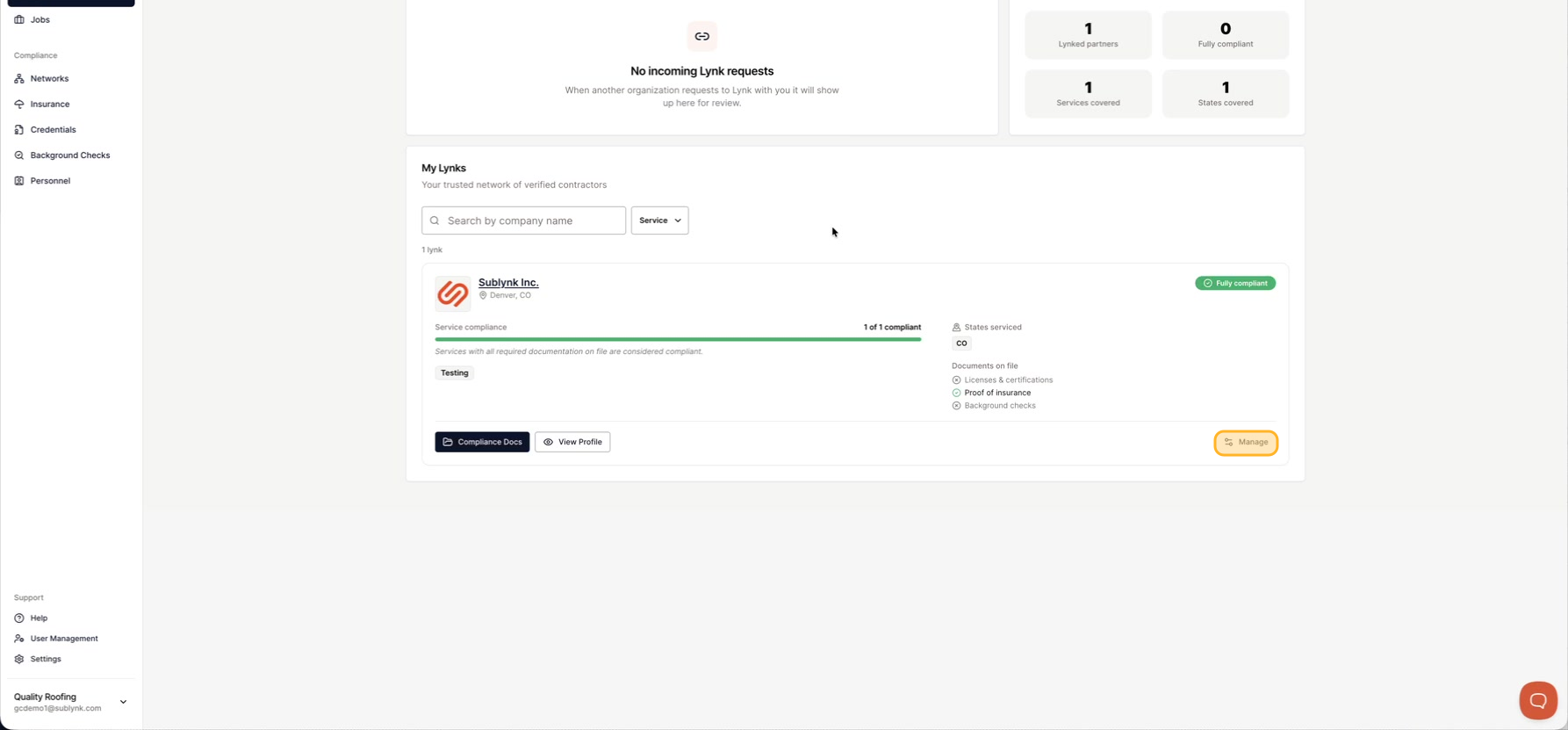
Manage a Lynk
To remove a Lynk, click Manage Lynk.
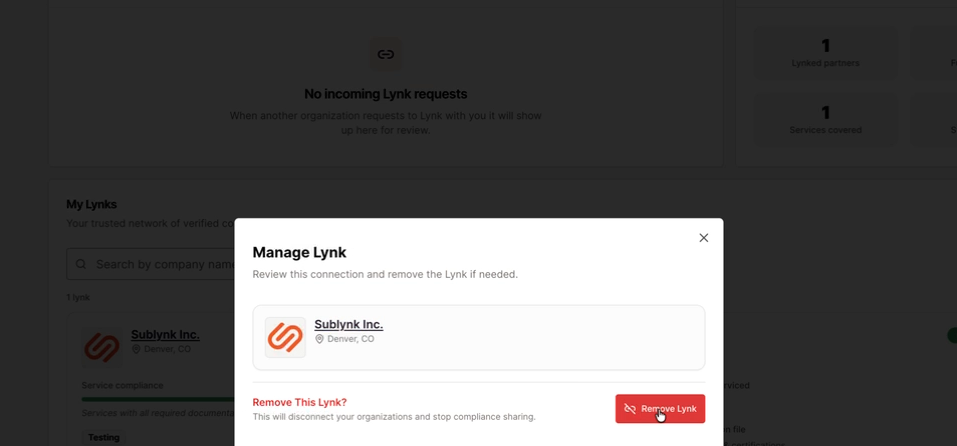
Remove a Lynk
Click Remove Lynk to disconnect from that business.
Keep your profile current
Keep your public profile up to date and looking sharp. Businesses check your profile before they connect, so a strong profile brings in more Lynks.
Find vetted contractors to connect with, or see the Sublynk Certified Network in action.
Find contractorsBook a Demo