
Your Credentialing Dashboard
~ 2 min|Subcontractor|Step 6 of 6
Your Credentialing Dashboard
Once your contracts are signed, you have full access to your subcontractor dashboard. This is where you manage everything needed to stay active and compliant with the programs you belong to.
Before You Begin: You must have completed Sign Your Contracts.
1
What You Can Manage Here
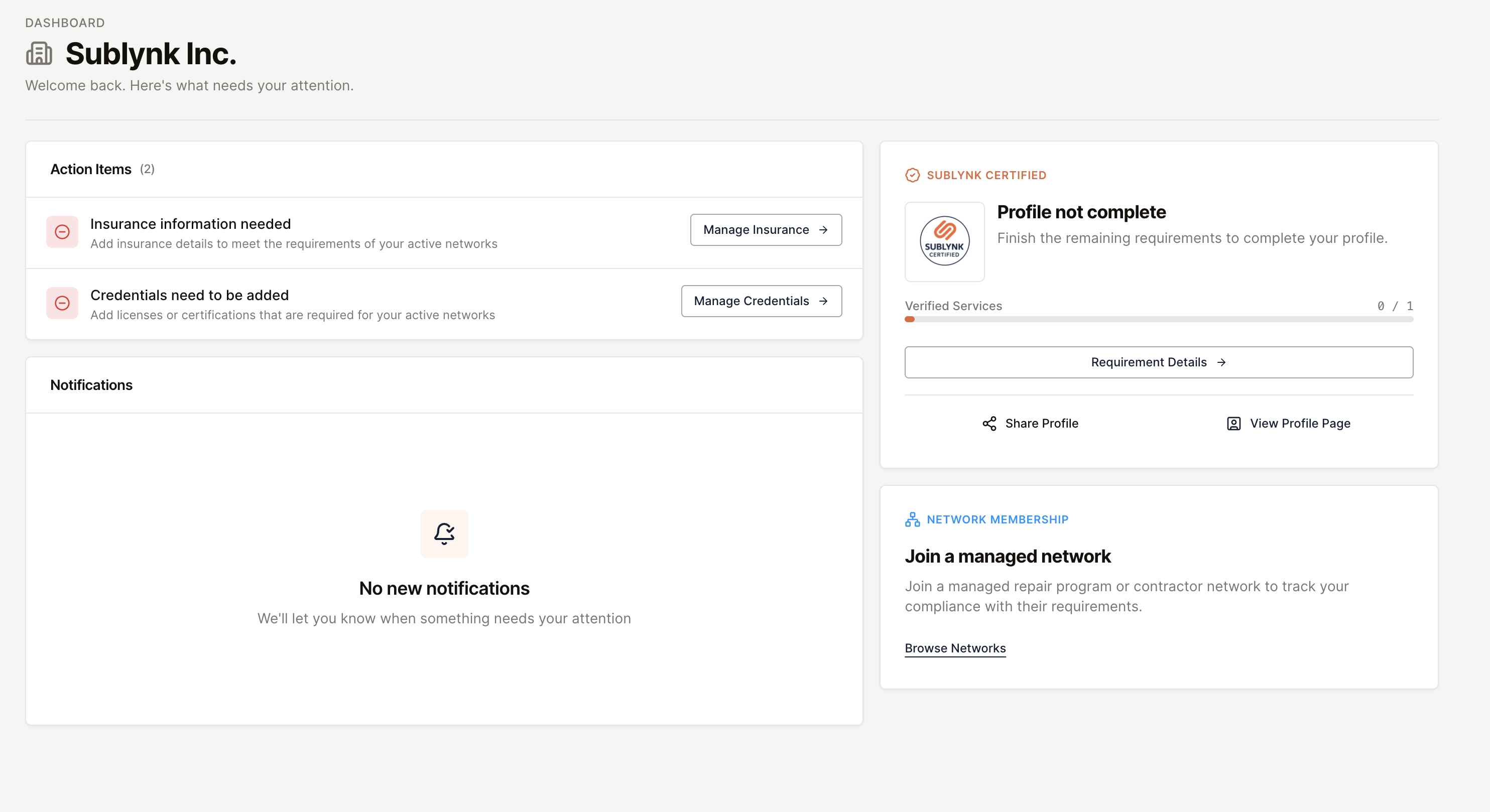
Your dashboard gives you direct access to any and all outstanding tasks, messages, and your Sublynk Certified profile, all in one place.
2
Your Next Steps
- Add your insurance agent or broker contact. Sublynk handles the verification directly with them.
- Upload your license documents. Sublynk validates them at the source licensing board.
- Order background checks.
Why this matters: Sublynk does not just take your word for it. Every verification goes to the source. Insurance is confirmed directly with your agent or broker. Licenses are validated against the official state licensing board, not just scanned and filed. And Sublynk proactively re-checks your licenses before they expire, so you never have to remember to resubmit. If you have questions at any point, live support is available during Mountain Standard Time business hours, and one-on-one onboarding assistance is available on request.
✓ Your dashboard is ready. Your next step is adding your insurance information to complete credentialing.
Need help?
Reach us by email or use the live chat in the bottom right corner. Available Monday through Friday during business hours.
Get Help