
Signing Contracts For a Network
~ 5 min|Subcontractor|Step 5 of 6
Requirements vary by network: The requirements, attestations, and documents shown here depend on the network you join. The screenshots are examples only; your network may require different insurance limits, credentials, or agreements.
Sign Your Contracts
All contracts are completed inside Sublynk. No printing, scanning, faxing, or emailing. The full signing process is done in one sitting through a guided flow.
Before You Begin: You must have completed Review Program Requirements.
1
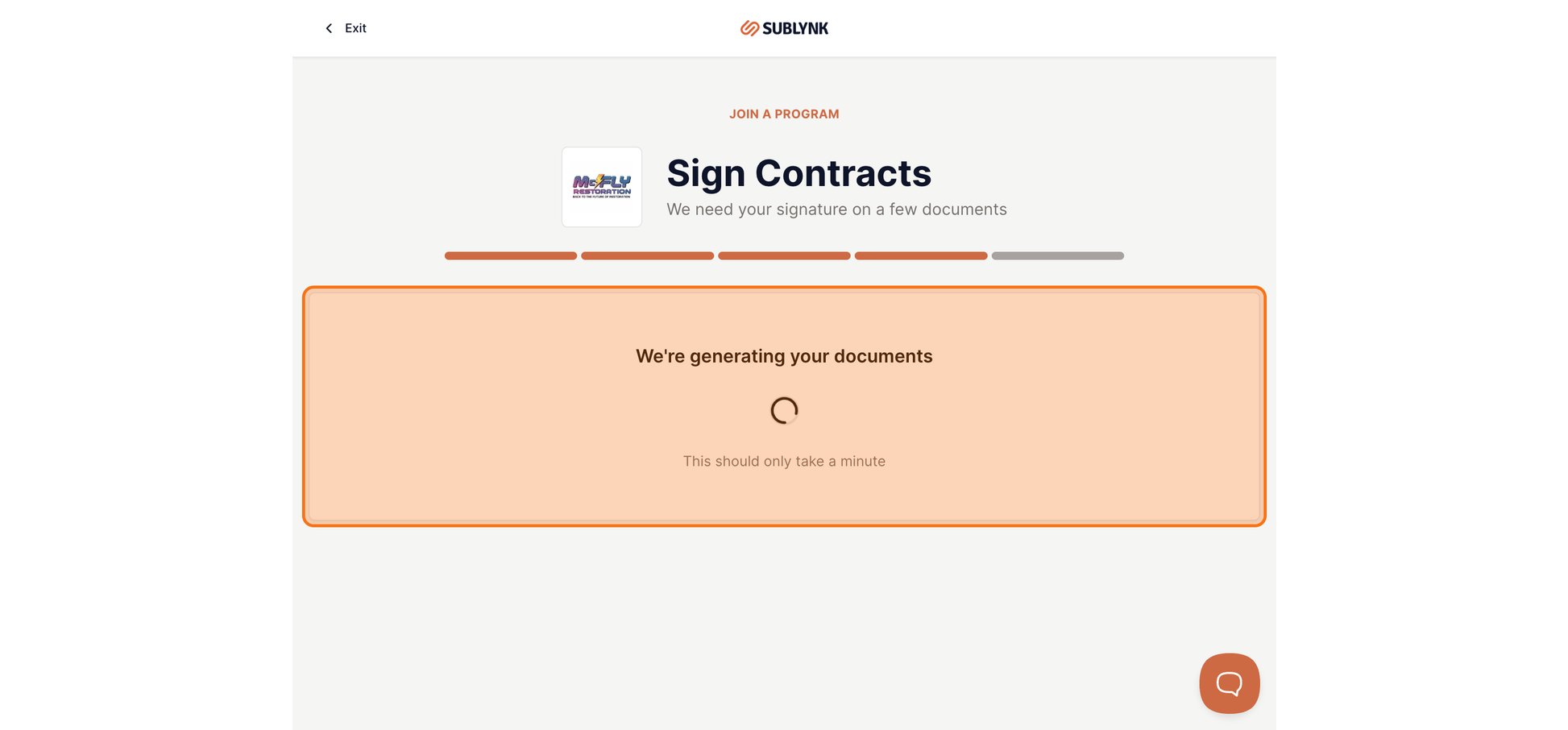
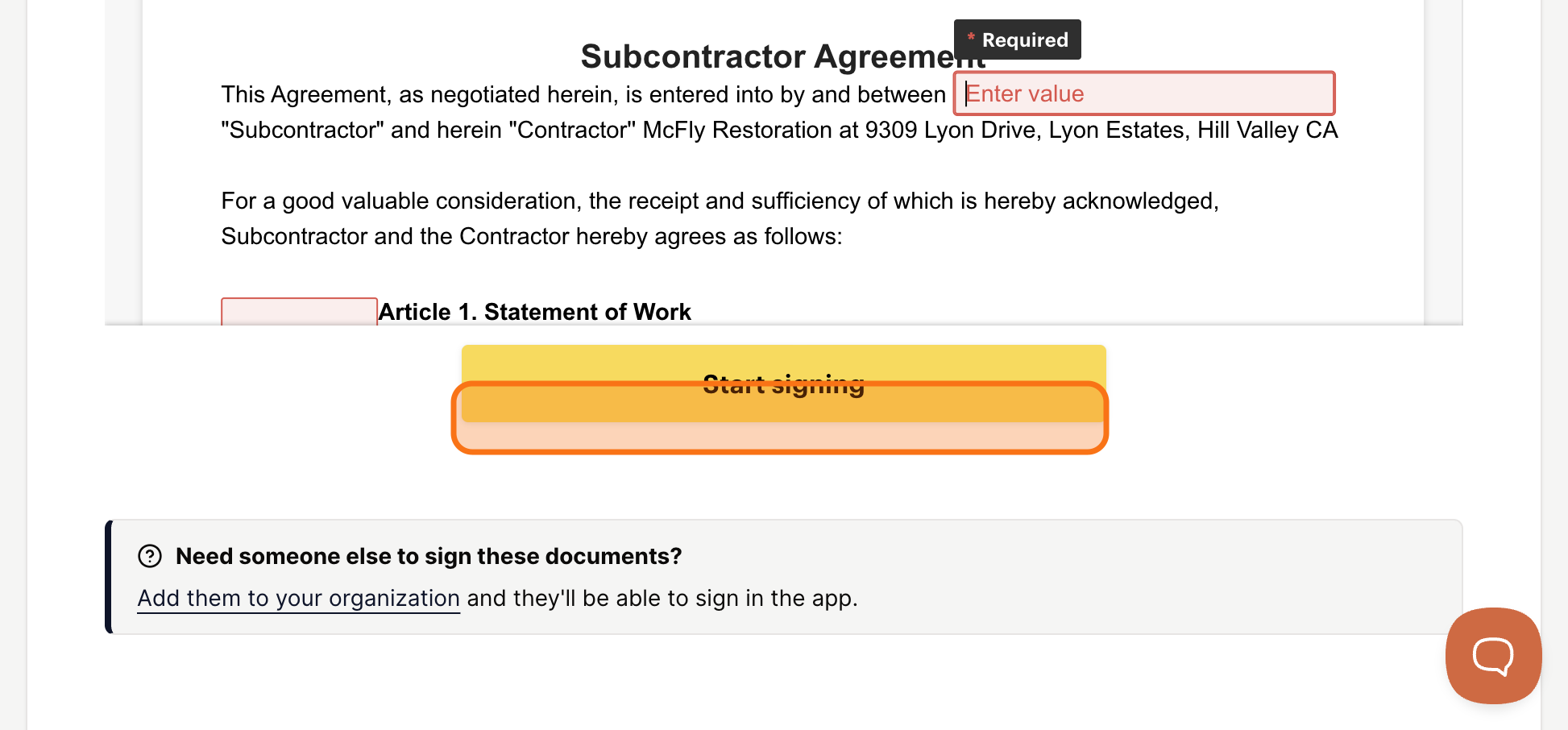
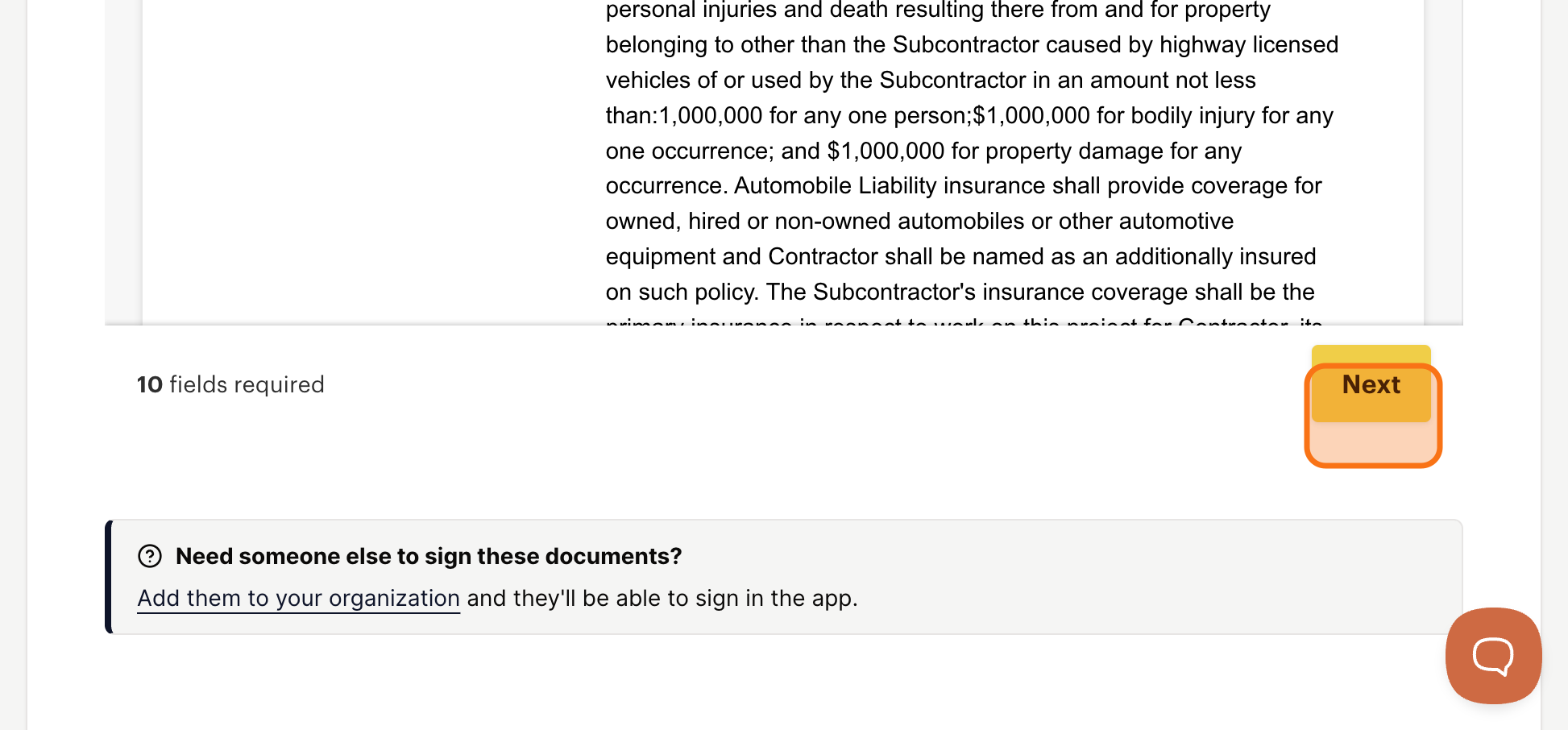
Review the Contract Documents
Take a moment to read the agreement before signing. Documents typically include the subcontractor agreement and any program-specific forms required by the network. Sublynk has streamlined the flow so you can complete everything at once.
2
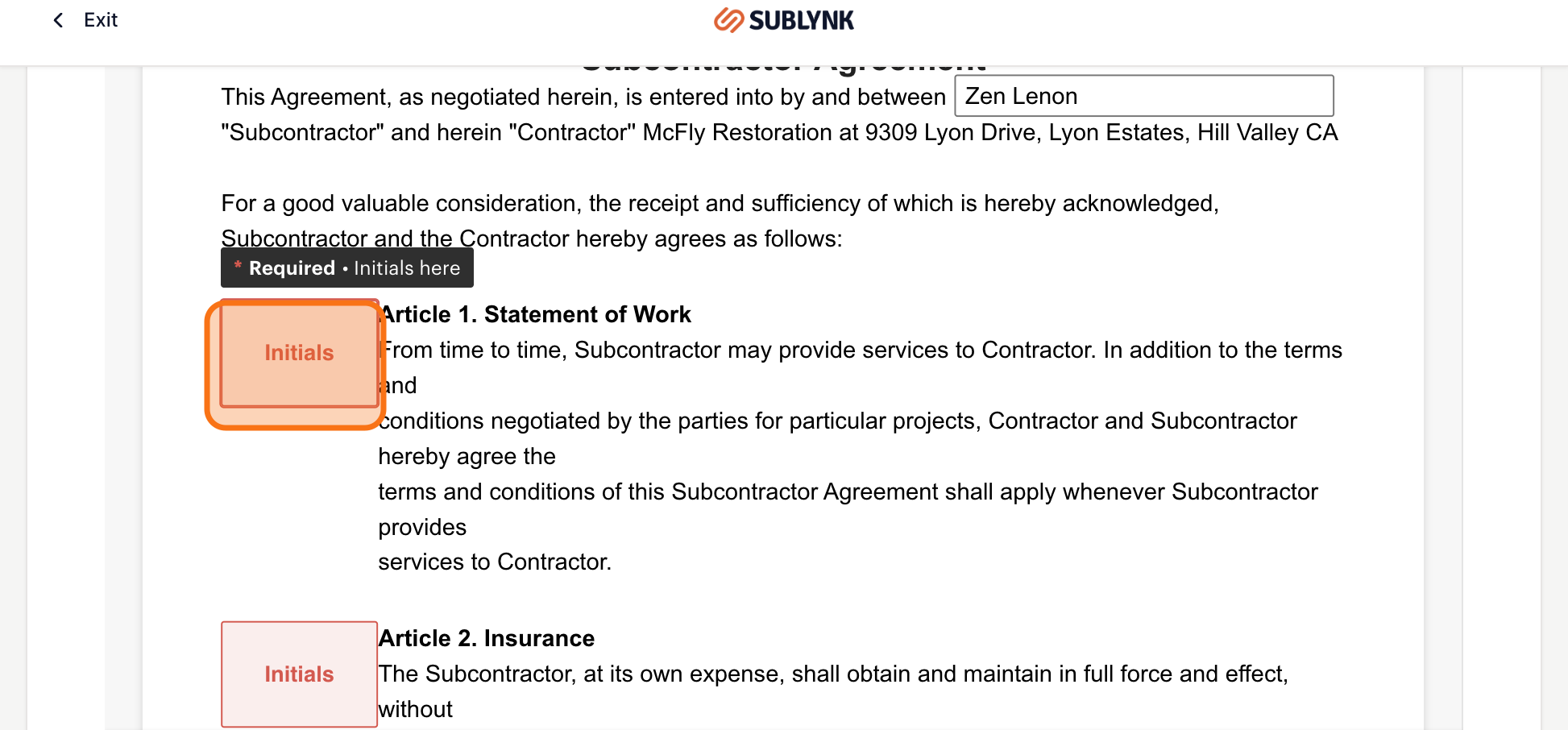
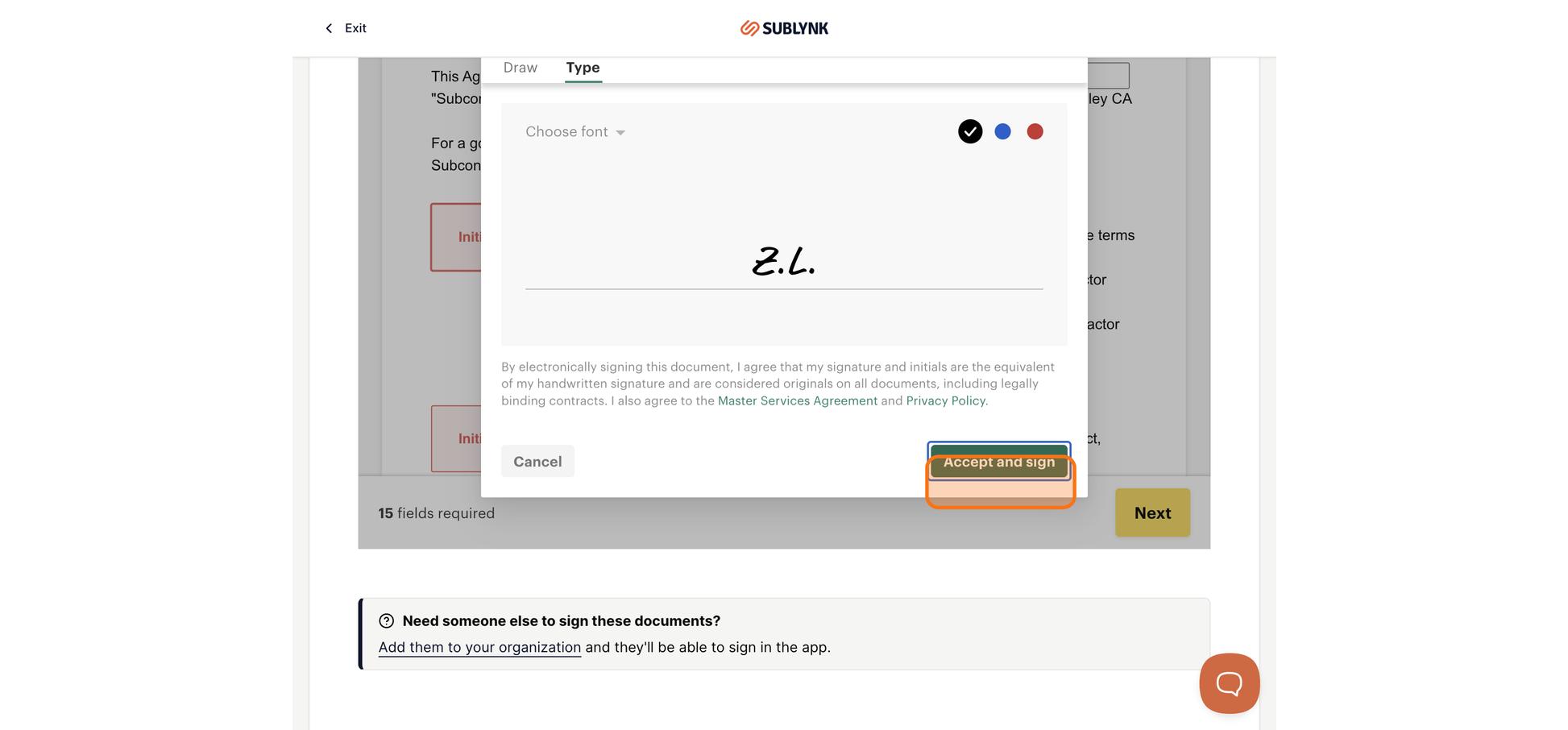
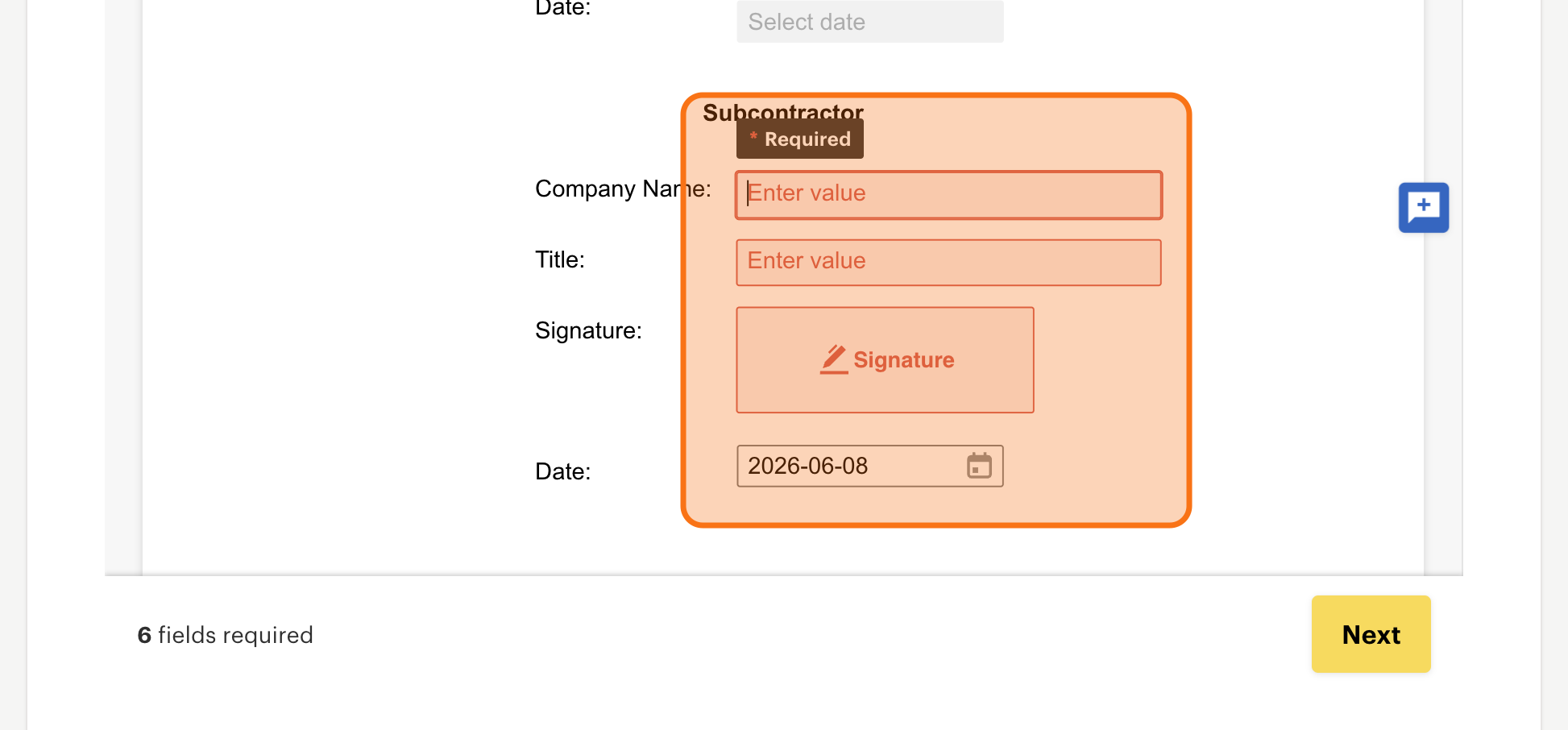
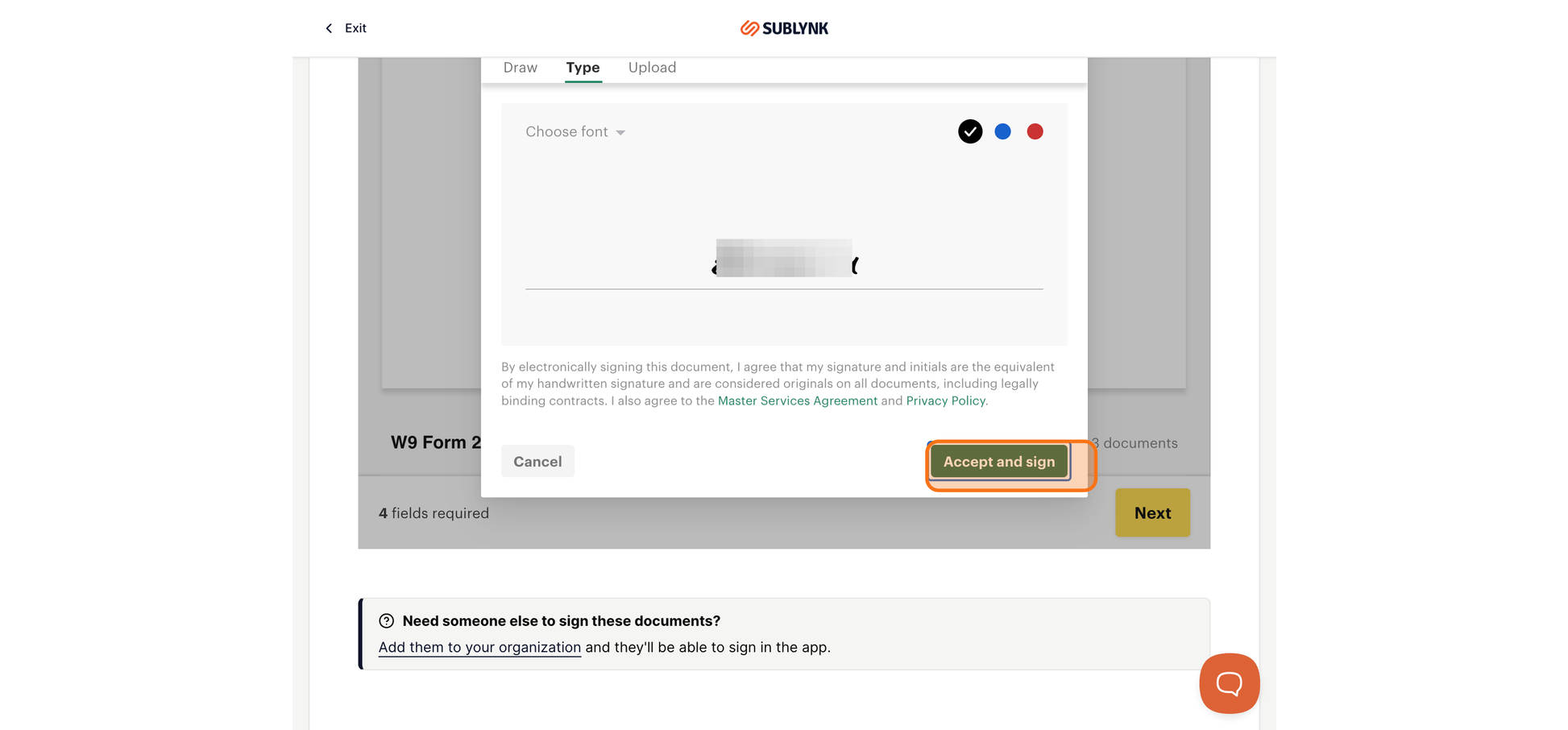
Complete all fields
Review and fill out each required field in the contracts section.
3
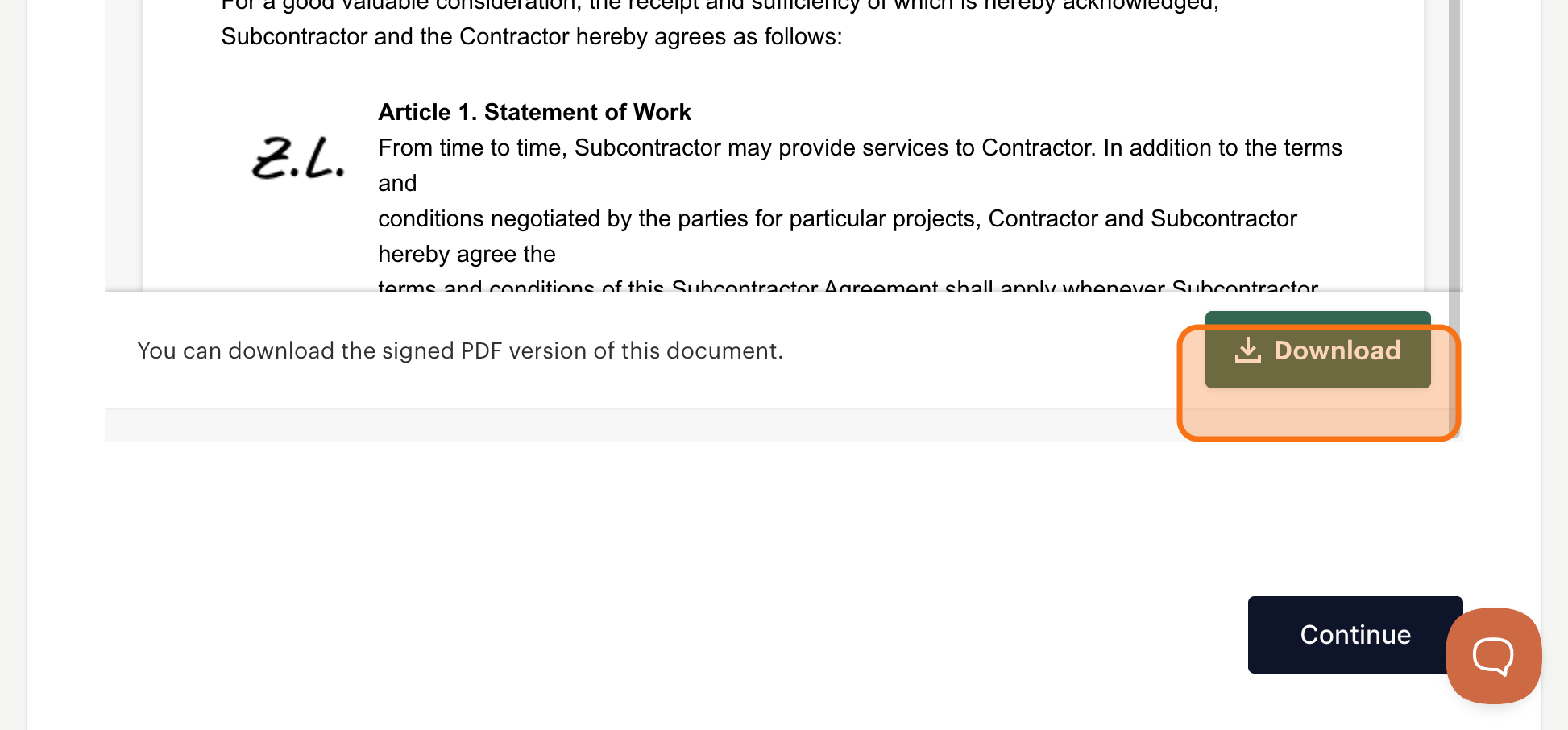
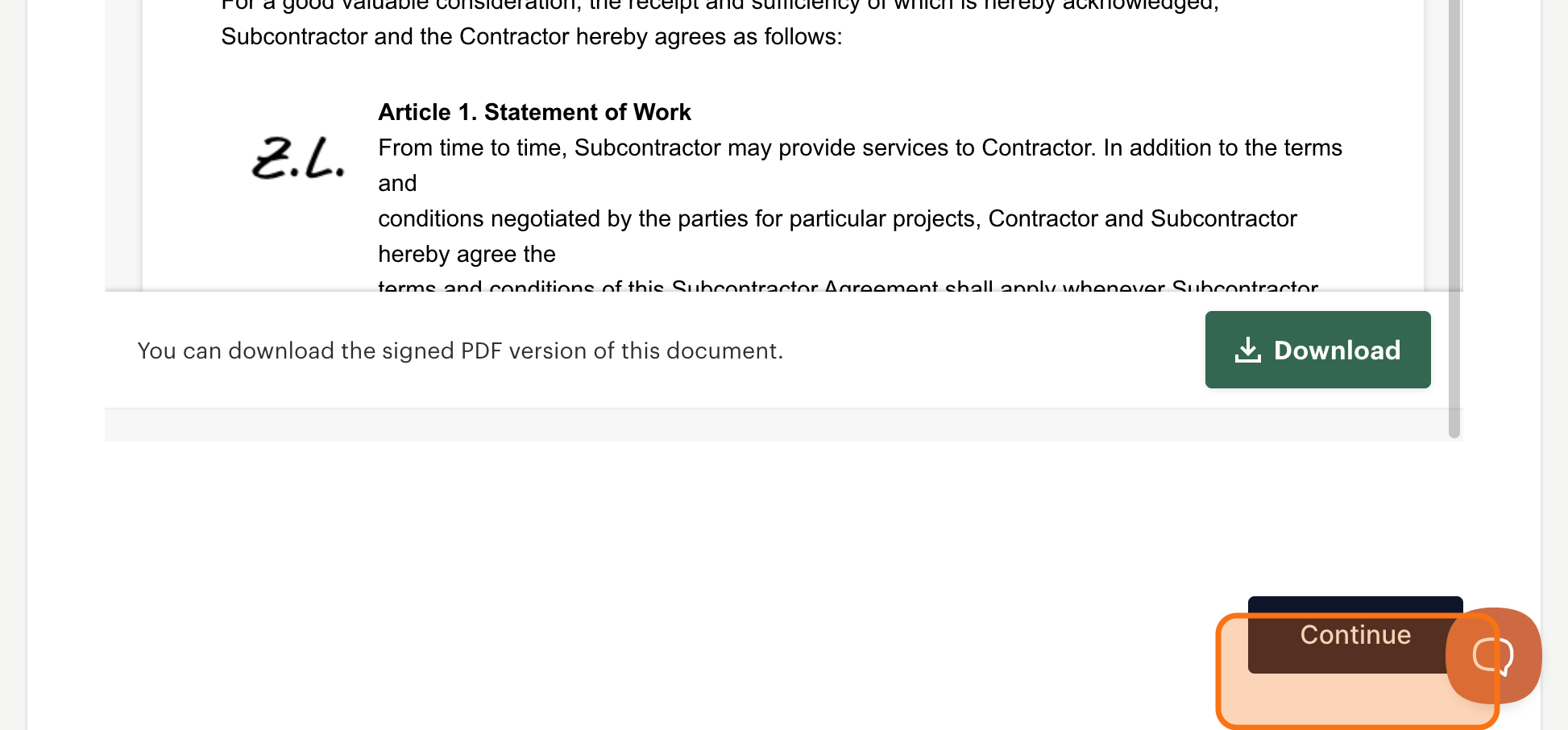
Download Your Signed Copies
Once all documents are signed, download your copies for your own records. Click Continue when done.
Why this matters: Contracts are processed through PandaDoc and stored securely in your Sublynk account. The program can update and re-send contracts when terms change, and the new version comes straight to you through the same workflow. You never have to track paperwork or chase down signature requests manually.
Next Steps
- Your Credentialing Dashboard
Access your dashboard to complete insurance verification, license uploads, and background checks.
✓ Your contracts are signed and stored securely in your account. Download a copy for your records.
Need help?
Reach us by email or use the live chat in the bottom right corner. Available Monday through Friday during business hours.
Get Help