
Review Network Requirements
Review Network Requirements
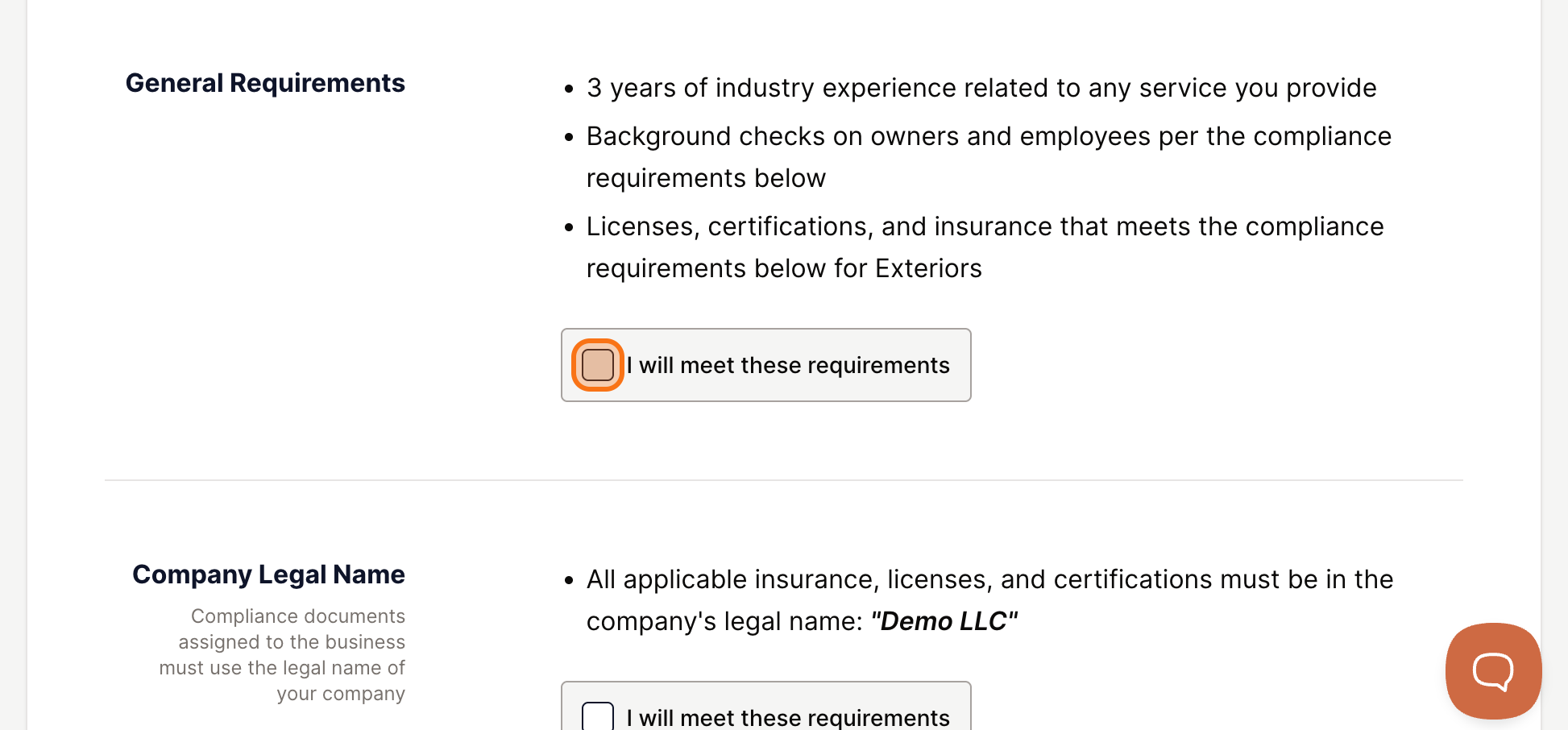
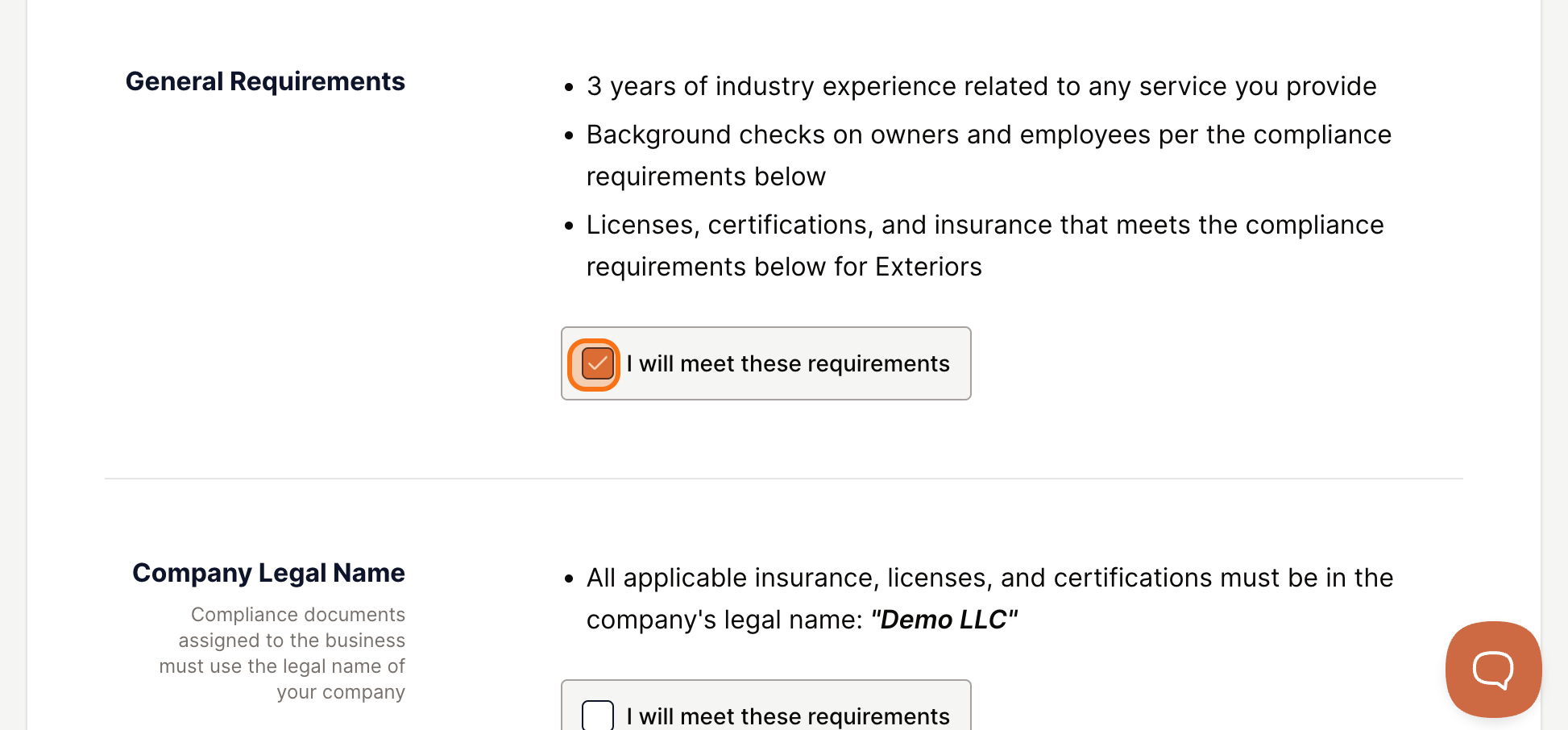
Every network and GC sets minimum standards for the contractors or subcontractors on their bench. The review quirements screen shows you exactly what is expected before you commit to joining. Review each category and confirm you can meet the standards.
Insurance Requirements
The program will show the insurance coverage levels required. Click the link to view the full details, then click I will meet these requirements.
Licenses and Certifications
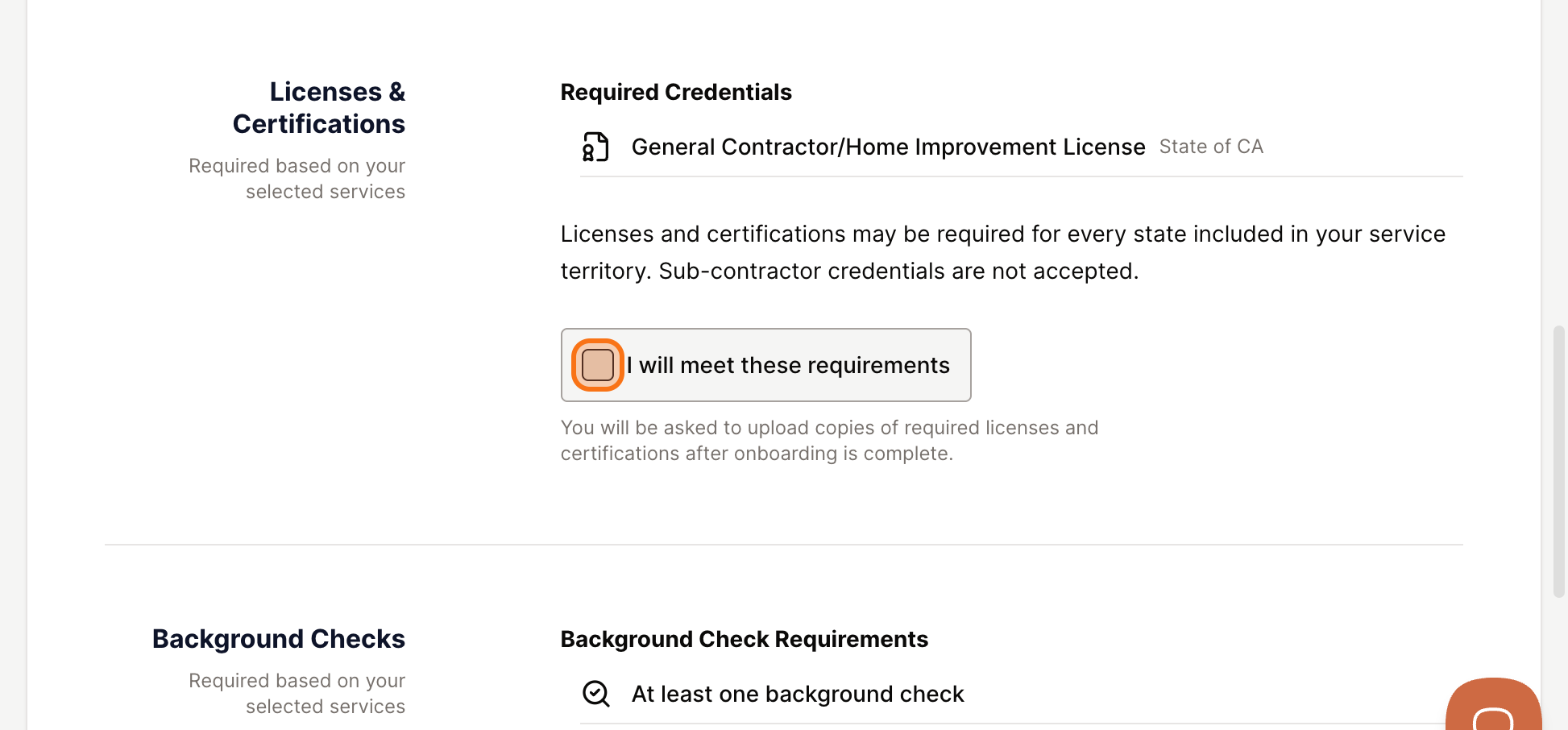
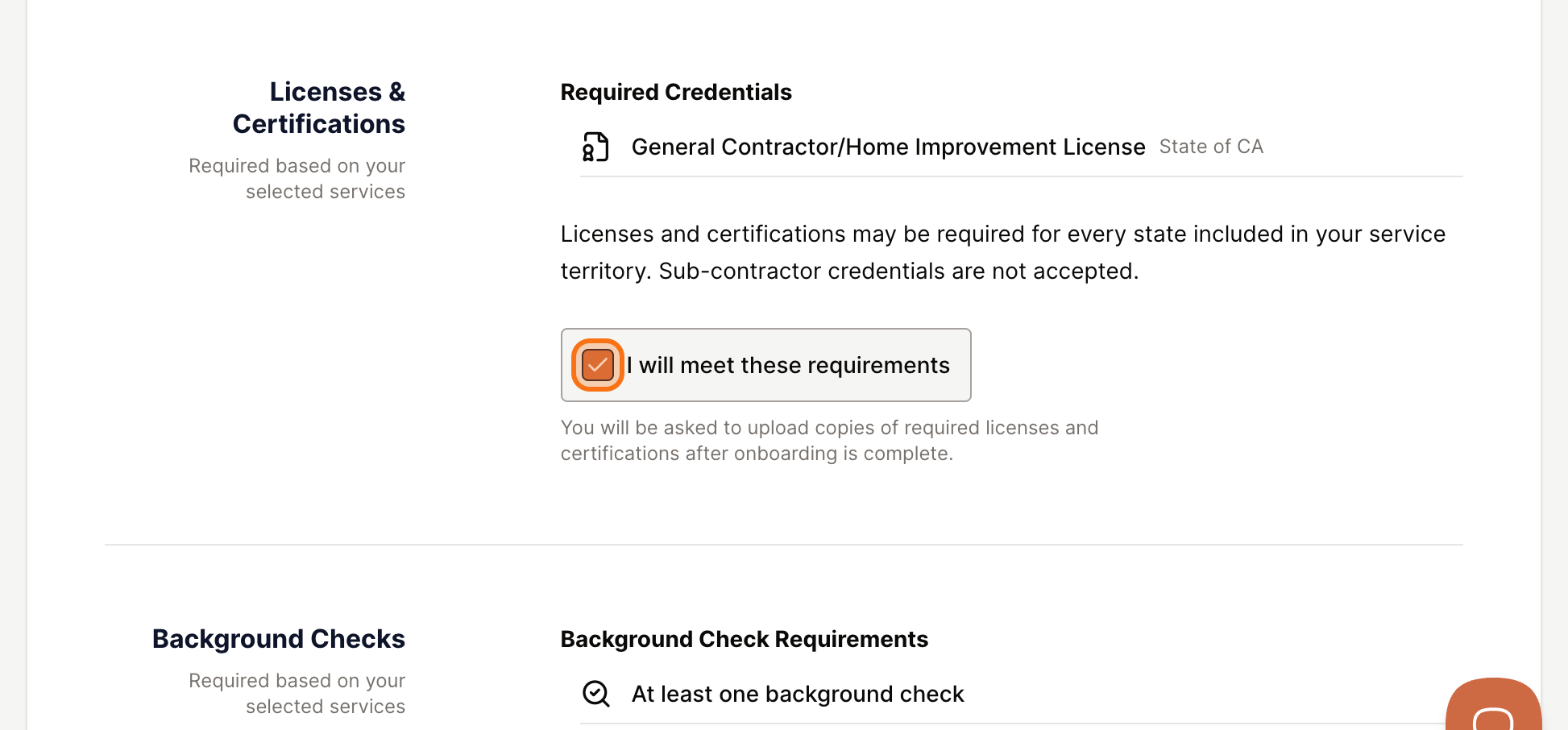
Review the licensing requirements for your trade and location. Click I will meet these requirements to confirm.
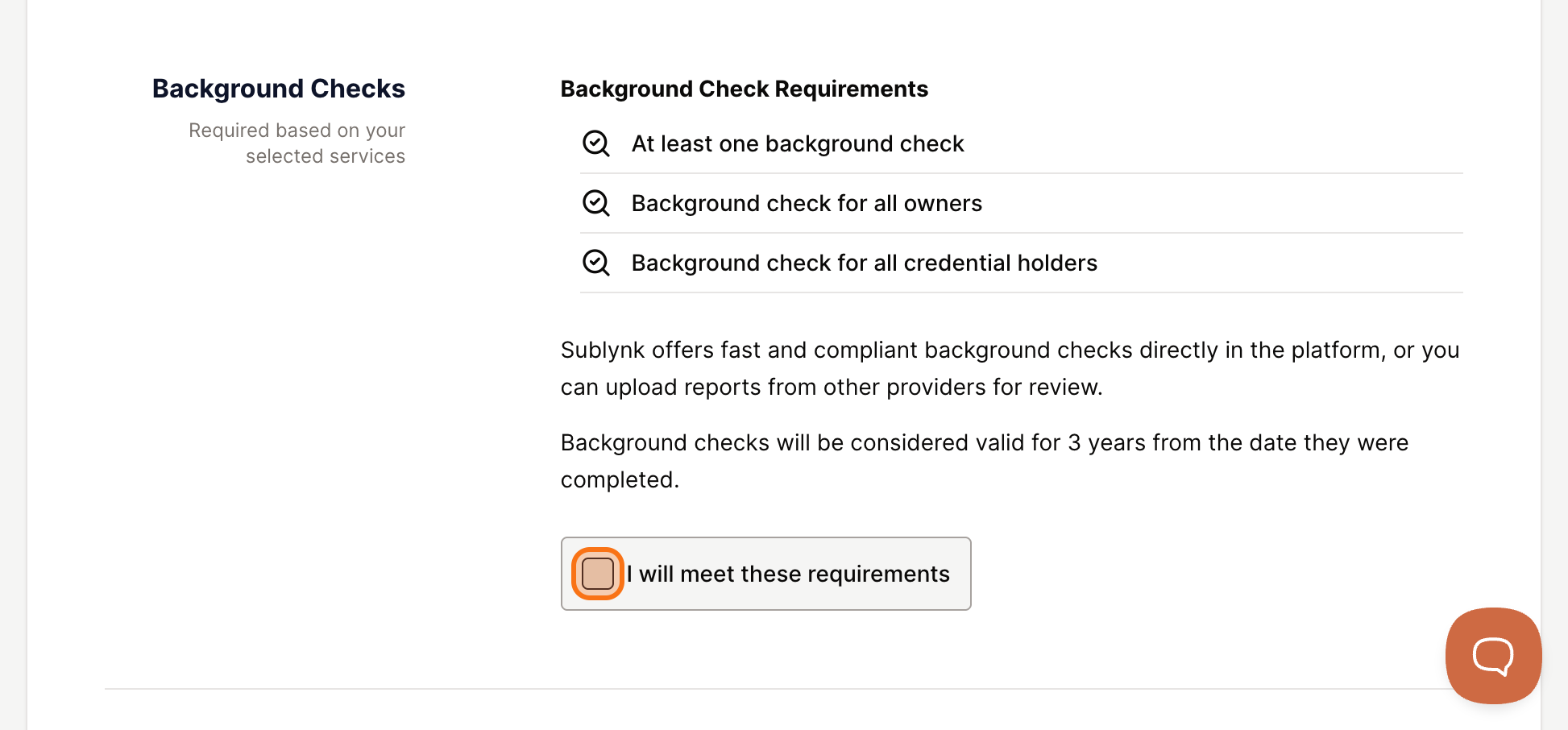
Background Check Requirements
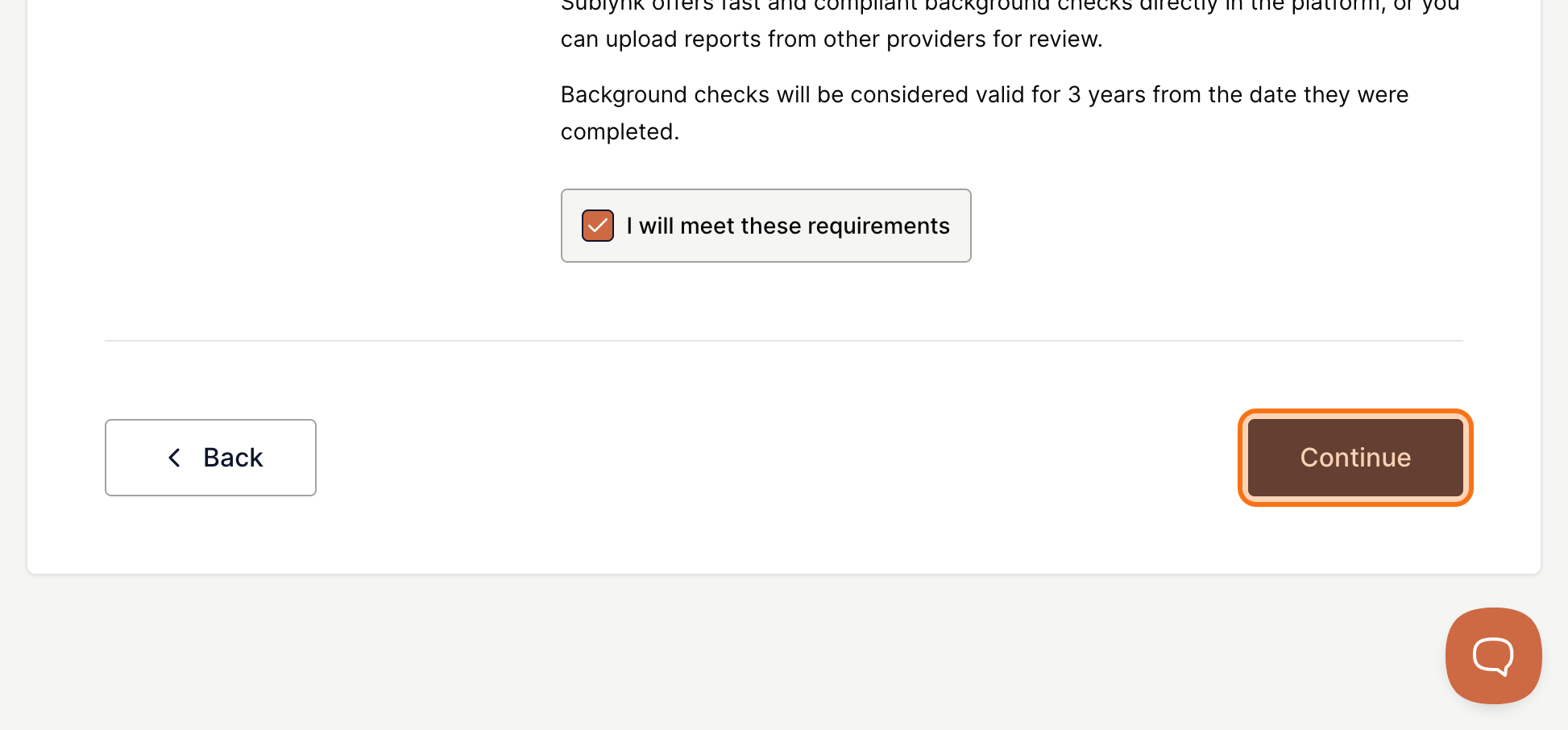
Confirm that you and your personnel will complete background checks. Click I will meet these requirements, then click Continue.
Next Steps
- Sign Your Contracts
Sign your subcontractor agreement and any additional program documents inside Sublynk.
Need help?
Reach us by email or use the live chat in the bottom right corner. Available Monday through Friday during business hours.
Get Help